
Cimphony
AI-driven tool streamlines legal tasks for SMBs and startups.
Key Takeaways
- What it is
- AI-driven tool streamlines legal tasks for SMBs and startups.
- Pricing
- Freemium · $100
- Best for
- AI-Powered Document Generation
- Contract Review and Negotiation
- Employment and HR Automation
- Rating
- 4.7/5
What is Cimphony?
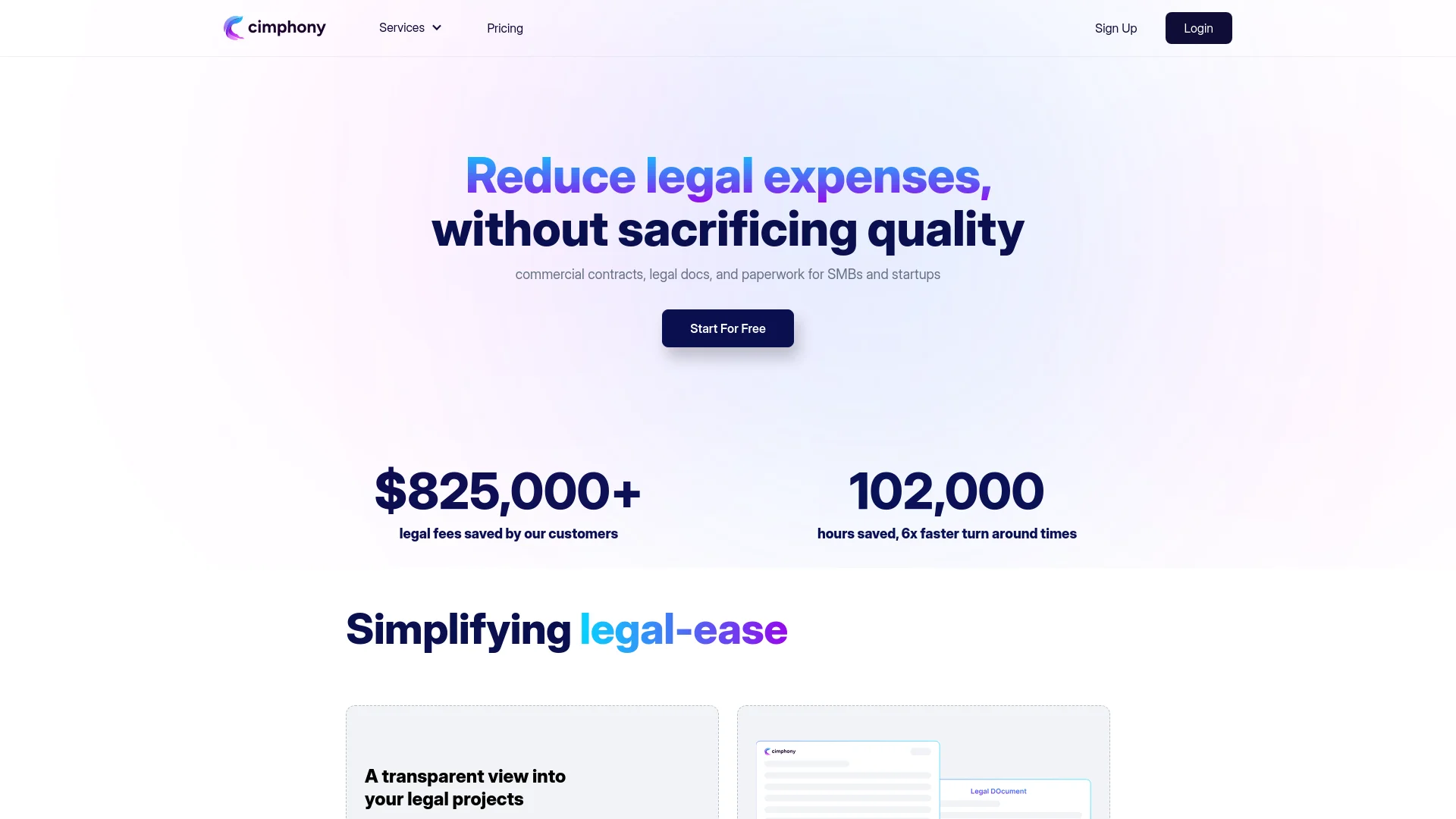
Cimphony revolutionizes the way small and medium businesses (SMBs) and startups handle legal tasks by offering AI-driven solutions that automate and streamline legal paperwork. Designed for entrepreneurs and business owners, it simplifies the complexities of legal management, from contract drafting to compliance, without sacrificing quality. By leveraging AI agents, Cimphony reduces legal expenses and turnaround times, making it an invaluable tool for companies looking to optimize their legal processes efficiently.
Cimphony stands out with its AI-driven approach to legal management, a game-changer for businesses looking to cut legal costs without sacrificing quality. Its ability to automate complex legal tasks and provide transparent project management sets it apart in the legal tech industry, making it an essential tool for SMBs and startups.
Cimphony excels in providing cost-effective and efficient legal solutions, making it an essential tool for startups and SMBs. Its AI-driven capabilities, particularly in document automation and contract management, offer unmatched advantages in streamlining legal processes, ensuring businesses can focus more on growth and less on legal complexities.
Who is Using Cimphony?
Startups
Utilizing the tool to streamline fundraising documentation and manage equity distribution.
Small and Medium Businesses (SMBs)
Employing Cimphony for efficient handling of commercial contracts and HR paperwork.
Legal Teams
Leveraging AI to support in-house legal operations and reduce external legal costs.
Entrepreneurs
Using Cimphony to automate routine legal tasks, allowing them to focus on business growth.
Uncommon Use Cases
Adopted by educational institutions for legal studies courses; utilized by tech incubators to support startup legal needs.
Key Features
Rating Breakdown
Pricing Plans
Free Tier
Free
- Experience Cimphony with a free trial to explore its capabilities
Pro Tier
$100
- Providing comprehensive access to all features
Cimphony Use Cases
Review website Terms of Service
Open a website and use the Cimphony browser extension to identify issues in its Terms of Service.
Outcome: Clearer understanding of potentially important legal terms.
Review website Privacy policies
Use the browser extension to summarize and flag issues in a website's Privacy policy.
Outcome: Faster identification of privacy-related concerns.
Draft business agreements
Cimphony's own legal content discusses drafting agreements such as value-added services agreements and partnership agreements.
Support company formation
Cimphony's own legal content provides company-formation guidance, including incorporation steps and required filings.
Support compliance work
Cimphony's own content covers AI compliance, regulatory obligations, and corporate compliance training.
Workflow Ideas with Cimphony
Website agreement review
- 1Open a website with Terms of Service or a Privacy policy
- 2Activate the Cimphony browser extension
- 3Review the generated summary and identified issues
Contract drafting preparation
- 1Identify the agreement type and business relationship
- 2Review Cimphony's guidance on required contract elements
- 3Draft an agreement covering scope, payment, confidentiality, and termination
Compliance preparation
- 1Identify applicable legal or regulatory requirements
- 2Review Cimphony's compliance guidance
- 3Create procedures for monitoring, training, and risk management
How Cimphony fits into your stack
Browser
Cimphony appears as a Chrome browser extension that summarizes Terms of Service and Privacy policies on the current website.
Docs and writing
Cimphony's published legal guidance supports preparation of business agreements and other legal documents.
Knowledge and files
The documented product experience centers on interpreting website legal content rather than acting as a file repository.
Pros
- +Cost Efficiency: Significantly cuts down legal fees by automating routine legal tasks.
- +Time-Saving: Accelerates legal processes, offering up to 6x faster turnaround times.
- +Quality Assurance: Maintains high-quality legal outputs without compromising accuracy.
- +Flat-Rate Pricing: Offers predictable pricing, eliminating unexpected legal invoices.
Cons
- −Initial Learning Curve: Users may need time to familiarize themselves with the AI-driven tools and features.
- −Limited Integration: Currently focuses primarily on legal documents and may not integrate with all business management platforms.
Limitations & when to consider alternatives
Known limitations
- The main website is temporarily unavailable. The official homepage says Cimphony is building its next version and will be back soon.
- The browser extension focuses on website legal content. The documented extension use case is summarizing Terms of Service and Privacy policies from the current website.
- No public developer documentation found. The current official site and available official listing do not provide API keys, endpoints, or developer API documentation.
- No native mobile application documented. The available official product listing documents a Chrome extension rather than a dedicated iOS or Android application.
Look elsewhere when
- You need a native mobile app
- You need a public developer API
- You need a currently available full legal workspace
How to Use Cimphony
- 1
Install the Chrome extension
Install Cimphony from the Chrome Web Store to analyze legal content on websites.
- 2
Open an agreement page
Navigate to a website's Terms of Service or Privacy policy before activating Cimphony.
- 3
Review summaries and issues
Use the extension's generated summary and issue identification to understand the agreement more quickly.
- 4
Use legal guidance for preparation
Consult Cimphony's published legal guidance when preparing agreement or compliance work.
Who is Cimphony For?
Teams
The official extension listing presents Cimphony as an AI legal team for streamlining legal workflows.
People reviewing website agreements
The browser extension is designed for users who want help understanding Terms of Service and Privacy policies.
Frequently Asked Questions
What does Cimphony's browser extension do?
It provides concise summaries and identifies issues in website Terms of Service and Privacy policies.
What type of legal work does Cimphony support?
Cimphony presents specialized legal AI lawyers intended to streamline legal workflows and provide legal support.
Is Cimphony currently available?
The official website currently says that a new version is being built and that the service will return soon.
Community reviews
1 review from people who use Cimphony.
Sign in to leave a review for Cimphony.
Zack Fediay
Cimphony Alternatives
Looking for alternatives to Cimphony? Here are similar tools in the same category:
Learn to Master Cimphony
With Skill Leap courses
Get in-depth training on Cimphony and 50+ other AI tools with our expert-led video courses.
Start 7-Day Free Trial