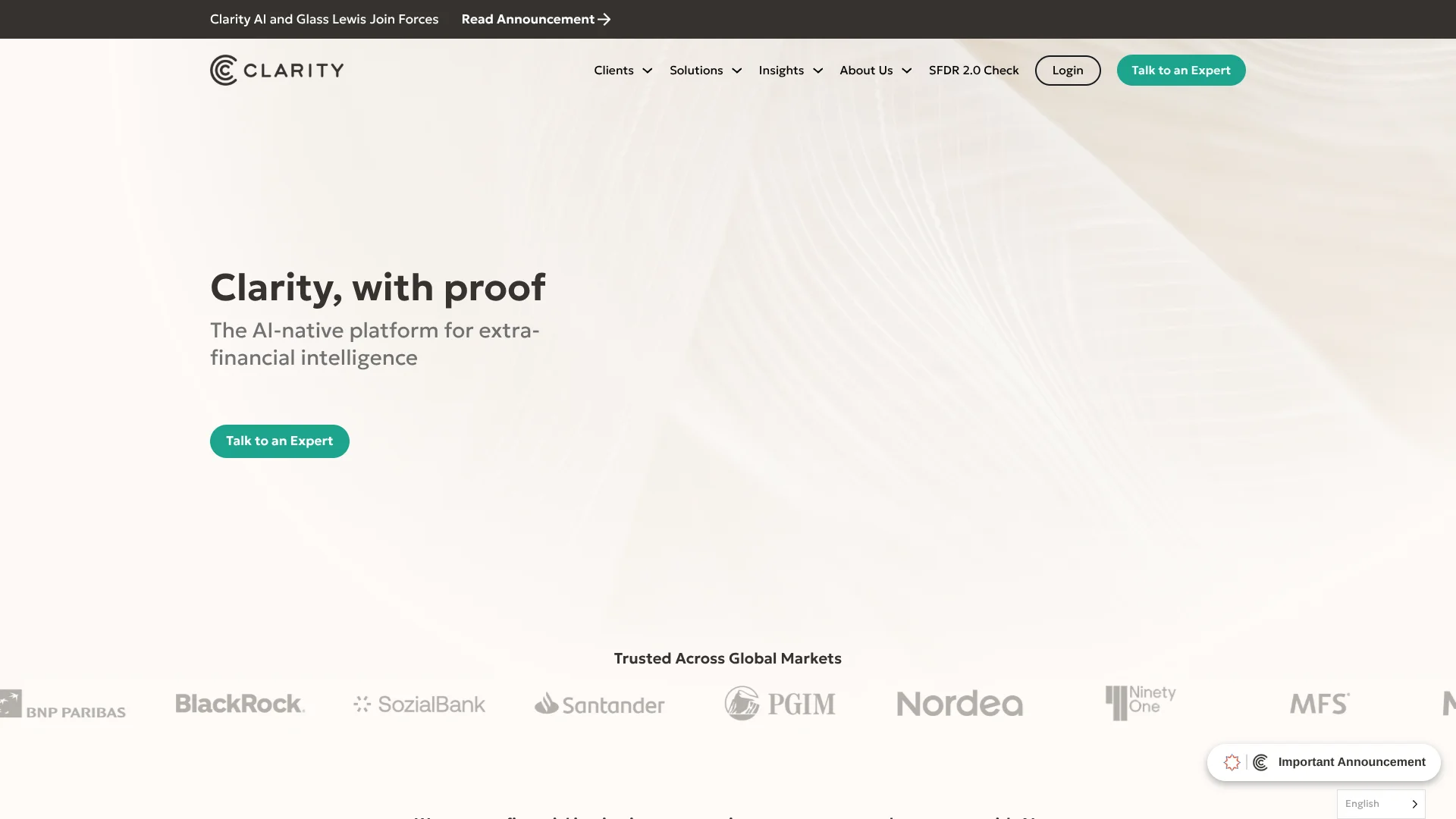
Clarity AI
Evidence-backed sustainability intelligence for investment and corporate decisions.
Key Takeaways
- What it is
- Evidence-backed sustainability intelligence for investment and corporate decisions.
- Pricing
- $500 per month
- Best for
- Extra-Financial Risk
- Climate and Nature Intelligence
- Mandate Compliance
- Rating
- 4.2/5
What is Clarity AI?
Clarity AI helps financial institutions, companies, governments, and retail platforms turn sustainability and other extra-financial data into decisions about risk, impact, compliance, and opportunity. Its web app, APIs, datafeeds, and AI connections bring company, fund, portfolio, and sovereign intelligence into existing research and reporting workflows.
Clarity AI traces data back to its source and combines AI processing with expert validation, giving users evidence they can inspect instead of relying only on opaque ratings.
The platform fits asset managers, banks, insurers, corporations, and public-sector teams that need repeatable analysis across large portfolios. It is less suited to casual users or teams seeking a lightweight consumer chatbot, since access, datasets, and capabilities depend on an account and contracted entitlements.
Who is Using Clarity AI?
Portfolio Managers
Portfolio managers compare holdings against sustainability metrics, mandates, and investment objectives.
Compliance Officers
Compliance teams investigate failing metrics, breach counts, thresholds, and company-level supporting evidence.
ESG Analysts
ESG analysts review source-traceable data across issuers, funds, securities, and portfolios.
Risk Managers
Risk managers bring climate, nature, impact, and other extra-financial factors into exposure analysis.
Data and Engineering Teams
Technical teams pull Clarity AI data into internal systems through REST APIs, datafeeds, widgets, and SFTP delivery.
Uncommon Use Cases
Investigating why a specific company breaches a portfolio mandate; embedding Clarity AI visualizations inside an internal investment platform.
Key Features
Rating Breakdown
Pricing Plans
Standard Plan
$500 per month
- Offering full access to the platform’s core features
Enterprise Solutions
- Custom pricing based on the specific needs and scale of the organization
Clarity AI Use Cases
Portfolio Mandate Screening
Portfolio compliance teams review pass and fail results against defined metrics and thresholds.
Outcome: A detailed view of failing holdings, breach margins, and supporting evidence.
Investment Risk Research
Investment teams combine company, security, fund, and portfolio data when assessing extra-financial risk.
Outcome: More consistent risk analysis across investment objects.
Regulatory and Sustainability Reporting
Reporting teams draw on structured data and source traceability for disclosures and compliance work.
Outcome: Less manual analysis and clearer evidence for review.
Internal Data Integration
Engineering teams connect Clarity AI data to internal applications through APIs, widgets, or recurring datafeeds.
Outcome: Clarity AI insights appear inside existing systems and workflows.
Conversational Compliance Investigation
Users question portfolio mandates and breaches through the Clarity AI Connector in Claude.
Outcome: Plain-language exploration of entitled compliance data and evidence.
Workflow Ideas with Clarity AI
Investigate a Portfolio Breach
- 1Connect Claude to the Clarity AI Connector.
- 2Ask which metrics the portfolio is failing and by how much.
- 3Review the listed companies and supporting evidence in the Clarity AI web app.
Feed Internal Risk Systems
- 1Select the Clarity AI metrics and identifiers your system needs.
- 2Retrieve current results through the REST API.
- 3Store the returned scores and attributes in the internal risk workflow.
Build a Recurring Datafeed
- 1Define the metrics, identifiers, and delivery format with Clarity AI.
- 2Choose an SFTP server or AWS S3 bucket for delivery.
- 3Load the monthly CSV feed into research or reporting systems.
How Clarity AI fits into your stack
Web App
The web app is the source of record for reviewing portfolios, mandates, metrics, and evidence.
AI Workflows
The Clarity AI Connector lets Claude query entitled mandate and portfolio compliance data in natural language. Connector results should be checked in the web app before action.
Internal Applications
The REST API exposes scores, metrics, and attributes for use in internal systems and custom applications.
Data Engineering
Recurring datafeeds can be delivered as compressed CSV files to an SFTP server or AWS S3 bucket.
Embedded Reporting
Widgets provide embeddable visualizations so Clarity AI views can appear inside another platform.
Pros
- +Source traceability: Evidence can be followed back to the underlying source.
- +Portfolio depth: Analysis covers organization, security, fund, and portfolio levels.
- +AI access: The Claude connector turns mandate and breach analysis into plain-language questions.
- +Integration options: APIs, datafeeds, widgets, MCP, and web apps support different technical workflows.
- +Enterprise controls: The trust center lists ISO 27001, SOC 2 Type II, and SOC 1 Type II compliance resources.
Cons
- −Enterprise focus: The platform is aimed at institutional and professional users rather than casual investors.
- −Entitlement dependent: Available data and connector actions depend on the user's Clarity AI account and contract.
- −AI review required: Connector responses should be checked against the Clarity AI web app before material decisions.
Limitations & when to consider alternatives
Known limitations
- Connector is read-only. The Clarity AI Connector can inspect mandates, portfolios, compliance results, and evidence, but it cannot create or modify mandates and portfolios.
- Results depend on entitlements. The connector only accesses data and modules included in the user's existing Clarity AI account.
- Complex queries may be incomplete. The connector documentation recommends breaking complex multi-part questions into smaller queries.
- English is the supported language standard. The connector is optimized for English, and other languages are not guaranteed to provide the same quality.
- API access has rate limits. Clarity AI API endpoints enforce request limits, so high-volume workflows need appropriate pacing.
Look elsewhere when
- You need a consumer-facing investing app with self-serve access.
- You need a mobile app or browser extension from the same vendor.
- You need an AI tool that writes back to mandates or portfolios.
- Your team needs broad multilingual support for compliance analysis.
How to Use Clarity AI
- 1
Set up your account
Confirm that your Clarity AI account includes the modules, portfolios, mandates, and datasets you need.
- 2
Choose the access method
Work in the web app for direct analysis, or select the API, datafeed, widget, or MCP connector for an embedded workflow.
- 3
Define the analysis
Select the portfolio, fund, security, organization, mandate, or metric that matches the decision you are making.
- 4
Review the evidence
Follow the source information and supporting data before using a result in an investment, compliance, or reporting decision.
- 5
Automate repeat access
Use API requests or recurring datafeeds when the same Clarity AI data needs to reach internal systems regularly.
Who is Clarity AI For?
Asset Managers
Portfolio and fund teams can add sustainability, climate, nature, and compliance analysis to investment workflows.
Banks and Retail Platforms
Banking and digital finance teams can bring extra-financial intelligence into customer and portfolio decisions.
Insurance Companies
Underwriting and risk teams can assess non-financial factors that affect coverage and exposure decisions.
Corporations
Corporate teams can organize sustainability and broader resilience data for reporting, risk, and strategy.
Governments
Public-sector decision-makers can apply structured extra-financial data to policy and market analysis.
Frequently Asked Questions
Does Clarity AI have an API?
Yes. Its REST API provides access to many web app modules and additional datasets, including scores, metrics, and attributes for organizations, securities, portfolios, and funds.
Can Clarity AI deliver recurring data?
Yes. Datafeeds can be delivered to a client's SFTP server or AWS S3 bucket, with CSV and GZip support.
What can the Clarity AI Connector do?
It can list portfolios and mandates, run portfolio compliance reports, summarize mandate breaches, and retrieve ESG scores for companies, subject to account entitlements.
Can the Connector modify mandates or portfolios?
No. The connector is read-only, and mandate or portfolio configuration remains in the Clarity AI web application.
Should connector responses be used directly for regulatory submissions?
No. Clarity AI says connector outputs are intended for internal analysis and exploration. Regulatory reporting should use the web application and qualified compliance review.
Does Clarity AI provide security information?
Yes. Its trust center lists data encryption, ISO 27001:2022, SOC 2 Type II, SOC 1 Type II, and other security and compliance resources.
Community reviews
Be the first to share your experience.
Sign in to leave a review for Clarity AI.
Clarity AI Alternatives
Looking for alternatives to Clarity AI? Here are similar tools in the same category: