
Clay
Automates data enrichment and personalized outreach for efficient lead generation.
Key Takeaways
- What it is
- Automates data enrichment and personalized outreach for efficient lead generation.
- Pricing
- Freemium · $134 per month
- Best for
- Advanced Data Enrichment
- AI Research Agent
- Personalized Copywriting
- Rating
- 4.5/5
What is Clay?
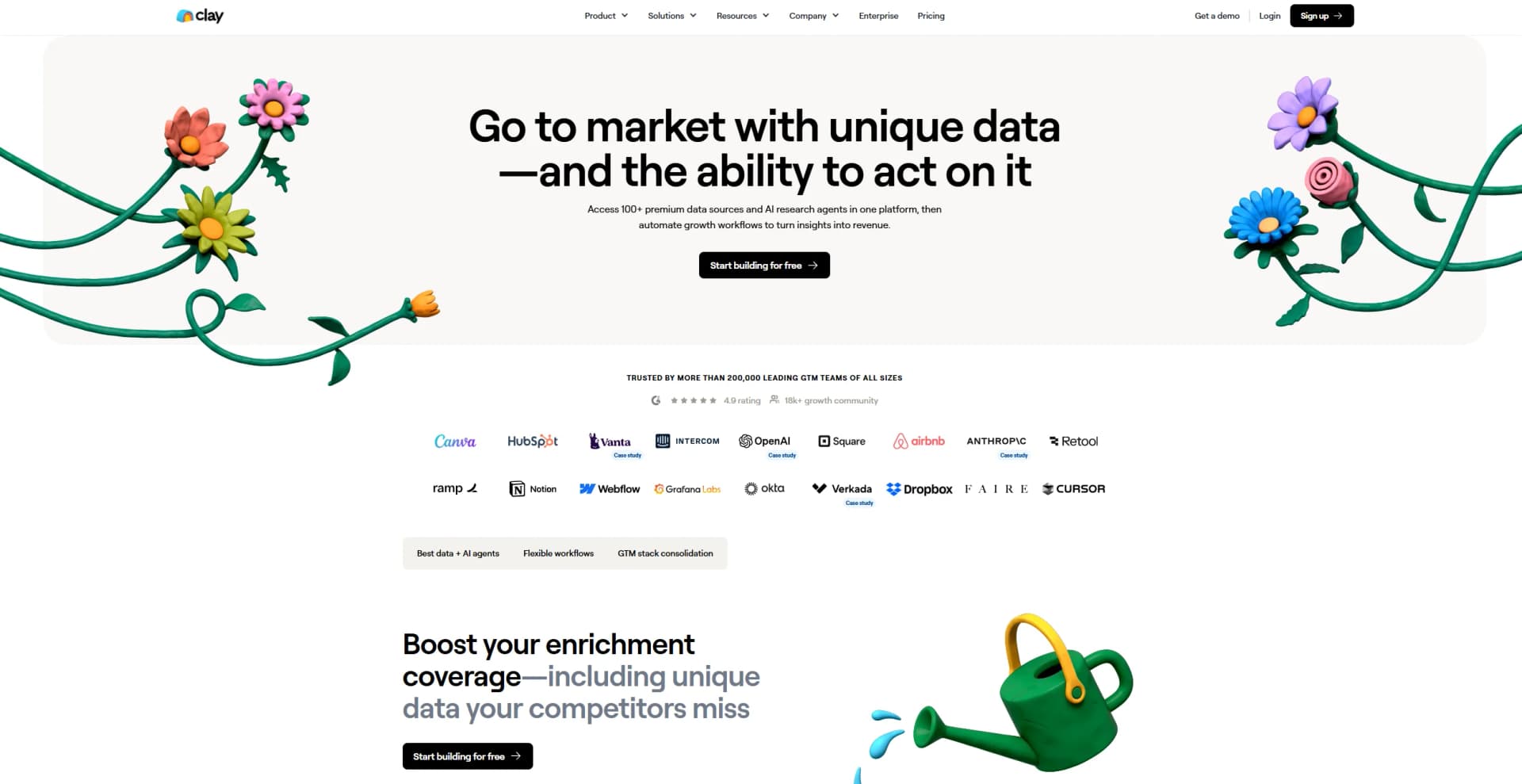
Clay revolutionizes data enrichment and personalized outreach, offering a comprehensive suite of features tailored to enhance lead generation and customer relationship management. Designed for growth teams, sales development representatives (SDRs), and enterprise companies, Clay simplifies the complex process of data enrichment and outreach automation. By integrating with over 75 data providers and leveraging AI capabilities, Clay ensures that your outreach is both personalized and efficient.
Clay stands out with its combination of advanced data enrichment and AI-driven outreach automation, a game-changer for modern sales and marketing teams. Its ability to integrate multiple data sources and automate personalized messaging sets it apart, enabling teams to focus more on strategic tasks rather than manual data entry.
Clay excels in providing high-quality data enrichment and personalized outreach automation, making it an essential tool for growth teams and enterprise companies. Its unique integration of multiple data sources and AI capabilities offers an unmatched advantage in scaling and optimizing outreach campaigns.
Who is Using Clay?
E-commerce Businesses
Utilizing the tool for enhancing customer data and personalizing marketing efforts.
Digital Marketing Agencies
Employing the tool for creating targeted outreach campaigns.
Sales Development Representatives (SDRs)
Leveraging the tool to build and enrich lead lists efficiently.
Enterprise Companies
Using the tool to automate and scale their outbound marketing efforts.
Uncommon Use Cases
Adopted by educational institutions for teaching advanced marketing techniques; used by research firms to automate data collection and analysis processes.
Key Features
Rating Breakdown
Pricing Plans
Free Tier
Free
- Experience Clay with a 14-day free trial
Pro Tier
$134 per month
Which Clay plan should you pick?
Start with Free to test Clay's enrichment and workflow capabilities; upgrade to Launch for small-team prospecting, Growth for CRM and API automation, or Enterprise for SSO, RBAC, and scale.
Free
Good for users who need to experiment with enrichment, Claygent, waterfalls, tables, and native email sequencing without paying.
Launch
Good for small teams building prospecting workflows that need phone enrichment, signals, reusable functions, and email integrations.
Growth
Good for teams with CRM-based workflows that need CRM and warehouse sync, HTTP APIs, webhooks, audiences, and web-intent signals.
Enterprise
Good for organizations running GTM systems at scale that need SSO, RBAC, unlimited imports, custom usage, and dedicated support.
Clay Use Cases
Inbound lead qualification and routing
Enrich a form submission, score it, and send it to the appropriate representative.
Outcome: Qualified leads are routed to the right rep.
Signal-based outbound
Start from an intent signal, research the account, and launch outreach after qualification.
Outcome: Outbound plays begin when accounts meet the required criteria.
Account-based marketing
Qualify accounts into a coordinated multichannel play instead of using a static account list.
Outcome: Teams run coordinated account-based campaigns.
CRM enrichment
Synchronize CRM records with enrichment data and update records from Clay.
Outcome: CRM data stays enriched and current.
Visual company research
Analyze screenshots or webpage images to identify logos, customers, partners, or technology signals.
Outcome: Visual information becomes structured research data.
Workflow Ideas with Clay
Inbound lead routing
- 1Receive a form submission through a webhook
- 2Enrich and score the lead
- 3Route the lead to the appropriate representative or CRM workflow
Signal-based outbound
- 1Trigger when a record enters a qualifying segment
- 2Research the company with Claygent
- 3Launch a personalized outreach action
CSV enrichment pipeline
- 1Upload a CSV file into a workflow
- 2Run enrichment and conditional logic for each row
- 3Write qualified results to a CRM or audience
How Clay fits into your stack
Browser
Clay primarily operates as a browser-based GTM workspace for tables, audiences, enrichment, research agents, signals, and workflows.
Automation and APIs
Clay orchestrates multi-step workflows through triggers, branching, webhooks, HTTP APIs, a Public API, CLI, and MCP.
Knowledge and files
Claygent agents can use uploaded tone guides, messaging documents, PDFs, and CSVs as business context for research and content generation.
Team chat and tickets
Clay can post to connected tools such as Slack and expose approved functions through AI tools including ChatGPT, Claude, Microsoft Copilot, and Glean.
Pros
- +Time Efficiency: Automates manual tasks, significantly reducing the time required for lead enrichment and outreach.
- +High Data Quality: Consolidates data from multiple sources, ensuring comprehensive and accurate information.
- +Scalability: Easily scale outreach campaigns without compromising on personalization.
- +User-Friendly Interface: Intuitive design that simplifies the user experience, even for complex workflows.
Cons
- −Initial Learning Curve: Requires time to familiarize oneself with the extensive features and integrations.
- −Limited Integration: Although extensive, the tool currently supports a limited number of third-party platforms for direct integration.
Limitations & when to consider alternatives
Known limitations
- Workflows are in open beta. Clay documents Workflows as an open-beta feature that must be enabled through workspace settings.
- Webhook submission limits. Non-Enterprise webhook sources are limited to 50,000 submissions; Enterprise can enable automatic deletion for unlimited submissions.
- Table row limits vary by plan. The Free plan supports up to 200 rows per table, while Launch, Growth, and Enterprise plans support larger limits.
- Cell output size limits. Basic columns have an 8KB limit and action columns have a 200KB limit.
- Some workflow triggers depend on plan. Webhook, segment-membership, and scheduled-segment triggers may require an upgrade.
Look elsewhere when
- You need a dedicated native iOS or Android Clay app.
- You need a downloadable Clay desktop application.
- You need to fine-tune an AI model on your own data.
How to Use Clay
- 1
Create a workspace and choose a plan
Start on the Free plan to test Clay, then select Launch, Growth, or Enterprise based on usage and administrative needs.
- 2
Build or import a prospect list
Create a table from a prospecting source, CSV, CRM, or data warehouse, then map the fields you want to enrich.
- 3
Add enrichment and AI columns
Use provider waterfalls, Claygent, Use AI, or integrations to find data, research companies, classify records, and draft messaging.
- 4
Add conditions and workflow steps
Use conditional runs or Workflows to branch logic, schedule actions, respond to webhooks, and process records end to end.
- 5
Connect destinations
Send results to Salesforce, HubSpot, Snowflake, Google BigQuery, email sequencers, Slack, or other supported integrations.
- 6
Invite collaborators and manage access
Invite workspace members, assign admin or editor roles, and configure workbook or connection access where supported.
Who is Clay For?
Go-to-market teams
Clay is designed to improve data enrichment, prospecting, and personalized outreach.
Small teams building prospecting workflows
The Launch plan is positioned for small teams automating their first prospecting workflows.
Teams with CRM-based workflows
The Growth plan supports CRM synchronization, enrichment, audiences, webhooks, and HTTP API integrations.
Enterprise GTM teams
The Enterprise plan is designed for organizations building GTM systems at scale, with SSO, RBAC, and dedicated support.
Frequently Asked Questions
What is Clay?
Clay helps go-to-market teams improve data enrichment and automate personalized outreach.
Does Clay have a free plan?
Yes. Clay offers a Free plan with 500 actions per month, 100 monthly data credits, unlimited seats and tables, and up to 200 rows per table.
What can Clay do with AI?
Clay can research websites, draft personalized messages, clean and categorize data, and generate formulas.
Can Clay connect to tools that are not on its integrations list?
Yes. Clay provides HTTP API and webhook capabilities for connecting to tools with accessible APIs.
How do teams use Clay for CRM enrichment?
Teams use Clay as an enrichment layer with two-way CRM synchronization to keep customer data up to date.
Can Clay send emails?
Clay can send emails through its native Sequencer or integrations with email campaign providers.
Community reviews
Be the first to share your experience.
Sign in to leave a review for Clay.
Clay Alternatives
Looking for alternatives to Clay? Here are similar tools in the same category:
Learn to Master Clay
With Skill Leap courses
Get in-depth training on Clay and 50+ other AI tools with our expert-led video courses.
Start 7-Day Free Trial