
Cleanup.pictures
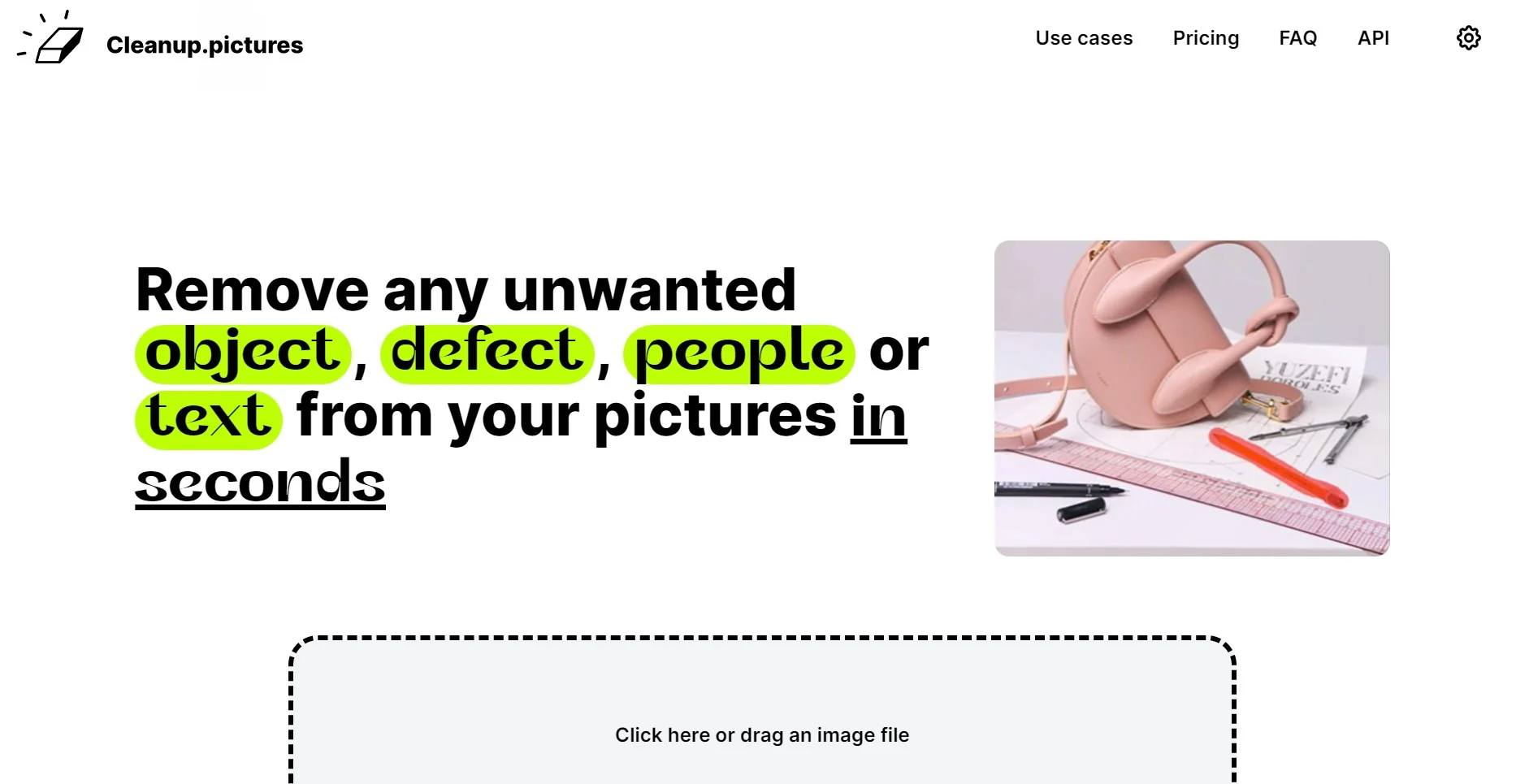
Effortlessly enhance images by removing unwanted objects seamlessly.
Watch Cleanup.pictures in Action
Key Takeaways
- What it is
- Effortlessly enhance images by removing unwanted objects seamlessly.
- Pricing
- Freemium · $3 per month
- Best for
- AI-Powered Inpainting
- User-Friendly Interface
- High-Resolution Support
- Rating
- 4.6/5
What is Cleanup.pictures?
Cleanup.pictures is a cutting-edge AI-powered tool designed to effortlessly enhance and edit images by removing unwanted objects, people, text, and defects. Whether you're a professional photographer, a creative agency, or simply someone looking to perfect your personal photos, Cleanup.pictures streamlines the retouching process with its intuitive interface and advanced inpainting technology. This tool is ideal for individuals and businesses aiming to produce high-quality visuals without the complexity of traditional editing software.
Cleanup.pictures distinguishes itself with its powerful AI inpainting capabilities, enabling users to achieve flawless edits without the need for background references. This technology offers a significant advantage over traditional clone stamp tools, making it an essential tool for anyone needing precise and efficient image retouching.
Cleanup.pictures offers a powerful yet user-friendly solution for anyone looking to enhance their photos with precision and ease. Its innovative AI technology ensures high-quality results that rival more complex editing software, all while being accessible and affordable. Whether you're a professional seeking to streamline your workflow or an individual aiming to perfect personal photos, Cleanup.pictures is a valuable tool that delivers impressive results efficiently.
Who is Using Cleanup.pictures?
Photographers
Leveraging the tool to remove unwanted elements from portraits and landscapes for pristine photo albums.
Creative Agencies
Utilizing the platform for quick edits to produce visually striking marketing materials.
Real Estate Agents
Enhancing property images by eliminating distracting objects, providing cleaner visuals for listings.
E-commerce Businesses
Improving product photos by removing text and logos, leading to more appealing online displays.
Key Features
Rating Breakdown
Pricing Plans
Free Tier
Free
- Unlimited images with resolution limited to 720p
Pro Tier
$3 per month
- Or $36 per year
- Offering unlimited images and resolutions with a high-quality refiner
Which Cleanup.pictures plan should you pick?
Start with Free for standard web cleanup, upgrade to Pro for unlimited-resolution exports, or use API for programmatic inpainting.
Free
Good for unlimited image cleanup when 720p exports are sufficient.
Pro
Good for photographers, creatives, real estate, and e-commerce users who need unlimited-resolution exports and the high-quality refiner.
API
Good for developers who need to add automated inpainting to a product or application.
Cleanup.pictures Use Cases
Educational Institutions using the tool to demonstrate digital editing techniques.
Freelance artists employing it for unique art projects.
Workflow Ideas with Cleanup.pictures
Clean a property photo
- 1Upload the room or property image
- 2Brush over unwanted objects or personal items
- 3Download the reconstructed image
Prepare an e-commerce product shot
- 1Upload the product photograph
- 2Remove distracting elements, text, or defects
- 3Export the cleaned image for the store or social media
Automate object removal through the API
- 1Prepare the original image and black-and-white mask
- 2Send them to the Cleanup API with an API key
- 3Receive the processed PNG response
How Cleanup.pictures fits into your stack
Browser
Cleanup.pictures is a browser-based image retouching tool. Users upload or drag in an image, brush over unwanted objects, and download the result.
Automation and APIs
The Cleanup API exposes an authenticated image-cleanup endpoint for programmatic integrations. It supports multipart image and mask uploads, API keys, usage credits, rate limits, and examples in JavaScript, Python, Swift, and Kotlin.
Pros
- +Time Efficiency: Achieves professional-grade edits in seconds, significantly reducing the time spent on manual retouching.
- +Cost-Effective: Offers a free tier with essential features, and an affordable Pro plan for enhanced capabilities.
- +High-Quality Output: Produces visually appealing edits without the typical smears or artifacts associated with other tools.
- +Cross-Platform Accessibility: Available on both desktop and mobile, ensuring flexibility for users on the go.
Cons
- −Resolution Limitation for Free Tier: The free version restricts image exports to 720p, which may not meet the needs of all users.
- −Single User License: Each subscription is limited to one user, which might be restrictive for larger teams.
Limitations & when to consider alternatives
Known limitations
- Free exports are limited to 720px. The Free tier supports unlimited images, but exported images are limited to 720px.
- API input limits. The API accepts JPG or PNG originals up to 16 megapixels and 30 MB, with masks also limited to 30 MB.
- API requires a mask. API requests require both an original image file and a same-resolution black-and-white mask file.
- Individual subscription. Each Cleanup subscription is limited to one user rather than a shared team workspace.
- Watermark removal requires permission. The support guidance says to remove watermarks only from images for which you have an explicit license.
Look elsewhere when
- You need a native iOS or Android app.
- You need a dedicated desktop installer.
- You need multi-user collaboration.
- You need SSO or SAML.
How to Use Cleanup.pictures
- 1
Open Cleanup.pictures
Use the browser-based web application and start with the Free tier if 720p output is sufficient.
- 2
Upload an image
Drag and drop a photograph into the editor so it can be processed.
- 3
Brush over the unwanted area
Cover the object, person, text, logo, watermark, blemish, or defect; slightly overpainting the area can improve results.
- 4
Review and download
Inspect the reconstructed result and download the cleaned image.
- 5
Upgrade for high resolution
Choose Pro when you need exports beyond the Free tier's 720px limit.
- 6
Use the API for applications
Prepare an image and mask, authenticate with an API key, and submit a multipart POST request to the documented Cleanup endpoint.
Who is Cleanup.pictures For?
Photographers
Useful for removing timestamps, tourists, cracks, blemishes, and other unwanted elements before delivering or printing photos.
Creative agencies
Supports quickly remixing existing photos and replacing unwanted visual elements.
Real estate agents
Helps depersonalize and clean room, apartment, house, and property images.
E-commerce businesses
Helps create cleaner product shots and update visual assets for online stores and social media.
Developers
The inpainting API provides programmatic image cleanup for products and applications.
Frequently Asked Questions
What is inpainting?
Inpainting is an AI retouching technology that removes unwanted objects or people and reconstructs what was behind them.
What image resolutions can Cleanup.pictures handle?
Images of any size can be imported and edited. Free exports are limited to 720px, while Pro has no export size limit.
How much does Cleanup.pictures cost?
The service has a Free tier. The support page lists Pro at $5 monthly or $36 yearly and provides usage-based API pricing.
How can I use the inpainting API?
The API works in environments including Node.js, SwiftUI, and Kotlin, with documentation, a live demo, and sample code.
How do I remove unwanted objects from a photo?
Load an image, cover the unwanted element with the brush, and let the AI reconstruct the background.
How do I remove text, logos, or watermarks?
Load the image and draw over the text, logo, date stamp, or watermark. Only remove watermarks from images you are licensed to edit.
Community reviews
Be the first to share your experience.
Sign in to leave a review for Cleanup.pictures.
Cleanup.pictures Alternatives
Looking for alternatives to Cleanup.pictures? Here are similar tools in the same category:
Learn to Master Cleanup.pictures
With Skill Leap courses
Get in-depth training on Cleanup.pictures and 50+ other AI tools with our expert-led video courses.
Start 7-Day Free Trial