
ClickUp
Streamline tasks, docs, and collaboration effortlessly.
Key Takeaways
- What it is
- Streamline tasks, docs, and collaboration effortlessly.
- Pricing
- Freemium · $7 per member per month · $19 per member per month
- Best for
- Comprehensive Dashboard Views
- AI-Powered Automation
- Real-Time Collaboration Tools
- Rating
- 4.4/5
What is ClickUp?
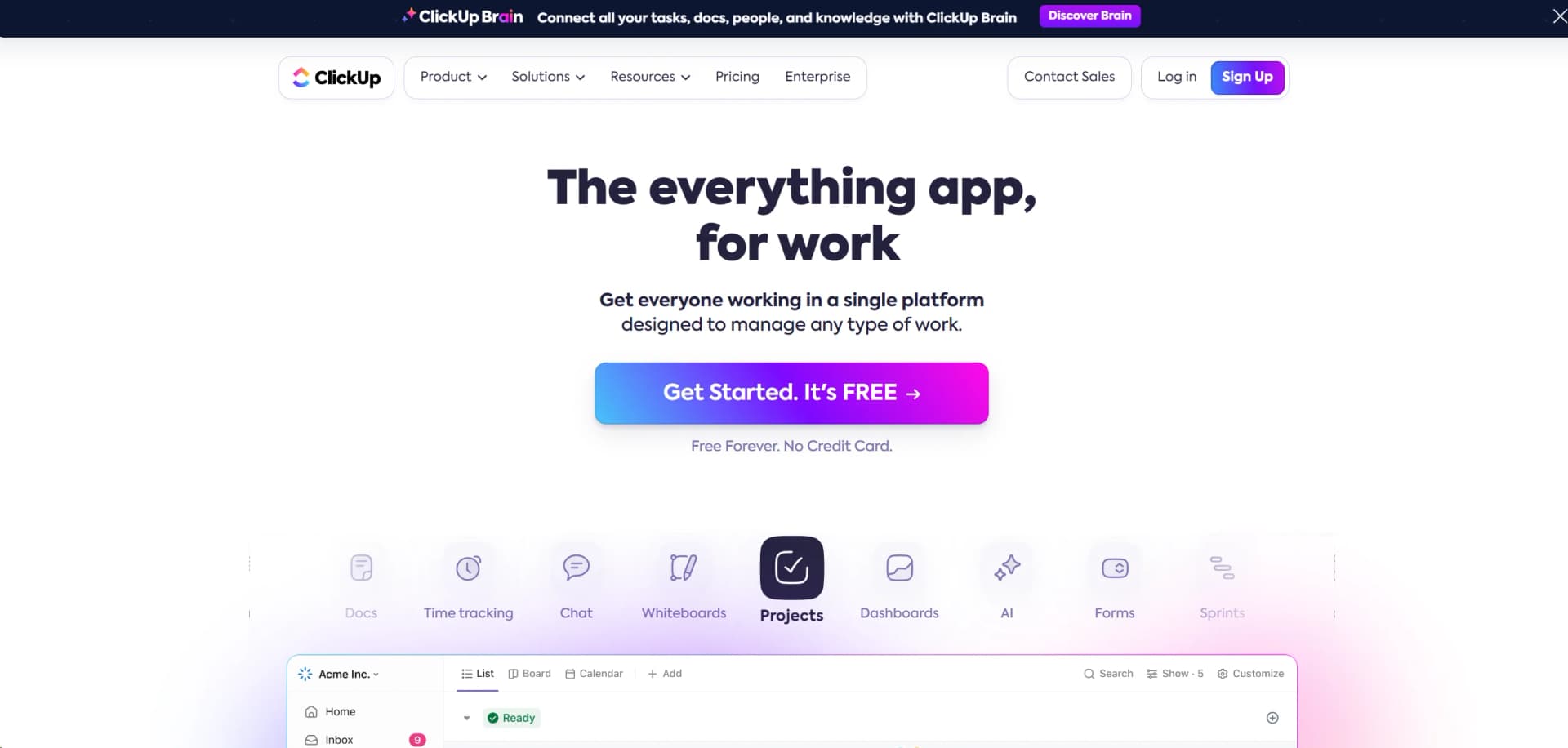
ClickUp is a dynamic, all-in-one productivity platform designed to cater to virtually any type of work across various industries. It integrates tasks, docs, chat, goals, and more into a single hub, making it an indispensable tool for teams aiming to streamline their operations and enhance collaboration. As a comprehensive solution for project management, ClickUp offers functionalities that adapt from simple task management to complex project tracking, making it exceptionally versatile for diverse professional needs.
ClickUp stands out due to its incredible flexibility and the breadth of its features. It offers a unique solution that can replace multiple different tools in your tech stack, reducing the need to juggle between apps and platforms. Its AI-powered capabilities also provide smart suggestions and automations that significantly boost productivity.
ClickUp excels at providing a versatile and comprehensive platform that caters to diverse business needs, from individual freelancers to large organizations. Its unique blend of customization, integration capabilities, and robust free offering makes it a standout choice in the crowded field of project management tools. Whether you're looking to enhance team collaboration, streamline operations, or just manage daily tasks more efficiently, ClickUp offers a powerful solution that grows with your needs.
Who is Using ClickUp?
Project Management Offices (PMOs)
Utilizing the tool for large-scale project tracking and reporting.
Marketing Teams
Leveraging the platform for campaign management and cross-functional collaboration.
Software Development Teams
Employing agile methodologies facilitated by ClickUp's flexible project management features.
Educational Institutions
Using it for administrative planning and to manage educational projects.
Uncommon Use Cases
Non-profits using it for volunteer coordination; startups using it for everything from HR to daily operations.
Key Features
Rating Breakdown
Pricing Plans
Free Tier
Free
- Start with a robust set of features at no cost
Unlimited Plan
$7 per member per month
- Offering additional features like unlimited storage and integrations
Business Plan
$19 per member per month
Which ClickUp plan should you pick?
Start with Free Forever for personal use and basic collaboration; upgrade to Brain AI or Everything AI when you need broader AI assistance and automation.
Free Forever
Good for personal users and teams who need core tasks, Docs, collaboration, and basic workspace features at no cost.
Brain AI
Good for users who need unlimited Brain Assistant, AI chat, AI writing, Enterprise Search, and expanded AI model access.
Everything AI
Good for teams who need the full agentic suite, including AI Notetaker, AI Automations, AI Fields, image generation, and AI prioritization.
ClickUp Use Cases
Project management
Organize tasks, Docs, goals, dashboards, timelines, and reports in one Workspace.
Outcome: Centralized project planning and tracking.
AI document and project assistance
Ask Brain to summarize projects, draft content, generate reports, and build presentations.
Outcome: Faster creation and synthesis of work outputs.
File and data analysis
Upload PDFs, spreadsheets, images, and text files for analysis, charting, transformation, or summarization.
Outcome: Structured insights and generated reports from uploaded data.
Cross-app workflow automation
Connect ClickUp with Slack, Google Calendar, GitHub, Google Drive, Gmail, HubSpot, and other apps using triggers and actions.
Outcome: Automated updates and task creation across connected tools.
Team collaboration
Invite users, organize them into Teams, share workspaces and items, and assign role-based permissions.
Outcome: Shared work with controlled access.
Workflow Ideas with ClickUp
Calendar event to action item
- 1Use a Google Calendar event as the trigger
- 2Create a ClickUp task
- 3Capture the event's action items in the task
Pull request status update
- 1Trigger the workflow when a GitHub pull request is merged
- 2Update the related ClickUp task
- 3Set the task status to In Production
Due-date Slack notification
- 1Trigger the workflow when a ClickUp task's due date changes
- 2Apply any configured conditions
- 3Post a message in Slack
How ClickUp fits into your stack
Google Drive Integration
Seamlessly connect with Google Drive for document management and collaboration.
Slack Integration
Enhance communication by integrating directly with Slack.
API Access
Offers robust API for custom integrations, catering to tech-savvy teams.
Plugin Ecosystem
A rich ecosystem of plugins extends the functionalities of ClickUp even further.
Pros
- +Enhanced Productivity: Users report up to a 40% improvement in efficiency after switching to ClickUp.
- +Customizability: Highly customizable for different workflows which includes tasks, docs, and spreadsheets.
- +User-Friendly Interface: Intuitive design that makes it easy for new users to adopt and integrate into their daily tasks.
- +Robust Free Version: Offers a powerful free tier that is quite comprehensive compared to other tools in the market.
Cons
- −Overwhelming Feature Set: New users may find the array of features daunting at first.
- −Performance Issues: With extensive use, some users have reported slow load times and minor bugs.
- −Complex Pricing Structure: While it offers a free tier, the pricing can become complex as you scale up with more features and users.
Limitations & when to consider alternatives
Known limitations
- Brain file limit. ClickUp Brain supports up to 10 attached files or 20 MB at a time.
- Free-plan storage. The Free Forever plan includes 60 MB of storage.
- Plan-dependent features. Feature availability and limits vary by plan and user role.
- Desktop extension limitation. Integrations that use a Chrome extension are not supported in the ClickUp desktop app.
- Windows installer limitation. ClickUp cannot be downloaded using Windows Installer, also known as MSI.
How to Use ClickUp
- 1
Explore a wide range of tutorials and resources available on ClickUp University, covering everything from basic setup to advanced features optimization.
Who is ClickUp For?
Personal users
The Free Forever plan is positioned for personal use and provides access to ClickUp's core workspace features.
Small teams
The Unlimited plan is described as best for small teams and adds expanded storage, integrations, forms, and collaboration features.
Mid-sized teams
The Business plan is described as best for mid-sized teams and adds advanced automations, dashboards, reporting, and workload management.
Marketing teams
ClickUp provides a marketing-team integration guide covering Slack, Google Drive, Miro, Zapier, Dropbox, Box, Figma, and related tools.
Project management teams
ClickUp provides project-management integrations for tools such as SharePoint, Google Drive, Zapier, Figma, Missive, and Fellow.
Frequently Asked Questions
Does ClickUp have a free version?
Yes. The Free Forever plan includes unlimited tasks, unlimited members, collaborative Docs, Kanban boards, Sprint Management, Calendar view, basic Custom Fields, 2FA, and 24/7 support.
What does ClickUp Brain do?
ClickUp Brain answers questions about work, drafts content, summarizes projects, automates tasks, generates reports, builds presentations, and acts across the Workspace.
How much does ClickUp cost?
ClickUp documents Free Forever, Unlimited, Business, and Enterprise plans, with both monthly and annual billing options.
Can ClickUp support team collaboration?
Users can invite members, admins, guests, and limited members, then share items with view, comment, edit, or full-edit permissions.
Does ClickUp support integrations?
ClickUp supports integrations including Slack, Google Drive, Notion, Jira, Salesforce, Zoom, Zapier, and many other apps.
Does ClickUp support SSO?
ClickUp supports SSO through Google, Microsoft, Okta, and custom SAML identity providers, depending on the plan.
Community reviews
Be the first to share your experience.
Sign in to leave a review for ClickUp.
ClickUp Alternatives
Looking for alternatives to ClickUp? Here are similar tools in the same category:
Learn to Master ClickUp
With Skill Leap courses
Get in-depth training on ClickUp and 50+ other AI tools with our expert-led video courses.
Start 7-Day Free Trial