
Clipchamp
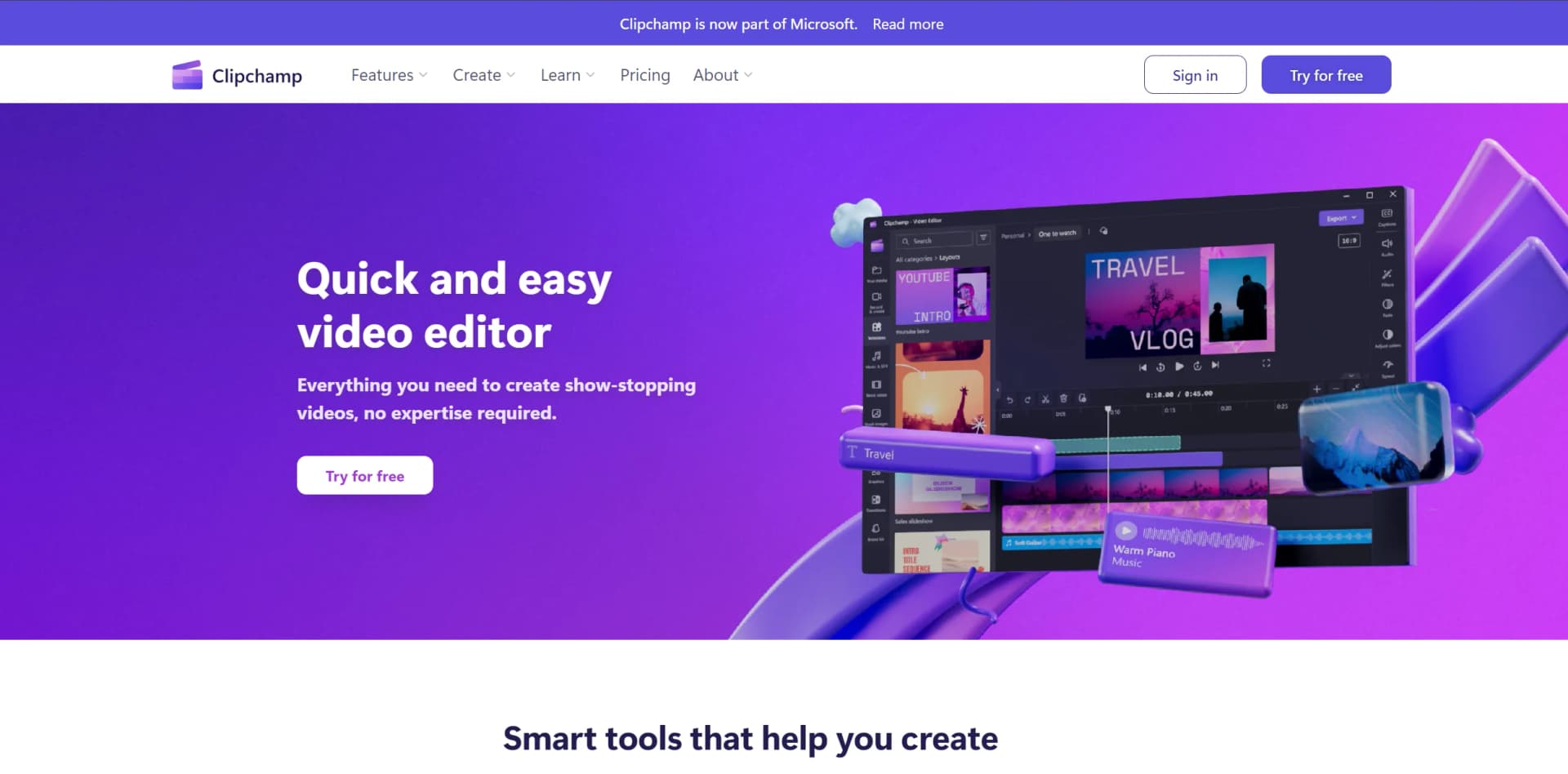
Transform videos effortlessly with AI, across devices, no expertise needed.
Key Takeaways
- What it is
- Transform videos effortlessly with AI, across devices, no expertise needed.
- Pricing
- Freemium
- Best for
- Autocaptions
- Text to Speech
- Resize Video
- Rating
- 4.7/5
What is Clipchamp?
Clipchamp is a cutting-edge video editing platform that simplifies the process of creating professional-quality videos. With its comprehensive suite of tools and features designed for both beginners and seasoned creators, it offers everything one needs to produce eye-catching content. From social media enthusiasts to businesses looking to enhance their online presence, Clipchamp serves as a versatile tool, making video editing accessible to everyone, irrespective of their expertise level.
Clipchamp stands out with its comprehensive and user-friendly platform that democratizes video editing. Its unique blend of simplicity and powerful features, like autocaptions and text to speech, caters to the needs of a diverse user base. The ability to produce high-quality videos without prior editing experience sets it apart in the crowded space of video editing tools.
Clipchamp excels in making video editing accessible and enjoyable for a broad audience. Its intuitive design, combined with a rich set of features, enables users to create professional videos with ease. The platform’s integration with Microsoft365 and availability across multiple devices further enhance its appeal. Whether you're a budding content creator, a business looking to elevate your brand, or an educator aiming to create engaging learning materials, Clipchamp offers a compelling solution that balances simplicity with powerful capabilities.
Who is Using Clipchamp?
Content Creators
For producing YouTube, TikTok, and Instagram videos that stand out.
Businesses
To create compelling promotional and corporate videos.
Educators
For making educational content more engaging with video resources.
Social Media Managers
To quickly craft and edit content for various platforms.
Uncommon Use Cases
Non-profits using video storytelling for awareness campaigns; Podcasters for creating video snippets of their episodes.
Key Features
Rating Breakdown
Pricing Plans
Free Tier
Free
- Enjoy high-definition video creation without watermarks
Premium Features
- Available with a Microsoft365 subscription
Which Clipchamp plan should you pick?
Start with FREE for basic editing and 1080p exports; upgrade to PREMIUM when you need 4K, premium assets, content backup, or brand kits.
FREE
Good for individuals who need unlimited basic video creation, AI subtitles and voiceovers, and watermark-free exports up to 1080p.
PREMIUM
Good for creators and Microsoft 365 Personal or Family subscribers who need 4K exports, premium stock assets, content backup, and branding tools.
Clipchamp Use Cases
Create slideshow videos
Combine photos, video clips, text, music, and transitions into a slideshow.
Produce promotional videos
Use templates, stock media, branding, text, and audio tools to create promotional content.
Record tutorials and demonstrations
Record your screen, webcam, or voice, then edit the recording with captions and overlays.
Create social media videos
Make videos for YouTube, Instagram, Instagram Reels, TikTok, and Facebook video ads.
Create accessible videos
Generate, edit, and export captions and transcripts for video and audio content.
Outcome: Improve video accessibility and support multilingual audiences.
Workflow Ideas with Clipchamp
Create a captioned tutorial
- 1Record your screen, webcam, or voice
- 2Edit the recording and remove unwanted pauses or audio
- 3Generate captions and export the finished video
Create a social media promotion
- 1Choose a promotional template or start with your own media
- 2Add stock assets, text, music, and brand elements
- 3Resize or export the finished video for a social platform
Collaborate on a work video
- 1Create and save the project in Clipchamp for work
- 2Share the project with colleagues and assign edit or view permissions
- 3Review changes and export or share the completed video
How Clipchamp fits into your stack
Cross-Platform Use
Accessible via web, Windows, and iOS devices.
Microsoft365 Integration
Premium features enhance productivity for Microsoft365 subscribers.
Social Media Compatibility
Optimized output for platforms like YouTube, Instagram, and TikTok.
Pros
- +Ease of Use: Intuitive interface that simplifies the video editing process.
- +High-Quality Output: Enables creation of high-definition videos (1080p) for professional-looking results.
- +Versatility: Suitable for a wide range of users, from individuals to businesses and educators.
- +Cost-Effective: Offers a robust free version and premium features accessible with a Microsoft365 subscription.
Cons
- −Learning Curve: New users may need time to fully exploit the advanced features.
- −Platform Limitations: Some premium features require a Microsoft365 subscription.
- −Internet Dependency: Being primarily an online tool, a stable internet connection is crucial for uninterrupted usage.
Limitations & when to consider alternatives
Known limitations
- Browser support is limited. The browser editor is documented for Microsoft Edge based on Chromium and Google Chrome.
- Touch devices are not optimized. Clipchamp is not currently optimized for touch-screen devices such as iPads or tablets.
- Personal projects cannot be shared for co-editing across accounts. Personal Clipchamp projects cannot currently be shared with a different Microsoft account for collaborative editing.
- Some media formats are unsupported. AV1 videos and HDR video or photo assets are not currently supported.
- Free exports are limited to 1080p. The FREE plan exports up to 1080p HD, while 4K UHD export requires Premium access.
Look elsewhere when
- You need a documented developer API
- You need Linux or macOS desktop software
- You need collaborative editing with personal accounts
How to Use Clipchamp
- 1
Explore an array of tutorials available on the Clipchamp website and YouTube, covering everything from basic setup to advanced editing techniques.
Who is Clipchamp For?
Everyday video editors
The free editor provides beginner-friendly tools for creating and exporting videos without watermarks.
Content creators
Templates, stock media, AI voiceovers, captions, and social-friendly video formats support creator workflows.
Small businesses
Clipchamp provides templates, branding tools, stock assets, and mobile video creation for business content.
Work and school users
Microsoft 365 work and education users can share, manage, embed, and collaborate on video content.
Educators and students
Clipchamp for education is available through eligible Microsoft 365 A3 and A5 subscriptions.
Frequently Asked Questions
Is Clipchamp free?
Clipchamp has a FREE plan with unlimited video exports, basic editing tools, AI subtitles, AI voiceovers, and exports up to 1080p.
What does Clipchamp Premium include?
Premium adds 4K UHD exports, premium stock assets, premium filters and effects, content backup, and the brand kit.
Which devices does Clipchamp support?
Clipchamp works in Edge and Chrome on desktop or laptop devices and also offers a Windows desktop app.
Can teams collaborate on Clipchamp projects?
Clipchamp for work and school lets users share projects with edit or view-only permissions.
Which file formats does Clipchamp support?
Clipchamp supports many video, audio, and image formats, including MP4, MOV, WEBM, MP3, WAV, JPEG, PNG, TIFF, BMP, and GIF.
Can Clipchamp create subtitles and voiceovers?
Clipchamp can automatically generate captions and create AI text-to-speech voiceovers in multiple languages.
Community reviews
Be the first to share your experience.
Sign in to leave a review for Clipchamp.
Clipchamp Alternatives
Looking for alternatives to Clipchamp? Here are similar tools in the same category:
Learn to Master Clipchamp
With Skill Leap courses
Get in-depth training on Clipchamp and 50+ other AI tools with our expert-led video courses.
Start 7-Day Free Trial