
Code Genius
Streamlines React, Vue JS, and Tailwind CSS development.
Key Takeaways
- What it is
- Streamlines React, Vue JS, and Tailwind CSS development.
- Pricing
- Freemium · $8 per month
- Best for
- AI-Powered Code Suggestions
- Automated Unit Test Generation
- Conversational AI Buddy
- Rating
- 4.6/5
What is Code Genius?
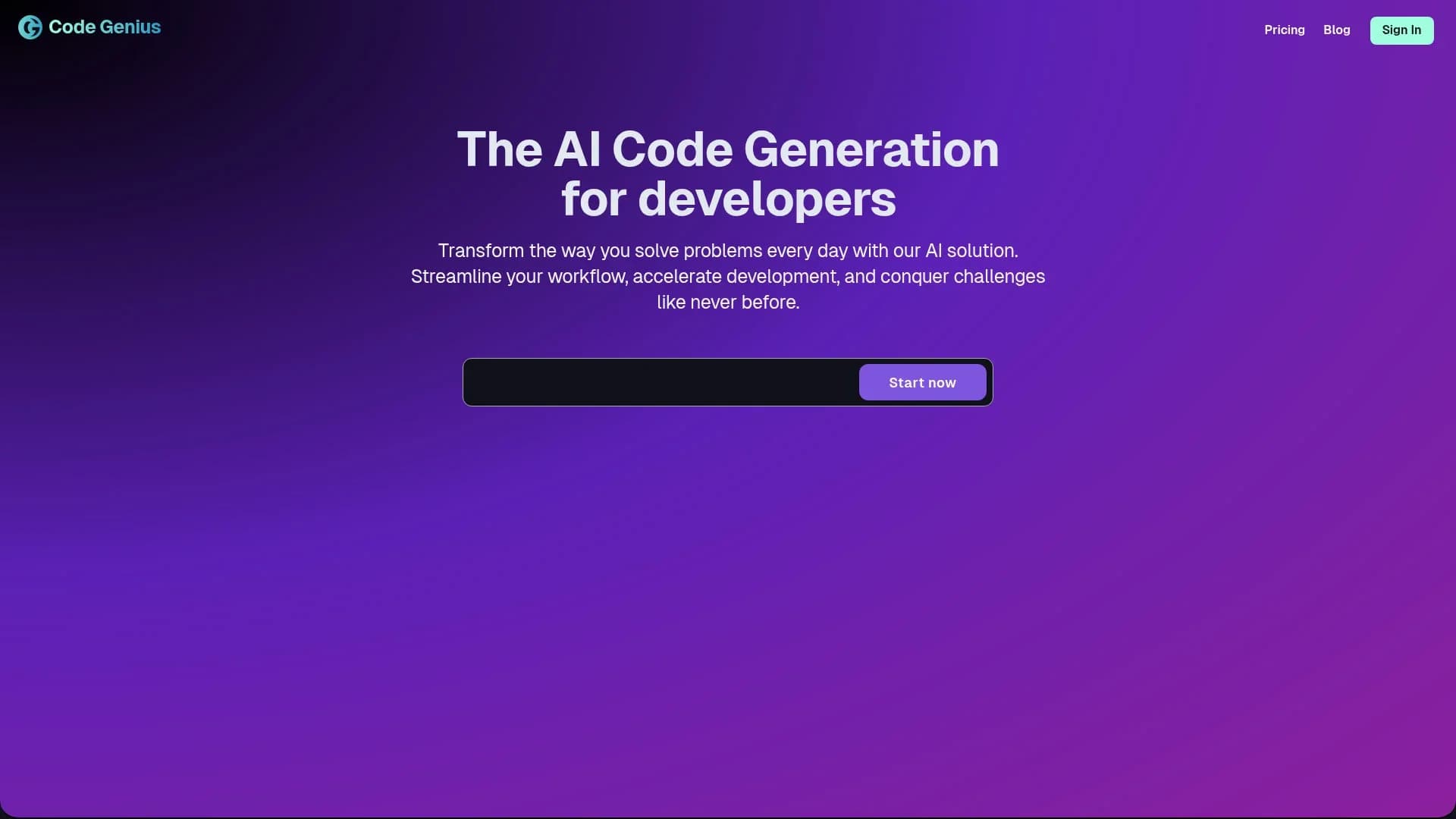
Code Genius revolutionizes the way developers approach coding by offering an AI-powered solution specifically designed for React, Vue JS, and Tailwind CSS environments. This tool is crafted to streamline workflows, accelerate development processes, and tackle coding challenges with unprecedented efficiency. By providing real-time code analysis, intelligent suggestions, and automatic unit test generation, Code Genius simplifies the coding experience for developers, ensuring their code is both clean and error-free.
Code Genius stands out with its ability to seamlessly integrate AI-driven code optimization and automated test generation, making it a game-changer for frontend development. Its unique selling point is the conversational AI buddy, which provides developers with a 24/7 coding assistant that enhances productivity and collaboration.
Code Genius offers a transformative experience for developers by merging AI technology with practical coding solutions. It provides a potent mix of intelligent code suggestions, automated testing, and a user-friendly interface that enhances productivity and code quality. Whether you're a seasoned developer or just starting, Code Genius is a valuable tool to have in your coding arsenal, helping you save time, reduce errors, and improve your overall development workflow.
Who is Using Code Genius?
Frontend Developers
Utilizing the tool for efficient and error-free coding in React and Vue JS.
Software Development Teams
Employing the tool for collaborative coding and streamlined workflows.
Tech Startups
Leveraging the AI capabilities to accelerate development cycles and minimize resource expenditure.
Freelance Developers
Using the tool to enhance productivity and code quality for client projects.
Uncommon Use Cases
Adopted by educational institutions for coding bootcamps; utilized by hobbyist developers for personal projects and learning.
Key Features
Rating Breakdown
Pricing Plans
Starter
Free
- Includes smart suggestions, Code Genius Chat, basic support, and the ability to copy code snippets
Premium
$8 per month
- Includes all Starter features plus test generation, code improvements, docs generation, and 24/7 premium support
Enterprise
- Includes all Premium features plus unlimited token usage, 24/7 chat assistant, code idea management, and enterprise support
Which Code Genius plan should you pick?
Start with Starter for basic suggestions and chat; upgrade to Premium for testing, code improvements, documentation, and priority support, or choose Enterprise for unlimited usage and dedicated support.
Starter
Good for individuals who need smart suggestions, Code Genius Chat, basic support, and code-snippet copying at no cost.
Premium
Good for developers who need automated unit tests, code improvements, documentation generation, and 24/7 premium support.
Enterprise
Good for organizations needing unlimited token usage, a dedicated chat assistant, code-idea management, and enterprise support.
Code Genius Use Cases
Generate frontend code
Ask the AI assistant for React, Vue JS, or Tailwind CSS snippets and components.
Outcome: Faster implementation of frontend features.
Generate unit tests
Use the Premium or Enterprise plan to create tests for components and functions.
Outcome: Improved test coverage with less manual test writing.
Improve and refactor code
Submit existing code for suggestions that improve quality, performance, readability, or maintainability.
Outcome: Cleaner and more maintainable code.
Create documentation
Use the documentation-generation capability to produce comments and documentation for code.
Outcome: More consistent project documentation.
Support GitHub-based development
Premium users can connect the GitHub App for synchronized workflows, code coverage, and on-the-fly testing.
Outcome: Testing and review assistance closer to the development workflow.
Workflow Ideas with Code Genius
Build and test a frontend component
- 1Describe the React or Vue component in Code Genius Chat.
- 2Copy or adapt the generated code in the project.
- 3Use Premium test generation to create coverage for the component.
Refactor and document existing code
- 1Submit the existing component or function to Code Genius.
- 2Review the suggested code improvements.
- 3Generate documentation for the revised code.
Review code through GitHub
- 1Connect the GitHub App on an eligible plan.
- 2Synchronize the repository workflow with Code Genius.
- 3Use code coverage and on-the-fly unit testing during development.
How Code Genius fits into your stack
Browser
Code Genius is accessed as a web-based coding assistant where developers use chat, suggestions, code improvement, testing, and documentation features.
Version control and code review
Premium users can connect the GitHub App for synchronized workflows, code coverage, and on-the-fly unit testing.
Pros
- +Time Efficiency: Users report saving up to 35% of development time daily, significantly boosting productivity.
- +Cost-Effective: Reduces the need for additional resources by automating complex coding tasks.
- +Enhanced Code Quality: Provides intelligent, real-time suggestions that lead to cleaner, more efficient code.
- +User-Friendly Interface: Designed with developers in mind, offering an intuitive and seamless user experience.
Cons
- −Initial Learning Curve: Some users may require time to fully leverage all advanced features.
- −Limited Language Support: Currently focused on React, Vue JS, and Tailwind CSS, which may limit its adoption for projects outside these frameworks.
Limitations & when to consider alternatives
Known limitations
- The official domain is no longer serving Code Genius. The Code Genius domain currently redirects to unrelated commercial and gambling-related content, so the original product cannot be verified there.
How to Use Code Genius
- 1
Choose a plan
Start with Starter for basic assistance, then select Premium or Enterprise when testing, documentation, or higher usage is required.
- 2
Open Code Genius Chat
Describe the coding task, ask for an explanation, or request a React, Vue JS, or Tailwind CSS solution.
- 3
Review generated code
Copy the suggested snippet into the project and check it against the project’s conventions and requirements.
- 4
Improve existing code
Provide a component or function to receive code-quality, optimization, and refactoring suggestions.
- 5
Generate tests and documentation
On Premium or Enterprise, generate unit tests and documentation for the code you are developing.
- 6
Connect GitHub when needed
Premium users can use the GitHub App to synchronize development workflows and support code coverage and on-the-fly testing.
Who is Code Genius For?
Frontend developers
Code Genius is focused on React, Vue JS, and Tailwind CSS development.
Software development teams
Teams can use the assistant to streamline coding workflows, testing, code quality, and documentation.
Tech startups
Startups can use AI assistance to accelerate development while keeping engineering workflows lean.
Freelance developers
Freelancers can use code suggestions, testing, improvements, and documentation to increase delivery speed and quality.
Coding bootcamps and students
The conversational coding assistant can provide guidance and explanations during frontend learning and practice.
Frequently Asked Questions
What is Code Genius?
Code Genius is an AI coding assistant for frontend development, providing code suggestions, chat assistance, code improvements, testing, and documentation.
Is there a free plan?
Yes. The Starter plan costs $0 per month and includes smart suggestions, Code Genius Chat, basic support, and code-snippet copying.
Which technologies does Code Genius support?
The product is focused on React, Vue JS, and Tailwind CSS development.
Can Code Genius generate unit tests?
Automated unit-test generation is included in the Premium and Enterprise plans.
Can Code Genius generate documentation?
Documentation generation is included in the Premium plan and above.
Does Code Genius integrate with GitHub?
Premium users can use the GitHub App to synchronize development workflows and support code coverage and on-the-fly unit testing.
Community reviews
Be the first to share your experience.
Sign in to leave a review for Code Genius.
Code Genius Alternatives
Looking for alternatives to Code Genius? Here are similar tools in the same category:
Learn to Master Code Genius
With Skill Leap courses
Get in-depth training on Code Genius and 50+ other AI tools with our expert-led video courses.
Start 7-Day Free Trial