ColdConvert
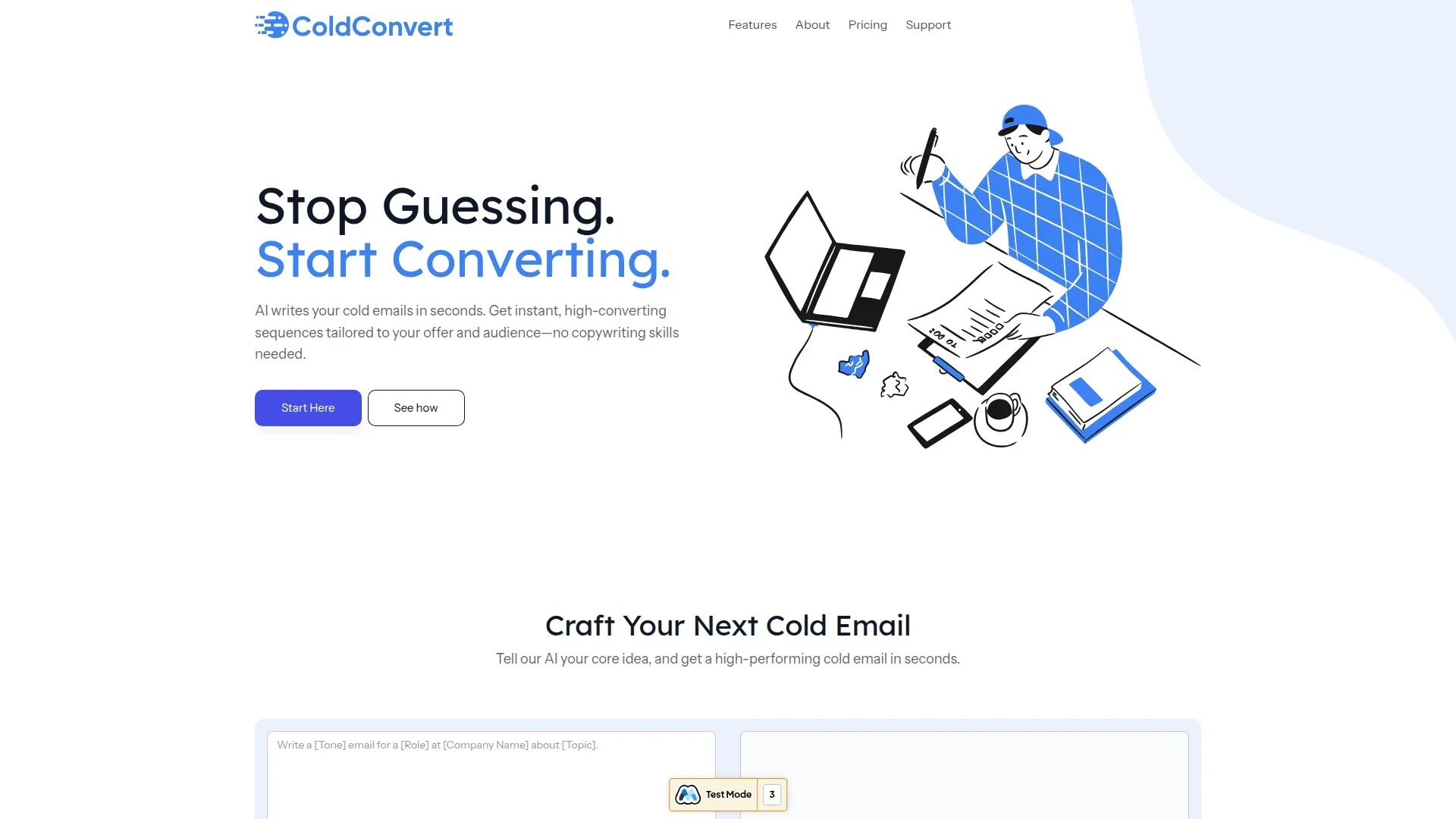
Generate personalized cold emails instantly for outreach.
Key Takeaways
- What it is
- Generate personalized cold emails instantly for outreach.
- Pricing
- Freemium · $9 per month · $29 per month
- Best for
- AI-Driven Email Crafting
- Compelling Subject Lines
- A/B Testing
- Rating
- 4.6/5
What is ColdConvert?
ColdConvert is an innovative AI tool designed to transform the way professionals craft cold emails. By leveraging advanced algorithms, it generates high-converting email sequences tailored to specific offers and audiences. This tool is a boon for freelancers, agencies, and business founders who seek to streamline their email outreach without the need for extensive copywriting skills.
ColdConvert stands out with its ability to generate personalized cold emails that are ready to send in seconds. Its distinctive feature of crafting multiple email variations with compelling subject lines and clear CTAs sets it apart, making it a valuable asset for those seeking efficient and effective email outreach.
ColdConvert offers a refreshing approach to cold email creation by minimizing the effort and maximizing the impact of outreach campaigns. Its AI-driven features and user-centric design make it a standout tool for anyone looking to enhance their email marketing efforts swiftly and effectively. Whether you're a freelancer, agency, or business owner, ColdConvert is set to be your go-to tool for crafting emails that connect and convert.
Who is Using ColdConvert?
Freelancers
Benefiting from efficient email creation to attract new clients.
Marketing Agencies
Utilizing the tool for creating engaging email campaigns.
Business Founders
Enhancing outreach strategies to expand their client base.
Sales Teams
Streamlining cold email processes to boost conversion rates.
Uncommon Use Cases
Educational institutions using it for teaching effective email marketing; Non-profits leveraging it for donor outreach.
Key Features
Rating Breakdown
Pricing Plans
Free Tier
Free
- Up to 5 AI-written cold emails
Starter Plan
$9 per month
- Includes 50 emails and additional features like priority support
Professional Plan
$29 per month
- Includes 250 emails, in-depth analytics, and custom onboarding
Which ColdConvert plan should you pick?
Start with Starter for one recruiter and 500 monthly sends; upgrade to Pro or Agency as seats, volume, directories, and onboarding needs increase.
Starter
Good for a solo recruiter who needs AI writing, candidate lists, CSV import, and 500 monthly sends.
Pro
Good for small teams needing three seats, multi-channel sequences, more sends, and guided onboarding.
Agency
Good for mid-size agencies needing ten seats, higher send volume, unlimited NPI and facility lookups, and branded domains.
Agency Pro
Good for larger recruiter groups needing 25 seats, dedicated Slack support, custom voice scripts, and white-glove launch.
Enterprise
Good for national staffing firms needing 50-plus seats, high-volume sends, ATS migration, and custom integrations.
ColdConvert Use Cases
Contract-end redeployment
Import placed travelers, monitor the 60-day contract-end window, and launch matched outreach.
Outcome: Route interested travelers back to recruiters before they go cold.
Candidate list reactivation
Upload owned candidate lists, match candidates to open healthcare roles, and review outreach.
Outcome: Reuse existing candidate data instead of starting with paid sourcing.
Travel nursing outreach
Match travel nurses by specialty, license state, timing, and open-role requirements.
Outcome: Generate qualified redeployment conversations for nursing desks.
Allied health outreach
Run outreach for imaging, therapy, laboratory, and related healthcare staffing needs.
Outcome: Maintain follow-up as allied-health clinicians approach assignment end.
Locum tenens coverage outreach
Organize coverage needs and contact clinicians around dates, specialty, state license, and credentialing requirements.
Outcome: Support urgent coverage conversations with relevant clinicians.
Workflow Ideas with ColdConvert
60-day traveler redeployment
- 1Import placed travelers with contract-end dates
- 2Add open roles and score specialty, license state, and timing fit
- 3Launch the reviewed email, SMS, and AI-voice sequence
Owned candidate-list reactivation
- 1Upload a CSV, ATS export, or manual candidate list
- 2Add open-role requirements and review the best matches
- 3Track outreach, replies, opt-outs, and booked calls
Warm AI-voice handoff
- 1Let the AI assistant identify itself and confirm interest
- 2Capture specialty, states, shift, and earliest start
- 3Book and route the follow-up call to the human recruiter
How ColdConvert fits into your stack
Browser
ColdConvert operates as a redeployment console where recruiters import rosters, add open roles, review matches, and monitor outreach.
Docs and writing
The product generates and personalizes recruiter-branded email and SMS outreach, with editable reviewed sequences and AI-assisted writing.
Knowledge and files
Recruiters upload CSV or owned candidate lists and use contract dates, specialties, license states, contact fields, and assignment data for matching.
Automation and APIs
ColdConvert automates a multi-touch email, SMS, and AI-voice cadence triggered by contract-end timing, then routes replies and call context back to recruiters.
Pros
- +Time Efficiency: Quickly generates polished emails, saving users from the hassle of starting from scratch.
- +Personalization: Delivers emails that resonate with recipients, increasing the likelihood of a positive response.
- +Cost-Effective: Offers a free tier for testing and affordable plans for scaling up outreach efforts.
- +User-Friendly Interface: Designed for ease of use, allowing users to navigate and utilize the tool with minimal learning curve.
Cons
- −Limited Free Usage: The free plan is restricted to five emails per month, which may not be sufficient for some users.
- −Integration Limitations: While it supports Zapier integration, other third-party integrations are currently limited.
- −Customization Needs: Some users might prefer more advanced customization options beyond the AI-generated drafts.
Limitations & when to consider alternatives
Known limitations
- Not a compliance product. ColdConvert provides practical guardrails but makes no legal-compliance guarantee; the agency remains the sender of record.
- Consent remains the agency's responsibility. The agency handles A2P 10DLC registration, consent capture, internal records, and final list decisions.
- No credential or license verification. ColdConvert can use license state and specialty for matching, but verification and placement checks remain with the agency.
- AI voice has defined boundaries. The assistant does not quote pay rates or guarantee placement.
- SMS requires opt-in controls. Marketing SMS is gated by consent, STOP suppression, quiet hours, and sender-readiness controls.
Look elsewhere when
- You need license or credential verification inside the platform.
- You need guaranteed legal compliance from the software.
- You need full ATS integration before proving the workflow.
How to Use ColdConvert
- 1
Add open jobs
Enter specialty, facility, states, start date, and other role details so ColdConvert can score opportunities.
- 2
Import your roster
Upload travelers or candidate lists with contract-end, specialty, license-state, contact, and assignment fields.
- 3
Review matches
Inspect the highest-scoring candidates and matched roles before outreach is approved.
- 4
Launch the sequence
Use the reviewed email, SMS, and AI-voice cadence to contact candidates at the appropriate stage.
- 5
Monitor responses
Track replies, opt-outs, booked calls, redeployment status, and channel usage.
- 6
Complete recruiter handoff
Follow up from the recruiter's inbox and calendar with the conversation history and next action attached.
Who is ColdConvert For?
Travel nurse agencies
Designed for agencies managing placed travelers, contract-end dates, and high-value nursing specialties.
Allied health desks
Supports imaging, therapy, laboratory, and other allied-health redeployment workflows.
Ops-minded owners
Fits leaders seeking repeatable redeployment, sender setup, suppression, and recruiter follow-up.
Frequently Asked Questions
What triggers a sequence?
A placed traveler's contract-end date entering the 60-day window triggers the sequence.
What communication channels does ColdConvert use?
ColdConvert uses reviewed email, SMS, and AI-voice steps to re-engage placed clinicians.
Where do replies go?
Replies route to the human recruiter who placed the traveler, with message and call context.
Does ColdConvert send as ColdConvert?
No. Touches use the agency name and recruiter's voice; ColdConvert appears only in the legal footer.
Is the AI voice call disclosed?
Yes. The assistant identifies itself as AI in its first sentence.
Do users need to write the outreach copy?
No. The five-touch sequence is pre-written and personalized with matched roles, and users can edit it.
Community reviews
Be the first to share your experience.
Sign in to leave a review for ColdConvert.
ColdConvert Alternatives
Looking for alternatives to ColdConvert? Here are similar tools in the same category: