
ContentBot
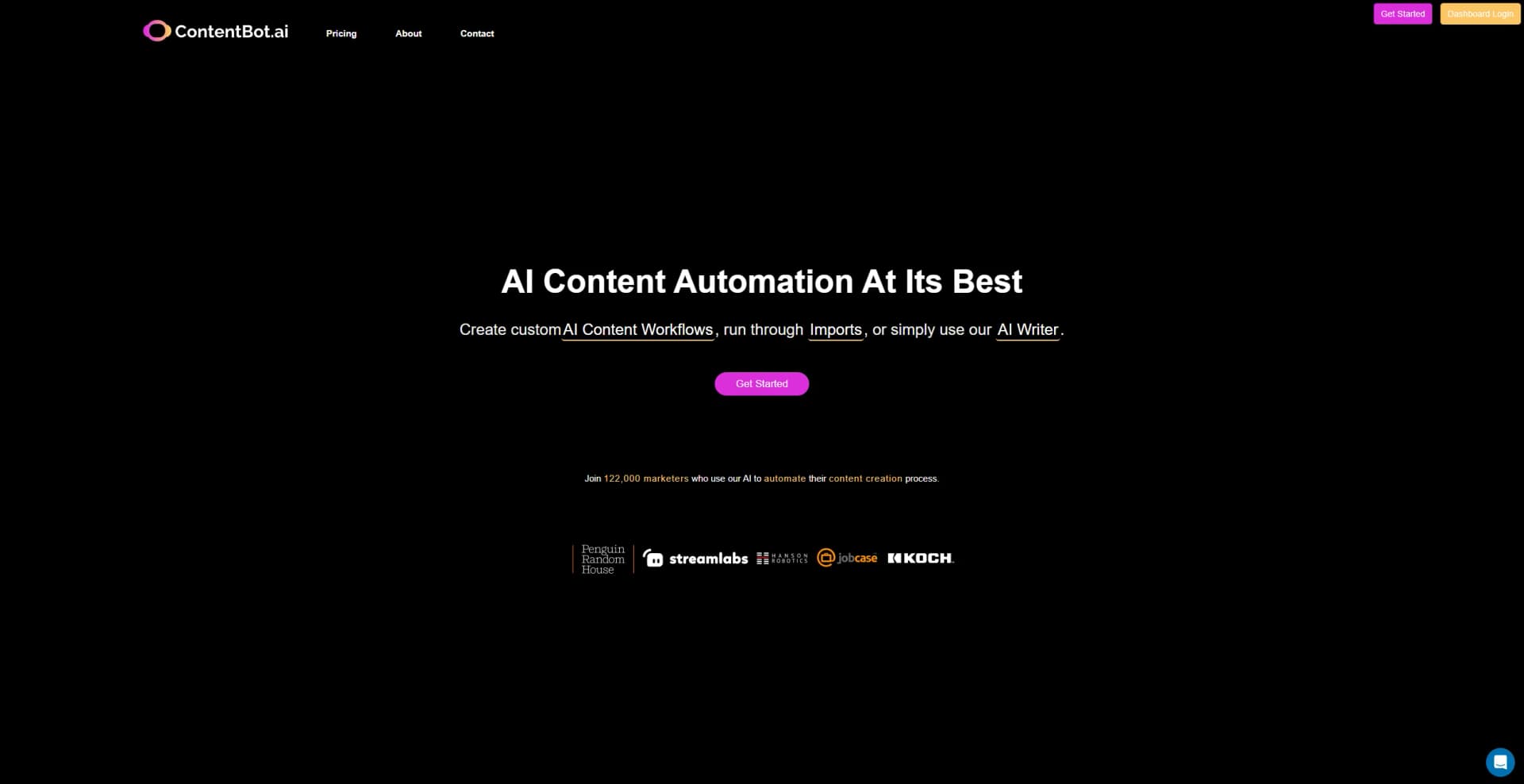
AI-driven content creation, automating workflows in 110+ languages, ensuring originality.
Key Takeaways
- What it is
- AI-driven content creation, automating workflows in 110+ languages, ensuring originality.
- Pricing
- $19/month · $59/month · $99/month
- Best for
- AI Content Flows
- Import Feature
- AI Writer
- Rating
- 4.6/5
What is ContentBot?
In the rapidly evolving landscape of digital marketing and content creation, finding tools that can significantly enhance productivity and creativity is crucial. Enter ContentBot, a powerful AI-driven platform designed to revolutionize the way we approach content creation. From automating intricate content workflows to providing a seamless user experience for generating blog posts, marketing copy, and even eCommerce content, ContentBot stands out as a versatile ally for a wide array of creators. Whether you're a digital marketer, content marketer, founder, or copywriter, ContentBot aims to turbocharge your content output, making it an indispensable tool in your digital toolkit.
ContentBot distinguishes itself with its comprehensive AI Content Flows and Import feature, allowing users to automate virtually any type of content creation process. Its support for over 110 languages facilitates global reach, while the emphasis on generating unique content ensures originality and creativity. The tool's versatility and adaptability to various content needs make it a standout choice for content creators across the board.
ContentBot emerges as a leading solution in AI content creation, offering an extensive range of features that cater to a diverse user base. Its ability to automate content workflows, support for over 110 languages, and focus on generating unique content position it as an essential tool for marketers, bloggers, and businesses aiming to enhance their content output. With its user-friendly interface, comprehensive support resources, and flexible pricing plans, ContentBot is poised to transform the content creation landscape, making it a highly recommended tool for anyone looking to streamline their content production process.
Who is Using ContentBot?
Digital Marketers
For generating high-quality blog posts and copy.
Content Marketers
To increase content output with the Flows feature and AI Importer tool.
Founders & Entrepreneurs
For rapid content creation to support business growth.
Copywriters
To generate more persuasive and engaging copy.
SEO Specialists
For creating optimized content that ranks well on search engines.
Bloggers
To increase blogging output with ease, using the web app, Chrome extension, or WordPress plugin.
Uncommon Use Cases
Educational institutions for creating course materials; Freelancers for generating varied content efficiently.
Key Features
Rating Breakdown
Pricing Plans
Starter Plan
$19/month
- 50,000 words/mo
- Offering a comprehensive suite of AI writing tools
Premium Plan
$59/month
- 150,000 words/mo
- Ideal for startups and content marketers
Premium+ Plan
$99/month
- 400,000 words/mo
- Designed for agencies requiring high-volume content creation
Which ContentBot plan should you pick?
Start with Starter for regular low-volume content generation, then upgrade to Premium or Premium+ for higher monthly volume, more workflows, and larger imports.
Prepaid
Good for occasional users who need pay-as-you-go access rather than a recurring subscription.
Starter
Good for individuals getting started with AI content and needing 50,000 words per month.
Premium
Good for startups and content marketers needing 150,000 words per month, three AI Workflows, and imports up to 50 rows.
Premium+
Good for agencies needing 400,000 words per month, unlimited AI Workflows, and imports up to 500 rows.
ContentBot Use Cases
Blog content
Generate full blog posts, topics, introductions, outlines, and expanded bullets.
Outcome: More complete blog content with less manual writing.
Marketing copy
Create ad copy, brand names, slogans, product descriptions, and marketing ideas.
Outcome: A larger volume of marketing assets.
Landing pages
Generate copy for landing pages with the AI landing-page creator.
Outcome: Landing-page copy produced quickly.
E-commerce content
Use the Importer to create product descriptions at scale.
Outcome: Bulk product-description generation.
Multilingual content
Generate or translate content into more than 110 languages.
Outcome: Content suitable for additional markets.
Workflow Ideas with ContentBot
Generate and save a document
- 1Add an instruction prompt in an Instruct node
- 2Generate the requested content
- 3Send the output to a Create Document node
Create and translate content
- 1Generate content with an Instruct node
- 2Translate it with the Translate node
- 3Save the translated output as a new document
WordPress post to ContentBot document
- 1Trigger the workflow from a new WordPress post
- 2Map the WordPress title and HTML into a ContentBot document action
- 3Publish the Zap and review the resulting document in ContentBot
How ContentBot fits into your stack
WordPress Plugin
Seamlessly integrate with WordPress for direct content publishing.
Chrome Extension
Offers a Chrome extension for easy access and content creation across the web.
API Access
Developers can utilize ContentBot's API for custom integrations and applications.
Multiple Language Support
Compatible with over 110 languages, enabling content creation for diverse audiences.
Pros
- +Time-Saving: Significantly reduces the time required for content creation, allowing users to focus on strategic growth.
- +Cost-Effective: Offers various pricing plans suitable for different needs, making it an affordable option for content automation.
- +Ease of Use: The user-friendly interface and drag-n-drop AI Writer facilitate a smooth content creation process.
- +Versatility: Caters to a wide range of content needs, from blog posts and marketing copy to eCommerce descriptions.
Cons
- −Learning Curve: New users may require some time to fully grasp the extensive features and maximize the tool's potential.
- −Language Limitations: While supporting over 110 languages, the quality of content might vary depending on the language and complexity of the topic.
- −Dependency on AI: Requires a level of oversight for fact-checking and fine-tuning the generated content to ensure accuracy and relevance.
Limitations & when to consider alternatives
Known limitations
- Generation rate limits. ContentBot limits users to 9 generations per minute or 45 generations per hour.
- Refund eligibility. The 7-day money-back guarantee excludes accounts that used more than 15% of allocated credits.
- Content-policy restrictions. Medical content, legal advice, and certain financial-advice content are disallowed.
- Moderation and monitoring. ContentBot states that user inputs and outputs are stored and analyzed for policy enforcement.
- Import row limits by plan. The pricing page lists 50-row imports for Premium and 500-row imports for Premium+.
Look elsewhere when
- You need a native mobile app.
- You need SSO or SAML authentication.
- You need image analysis or vision input.
- You need a general-purpose coding assistant.
How to Use ContentBot
- 1
ContentBot provides a range of tutorials and resources on its website to help users get started and make the most of its features. From basic setup to advanced content automation strategies, these resources are invaluable for maximizing the tool's potential.
Who is ContentBot For?
Digital marketers
Create high-quality blog posts and marketing copy for customers.
Content marketers
Increase content output with Flows and the AI Importer.
Founders
Use an AI writer to create content faster.
Copywriters
Generate persuasive marketing and product copy.
SEO specialists
Create content intended to improve search rankings.
Frequently Asked Questions
Is the content unique?
ContentBot says 95% of generated content is unique and provides a uniqueness score for longer-form content.
How is the content generated?
ContentBot uses multiple AI models, including OpenAI models, to generate content from user inputs.
Who retains the copyright?
The user retains copyright over content generated by ContentBot.
What languages do you support?
ContentBot supports languages supported by Google Translate and advertises generation in more than 110 languages.
How much does this cost?
Plans include prepaid usage at $0.50 per 1,000 words, Starter at $9/month, Premium at $29/month, and Premium+ at $49/month.
Is there a discount for non-profits?
ContentBot says non-profits should contact the company about discounts.
Community reviews
Be the first to share your experience.
Sign in to leave a review for ContentBot.
ContentBot Alternatives
Looking for alternatives to ContentBot? Here are similar tools in the same category:
Learn to Master ContentBot
With Skill Leap courses
Get in-depth training on ContentBot and 50+ other AI tools with our expert-led video courses.
Start 7-Day Free Trial