
Contents
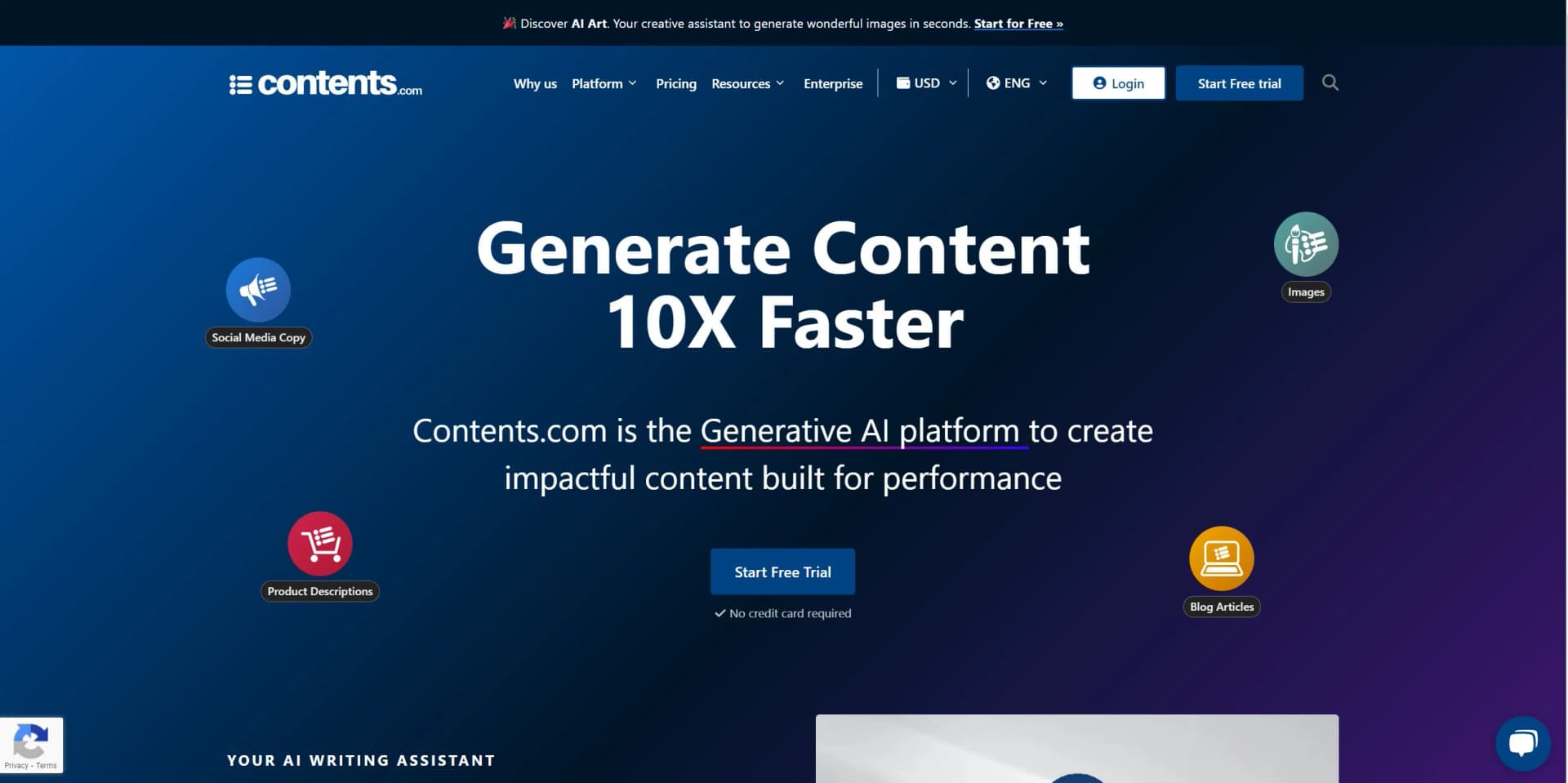
Contents is the Generative AI platform to create impactful content built for performance
Watch Contents in Action
Key Takeaways
- What it is
- Contents is the Generative AI platform to create impactful content built for performance
- Pricing
- Freemium
- Best for
- AI Writer
- AI Art
- Audio ↔ Text
- Rating
- 4.4/5
What is Contents?
Contents is an innovative Generative AI platform designed to revolutionize the way content is created. With a suite of tools aimed at enhancing efficiency and performance, Contents is a game-changer for businesses, bloggers, marketing teams, and publishers, among others. The platform simplifies content creation, offering a range of features from AI writing and art to audio-text conversions and translations.
Contents stands out with its comprehensive suite of AI-powered content creation tools. Its ability to generate any type of content in just a few seconds sets it apart, making it an essential tool for anyone involved in content creation.
Contents excels at streamlining the content creation process, making it an essential tool for businesses, bloggers, marketing teams, and publishers. Its unique suite of AI-powered tools, in particular, offers unmatched efficiency and versatility in content creation.
Who is Using Contents?
Marketing Teams
Using Contents to create engaging content for their target audience.
E-commerce Businesses
Leveraging Contents for original product descriptions to boost online sales.
Publishers
Employing Contents to streamline the creation of various types of content.
Web Agencies
Using Contents to meet their customers' content needs efficiently.
Bloggers
Utilizing Contents for SEO-optimized blog posts to maximize audience engagement.
Large Corporations
Adopting Contents for large-scale content strategies.
Uncommon Use Cases
Used by educational institutions for teaching marketing courses; Utilized by freelance photographers for creating original images.
Key Features
Rating Breakdown
Pricing Plans
Free Tier
Free
- Experience Contents with a 7-day free trial
Pro Tier
- The Pro Tier pricing details are available on request
Which Contents plan should you pick?
Start with Freemium for occasional use, move to Starter for broader AI marketing tools, and upgrade to Pro for higher-volume or team-oriented content operations.
Freemium
Good for users who want to test AI Writer and AI Art with up to 8 generations per day.
Starter
Good for individuals and smaller teams who need broader AI content tools and higher usage limits.
Pro
Good for agencies and marketing teams that need full functionality, larger-scale production, and collaboration.
Contents Use Cases
Product Descriptions and E-commerce
Generate product descriptions, category pages, and SEO content for large product catalogs.
Outcome: Localized, retailer-compliant product content at scale.
Social Media and Campaigns
Create on-brand social content across channels, languages, and markets.
Outcome: Consistent content approved and published faster.
Investor Relations and Financial Reports
Prepare quarterly reports, LP communications, and ESG documentation.
Outcome: Compliant, personalized, multilingual financial communications.
Internal Communications and HR
Produce onboarding materials, company policies, and training documentation.
Outcome: Consistent employee communications across regions and languages.
Legal and Compliance
Review claims and coordinate regulatory documentation across jurisdictions.
Outcome: Automated compliance checks and auditable decisions.
Workflow Ideas with Contents
Brief-to-Published Campaign
- 1Create a campaign brief and define brand guidelines.
- 2Generate copy and visual assets with AI Writer and AI Art.
- 3Share content for team review, approval, and publication.
Multilingual Product Catalog
- 1Upload or provide product information and retailer requirements.
- 2Generate product descriptions and localized versions.
- 3Review content for brand and compliance standards before distribution.
Document-to-Summary Workflow
- 1Upload a PDF, DOC, DOCX, or TXT source document.
- 2Select summary length, point of view, brand voice, and output language.
- 3Generate and refine the condensed overview.
How Contents fits into your stack
API Access
Developers can harness Contents's API for custom integrations.
Third-Party Integration
Supports integration with various third-party tools.
Pros
- +Efficiency: Streamlines content creation process, saving time and effort.
- +Versatility: Offers a wide range of content creation tools, from writing and art to audio and translation.
- +Localization: Supports translation into multiple languages, enabling businesses to reach a global audience.
- +Professional Services: Provides access to professional copywriters and proofreaders for high-quality content.
Cons
- −Complexity: The wide range of features may be overwhelming for first-time users.
- −Pricing: The cost may be high for small businesses or individual users.
- −Limited Integrations: The platform may not integrate with all third-party tools or software.
Limitations & when to consider alternatives
Known limitations
- Freemium usage limit. The Freemium Plan is limited to 8 generations per day.
- Fair usage restrictions. Contents may restrict users whose usage exceeds defined thresholds for extended periods.
- Limited advanced AI Art languages. AI Art lists English, Spanish, French, German, Italian, and Brazilian Portuguese as its premium languages.
- Supported Summary upload formats. The documented Summary tool accepts PDF, DOC, DOCX, and TXT files.
- No documented native mobile app. The official companion page documents Windows and MacOS downloads and a Chrome extension, but not an iOS or Android app for Contents.com.
Look elsewhere when
- You need a native iOS or Android app.
- You need explicit AES-256, TLS, or encryption-at-rest documentation.
- You need image analysis rather than image transformation.
- You need fine-tuning or weight-changing model training on your data.
How to Use Contents
- 1
Explore the comprehensive tutorial series on the official Contents website, covering everything from basic setup to advanced features of Contents.
Who is Contents For?
Marketing Teams
Create and manage campaigns, social content, blog posts, and newsletters across multiple channels and markets.
E-commerce and Product Teams
Generate localized product descriptions, category pages, and sell-in packages for thousands of SKUs.
Brand and Creative Teams
Maintain brand governance and consistency across markets, languages, and touchpoints.
Investor Relations and Finance
Prepare multilingual quarterly reports, LP communications, ESG documentation, and audit-ready content.
HR and Internal Communications
Create onboarding materials, policies, and training documentation consistently across regions and departments.
Frequently Asked Questions
Does Contents.com offer a free plan?
Yes. The Freemium Plan provides 8 generations per day and includes AI Writer and AI Art tools.
What languages does Contents.com support?
AI Writer supports over 25 languages, with advanced support for English, Spanish, French, German, Italian, and Brazilian Portuguese.
What can Contents.com AI Writer create?
AI Writer can create SEO articles, advertising and social media copy, e-commerce descriptions, website copy, summaries, rewrites, and improved text.
Can Contents.com process uploaded documents?
Yes. Its Summary tool accepts PDF, DOC, DOCX, and TXT documents as source material.
What is Contents.com AI Art?
AI Art creates images from text prompts or another image and supports text-to-image and image-to-image generation.
Can I invite other users?
Yes. Account settings include a Users section where administrators can invite people by email.
Community reviews
1 review from people who use Contents.
Sign in to leave a review for Contents.
David Thompson
Contents Alternatives
Looking for alternatives to Contents? Here are similar tools in the same category:
Learn to Master Contents
With Skill Leap courses
Get in-depth training on Contents and 50+ other AI tools with our expert-led video courses.
Start 7-Day Free Trial