Converse Now
AI phone and drive-through ordering built for busy restaurant brands.
Key Takeaways
- What it is
- AI phone and drive-through ordering built for busy restaurant brands.
- Pricing
- $299 per month
- Best for
- Phone Order AI
- Drive-Thru Automation
- SMS AI Conversations
- Rating
- 4.2/5
What is Converse Now?
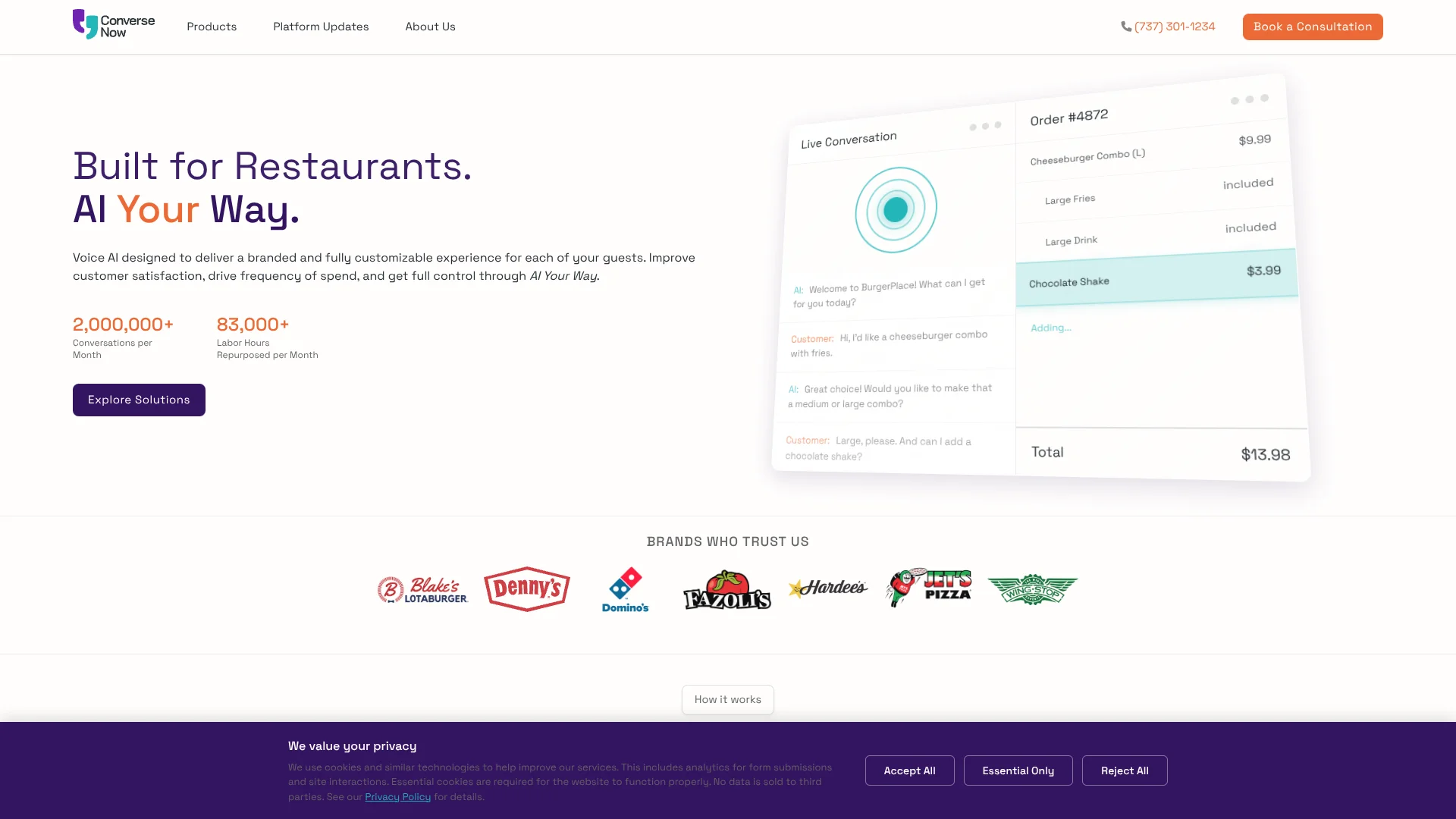
ConverseNow takes restaurant orders through phone calls, drive-thrus, text messages, and ordering flows in mobile apps or kiosks. Its AI follows a restaurant’s menu and service process, then sends orders into connected restaurant systems. It is built for restaurant operators who want to handle busy ordering channels without adding equivalent order-taking workload.
Restaurant teams can shape the AI around their brand, including its tone, local menu and pricing, upsell rules, and coupon handling. That lets it follow store-specific ordering choices rather than rely on a generic script. ConverseNow also supports multiple languages and connects with named restaurant POS and ordering partners.
The fit is strongest for restaurant brands managing high call volume, drive-thru traffic, or app and kiosk ordering; ConverseNow names owners, operators, frontline staff, and guests as the people it serves. Its public site does not show plan prices or self-serve signup, so evaluation starts with a consultation. Choose it when restaurant order-taking is the AI job, not general customer support.
Who is Using Converse Now?
Restaurant Operations Leaders
Labor relief and ordering-channel coverage help them manage service across locations.
Drive-Thru Managers
Real-time visibility and order-accuracy tracking help them monitor drive-thru service.
Customer Experience Leaders
Brand tone and multilingual voice support help shape how guests experience ordering.
Restaurant Marketing Managers
Upsell rules, coupons, and promotional messages support store-specific campaigns.
Restaurant Technology Teams
POS and ordering integrations connect AI orders with existing restaurant systems.
Uncommon Use Cases
Localized coupon handling across stores; text messages for order-status updates.
Key Features
Rating Breakdown
Pricing Plans
Free Trial
- Experience Converse Now with a 30-day free trial
Standard Plan
$299 per month
- Basic features
Enterprise Solution
- Custom pricing based on the specific needs and scale of the business
Converse Now Use Cases
Phone Order Taking
Incoming calls become guided conversations that capture restaurant orders and send them into connected systems.
Outcome: More phone orders handled without staff taking each call.
Drive-Thru Ordering
AI takes orders at the drive-thru while teams can review real-time analytics and order accuracy.
Outcome: Reduced wait times and increased throughput, as described by ConverseNow.
Text-Based Ordering
Customers can order, get status updates, and receive promotional messages through SMS conversations.
Outcome: Customers can place orders and get updates by text.
App and Kiosk Ordering
The Order Injection API brings AI-powered ordering into a restaurant’s mobile app or kiosk.
Outcome: Real-time ordering through connected apps and kiosks.
Localized Upselling
Store-specific rules can guide when the AI offers add-ons, coupons, or discounts.
Outcome: Offers that follow the restaurant’s configured rules.
Workflow Ideas with Converse Now
Handle a Phone Order
- 1Configure the AI with the restaurant’s menu and ordering flow.
- 2Set the brand tone and any upsell rules.
- 3Connect the ordering system so captured orders reach restaurant staff.
Support Drive-Thru Service
- 1Set up the drive-thru ordering experience for the restaurant.
- 2Connect the POS and order-confirmation process.
- 3Review real-time analytics and order-accuracy tracking.
Run an SMS Promotion
- 1Configure the restaurant’s promotional messaging.
- 2Handle customer orders or questions through SMS conversations.
- 3Send order-status updates by text.
How Converse Now fits into your stack
Phone and Drive-Thru
The AI handles voice ordering on calls and at drive-thrus, where staff would otherwise take orders directly.
Texts and Promotions
SMS AI Conversations support text orders, customer support, promotions, and order-status updates.
Restaurant POS and Ordering
Named integration partners include Brink, Fiserv, Focus, ItsaCheckmate, NCR Aloha, Olo, PAR, Qu, and Xpient.
Apps and Kiosks
The Order Injection API is designed to connect AI ordering with restaurant mobile apps and kiosks.
Pros
- +Restaurant-specific ordering: The AI is configured around menus, promotions, and ordering flows.
- +Multiple order channels: Phone, drive-thru, SMS, apps, and kiosks are covered by its product lineup.
- +Named integration partners: The site lists restaurant systems including Brink, NCR Aloha, Olo, and PAR.
- +Multilingual voice: Guests can place voice orders in their preferred supported language.
Cons
- −Sales-led evaluation: Prospects are directed to book a consultation rather than start a self-serve account.
- −Narrow focus: Its features center on restaurant ordering, not general-purpose AI tasks.
Limitations & when to consider alternatives
Known limitations
- Restaurant systems are required. The terms say customers must maintain their own IT systems and provide access and cooperation needed for ConverseNow to deliver the service.
- No public plan prices. The public site directs prospects to a consultation and does not list plan prices.
Look elsewhere when
- You need a general-purpose AI tool for work beyond restaurant ordering.
- You want a self-serve product with publicly listed monthly plans.
How to Use Converse Now
- 1
Book a Consultation
Start through ConverseNow’s consultation request to discuss the restaurant’s needs and see a product demo.
- 2
Choose the Ordering Channels
Identify whether phone, drive-thru, SMS, app, or kiosk ordering is the focus.
- 3
Set the Restaurant Experience
Work through menu, workflow, language, tone, and localization choices for the brand.
- 4
Configure Offers
Set rules for upsells, coupons, and discounts to match the restaurant’s policies.
- 5
Plan the System Connections
Review the listed POS and ordering partners to determine how orders will reach the restaurant’s systems.
Who is Converse Now For?
Restaurant Brands
Brands can adapt ordering conversations to their menus, promotions, and service style.
Quick-Service Restaurants
Phone and drive-thru ordering features target busy, high-volume service.
Full-Service Restaurants
Phone ordering and text conversations can help manage customer orders and questions.
Regional and Mid-Sized Operators
The company says its offering expanded to serve mid-sized and regional restaurant brands.
Frequently Asked Questions
How much does ConverseNow cost?
The public site does not list plan prices. Its terms say subscription fees are set in an order form or invoice.
What can ConverseNow handle?
Its product lineup covers phone orders, drive-thru automation, SMS conversations, and AI ordering for apps and kiosks.
Which restaurant systems does ConverseNow integrate with?
The site names Brink, Fiserv, Focus, ItsaCheckmate, NCR Aloha, Olo, PAR, Qu, and Xpient as integration partners.
Does ConverseNow support multiple languages?
Yes. The company describes multilingual voice support and shows an example of Spanish-language ordering.
Community reviews
Be the first to share your experience.
Sign in to leave a review for Converse Now.
Converse Now Alternatives
Looking for alternatives to Converse Now? Here are similar tools in the same category: