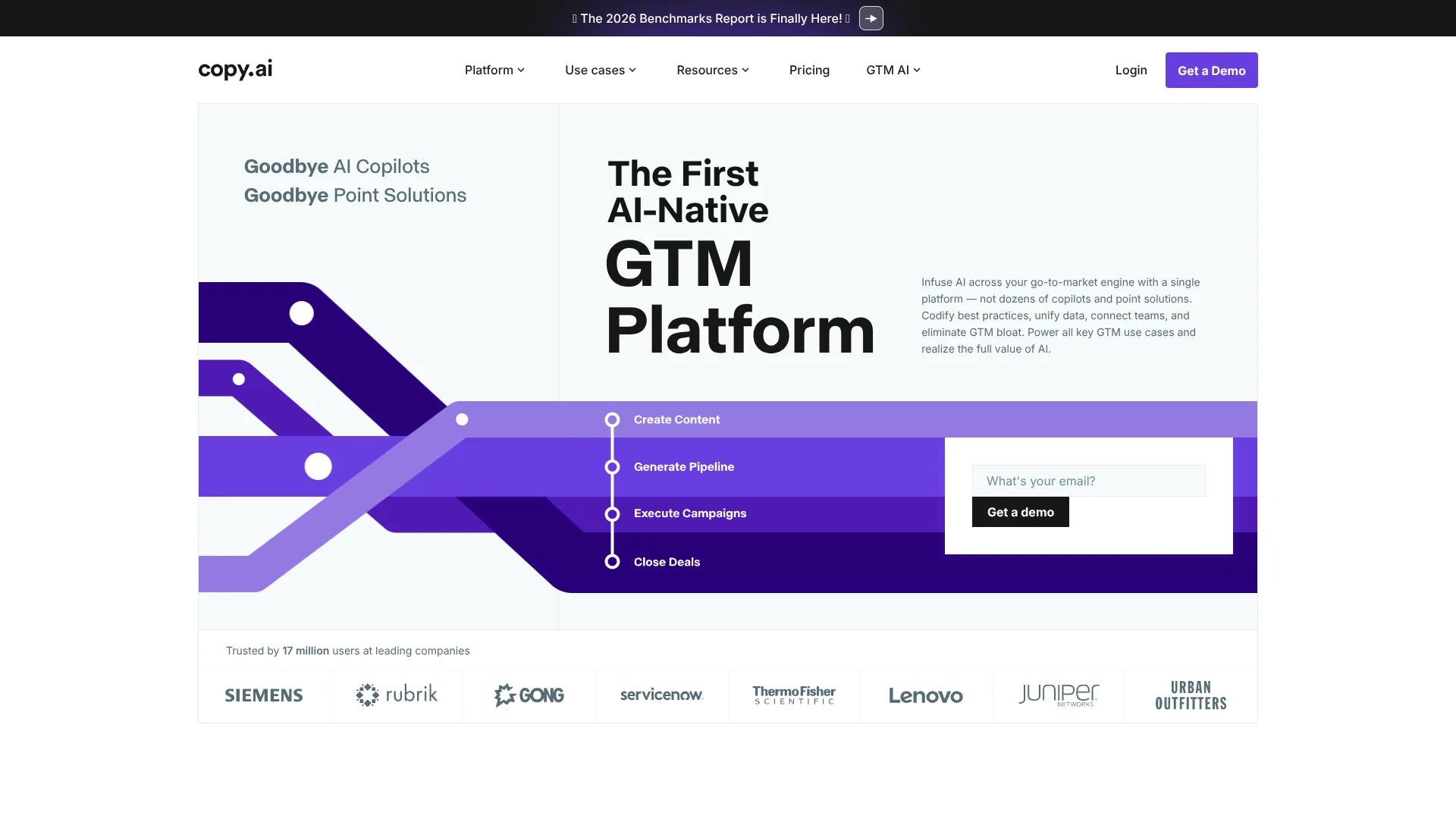
Copy.ai
Repeatable AI workflows for sales and marketing teams bringing products to market.
Watch Copy.ai in Action
Key Takeaways
- What it is
- Repeatable AI workflows for sales and marketing teams bringing products to market.
- Pricing
- $29 per month · $1,000 per month · $2,000 per month · $3,000 per month
- Best for
- Workflows
- AI Actions
- Infobase
- Rating
- 4.2/5
What is Copy.ai?
Copy.ai helps sales and marketing teams turn repeatable go-to-market work into AI-assisted workflows. A workflow can research an account, draft tailored outreach, and pass information to connected business tools. For people new to AI, the practical appeal is that they can start with Chat for one-off writing, then build repeatable processes as their needs grow.
Copy.ai’s Infobase stores company and product information that teams can reference in Chat and workflows, so generated material can draw on their own business context instead of relying only on a prompt.
It fits teams that want to coordinate sales and marketing tasks around shared processes, but workflow credits vary with the work each run performs. Copy.ai is most useful when your team wants AI to follow a repeatable go-to-market process, not only draft standalone copy.
Who is Using Copy.ai?
Sales Development Representatives
Prospect research and personalized outreach drafts help prepare relevant first touches.
Demand Generation Managers
Inbound lead workflows can enrich and research new leads before follow-up.
Content Marketers
Chat, Brand Voice, and Infobase support drafts that reflect company messaging.
Sales Operations Managers
Workflow steps can connect research and process automation with tools such as Salesforce.
Uncommon Use Cases
Translate marketing copy for localization; turn source documents into a set of FAQs.
Key Features
Rating Breakdown
Pricing Plans
Chat
$29 per month
- Billed monthly, or $24 per month billed annually at $288 per year.
- 5 seats.
- Unlimited words in Chat and unlimited Chat projects.
- Access to OpenAI, Anthropic, and Gemini models.
Growth
$1,000 per month
- Billed monthly, or $12,000 per year.
- 75 seats.
- 20,000 workflow credits per month.
- Unlimited words in Chat.
Expansion
$2,000 per month
- Billed monthly, or $24,000 per year.
- 150 seats.
- 45,000 workflow credits per month.
- Unlimited words in Chat.
Scale
$3,000 per month
- Billed monthly, or $36,000 per year.
- 200 seats.
- 75,000 workflow credits per month.
- Unlimited words in Chat.
Enterprise
- Includes guided jumpstart implementation.
- Includes API access and bulk workflow runs.
- Includes unlimited customizable workflows and a designated account and support team.
Which Copy.ai plan should you pick?
Start with Chat for AI writing and model access, then consider Growth or a higher workflow plan when your team needs monthly workflow credits and repeatable automation.
Chat
Good for small teams that need shared AI chat, unlimited words in Chat, and access to OpenAI, Anthropic, and Gemini models.
Growth
Good for businesses that need 75 seats and 20,000 workflow credits per month.
Expansion
Good for organizations that need 150 seats and 45,000 workflow credits per month.
Scale
Good for organizations that need 200 seats and 75,000 workflow credits per month.
Enterprise
Good for organizations seeking guided implementation, API access, bulk workflow runs, and a designated account and support team.
Copy.ai Use Cases
Account Prospecting
Account and contact research gives sales reps background for more relevant outreach.
Outcome: Research-informed sales messages.
Inbound Lead Processing
A workflow can enrich and research marketing-generated leads before they reach sales.
Outcome: Faster lead follow-up.
Marketing Content Drafting
Chat and company context help produce drafts for SEO, social, and thought leadership.
Outcome: First drafts for marketing content.
Deal Coaching
Sales transcript analysis can surface deal insights, suggested strategies, and predicted close dates.
Outcome: Deal insights for sales teams.
Translation and Localization
AI translation helps teams prepare marketing content for different language markets.
Outcome: Translated copy.
Workflow Ideas with Copy.ai
Research an Account and Draft Outreach
- 1Enter the target account details.
- 2Research the company and relevant contacts.
- 3Draft outreach using the findings and your Infobase context.
Prepare an Inbound Lead for Follow-Up
- 1Start with a new marketing lead.
- 2Enrich and research the lead.
- 3Prepare relevant information for sales follow-up.
Turn a Document into FAQs
- 1Provide the document text.
- 2Run the FAQ-building workflow.
- 3Review and edit the generated questions and answers.
How Copy.ai fits into your stack
Chat and Content
Chat supports one-off sales and marketing writing. Infobase and Brand Voice add company context and style guidance.
Sales and Marketing Workflows
Workflows connect AI actions into repeatable processes for research, content creation, and other go-to-market tasks.
CRM and Business Tools
Actions can connect Copy.ai workflows with tools such as Salesforce, Google Docs, and Slack.
API and Enterprise Operations
The Enterprise plan lists API access and bulk workflow runs for organizations connecting Copy.ai to their systems.
Pros
- +Repeatable processes: Workflows can turn a team's research and content steps into reusable processes.
- +Company context: Infobase lets teams refer back to stored brand and product information.
- +Model choice: The Chat plan includes access to OpenAI, Anthropic, and Gemini models.
- +Sales and marketing focus: Examples include prospect research, lead processing, content creation, and deal coaching.
Cons
- −Workflow plan cost: Growth starts at $1,000 per month, which may be a steep step for small teams.
- −Credit tracking: The number of credits a workflow run uses depends on the steps and content it produces.
- −Desktop-centered access: No official Copy.ai mobile app was confirmed.
Limitations & when to consider alternatives
Known limitations
- Workflow credit use varies. Copy.ai says credit use depends on workflow complexity, including the steps and content generated.
- API access is listed for Enterprise. The pricing page includes API access and bulk workflow runs with Enterprise, rather than the self-serve Chat plan.
- Custom Actions are not available. Copy.ai's AI Actions page says users cannot build custom actions yet.
Look elsewhere when
- You need a native mobile app for work on the go.
- Your team needs to build its own custom workflow actions.
- You want an API on a self-serve plan.
How to Use Copy.ai
- 1
Start with Chat
Try the free Chat experience for a one-off marketing or sales draft before setting up workflows.
- 2
Add Company Context
Save brand guidelines, product information, or positioning documents in Infobase so prompts can draw on them.
- 3
Set Your Brand Voice
Describe your preferred brand personality to guide the style of generated content.
- 4
Choose a Workflow
Start with a template or a repeatable process such as account research or content creation.
- 5
Review the Workflow Steps
Check what each action researches, generates, or sends to another tool before using it with live work.
- 6
Track Credit Use
Check the workflow run details to see how many credits a run used, since usage depends on the work performed.
Who is Copy.ai For?
Sales Teams
Prospecting research and tailored outreach workflows can help reps prepare for account conversations.
Marketing Teams
Chat and workflows support drafting content for SEO, social media, campaigns, and other marketing work.
Go-to-Market Teams
Shared workflows can carry a company's sales and marketing practices across multiple roles.
Enterprise Organizations
The Enterprise offering includes guided implementation, customizable workflows, and a designated account and support team.
Frequently Asked Questions
Is Copy.ai free?
Copy.ai offers a free Chat experience. Its pricing page lists paid Chat and workflow plans.
How much does Copy.ai cost?
The Chat plan is $29 per month when billed monthly, or $24 per month billed annually at $288 per year. Growth, Expansion, and Scale are higher-priced workflow plans.
What are Workflow credits?
Credits measure the computing used by workflow tasks such as generating content, researching the internet, or scanning websites. Credit use varies by workflow.
Can Copy.ai connect to other tools?
Yes. Its actions and integrations include tools such as Salesforce, Google Docs, and Slack. The pricing page lists 20+ tech integrations for Enterprise.
Does Copy.ai have an official mobile app?
No official mobile app from Copy.ai was confirmed in the app-store search.
Community reviews
Be the first to share your experience.
Sign in to leave a review for Copy.ai.
Copy.ai Alternatives
Looking for alternatives to Copy.ai? Here are similar tools in the same category: