Copyleaks
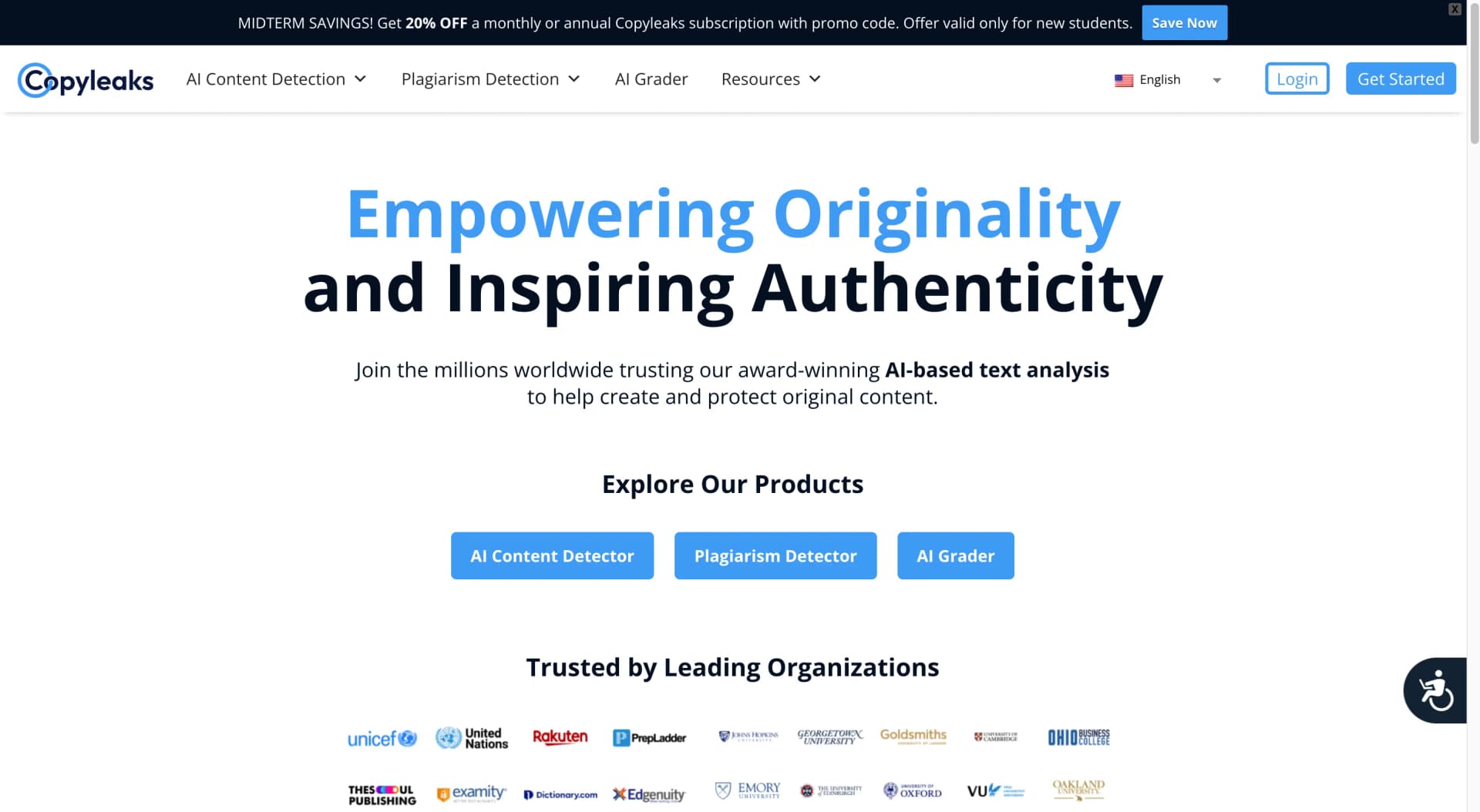
Detects plagiarism, ensures content authenticity, supports multiple formats.
Watch Copyleaks in Action
Key Takeaways
- What it is
- Detects plagiarism, ensures content authenticity, supports multiple formats.
- Best for
- AI Content Detector
- Plagiarism Detector
- Codeleaks
- Rating
- 4.5/5
What is Copyleaks?
As someone deeply entrenched in the world of digital content creation, the importance of originality cannot be overstated. This is where Copyleaks comes into play. Copyleaks is an advanced AI-based platform designed to detect plagiarism and ensure the authenticity of content across various formats. Whether you're dealing with academic papers, web content, or complex code, Copyleaks offers a suite of tools to safeguard intellectual property and promote integrity in content creation.
Copyleaks stands out with its ability to integrate seamlessly into various platforms, including educational and corporate ecosystems. Its dual functionality in both plagiarism detection and AI-generated content verification makes it a versatile tool in any anti-plagiarism arsenal.
Copyleaks excels in delivering comprehensive solutions for detecting plagiarism and ensuring content authenticity. Its robust features and high adaptability make it an indispensable tool for anyone looking to protect and verify content. Whether you're a student, educator, or professional, Copyleaks offers the peace of mind that comes with knowing your work is genuinely original.
Who is Using Copyleaks?
Educational Institutions
For checking student assignments and research papers.
Content Creators
To ensure the originality of articles, blogs, and other publications.
Legal Professionals
Employed in intellectual property cases to verify document authenticity.
Software Developers
Using Codeleaks to maintain integrity in coding practices.
Uncommon Use Cases
Utilized by HR departments for verifying the originality of resumes; adopted by historians to check the authenticity of archival documents.
Key Features
Rating Breakdown
Pricing Plans
Free Trial
- Get started with Copyleaks with a limited free trial to explore its capabilities
Which Copyleaks plan should you pick?
Start with Personal for individual AI and plagiarism scans, upgrade to Pro for team seats and higher volume, or contact sales for Education and Enterprise integrations.
Personal
Good for individuals who need AI detection, plagiarism checking, image scanning, browser access, Google Docs, and recurring credits.
Pro
Good for small teams who need up to 25 user seats, analytics, advanced filters, website scanning, and more credits.
Enterprise
Good for organizations needing API integration, role-based access, multi-team support, regional hosting, policies, and advanced reporting.
Education
Good for institutions needing LMS integrations, multi-admin permissions, grade synchronization, analytics, onboarding, and private-cloud storage.
Copyleaks Use Cases
Academic integrity checking
Scan student submissions through an LMS or API for plagiarism, AI-generated writing, and reused content.
Outcome: Instructors receive interactive reports and analytics for more informed review.
AI-generated content detection
Analyze pasted text, uploaded files, web content, or Google Docs for likely AI authorship.
Outcome: Users receive AI detection results with explanatory AI Logic insights.
Source-code originality verification
Scan source code for potential plagiarism, reuse, modification, and AI-generated code.
Outcome: Organizations can assess code originality and authenticity.
AI image and deepfake detection
Submit JPEG, PNG, WebP, TIFF, BMP, or HEIC images for AI-generation analysis.
Outcome: Reports can include pixel-level overlays, AI-versus-human percentages, and metadata.
AI training-data quality control
Screen datasets to identify AI-generated, paraphrased, humanized, or interspersed content before model training.
Outcome: Teams can improve the quality and transparency of training data.
Workflow Ideas with Copyleaks
Automated document authenticity scan
- 1Authenticate with the Copyleaks API using an API key
- 2Submit a document or URL for scanning
- 3Receive completion results through a webhook
LMS assignment review
- 1Connect Copyleaks to Canvas, Moodle, Blackboard, or another supported LMS
- 2Students submit assignments through the LMS
- 3Educators review AI, plagiarism, language, and analytics results
Browser-based content verification
- 1Install the Copyleaks browser extension
- 2Scan text on social media, reviews, news sites, or web editors
- 3Review highlighted AI-detection results before publishing or citing content
How Copyleaks fits into your stack
LMS Integration
Enhances educational platforms with plagiarism detection capabilities.
API Access
Allows for custom integration into existing systems or applications.
Cloud-Based Architecture
Ensures high scalability and secure data handling.
Multi-Language Support
Adapts to global needs with support for several languages.
Pros
- +Comprehensive Detection Tools: From text to code, Copyleaks covers a wide array of content types.
- +High Accuracy Levels: Ensures reliable detection with cutting-edge AI technology.
- +Scalable Solutions: From individual users to large enterprises, Copyleaks offers tailored solutions.
- +Global Reach: Supports multiple languages, making it accessible for international users.
Cons
- −Learning Curve: New users may require some time to fully grasp the extensive features.
- −Subscription Cost: While offering robust features, the pricing might be a consideration for budget-conscious users.
Limitations & when to consider alternatives
Known limitations
- Free scanning has a character limit. Unauthenticated AI Detector scans are limited to 25,000 characters.
- Image uploads have size and resolution limits. The AI Image Detection API supports files up to 32 MB and up to 27 megapixels.
- API requests are rate-limited. The API has default request and scan limits; exceeding them can return a 429 Too Many Requests response.
- Some languages and file types are unsupported. API alerts indicate that AI detection may not execute when the submitted file type or language is unsupported.
- Scans expire. Submitted scans can have a maximum server retention period of 2,880 hours, after which they are deleted.
Look elsewhere when
- You need a native mobile app from the official vendor.
- You need a downloadable Windows, Mac, or Linux desktop application.
- You need user-controlled model fine-tuning or training jobs.
- You need code-generation features.
How to Use Copyleaks
- 1
Explore a wide range of tutorials on the Copyleaks website, covering everything from basic setup to advanced features, ensuring users can make the most out of the platform.
Who is Copyleaks For?
Educators and students
LMS integrations help educators review assignments for plagiarism, AI-generated content, writing issues, and source-code originality.
Academic institutions
Education plans provide institutional analytics, multi-admin permissions, LMS synchronization, onboarding, and private-cloud storage.
Enterprise organizations
Enterprise offerings provide role-based access, multi-team support, regional hosting, analytics, policies, and API integration.
Developers
The API, webhooks, SDKs, hosted reports, and white-label options support embedding content-authenticity checks into applications.
Media and publishing teams
AI detection, plagiarism checking, image detection, and source matching help verify originality and content authenticity.
Frequently Asked Questions
Does Copyleaks offer a free option?
The AI Detector allows scanning up to 25,000 characters without logging in. Paid Personal and Pro plans provide recurring credits.
What does the Copyleaks API support?
The REST API supports AI text and image detection, plagiarism checking, grammar, moderation, webhooks, and official SDKs.
Which file types can Copyleaks process?
Copyleaks supports document uploads such as PDF, DOCX, and TXT, along with image formats including JPEG, PNG, WebP, TIFF, BMP, and HEIC/HEIF.
Which languages does Copyleaks support?
AI detection supports more than 30 languages, while plagiarism detection supports more than 100 languages.
Can Copyleaks integrate with learning management systems?
Yes. Supported LMS platforms include Canvas, Moodle, Blackboard, Brightspace, Schoology, Sakai, Edsby, and Google Classroom.
Does Copyleaks provide a browser extension?
Yes. The AI Detector browser extension is offered for Chrome and Edge, and the pricing page also lists Firefox availability.
Community reviews
Be the first to share your experience.
Sign in to leave a review for Copyleaks.
Copyleaks Alternatives
Looking for alternatives to Copyleaks? Here are similar tools in the same category:
Learn to Master Copyleaks
With Skill Leap courses
Get in-depth training on Copyleaks and 50+ other AI tools with our expert-led video courses.
Start 7-Day Free Trial