
Create
Transform ideas into apps: AI-driven development, intuitive design, cross-platform compatibility, community support.
Key Takeaways
- What it is
- Transform ideas into apps: AI-driven development, intuitive design, cross-platform compatibility, community support.
- Pricing
- Freemium
- Best for
- AI-Powered Code Generation
- Intuitive Design Interface
- Diverse Template Selection
- Rating
- 4.5/5
What is Create?
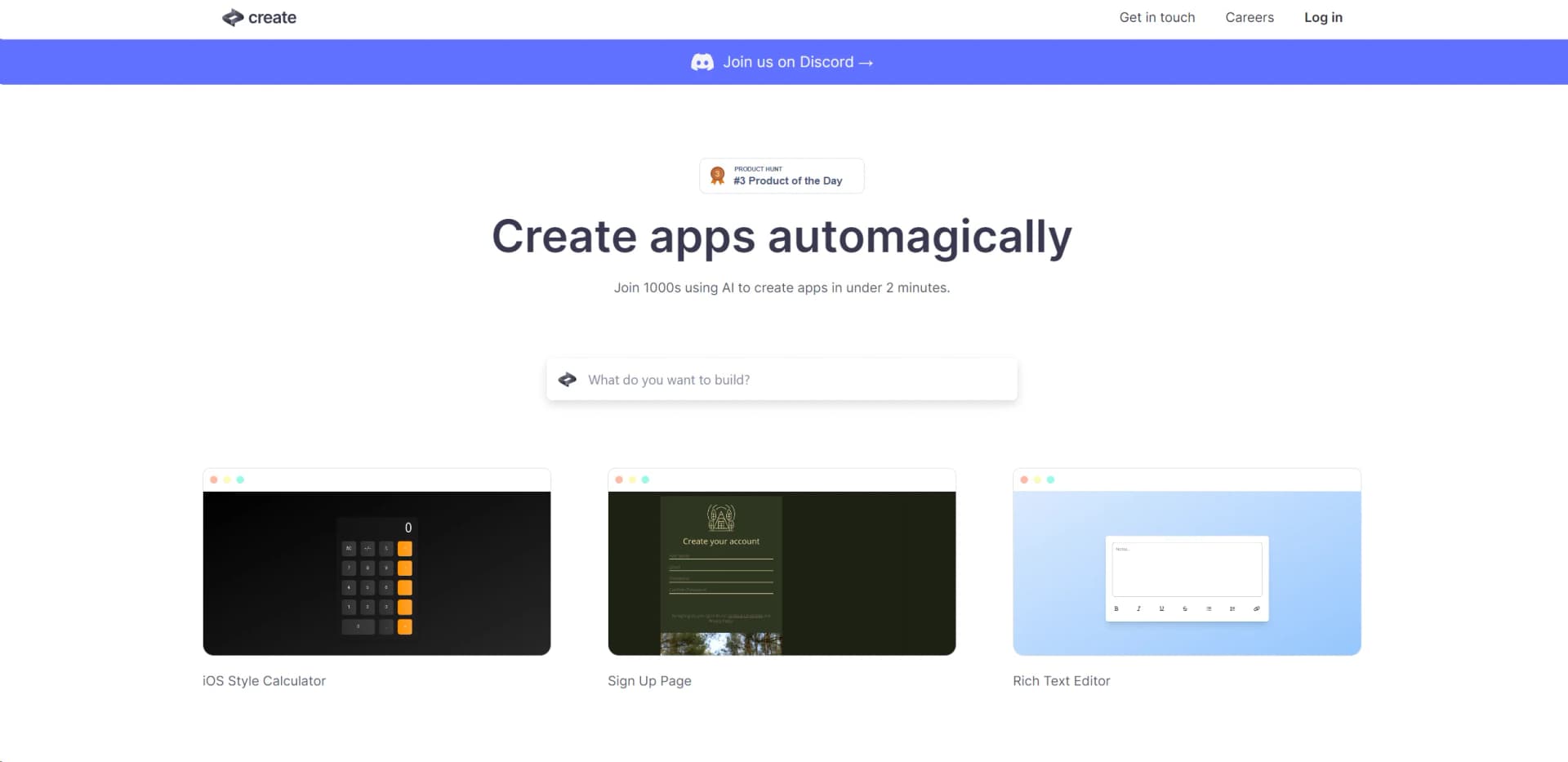
In the ever-evolving landscape of technology, where artificial intelligence (AI) is making significant strides, Create emerges as a cutting-edge tool that simplifies the app development process. It's a platform that empowers both seasoned developers and novices alike to design and build applications with unprecedented ease. By harnessing the power of AI, Create enables you to generate functional apps using just plain text and images. It's like having a digital magician at your fingertips, turning your ideas into reality with a few keystrokes and clicks.
Create stands out with its AI-driven approach to app development, democratizing the process by allowing users to build apps through simple descriptions. Its capacity to understand plain text and visual input sets it apart from the traditional development tools that require coding expertise.
Create excels at transforming the app development process into an accessible, efficient, and enjoyable journey. Its innovative use of AI to interpret text and images as code instructions is particularly groundbreaking, providing a robust platform for users across various skill levels. With Create, the power to build and customize apps is no longer confined to those with technical expertise, making it an invaluable asset for a diverse range of users seeking to bring their digital visions to life.
Who is Using Create?
Entrepreneurs
Utilizing the tool to rapidly prototype and validate business ideas.
Educators and Students
Employing Create to introduce app development concepts in a more accessible manner.
Hobbyists
Leveraging the tool to bring personal projects to life without the need for extensive coding knowledge.
Designers
Using Create to quickly transform visual concepts into interactive applications.
Uncommon Use Cases
Being adopted by content creators for interactive digital experiences; Used by non-profits to create engagement tools for campaigns.
Key Features
Rating Breakdown
Pricing Plans
Free Tier
Free
- Experience Create with a free version that offers basic functionalities
Subscription Plans
- While specific pricing details are not provided
- Create likely offers upgraded plans with additional features and capabilities
Which Create plan should you pick?
Start with Free to evaluate the builder, move to Pro for private projects and publishing, and upgrade to Max for autonomous browser testing and higher credit needs.
Free
Good for trying the agent with 3k credits and daily message limits.
Pro
Good for real projects that need private projects, App Store publishing, custom domains, and payments.
Max
Good for launched products and teams needing stronger models, autonomous browser testing, test running, and background tasks.
Create Use Cases
Build a mobile business app
Create an app for a business such as car detailing, with services, pricing, and appointment booking.
Outcome: A working mobile app that can be tested and submitted to an app store.
Create an AI-powered application
Add integrated AI models to features such as health-goal review, document analysis, or workout recommendations.
Outcome: AI-powered product functionality without manually wiring model APIs.
Connect external services
Describe an API such as Google Maps, Spotify, HubSpot, or OpenWeatherMap and provide credentials through Saved Secrets.
Outcome: A backend function that calls the external service from the cloud.
Build file-processing tools
Accept PDFs, images, audio, video, and documents, then pass uploads to built-in integrations for parsing or transformation.
Outcome: Uploaded content can be stored, converted, transcribed, or analyzed.
Launch subscription products
Build web or mobile products with authentication, databases, Stripe, or RevenueCat payments.
Outcome: A publishable application with user accounts and monetization features.
Workflow Ideas with Create
Plan and build an app
- 1Switch to Discussion mode and describe the product idea
- 2Let the agent break the idea into a plan
- 3Switch back and build one feature at a time
Connect an external API
- 1Describe the service and required behavior
- 2Add the API key to Project Settings > Saved Secrets
- 3Preview the app and describe any errors for the agent to fix
Test and launch a mobile app
- 1Build the mobile app and preview it in the builder
- 2Scan the QR code and test on a physical device
- 3Run the App Store review check and submit through TestFlight
How Create fits into your stack
Cross-Platform Compatibility
Create supports the development of apps that can run on multiple platforms, widening its applicability.
Image to Code Conversion
Unique capability to convert images into app components, enhancing the design process.
Pre-Built Components
Offers a library of pre-built components that can be easily integrated into your projects.
Collaboration Tools
Facilitates team collaboration with shared project access and version control.
Pros
- +Time Efficiency: Dramatically reduces the time required to go from concept to a working app, boosting productivity.
- +Cost-Effective: Provides a cost-saving solution for individuals and businesses by minimizing the need for extensive coding resources.
- +Flexibility: Offers the flexibility to create a wide range of apps, from games like Rock, Paper, Scissors to business tools like an AI Brand Name Generator.
- +Community Support: Access to a vibrant community on Discord, where users can share insights, get help, and collaborate.
Cons
- −Learning Curve: While designed to be user-friendly, there's still a learning curve involved in mastering the nuances of AI-assisted development.
- −Feature Limitations: Advanced developers might find certain limitations in customization when compared to traditional coding environments.
- −Dependency on AI Interpretation: The quality of the output is contingent on the AI's interpretation of user input, which may not always align with the user's intent.
Limitations & when to consider alternatives
Known limitations
- Uploads are limited to 10 MB. Individual uploaded files can be up to 10 MB; larger files require validation or preprocessing.
- Built-in integrations may be temporarily unavailable. The integrations documentation says functionality may be temporarily unavailable during the builder transition.
- Android publishing is currently manual. Integrated Android publishing is coming soon; users must export code and follow Expo and Google Play procedures.
- Mobile support is still evolving. The mobile documentation warns that users may encounter limitations with certain features or device capabilities.
- Max tasks require a high-priced subscription. Max mode requires an Anything subscription costing $200 or more per month, plus credits.
Look elsewhere when
- You need a public developer API for programmatic access to the builder.
- You need a native desktop application for Windows, macOS, or Linux.
- You need a browser extension for your workflow.
How to Use Create
- 1
Dive into the world of app development with Create's own tutorial series, designed to take you from the basics to more advanced features.
Who is Create For?
Non-technical founders
Build and launch apps by describing the product instead of writing the implementation manually.
Software creators
Turn ideas into working web and mobile applications with generated code, databases, authentication, and payments.
Designers and developers
Collaborate in real time, reference screenshots, inspect generated code, and iterate through chat.
Frequently Asked Questions
What is Anything?
Anything is an AI agent that builds mobile apps and web apps from a conversation.
How do I add AI to my app?
Describe what you need, and the agent handles the implementation.
Can I add databases?
Yes. Ask for any feature needing data storage, and the agent builds it.
How do I connect to an external API?
Use the external APIs guide to describe the service and configure API credentials in Saved Secrets.
What language does Anything write in?
Anything writes React and Next.js using JavaScript.
Can I export the code?
Yes. Open the Code tab and click Download to get the full project.
Community reviews
1 review from people who use Create.
Sign in to leave a review for Create.
Adeola Fatai
Create Alternatives
Looking for alternatives to Create? Here are similar tools in the same category:
Learn to Master Create
With Skill Leap courses
Get in-depth training on Create and 50+ other AI tools with our expert-led video courses.
Start 7-Day Free Trial