
Cursor
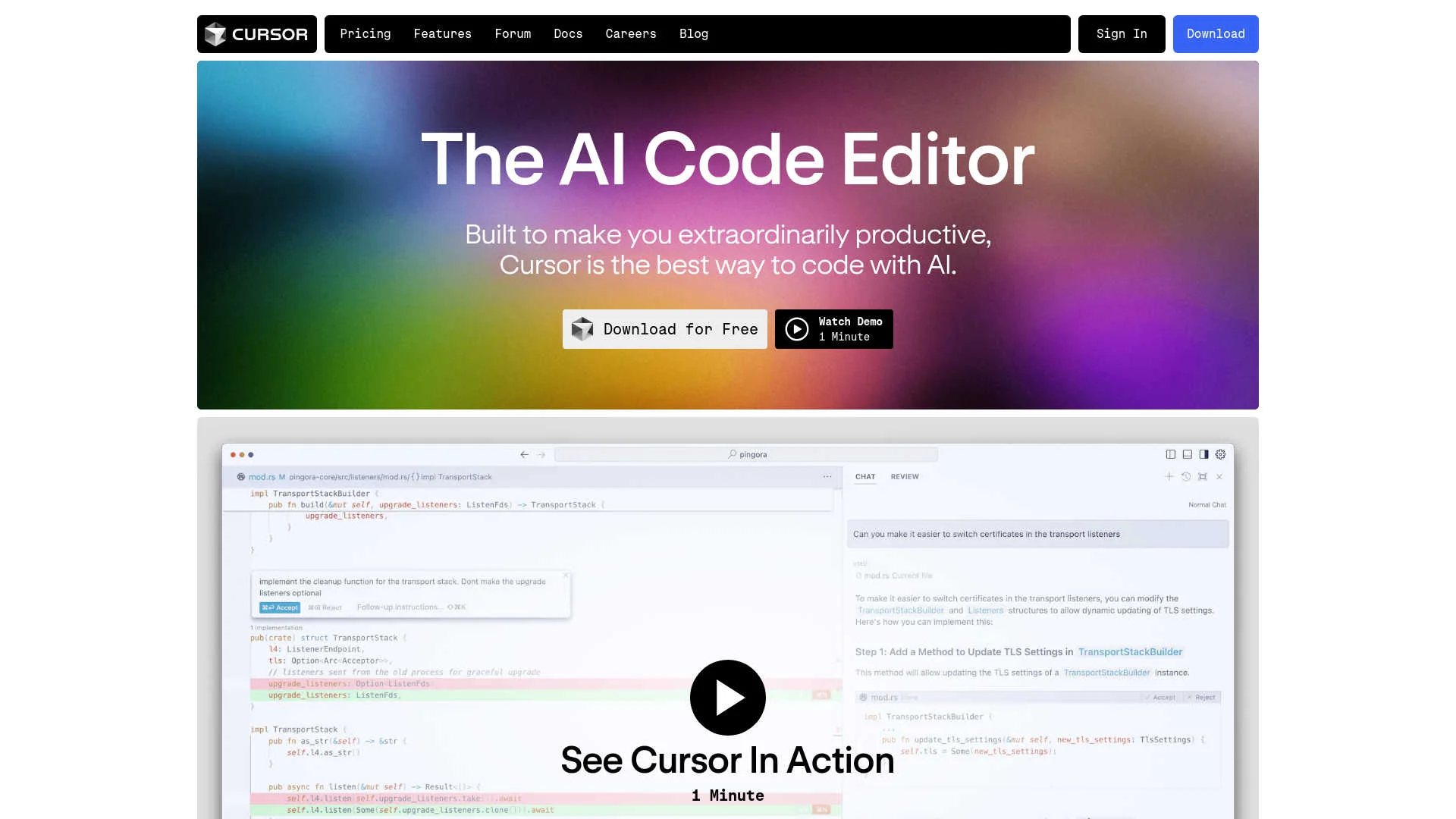
AI-enhanced code editor with predictive edits and natural language commands.
Key Takeaways
- What it is
- AI-enhanced code editor with predictive edits and natural language commands.
- Best for
- AI-Powered Code Completion
- Natural Language Coding
- Privacy and Security
- Rating
- 4.6/5
What is Cursor?
Cursor is an innovative AI-powered code editor designed to enhance developer productivity and streamline the coding process. By integrating advanced AI capabilities directly into the development environment, Cursor offers features like AI-driven code completion and natural language coding commands. It aims to transform how developers interact with their codebase, making coding faster and more intuitive.
Cursor distinguishes itself with its seamless integration of AI into the coding process. The ability to code in natural language and the sophisticated AI-driven code completion features provide a new level of efficiency and precision in software development. Cursor is not just a tool but a coding partner that anticipates and facilitates developers’ needs.
Cursor is a revolutionary tool that enhances the coding experience through its AI-driven features. With its ability to integrate natural language coding and AI-powered code completion, Cursor offers significant advantages in coding efficiency and precision. Its focus on privacy and customization further solidifies its position as a leading tool in the modern development landscape.
Who is Using Cursor?
Software Development Companies
Leveraging AI-powered tools to enhance the development process.
Freelance Developers
Seeking efficient solutions for managing multiple projects.
Educational Institutions
Teaching advanced coding techniques using state-of-the-art AI technology.
Tech Startups
Utilizing innovative tools to accelerate development and reduce time to market.
Uncommon Use Cases
Non-profit organizations using Cursor to develop and maintain software with limited resources.
Key Features
Rating Breakdown
Pricing Plans
Free Version
- Explore Cursor’s basic features at no cost
Pro Version
- Access advanced features and enhanced support with the Pro version. Contact Cursor for detailed pricing information
Which Cursor plan should you pick?
Start with Hobby to evaluate Cursor for free; upgrade to Pro for regular individual use, Teams for managed collaboration, or Enterprise for advanced controls.
Hobby
Good for trying Cursor's core Agent, Chat, and Tab completion features with limited usage.
Pro
Good for individual developers who need higher Agent limits, frontier models, cloud agents, and advanced coding features.
Pro+
Good for individual power users who need substantially more included model usage.
Ultra
Good for heavy individual users running many agents or automation-heavy workflows.
Teams Standard
Good for teams needing shared administration, centralized billing, member roles, analytics, and SSO.
Teams Premium
Good for team members who need five times the usage of a Standard seat.
Enterprise
Good for larger organizations requiring pooled usage, SCIM, audit logs, access controls, advanced security, and invoicing.
Cursor Use Cases
Build software features
Use Agent and Plan Mode to understand a codebase, scope changes, and implement features.
Outcome: Larger software changes can be planned and shipped with agent assistance.
Fix bugs
Give Cursor an issue or failing behavior so it can investigate, edit files, run checks, and verify a fix.
Outcome: Bugs can be narrowed down and addressed with tested code changes.
Review pull requests
Inspect diffs, run checks, review artifacts, and ask agents to resolve review comments.
Outcome: Teams can validate and merge changes more efficiently.
Convert designs into code
Provide screenshots, mockups, or Figma context and ask the agent to implement the interface.
Outcome: Visual designs can be translated into responsive frontend code.
Automate repository work
Configure cloud agents to run on schedules or source-control events and create pull requests.
Outcome: Recurring engineering tasks can run without keeping a local machine connected.
Workflow Ideas with Cursor
Issue to pull request
- 1Connect a repository provider such as GitHub or GitLab
- 2Start a Cloud Agent from an issue, Slack, Linear, or Cursor
- 3Review the generated changes and merge the pull request
Screenshot to interface
- 1Attach a screenshot, mockup, or Figma context
- 2Ask Agent to implement the design in the relevant files
- 3Use the integrated browser to inspect and refine the result
Automated code maintenance
- 1Create an automation with a schedule or source-control trigger
- 2Choose a repository, environment, and prompt
- 3Let the cloud agent run checks and open a pull request
How Cursor fits into your stack
API Access
Enables integration with custom systems, expanding functionality and workflow options.
Extensive Plugin Ecosystem
Users can enhance their experience by adding plugins that extend Cursor’s capabilities.
Privacy Mode
Ensures code privacy, a crucial feature for developers concerned with data security.
Pros
- +Enhanced Productivity: Developers experience reduced coding time and increased efficiency.
- +User-Friendly Interface: Intuitive design minimizes the learning curve and helps developers get started quickly.
- +Advanced Security Features: SOC 2 certification and privacy mode ensure robust security and privacy.
- +High Customizability: Adapts to personal coding preferences by allowing the importation of existing tools and settings.
Cons
- −Dependency on Internet: Requires an internet connection to fully utilize AI features.
- −Platform Compatibility: Limited to its own editor, which might require transitioning from other popular code editors like VSCode.
- −Learning Curve for Advanced Features: While basic features are user-friendly, mastering advanced functionalities may take time.
Limitations & when to consider alternatives
Known limitations
- Android is not a native app. Cursor documents Android access through cursor.com/agents as a progressive web app; native Android support is planned.
- iOS app is in beta. The native Cursor for iOS app is labeled beta, so features may change before general availability.
- Cloud Agents require paid plans. The troubleshooting documentation states that users need a paid Cursor plan to start Cloud Agents.
- Multi-repository long-running agents are limited. Long-running execution is not currently available for multi-repository environments.
- Cloud Agents require repository permissions. Users must connect a source-control account and have read-write access to the repository and dependent repositories.
Look elsewhere when
- You need a native Android application.
- You need human-language translation as a documented core capability.
- You need user-controlled model fine-tuning.
- You need a standalone browser extension distributed through a browser store.
How to Use Cursor
- 1
Find detailed tutorials on setting up and using Cursor, as well as advanced feature guides, on Cursor’s website or community forum.
Who is Cursor For?
Individual developers
Cursor provides individual plans with AI-assisted coding, agent usage, model access, and codebase understanding.
Engineering teams
Teams get member management, role-based permissions, shared context, analytics, centralized billing, and SSO.
Enterprise organizations
Enterprise includes pooled usage, SCIM, audit logs, access controls, advanced security, and invoice billing.
Developers in India
The Start plan provides an India-specific INR-priced option with access to Cursor models and cloud agents.
Frequently Asked Questions
What is Cursor?
Cursor is a coding agent and AI code editor for understanding codebases, building features, fixing bugs, and reviewing changes.
What does the free plan include?
The Hobby plan is free and provides limited Agent, Chat, and Tab completion usage.
Can Cursor work with existing repositories?
Yes. Cloud Agents can connect to GitHub, GitLab, Azure DevOps, and Bitbucket repositories.
Can Cursor run agents in the cloud?
Yes. Cloud Agents run in isolated virtual machines with repositories, dependencies, secrets, and network access.
Does Cursor support mobile use?
Cursor offers a native iOS app. Android users can use cursor.com/agents as a progressive web app.
Does Cursor support SSO?
SAML 2.0 SSO is available on Teams and Enterprise plans, with SCIM available for Enterprise.
Community reviews
Be the first to share your experience.
Sign in to leave a review for Cursor.
Cursor Alternatives
Looking for alternatives to Cursor? Here are similar tools in the same category:
Learn to Master Cursor
With Skill Leap courses
Get in-depth training on Cursor and 50+ other AI tools with our expert-led video courses.
Start 7-Day Free Trial