Darwin AI
AI customer-facing workers that move sales and support conversations into action.
Key Takeaways
- What it is
- AI customer-facing workers that move sales and support conversations into action.
- Best for
- AI Employees
- Human Escalation Triggers
- Knowledge Base
- Rating
- 4.2/5
What is Darwin AI?
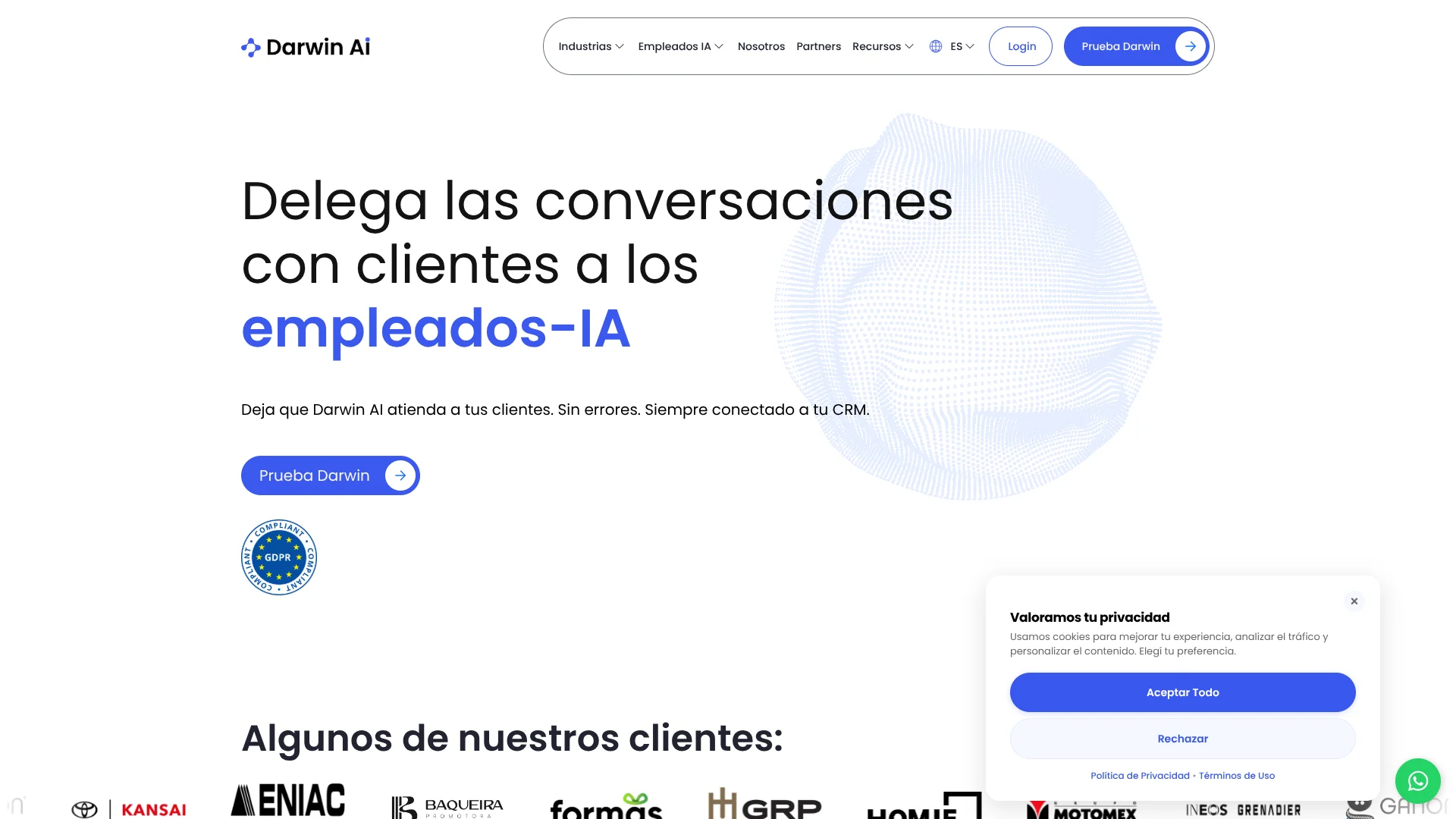
Darwin AI puts specialized digital workers in customer conversations on channels such as WhatsApp, Instagram, and phone calls. Businesses can assign them jobs like qualifying sales leads, following up with inactive customers, or answering support questions. Each worker can use company information and update CRM records, helping teams respond to customers while reducing repetitive work.
A distinctive part of Darwin is its focus on role-based AI workers that can move a customer conversation toward a concrete business task, such as qualifying a lead or booking an appointment, then hand the conversation to a human when needed.
Darwin is best suited to businesses with steady customer conversations and processes tied to sales or service, especially teams that want AI to work with their CRM. Setting up a worker involves configuring its role, knowledge, and workflows, so it is less suited to someone looking for a general-purpose writing or research tool.
Who is Using Darwin AI?
Sales Development Representatives
Inbound lead qualification helps surface prospects who are ready for a sales conversation.
Customer Support Managers
Audits and escalation rules help teams review AI replies and take over when a case needs human attention.
Real Estate Agents
Property workers can answer listing questions, share details, and schedule visits with interested customers.
Collections Specialists
A collections worker can handle routine customer conversations and keep relevant data organized.
Uncommon Use Cases
Capture customer satisfaction feedback through CSAT or NPS conversations; use Meta Flows to gather several customer details in one interaction.
Key Features
Rating Breakdown
Pricing Plans
Free Trial
- Offers a 1-week free trial to explore Darwin AI's capabilities
Subscription Plan
- Pricing is customized based on business needs and usage. For detailed pricing
- Visit the Darwin AI website
Darwin AI Use Cases
Qualify Inbound Leads
New inquiries can be screened through a conversation before the sales team follows up.
Outcome: The team receives leads that are more ready to buy.
Book Appointments
Customers can find an available time and schedule through a chat.
Outcome: Appointments are booked in the conversation, with reminders available through WhatsApp.
Answer Customer Questions
Company information gives workers a reference for common product, service, or process questions.
Outcome: Customers can get answers without waiting for a staff member.
Reactivate Inactive Customers
Follow-up workers can identify inactive contacts and send messages intended to restart a conversation.
Outcome: Inactive contacts receive a follow-up.
Update CRM Records
Customer details gathered in conversations can be sent to a connected CRM or spreadsheet.
Outcome: Customer information is organized in the connected system.
Workflow Ideas with Darwin AI
From New Inquiry to Sales Handoff
- 1Connect the customer channel and CRM.
- 2Set the worker's lead qualification questions and handoff conditions.
- 3Route qualified prospects to an available sales representative.
Appointment Booking and Reminders
- 1Connect the team's calendars in Darwin Calendar.
- 2Let the worker offer available appointment times in chat.
- 3Send a WhatsApp reminder and handle rescheduling in the conversation.
Customer Feedback Follow-Up
- 1Configure a worker to ask customers for CSAT or NPS feedback.
- 2Use sentiment analysis to review customer responses.
- 3Escalate conversations that need a human response.
How Darwin AI fits into your stack
Customer Channels
Darwin workers handle customer conversations through channels including WhatsApp, Instagram, and phone calls.
CRM and Business Data
Connections to tools such as HubSpot, Pipedrive, and Google Sheets can carry customer details into existing records.
Automations and API
Native automations and Darwin's documented API support connections to external apps and business workflows.
Appointments
Darwin Calendar connects team calendars so workers can offer times, book appointments, and send reminders in chat.
Pros
- +Role-based workers: Ready-made examples cover lead qualification, customer experience, collections, and post-sales.
- +Customer-channel coverage: Workers can talk with customers through WhatsApp, Instagram, and phone calls.
- +Human handoff: Escalation triggers help route conversations that need a person.
- +CRM updates: Workers can enter customer information into connected systems.
Cons
- −Business-specific setup: Workers need company knowledge and clear instructions to handle the intended tasks.
- −Quote-based pricing: Public plan prices are not listed on the official pricing information found.
- −Narrow focus: Darwin is built around customer conversations and business operations, not general-purpose AI work.
Limitations & when to consider alternatives
Known limitations
- File size limits. The Knowledge Base documentation lists a maximum of 50 MB per PDF and 5 MB per image.
- Different file roles. PDFs can be used for information retrieval, while other file types are documented as files workers can send in conversations.
- API credentials. The API documentation says API keys and app credentials are provided by the Darwin team.
Look elsewhere when
- You need a general-purpose AI tool for open-ended writing or research.
- Your team needs a native mobile or desktop app rather than a web-based business workspace.
How to Use Darwin AI
- 1
Choose a business task
Start with one clear job, such as qualifying inbound leads or answering post-sales questions.
- 2
Set up the AI worker
Give it a role, objectives, tone, and rules for when a conversation should move to another stage.
- 3
Add business information
Prepare its knowledge base with relevant text, spreadsheets, PDFs, or website information.
- 4
Connect a customer channel
Choose a supported channel such as WhatsApp or Instagram for customer conversations.
- 5
Connect business tools
Link a CRM or spreadsheet if the worker needs to read or update customer records.
- 6
Test and review
Try the worker's conversation flow, review its performance, and adjust its instructions or escalation rules.
Who is Darwin AI For?
Sales Teams
Inbound and follow-up workers can qualify leads and keep prospects moving toward an appointment or purchase.
Customer Experience Teams
Workers can answer common questions, measure customer feedback, and pass complex conversations to staff.
Small and Midsize Businesses
Businesses can automate customer-facing tasks and connect the work to their CRM or spreadsheets.
Retail and Real Estate Businesses
Customer conversations can cover order questions or property details, with follow-up and appointment booking.
Frequently Asked Questions
What can Darwin AI automate?
Darwin focuses on customer-facing tasks such as qualifying leads, answering questions, following up with customers, organizing data, and booking appointments.
Which channels can Darwin AI use?
Darwin describes customer conversations through WhatsApp, Instagram, and phone calls. Its help center also documents Facebook Messenger and SMS channels.
Can Darwin AI connect to a CRM?
Yes. Darwin lists CRM and other system connections, including HubSpot, Pipedrive, and Google Sheets.
Does Darwin AI have a documented API?
Yes. Darwin publishes API documentation for functions such as managing messages, sessions, campaigns, and webhooks. API credentials are provided by the Darwin team.
How much does Darwin AI cost?
The official terms describe a monthly software license and variable message or conversation costs based on a commercial proposal. A current public US plan price could not be confirmed.
Community reviews
Be the first to share your experience.
Sign in to leave a review for Darwin AI.
Darwin AI Alternatives
Looking for alternatives to Darwin AI? Here are similar tools in the same category: