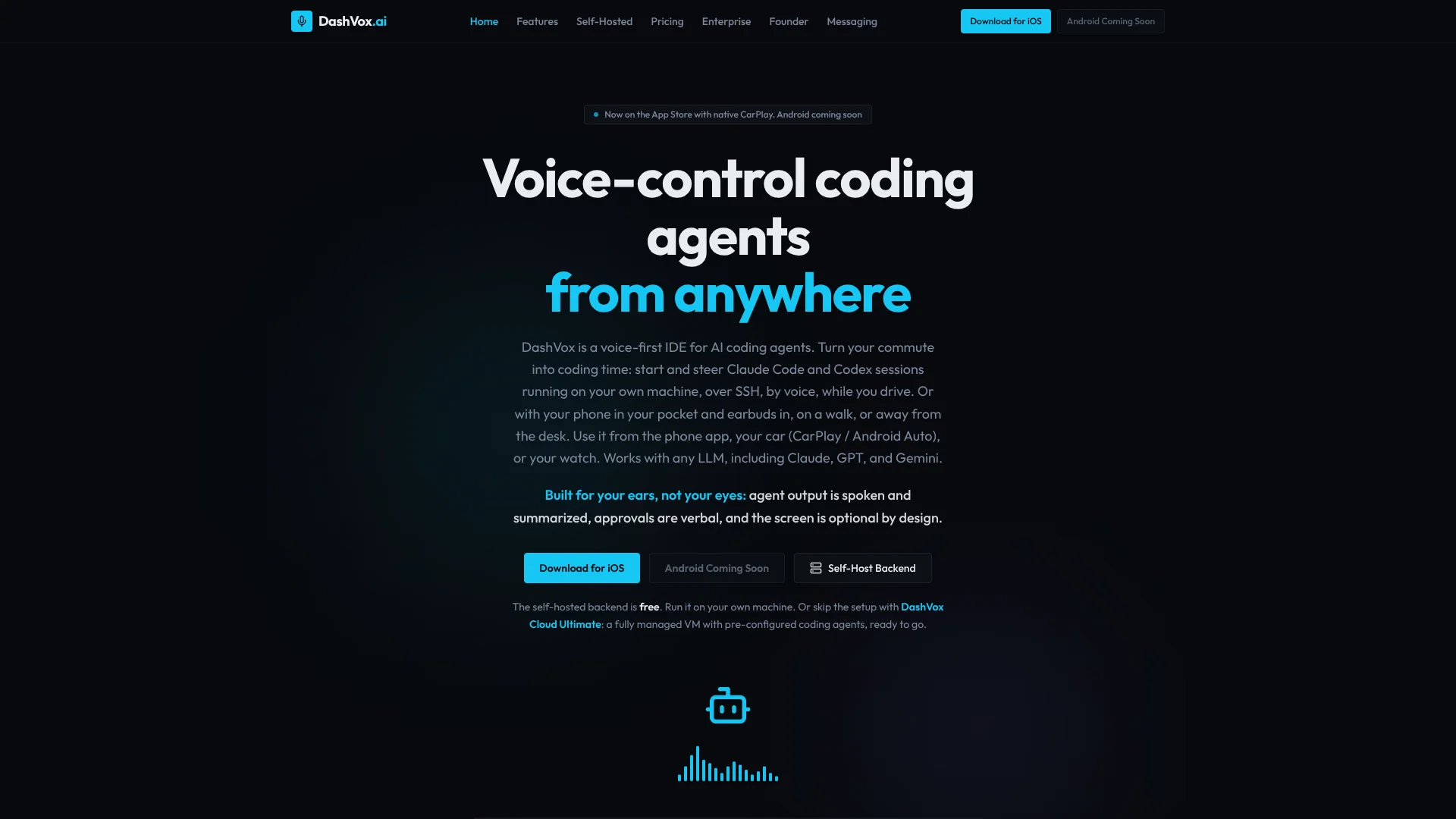
DashVox
Voice-controlled coding agents for developers working away from their desks.
Key Takeaways
- What it is
- Voice-controlled coding agents for developers working away from their desks.
- Pricing
- Freemium
- Best for
- Voice-First AI Chat
- Remote Session Management
- Agent Mode
- Rating
- 4.0/5
What is DashVox?
DashVox lets developers run and steer Claude Code, Codex, and other AI coding agents by voice while the agents work on a personal machine or managed cloud VM. SSH keeps the sessions connected, while spoken summaries and verbal approvals make coding possible from a phone, watch, or car instead of a desktop terminal.
Its defining capability is screen-optional coding from a real development machine: DashVox reads agent output aloud, lets you approve actions by voice, and keeps sessions running when the phone screen is off or the app is closed.
DashVox fits developers who want to review diffs, run tests, or respond to incidents away from a desk. It is less suitable for detailed code review or visual editing because its strongest workflow is spoken control, not a full visual IDE.
Who is Using DashVox?
Software Engineers
Their development machine stays connected while they start tasks, run tests, and review spoken results away from the desk.
Site Reliability Engineers
Incident responders can inspect logs, run health checks, and restart services over SSH from a phone, watch, or car.
Engineering Managers
Session summaries and push notifications provide a quick view of progress across multiple coding agents.
Startup Founders
Founders who still write and support code can handle small fixes or triage without carrying a laptop everywhere.
Uncommon Use Cases
Hands-free documentation and web research while walking; spoken checks on long-running tests during travel
Key Features
Rating Breakdown
Pricing Plans
Self-Hosted
Free
- Free forever
- Run the server on your own hardware
- Unlimited conversations and SSH sessions
- All LLM providers
- No account required and no data collection
Cloud Ultimate
- Subscription plus prepaid usage credits
- Managed cloud VM with pre-configured coding agents
- Cloud sync across devices
- Automatic updates and push notifications
- AI model and managed compute usage is charged against prepaid credits
Enterprise
- Managed cloud machines per seat
- Organization-level billing and budgets
- SAML or OIDC SSO
- Admin dashboard and seat controls
- Priority support from the founding team
Which DashVox plan should you pick?
Start with Self-Hosted if you want local control and no subscription, then consider Cloud Ultimate when you want a managed VM and pre-configured agents.
Self-Hosted
Good for developers who can run a Java 21 server and want their conversations, credentials, and session data to remain on their own hardware.
Cloud Ultimate
Good for developers who want managed infrastructure, pre-configured coding agents, device sync, and automatic updates without running the server themselves.
Enterprise
Good for engineering teams that need managed machines, seat controls, shared budgets, admin tools, and SSO.
DashVox Use Cases
Commute Coding
A phone, watch, or CarPlay connection keeps an AI coding session available while you are away from the keyboard.
Outcome: Tasks, tests, approvals, and progress updates continue during travel.
Incident Triage
Voice access to SSH makes it possible to inspect logs and run diagnostics when an alert arrives away from a laptop.
Outcome: You can begin investigating before returning to a workstation.
Multi-Agent Coordination
Agent Mode handles separate frontend, backend, and test sessions from a spoken request.
Outcome: Several coding tasks can run under one conversational workflow.
Remote Test Monitoring
Spoken status updates keep you informed about long-running tests and coding tasks while the screen is unavailable.
Outcome: You hear when sessions finish, fail, or need approval.
Hands-Free Research
The built-in web search feature answers questions and summarizes documentation or current information aloud.
Outcome: Research results arrive without typing or reading a terminal.
Workflow Ideas with DashVox
Start a Coding Task Away From Your Desk
- 1Open a phone, watch, or CarPlay conversation
- 2Tell DashVox what to change and which coding agent to run
- 3Hear the summary and approve the next action by voice
Triage a Production Alert
- 1Connect to the configured machine through an SSH profile
- 2Ask DashVox to check logs, health checks, or service status
- 3Restart a service or run a test after reviewing the spoken result
Coordinate Multiple Agent Sessions
- 1Describe the frontend, backend, and test work
- 2Let Agent Mode create and monitor the sessions
- 3Respond to push notifications when a session needs input
How DashVox fits into your stack
Development Machines
DashVox connects to existing machines over SSH, so agents can work with your configured services, files, tests, and uncommitted changes.
AI Coding Agents
Claude Code and Codex are supported out of the box, with custom agent profiles for other command-line tools.
Mobile and Car Access
The iOS app extends to CarPlay and Apple Watch. Android Auto and Wear OS support are listed for the Android release.
Self-Hosted Infrastructure
The Java 21 server runs locally on Windows, macOS, or Linux. Conversations, SSH profiles, and session data remain on your hardware in self-hosted mode.
Team Administration
Enterprise adds managed machines, per-seat access, pooled budgets, admin controls, and SAML or OIDC SSO.
Pros
- +Screen-optional coding: Hear agent output and approve actions by voice from a phone, watch, or car.
- +Real-machine access: Agents work through SSH on your configured development machine rather than a disposable coding environment.
- +Free self-hosting: The self-hosted server runs on Windows, macOS, or Linux with no account required.
- +Agent orchestration: Agent Mode can manage several coding sessions and notify you when work needs input.
- +Car and wearable support: Native CarPlay, Apple Watch, Android Auto, and Wear OS workflows extend access beyond the phone.
Cons
- −Visual review gap: Detailed diffs and complex code changes are easier to inspect at a desktop.
- −Cloud pricing opacity: The pricing page says Cloud Ultimate pricing is shown in the app rather than publishing a subscription amount.
- −Early platform coverage: The iOS app is available, while Android is listed as coming soon.
Limitations & when to consider alternatives
Known limitations
- Cloud credentials are stored server-side. DashVox states that cloud SSH credentials and provider API keys are stored on its servers, and encryption at rest for these credentials is planned rather than currently in place.
- Cloud subscription pricing is shown in the app. The pricing page describes Cloud Ultimate as a subscription plus prepaid usage credits but does not publish the current subscription amount.
- Self-hosting requires local setup. Self-hosted mode requires Java 21 or later, at least 512 MB of RAM, 100 MB of disk space, and network access from the phone.
- Android availability is pending. The official site lists Android and Android Auto as coming soon, while the iOS app is available.
Look elsewhere when
- You need a full visual code editor for detailed editing and review.
- You need published cloud subscription prices before installing the app.
- Your organization requires encryption at rest for cloud-stored SSH credentials today.
How to Use DashVox
- 1
Choose a Hosting Mode
Run the free server on your own Windows, macOS, or Linux machine, or select Cloud Ultimate for a managed VM.
- 2
Connect an SSH Profile
Add your development host under Settings → SSH Profiles using password or private-key authentication.
- 3
Select an Agent
Start a Claude Code, Codex, or custom CLI agent session from the phone app or a connected car or wearable.
- 4
Speak the Task
Describe the change, test, or diagnostic request by voice or text and let the agent work on the connected machine.
- 5
Review the Spoken Result
Listen to the summary, inspect the visual chat when needed, and approve the next step by voice or CarPlay control.
Who is DashVox For?
Software Developers
Developers can steer Claude Code, Codex, and custom coding agents while away from their main workstation.
On-Call Engineering Teams
Teams supporting live software can check logs, run diagnostics, restart services, and run tests by voice.
SaaS Startups
Small engineering groups can keep coding and incident response moving without adding another desktop workflow.
Enterprise Engineering Organizations
Larger teams can use managed machines, per-seat access, budgets, admin controls, and SAML or OIDC SSO.
Frequently Asked Questions
Is DashVox free?
Self-Hosted is free forever. Cloud Ultimate is paid and combines a subscription with prepaid usage credits for AI models and managed compute.
Do I need my own machine?
No. Self-hosted mode runs on your hardware, while Cloud Ultimate provides a managed VM with pre-configured coding agents.
Which coding agents does DashVox support?
Claude Code and Codex are supported out of the box. Custom agent profiles can support other command-line tools.
Can DashVox work with different AI models?
Yes. DashVox supports major LLMs such as Claude, GPT, and Gemini, along with custom endpoints for self-hosted or enterprise models.
Can I use DashVox without looking at the screen?
Yes. Agent output is spoken and summarized, and approvals can be handled by voice. The screen remains available for visual review when you need it.
Does DashVox support teams?
Enterprise includes managed cloud machines, seats, pooled usage budgets, admin controls, and SAML or OIDC SSO.
Community reviews
Be the first to share your experience.
Sign in to leave a review for DashVox.
DashVox Alternatives
Looking for alternatives to DashVox? Here are similar tools in the same category: