
DaVinci AI
Create auto-resized campaign images and videos.
Key Takeaways
- What it is
- Create auto-resized campaign images and videos.
- Pricing
- $19.99 per month · $39.99 per month · $99.99 per month · $199.99 per month
- Best for
- Multi-Model Image & Video Generation
- DaVinci Editor
- Smart Channel Resizing
- Rating
- 4.2/5
What is DaVinci AI?
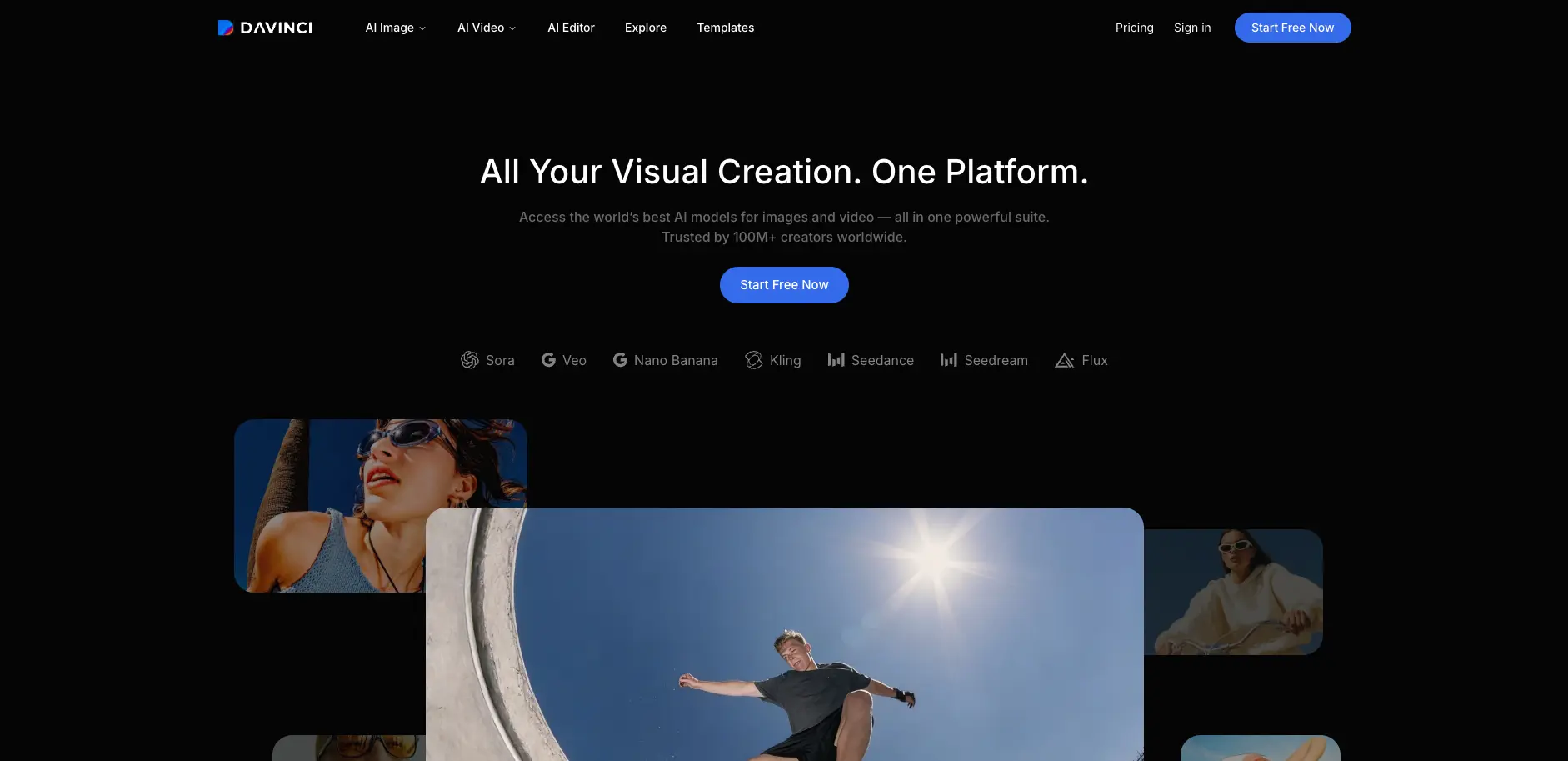
DaVinci AI is a generative media suite that lets creators produce and edit images and short-form video using dozens of frontier models in a single workspace. It targets creative teams, marketers, and designers who need campaign visuals for social, ads, and web without juggling separate tools. The platform combines model selection, generation, editing, and auto-resizing so ideas can move from prompt to production-ready assets in minutes.
DaVinci AI stands out by acting as a model-agnostic hub that aggregates many top-tier image and video models into one editor alongside production-grade tools like auto-resize, object-aware edits, and product-focused video generation. Paired with native mobile apps and a clear statement that user content is not used for training without permission, it targets day-to-day marketing and design output rather than only experimental art.
DaVinci AI is best suited for creators and teams that care less about tinkering with one model and more about shipping a steady stream of social, ad, and product visuals from a single place. It will not replace full video editing suites or heavy project management, and audio tools are still on the horizon, but as a focused engine for prompt-to-production image and short video workflows, it is a strong option.
Who is Using DaVinci AI?
Performance marketers
Generate and test multiple ad visuals, then auto-resize winning creatives for each paid channel.
Social media managers
Produce feed, Story, and short-form video content from prompts or reference images on tight timelines.
Ecommerce and DTC teams
Convert catalog photos into high-res images and product videos tailored to marketplaces and storefronts.
Designers and art directors
Build visual concepts, moodboards, and polished key visuals by cycling through different models and restyle tools.
Agencies and production studios
Standardize client creative workflows in one suite instead of stitching together separate generation and editing tools.
Uncommon Use Cases
Internal communications teams creating quick explainer visuals and motion pieces; founders and small merch brands mocking up product visuals before full photo shoots.
Key Features
Rating Breakdown
Pricing Plans
Basic
$19.99 per month
- Includes 2,200 credits, up to 1,100 images, up to 55 videos, standard generation speed, standard queue priority, and full access to core AI tools
Pro
$39.99 per month
- Includes 5,000 credits, up to 2,500 images, up to 125 videos, priority generation speed, priority queue access, and full access to core AI tools
Ultimate
$99.99 per month
- Includes 15,000 credits, up to 7,500 images, up to 375 videos, turbo generation speed, high-priority queue access, and full access to core AI tools
Creator
$199.99 per month
- Includes 40,000 credits, up to 20,000 images, up to 1,000 videos, maximum performance generation, highest queue priority, and full access to core AI tools
Which DaVinci AI plan should you pick?
Start with Pro for regular creation, then upgrade to Max, Ultimate, or Creator as generation volume and queue priority increase.
Pro
Good for casual creation and exploration with 2,200 monthly credits.
Max
Good for consistent creators and content builders needing 5,000 monthly credits.
Ultimate
Good for advanced and frequent creators needing 15,000 monthly credits and highest queue priority.
Creator
Good for high-volume production workflows needing 40,000 monthly credits.
DaVinci AI Use Cases
Generate marketing images
Create visuals from text prompts, then refine them with image-to-image tools.
Outcome: Commercial-ready creative assets for ads, products, and campaigns.
Transform reference images
Upload one or multiple reference images and alter style, composition, backgrounds, or objects.
Outcome: Controlled visual variations that preserve important creative elements.
Create cinematic videos
Use text-to-video or image-to-video generation with available video models.
Outcome: Professional-grade motion content.
Localize visual designs
Upload image or design files, select a target language, and translate text while preserving layout.
Outcome: Multilingual versions of visual assets.
Restore and enhance photos
Upload blurry, damaged, faded, or low-resolution photos for sharpening, restoration, color correction, and upscaling.
Outcome: Cleaner, higher-resolution images suitable for sharing or print.
Workflow Ideas with DaVinci AI
Create and refine a campaign visual
- 1Choose an image model and write a prompt
- 2Generate the image
- 3Refine the result with image-to-image editing
Localize a design
- 1Upload a PNG, JPG, PDF, or SVG design
- 2Select the target language
- 3Download the translated PNG, PDF, or SVG
Build a visual video concept
- 1Create or upload a reference image
- 2Choose image-to-video or text-to-video
- 3Generate and download the motion result
How DaVinci AI fits into your stack
Browser
DaVinci runs at davinci.ai in modern browsers as a unified workspace for image, video, editing, translation, and other creative tools.
Mobile
Dedicated iOS and Android apps provide access to the same account, subscription, creations, and mobile generation workflows.
Creative media workspace
The product combines multiple image and video models with image-to-image editing, image-to-video, upscaling, background changes, resizing, restyling, and relighting.
Pros
- +Unified model hub: One account covers many leading image and video models, which reduces the need to manage multiple tools and credits.
- +Production-focused tools: Auto-resize, upscaling, and product-to-video features are tailored to ad, social, and ecommerce workflows rather than just one-off art.
- +Clear output ownership stance: The company states that user data is not used to train models without permission and that users own what they create, with defined usage rights.
- +High-volume friendly tiers: Published credit counts and image/video equivalents make it practical to forecast output for ongoing campaigns.
- +Mature mobile experience: Native apps with the core feature set mean teams can ideate and ship creative assets away from their desks.
Cons
- −Annual billing emphasis: Public pricing focuses on plans billed annually, which may not suit users who prefer month-to-month commitment.
- −Credit ceilings: Heavy experimentation or very large teams can hit monthly credit limits and need to upgrade or ration usage.
- −Audio still pending: Audio Generation is advertised as “coming soon,” so the suite is not yet a full image‑video‑audio stack.
Limitations & when to consider alternatives
Known limitations
- Generation uses credits. Image and video generations consume credits, with allowances determined by the selected subscription.
- Model availability varies by plan. The available models and generation limits depend on the subscription tier.
- Translated text is baked into the output. The translation tool creates a new image with translated text rather than editable text layers.
- Web and mobile subscriptions are separate. Subscriptions purchased on mobile do not automatically unlock premium access on the web, and vice versa.
- Outputs remain subject to rights restrictions. Users are responsible for complying with copyright, trademark, privacy, likeness, and other applicable rights.
How to Use DaVinci AI
- 1
Open the DaVinci toolkit
Use the web app or mobile app to access the image and video creation tools.
- 2
Choose a generation mode
Select text-to-image, image-to-image, text-to-video, image-to-video, enhancement, restoration, or translation.
- 3
Select a model
Choose the model that best fits the desired visual style, detail level, or motion type.
- 4
Add a prompt or reference image
Describe the result you want and upload one or more reference images when visual control is needed.
- 5
Generate and refine
Create the output, then use editing or image-to-image tools to adjust style, composition, lighting, or details.
- 6
Download or continue across devices
Download the finished asset and access your account and creations on supported web or mobile platforms.
Who is DaVinci AI For?
Creators
DaVinci provides multiple image and video models, rapid experimentation, and commercial-use outputs.
Creative professionals
The platform offers studio-grade image quality, reference-image consistency, and professional image and video workflows.
Video creators
Video creators can generate cinematic motion content from text prompts and reference images.
E-commerce sellers
DaVinci's photo enhancement tools improve product and marketing imagery through upscaling, sharpening, and lighting correction.
Photographers and marketers
The photo enhancer supports restoration, retouching, noise reduction, color correction, and high-resolution output.
Frequently Asked Questions
What is DaVinci AI?
DaVinci is an AI platform for generating, transforming, and animating images and videos using text prompts, reference images, or both.
Which AI models are available?
DaVinci provides image models such as Nano Banana, Seedream, Flux, Grok Imagine, Kling, and DaVinci Ultra, plus video models including Sora, Veo, Kling, and Seedance.
Can I use DaVinci on multiple devices?
Yes. DaVinci is available on the web, iOS, and Android, with account access across supported platforms.
Can I use generated content commercially?
Yes. Generated content can be used commercially under DaVinci's Terms of Use, subject to third-party rights and applicable laws.
Is my content private?
Prompts, uploads, and generated outputs are private by default, accessible only to you, and not used to train AI models.
How do credits work?
Credits are consumed during image and video generation, refresh with the subscription cycle, and additional credits can be purchased when needed.
Community reviews
Be the first to share your experience.
Sign in to leave a review for DaVinci AI.
DaVinci AI Alternatives
Looking for alternatives to DaVinci AI? Here are similar tools in the same category:
Learn to Master DaVinci AI
With Skill Leap courses
Get in-depth training on DaVinci AI and 50+ other AI tools with our expert-led video courses.
Start 7-Day Free Trial