
DaVinci Resolve
Unify editing, color, VFX, and audio post-production.
Key Takeaways
- What it is
- Unify editing, color, VFX, and audio post-production.
- Best for
- Professional Editing Tools
- Advanced Color Correction
- Fusion VFX
- Rating
- 4.5/5
What is DaVinci Resolve?
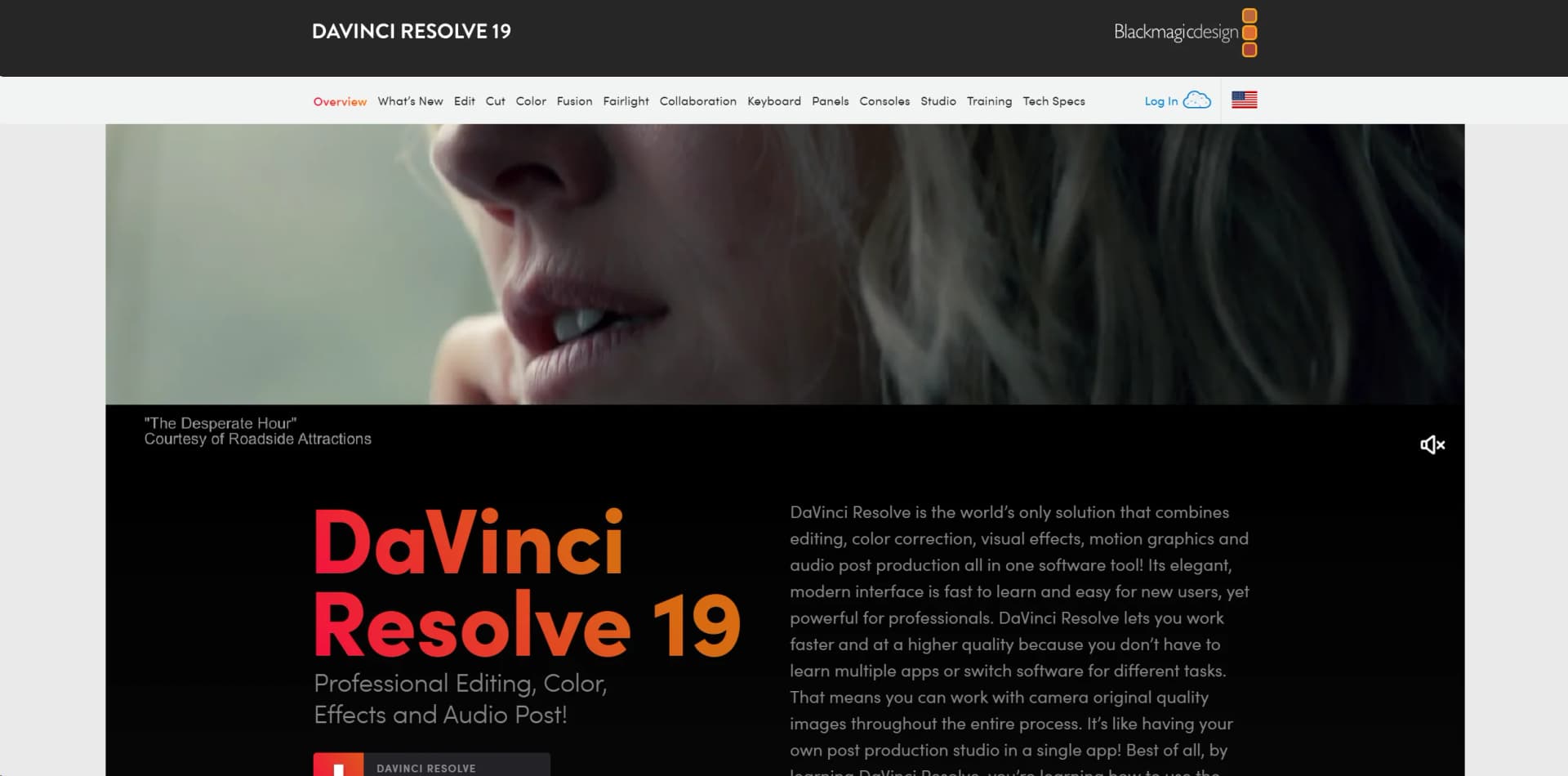
DaVinci Resolve 19 is not just any video editing software; it's a comprehensive suite designed for high-end film and television post-production. Combining editing, color correction, visual effects, motion graphics, and audio post-production all in one software tool, DaVinci Resolve simplifies the post-production process, allowing you to stay in one program from start to finish. Aimed at professionals in the industry as well as enthusiastic amateurs, its robust feature set is crafted to handle projects from large cinema productions to quick-paced television content.
DaVinci Resolve stands out for its comprehensive integration of multiple post-production disciplines into a single package. Its ability to support real-time collaboration across different post-production modules sets it apart, making it ideal for environments where team collaboration is critical.
DaVinci Resolve excels in providing a seamless and powerful suite of tools for professional video editing, color grading, audio post-production, and visual effects. Its robust feature set and industry-standard capabilities make it an essential tool for professionals in the film and television industry. The integration of the DaVinci Neural Engine, in particular, offers cutting-edge AI features that enhance both the creative possibilities and efficiency of the workflow.
Who is Using DaVinci Resolve?
Film Editors
Utilizing the tool for editing feature films due to its comprehensive and high-quality toolset.
Colorists
Employing the software for advanced color grading tasks.
Visual Effects Artists
Creating complex effects and animations with Fusion.
Sound Engineers
Using Fairlight for audio post-production.
Television Studios
Leveraging its fast workflow for quick turnarounds on episodes.
Uncommon Use Cases
Academic institutions use it for teaching media production; YouTube creators use it for producing high-quality content.
Key Features
Rating Breakdown
Pricing Plans
DaVinci Resolve Free
- A robust version available for free
- Some limitations compared to the Studio version
DaVinci Resolve Studio
- Includes advanced features like the DaVinci Neural Engine and additional Resolve FX
Which DaVinci Resolve plan should you pick?
Start with DaVinci Resolve for editing, color, VFX, audio and collaboration; upgrade to DaVinci Resolve Studio when you need advanced AI, effects, noise reduction, higher frame rates or resolutions beyond 4K.
DaVinci Resolve
Good for learning, independent projects and teams needing the core editing, color, VFX, audio and collaboration tools at no software cost.
DaVinci Resolve Studio
Good for professional users who need advanced AI features, additional effects, advanced noise reduction, text-based editing, 10-bit formats, up to 120 fps or resolutions beyond 4K.
DaVinci Resolve Use Cases
Edit video projects
Import and organize footage, build timelines, trim clips and add transitions, effects and titles.
Outcome: A finished edit for broadcast, streaming or online publishing.
Color grade and finish footage
Apply primary and secondary corrections, HDR grading, tracking and image-processing effects.
Outcome: A color-corrected and finished program.
Create visual effects and motion graphics
Use Fusion tools for compositing, animation, particles, camera tracking, rotoscoping and keying.
Outcome: Cinematic visual effects and motion graphics.
Mix and master audio
Edit dialogue, apply Fairlight effects, perform ADR and Foley work, and master multichannel or immersive audio.
Outcome: A completed soundtrack and deliverable.
Collaborate on post production
Share project libraries, invite collaborators, synchronize media and let multiple users work on timelines.
Outcome: A coordinated remote or on-premises post-production workflow.
Workflow Ideas with DaVinci Resolve
On-set proxy-to-edit workflow
- 1Copy camera originals to local or Blackmagic Cloud storage
- 2Use Blackmagic Proxy Generator watch folders to create proxies automatically
- 3Open synchronized proxy media in DaVinci Resolve and begin editing
Collaborative edit-to-finish workflow
- 1Create a Blackmagic Cloud project library
- 2Invite editors, colorists, VFX artists and sound engineers
- 3Use bin locking, timeline comparison and shared markers to finish the project
Edit-to-publish workflow
- 1Edit and finish the timeline in DaVinci Resolve
- 2Choose a Quick Export preset for the target service
- 3Render and upload directly to YouTube, Vimeo or TikTok
How DaVinci Resolve fits into your stack
Extensive Format Support
Handles nearly all media formats, ensuring smooth workflows.
Blackmagic Design Hardware
Optimized for use with Blackmagic cameras and panels.
Multi-Platform Support
Available on Windows, Mac, and Linux.
Open FX Plugins
Supports a wide range of third-party plugins for added functionality.
Pros
- +All-In-One Solution: Integrates all aspects of post-production into one application, reducing the need for multiple software solutions.
- +Industry-Standard Quality: Offers professional-grade tools that are used in Hollywood, ensuring high-quality output.
- +Customizable Interface: Highly adaptable to various workflows and user preferences, enhancing productivity.
- +Extensive Format Support: Compatible with virtually all video formats, making it highly versatile for any post-production task.
Cons
- −Steep Learning Curve: The vast array of features can be overwhelming for beginners.
- −Resource-Intensive: Requires a robust hardware setup to utilize all features smoothly.
- −Limited Third-Party Plugin Support: While powerful, it could offer more in terms of third-party integrations and extensions.
Limitations & when to consider alternatives
Known limitations
- Free version format and resolution limits. The free version supports virtually all 8-bit formats up to 60 fps and Ultra HD 3840 x 2160. Studio is required for 10-bit video up to 120 fps and resolutions beyond 4K.
- Studio-only advanced features. Features such as the DaVinci Neural Engine, additional Resolve FX, advanced noise reduction, text-based editing and Magic Mask are included with Studio rather than the free version.
- Hardware and operating-system requirements. The desktop version requires supported macOS, Windows or Linux versions. The iPad version requires iPadOS 16 or later and an iPad with an A12 Bionic chip or later.
- Automatic captioning can fail with overlapping dialogue. Blackmagic documents that Auto Caption can commonly fail when dialogue clips overlap across multiple tracks.
- Cloud storage and collaboration depend on cloud services. Cloud collaboration requires a Blackmagic Cloud project library, account access and synchronized project or media storage.
Look elsewhere when
- You need a browser-based editing tool rather than an installed application.
- You need built-in model fine-tuning or training jobs.
How to Use DaVinci Resolve
- 1
Blackmagic Design offers extensive tutorials on their website and YouTube, covering everything from basic setup to advanced features.
Who is DaVinci Resolve For?
Professional editors
The Edit page provides drag-and-drop editing, traditional three-point editing, transitions, effects and titles.
Colorists
The product includes advanced color correction, HDR grading, tracking and professional image-processing tools.
VFX artists and animators
Fusion provides 2D and 3D tools, particles, keyframe editors, camera tracking, rotoscoping and keying.
Sound engineers
Fairlight provides multitrack audio editing, real-time effects, ADR, Foley and immersive audio mastering.
Post-production teams
Blackmagic Cloud supports shared projects, simultaneous work, timeline comparison, shared markers and built-in chat.
Frequently Asked Questions
What is DaVinci Resolve?
DaVinci Resolve combines video editing, color correction, visual effects, motion graphics and audio post production in one application.
Is DaVinci Resolve free?
Yes. The free version supports editing, color, VFX, motion graphics, audio post production and multi-user collaboration. DaVinci Resolve Studio is a paid upgrade.
Which platforms support DaVinci Resolve?
The desktop application supports macOS, Windows and Linux. Blackmagic also provides an iPad version.
Can multiple people work on one project?
Yes. Blackmagic Cloud lets editors, colorists, VFX artists, animators and sound engineers work on the same project and timeline.
What does DaVinci Resolve Studio add?
Studio adds the DaVinci Neural Engine, additional Resolve FX, advanced noise reduction, text-based editing, Magic Mask, higher frame rates and resolutions beyond 4K.
Can DaVinci Resolve upload finished videos directly?
Yes. Quick Export can render and upload videos directly to services including YouTube, Vimeo and TikTok.
Community reviews
1 review from people who use DaVinci Resolve.
Sign in to leave a review for DaVinci Resolve.
Jeffery Morgan
DaVinci Resolve Alternatives
Looking for alternatives to DaVinci Resolve? Here are similar tools in the same category:
Learn to Master DaVinci Resolve
With Skill Leap courses
Get in-depth training on DaVinci Resolve and 50+ other AI tools with our expert-led video courses.
Start 7-Day Free Trial