
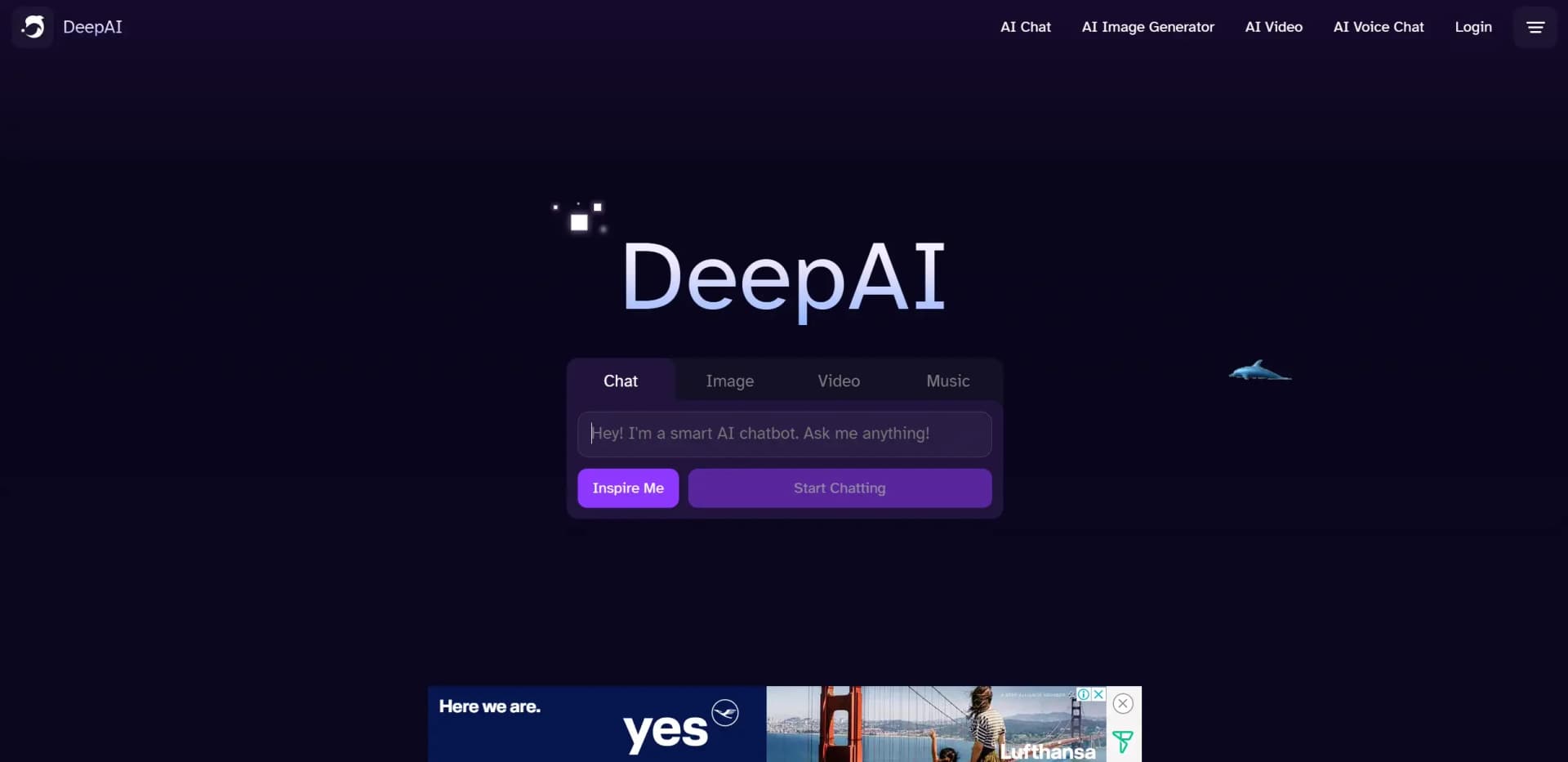
DeepAI
AI toolkit for generating images, videos, music, and chats.
Key Takeaways
- What it is
- AI toolkit for generating images, videos, music, and chats.
- Pricing
- $4.99 per month · $5 to $1000
- Best for
- AI Image Generator
- AI Video Generator
- AI Music Generator
- Rating
- 4.6/5
What is DeepAI?
Deep AI is a comprehensive suite of artificial intelligence tools designed to democratize AI technology, making it accessible and usable for a wide range of users, from individuals to large enterprises. It offers a variety of AI-driven services such as image generation, video creation, music production, and chat functionalities. Deep AI's tools are tailored to simplify complex processes, enabling users to enhance creativity, efficiency, and productivity in their respective fields.
Deep AI stands out with its comprehensive suite of AI tools that cater to diverse creative and professional needs. Its ability to seamlessly integrate AI-powered image, video, and music generation within a single platform sets it apart, offering users a one-stop solution for enhancing their creative processes.
Deep AI provides a robust platform for harnessing the power of artificial intelligence across various creative domains. Its user-friendly interface, combined with an extensive range of tools, ensures that both novices and professionals can effortlessly incorporate AI into their workflows, driving innovation and efficiency. Whether you're a content creator, marketer, or educator, Deep AI offers the resources needed to elevate your projects with cutting-edge technology.
Who is Using DeepAI?
Content Creators
Utilizing Deep AI tools for generating unique visual and audio content.
Marketing Agencies
Employing the platform's video and image generation tools to create engaging marketing campaigns.
Educational Institutions
Leveraging AI chat and video tools for interactive learning experiences.
Startups
Adopting AI solutions to streamline processes and enhance creative outputs.
Key Features
Rating Breakdown
Pricing Plans
DeepAI PRO
$4.99 per month
- Including 500 AI images
- 1750 chat messages
- 30 videos
- More
Pay As You Go
$5 to $1000
- Tailored for users who prefer a usage-based pricing model
Which DeepAI plan should you pick?
Start with free access for occasional experimentation; upgrade to DeepAI Pro when you need higher-volume usage, private generations, or API access.
DeepAI Pro
Good for creators, professionals, and developers who need the full tool suite, monthly allowances, private generations, and API access.
DeepAI Use Cases
Used by hobbyist musicians to explore AI-generated compositions; Applied by independent filmmakers for cost-effective video production.
Workflow Ideas with DeepAI
Create and refine a visual concept
- 1Describe the concept in AI Image Generator
- 2Add reference images or use multiple image inputs
- 3Refine the result with AI Photo Editor
Turn an image into a short video
- 1Upload a source image to the AI Video Generator
- 2Describe the desired movement or scene
- 3Choose HD or Hollywood mode and generate the clip
Integrate image generation into an application
- 1Subscribe to DeepAI Pro and obtain an API key
- 2Send a POST request to the appropriate DeepAI endpoint
- 3Read the returned output URL and download the generated asset
How DeepAI fits into your stack
Browser
DeepAI is primarily a browser-based creative AI platform for chat, image generation, video, music, photo editing, and detection. Its Chrome extension adds summarization, translation, rewriting, and image-tool actions without leaving a webpage.
Docs and writing
AI Chat supports writing, translation, summaries, explanations, and programming-code generation. The browser extension can work with selected text from articles, documents, emails, and messages.
Automation and APIs
Developers can call documented DeepAI REST endpoints with API keys for image generation, editing, upscaling, background removal, colorization, and video generation.
Pros
- +User-Friendly Interface: The platform is designed with simplicity in mind, making it accessible even for those with minimal technical expertise.
- +Versatile Tools: Offers a wide array of AI tools catering to different creative and professional needs.
- +Cost-Effective: Provides affordable pricing plans that make advanced AI technology accessible to individuals and small businesses.
- +Scalable Solutions: Deep AI's tools can be scaled to meet the needs of larger enterprises, ensuring flexibility and adaptability.
Cons
- −Limited Integration: Currently, the platform supports a limited number of third-party integrations, which may affect workflow for some users.
- −Initial Learning Curve: Some users may experience a learning curve when first navigating the advanced features.
Limitations & when to consider alternatives
Known limitations
- Video uploads may be publicly shared. DeepAI states that uploading to the video generator gives it the right to share the image and video publicly.
- Video clips are short. The documented video duration is from 4 seconds to 15 seconds.
- Video results are time-limited. Completed video status records and output URLs are available for one hour before the status endpoint returns 404.
- API access requires Pro. The API documentation states that API access requires a DeepAI Pro subscription.
- Generated images may not be fully realistic. DeepAI cautions that generated images may not always be perfectly realistic.
Look elsewhere when
- You need a native desktop application.
- You need shared team workspaces or user roles.
- You need SSO or SAML authentication.
How to Use DeepAI
- 1
Start with a tool
Open AI Chat, Image Generator, Photo Editor, Video Generator, Music Generator, or another listed tool based on the task.
- 2
Describe the desired result
Use a specific prompt; DeepAI recommends concise instructions such as changing a sky color or adding objects.
- 3
Upload references when needed
For image editing or video generation, upload an image or provide an image URL as a visual guide.
- 4
Use advanced modes
Choose modes such as Genius, Super Genius, Math, Online Search, Automatic Web Access, or Create Image when the task requires them.
- 5
Upgrade for higher usage
Subscribe to DeepAI Pro when free usage is insufficient or when you need private generations and API access.
- 6
Integrate through the API
Copy an API key from the dashboard and send authenticated HTTP requests to the documented DeepAI endpoints.
Who is DeepAI For?
Hobbyists
DeepAI offers accessible image, video, music, chat, voice, and photo-editing tools for experimentation and personal projects.
Professional artists
Artists can create high-resolution images, edit photos, generate music, and produce short videos.
Developers
Developers can integrate DeepAI models through documented REST APIs using API keys and standard HTTP requests.
Frequently Asked Questions
Is DeepAI free to use?
DeepAI can be explored for free without creating an account. DeepAI Pro adds higher-volume usage, private generations, and an ad-free experience.
What does DeepAI Pro cost?
DeepAI Pro costs $9.99 per month or $89.99 per year. The subscription includes monthly allowances across DeepAI's tools.
Does DeepAI provide an API?
Yes. DeepAI provides HTTP APIs for image generation, editing, upscaling, background removal, colorization, and video generation.
Can DeepAI edit existing images?
Yes. The AI Photo Editor accepts an image or URL and a text prompt describing the desired changes, with up to three reference images.
Can DeepAI generate videos?
Yes. The video generator creates videos from text or images, supports image-to-video and video editing, and generates clips from 4 to 15 seconds.
Does DeepAI support web search?
AI Chat includes Online Search and Automatic Web Access modes for finding current information on the web.
Community reviews
Be the first to share your experience.
Sign in to leave a review for DeepAI.
DeepAI Alternatives
Looking for alternatives to DeepAI? Here are similar tools in the same category:
Learn to Master DeepAI
With Skill Leap courses
Get in-depth training on DeepAI and 50+ other AI tools with our expert-led video courses.
Start 7-Day Free Trial