
DiffusionBee
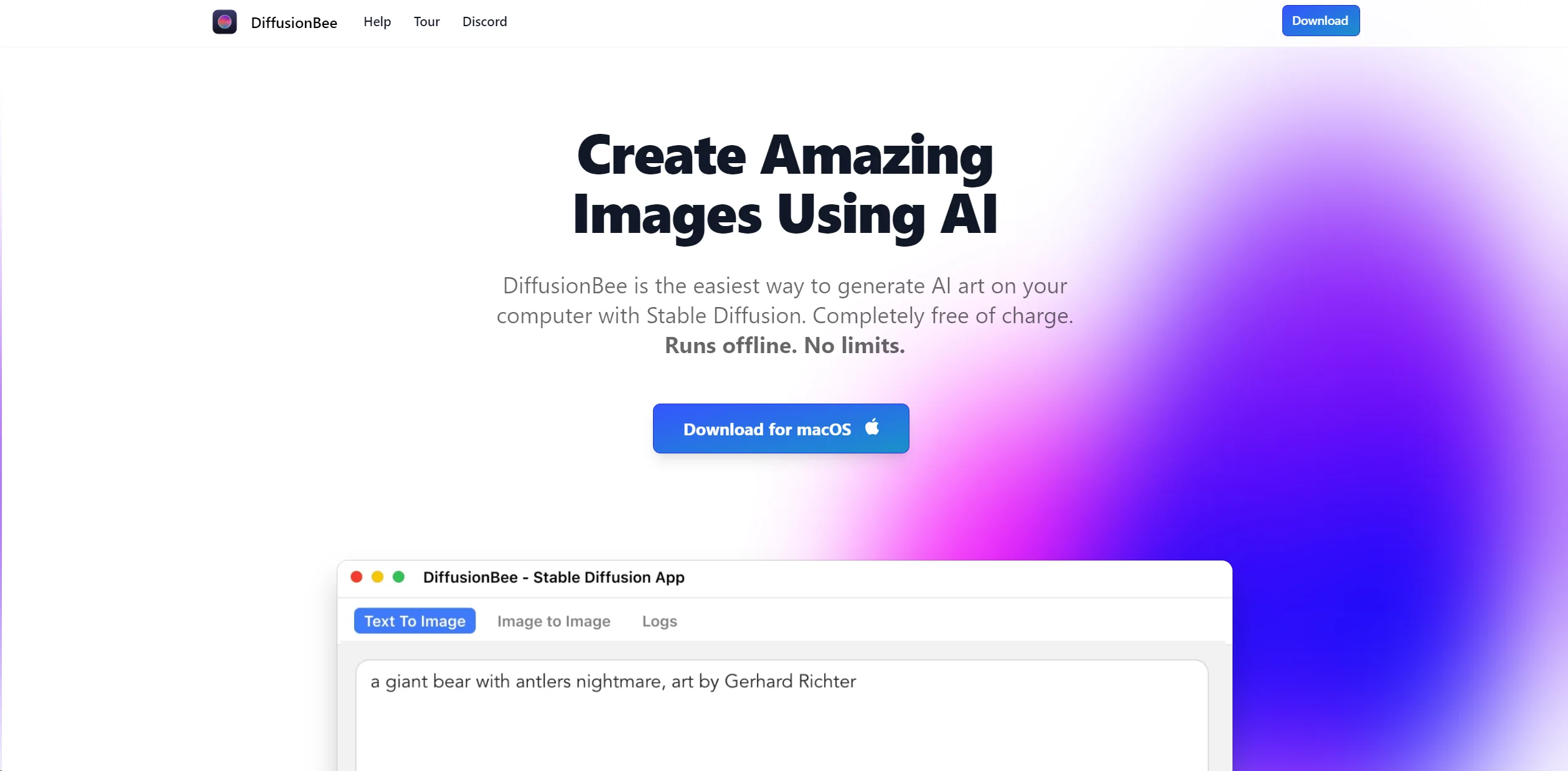
Transform text into stunning AI art offline on macOS, free and user-friendly.
Watch DiffusionBee in Action
Key Takeaways
- What it is
- Transform text into stunning AI art offline on macOS, free and user-friendly.
- Pricing
- Freemium
- Best for
- Text to Image
- Image to Image
- In-painting and Out-painting
- Rating
- 4.7/5
What is DiffusionBee?
DiffusionBee stands as a groundbreaking Stable Diffusion application designed to transform the creation of AI art on your computer. Its standout feature is the ability to generate captivating images using simple text prompts, offering a suite of tools for image modification, in-painting, out-painting, upscaling, and the use of custom models. What makes DiffusionBee especially appealing is its user-friendly interface, which ensures that even those new to AI art can produce stunning visuals in seconds. This tool is completely free, operates offline without any usage limits, and is optimized for Apple silicon Macs, making it a go-to choice for creatives looking for an accessible and powerful AI art generator.
What sets DiffusionBee apart is its combination of ease of use, performance, and privacy. The tool is uniquely designed to run efficiently on macOS, leveraging the power of Apple silicon chips for rapid image generation. Its offline functionality ensures that users' creations remain private, a significant advantage for those concerned with data security in the cloud-centric world of today.
DiffusionBee excels in democratizing AI art creation, making it an indispensable tool for anyone interested in exploring the intersection of art and technology. Its user-friendly interface, combined with powerful features and the assurance of privacy, offers an unmatched advantage for macOS users. Whether you're a professional artist, a designer, or simply someone fascinated by the potential of AI-generated art, DiffusionBee provides an accessible, cost-effective, and privacy-conscious platform to unleash your creativity.
Who is Using DiffusionBee?
Digital Artists
Creating unique artworks and exploring new styles.
Graphic Designers
Enhancing design projects with AI-generated elements.
Educators and Students
For educational purposes in art and technology courses.
Tech Enthusiasts
Experimenting with the capabilities of AI in art generation.
Uncommon Use Cases
Used by writers for visualizing scenes or characters; hobbyists creating custom game assets.
Key Features
Rating Breakdown
Pricing Plans
Free Tier
Free
- DiffusionBee is available at no cost
- Making it an excellent value for users looking to explore AI art generation
DiffusionBee Use Cases
Text-to-image generation
Create images from text prompts.
Outcome: Generate original AI artwork.
Image editing
Transform existing images using text prompts.
Outcome: Produce edited or restyled images.
Generative fill
Add or remove objects in selected image regions.
Outcome: Modify specific parts of an image.
Custom model training
Train image-generation models on your own images.
Outcome: Generate images featuring particular objects, people, or styles.
Image upscaling
Enhance image quality and resolution with AI.
Outcome: Create sharper, higher-resolution images.
Workflow Ideas with DiffusionBee
Create an image from a text prompt
- 1Download and start the DiffusionBee application
- 2Enter a prompt description
- 3Press Generate
Retouch an image with inpainting
- 1Add an image
- 2Scribble over the area to replace or repaint
- 3Generate the revised image
Use a custom image model
- 1Download a compatible model file
- 2Import it through DiffusionBee settings
- 3Select the custom model when generating
How DiffusionBee fits into your stack
macOS Compatibility
Optimized for the latest versions of macOS, ensuring a smooth experience for Mac users.
Apple Silicon Optimization
Tailored performance enhancements for M1 and M2 chips.
Standalone Application
Functions independently without the need for cloud processing or internet connectivity.
CreativeML Open RAIL-M License
Ensures that users can freely use the generated images, adhering to the specified license.
Pros
- +Ease of Use: Its intuitive interface makes creating AI art accessible to everyone.
- +Performance: Optimized for M1/M2 Macs, offering fast image generation times.
- +Privacy and Security: With local processing, users' data remains private.
- +Cost-Effective: Completely free to use without any hidden charges.
Cons
- −Platform Limitation: Currently, it is only available for macOS users.
- −Hardware Requirements: Best performance on Apple silicon; Intel-based Macs may experience slower processing.
- −Limited to Static Images: Primarily focused on generating static images without direct support for animations or videos.
Limitations & when to consider alternatives
Known limitations
- macOS requirement. The site states that DiffusionBee requires macOS 13.1 or higher.
- Limited Windows availability. The download page lists Windows 64 Bit as a waitlist option rather than an available installer.
- Local hardware affects speed. Generation can take longer on lower-spec computers, especially Intel machines without dedicated graphics.
- Inpainting resolution limit. The documentation states that the inpainting model currently supports a maximum height of 512 pixels.
- Image-to-image input format. The documented image-to-image workflow says that the uploaded starting sketch supports PNG files.
Look elsewhere when
- You need a documented developer API.
- You need a native mobile app.
- You need browser-based access.
How to Use DiffusionBee
- 1
The tool's website and community on Discord offer a range of tutorials and support, helping users from setup to mastering advanced features.
Frequently Asked Questions
Where are the images generated?
Images are generated locally on your computer, and nothing is sent to the cloud.
How much time does it take to generate an image?
On an 8GB M1 MacBook Air, DiffusionBee says generation takes around 30 seconds; faster computers may be quicker.
Can I freely use the generated images?
Yes, provided usage complies with the CreativeML Open RAIL-M license.
What are the minimum system requirements?
DiffusionBee requires macOS 13.1 or higher, with Apple silicon recommended.
Does DiffusionBee work with Intel-based machines?
Yes, although performance may be much slower than on M1 machines without a dedicated graphics chip.
Community reviews
Be the first to share your experience.
Sign in to leave a review for DiffusionBee.
DiffusionBee Alternatives
Looking for alternatives to DiffusionBee? Here are similar tools in the same category:
Learn to Master DiffusionBee
With Skill Leap courses
Get in-depth training on DiffusionBee and 50+ other AI tools with our expert-led video courses.
Start 7-Day Free Trial