Document Crunch
Construction-focused contract reviews help teams catch project risks before work begins.
Key Takeaways
- What it is
- Construction-focused contract reviews help teams catch project risks before work begins.
- Best for
- Project Assist
- CrunchAI
- Playbooks
- Rating
- 4.2/5
What is Document Crunch?
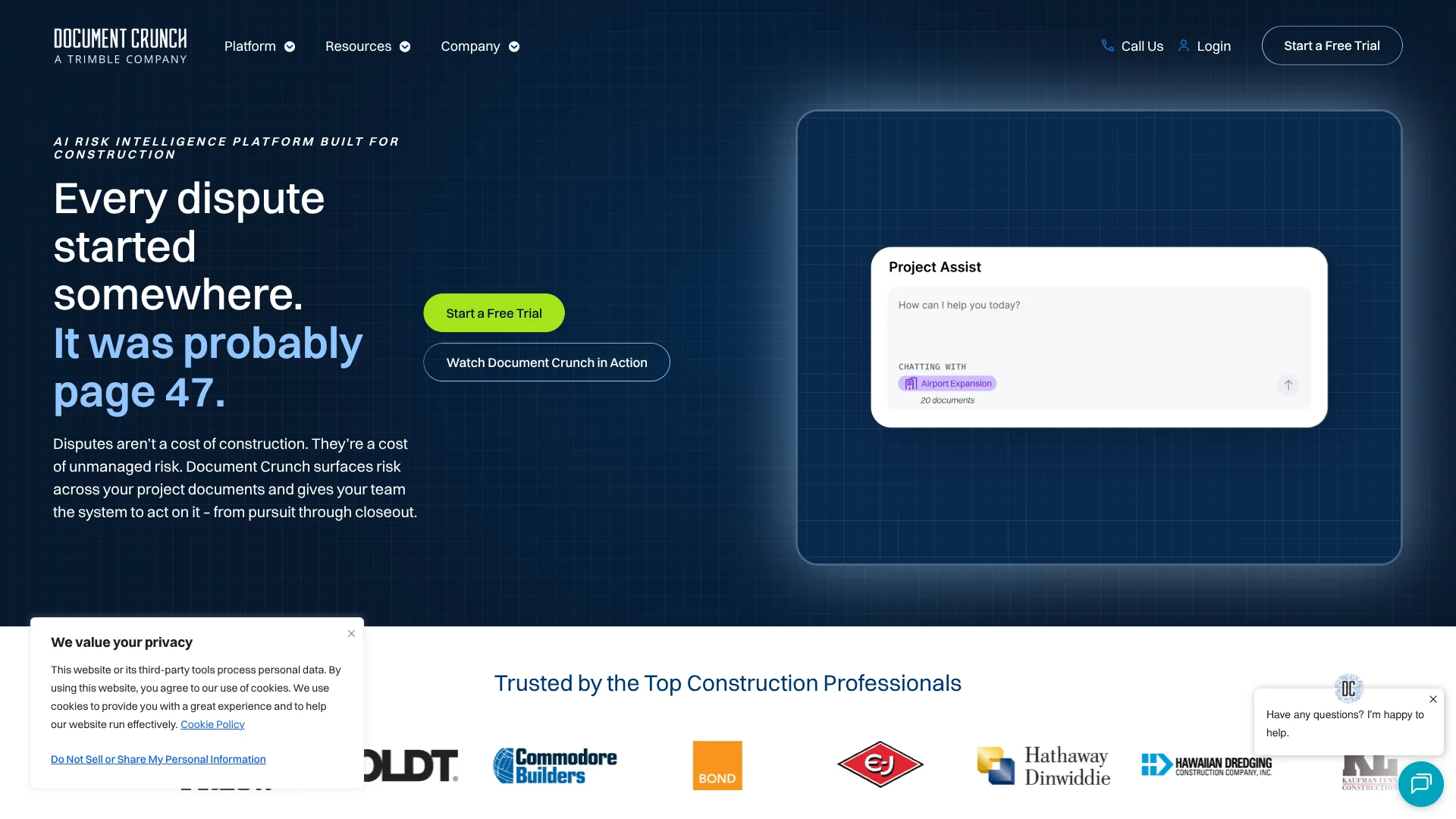
Document Crunch helps construction teams find contract risks and obligations across project documents, then trace AI answers back to the source clause. Its CrunchAI is built for construction language, while Project Assist can answer questions across contracts, specifications, addenda, and other files in one project. That gives estimators, project managers, and risk teams a faster way to review requirements and keep work aligned.
Project Assist can connect details across a project's documents and cite the source for its answers, helping teams spot when requirements conflict or an amendment changes an earlier term.
Construction contractors, owners, insurers, and attorneys are the clearest fit, especially when teams need repeatable reviews and project-level visibility. It is not a substitute for legal judgment, and chat works within one project at a time, so it is best for managing construction risk rather than general-purpose AI work.
Who is Using Document Crunch?
Estimators
Bid reviews and contract comparisons help estimators assess terms before a project is pursued.
Project Managers
Project Assist helps project managers find obligations and requirements across project documents.
Risk Managers
Cited reviews and risk tracking help risk teams flag issues and follow their status.
Contract Administrators
Playbooks and version comparisons help contract administrators review terms and changes.
Uncommon Use Cases
Checking whether specifications and contracts describe conflicting requirements; preparing cited questions about notice or payment terms
Key Features
Rating Breakdown
Pricing Plans
Free Trial
- Comprehensive free trial period available
Subscription Plans
- Tailored subscription options
- Details available on the Document Crunch website
Which Document Crunch plan should you pick?
Start with the 14-day trial to evaluate the full product on up to three projects; contact Document Crunch to discuss a paid subscription.
Free Trial
Good for construction teams that want to test the full product with their own documents before discussing a subscription.
Document Crunch Use Cases
Reviewing a Project's Contract Documents
Project Assist connects requirements across contracts, specifications, addenda, and related files.
Outcome: Answers with citations to the source documents.
Comparing Contract Versions
A comparison report highlights substantive changes between versions of the same document.
Outcome: A summary of changes with section and page references.
Checking Project Obligations
Playbooks surface obligations and risk topics across project documents.
Outcome: A consolidated view of reviewed topics and cited sources.
Preparing Project Documents
Project Assist can generate drafts of items such as notices, submittals, and RFIs for review.
Outcome: Generated project artifacts available to review and download.
Reviewing Documents in Procore
The Procore side panel brings Document Crunch chat and playbooks into supported project views.
Outcome: Project document review within supported Procore workflows.
Workflow Ideas with Document Crunch
Check a Project for Conflicting Terms
- 1Add the relevant contracts, specifications, and addenda to the project.
- 2Ask Project Assist a focused question about the requirement in question.
- 3Review the cited passages and confirm which terms need follow-up.
Review a Contract Change
- 1Open the existing document and add its next version.
- 2Run Version Comparison to see substantive changes.
- 3Review the cited changes and export the comparison report for sharing.
Prepare a Project Notice
- 1Find the relevant notice requirement in the project documents.
- 2Ask Project Assist to help draft the notice using the project context.
- 3Review the draft and source citations before sending it.
How Document Crunch fits into your stack
Project Document Review
The web platform organizes construction documents by project and applies AI reviews, playbooks, and comparisons. Supported uploads include PDF, DOC, and DOCX files.
Procore
A side panel brings Project Assist and playbooks into supported Procore views. Generated outputs are provided for download and are not automatically saved into Procore.
OneDrive
Documents can be imported from OneDrive into a project for analysis in Document Crunch.
Mobile Browser
The platform is mobile responsive, so teams can access it from a smartphone or tablet browser; a native mobile app was not confirmed.
Pros
- +Cross-document answers: Project Assist can connect information across a project's contracts, specs, and addenda.
- +Traceable findings: Answers link back to source documents and relevant pages.
- +Construction workflows: Playbooks, version comparisons, and generated project artifacts address common contract and compliance tasks.
- +Procore access: The integration brings Document Crunch into supported Procore views.
Cons
- −Construction-specific scope: The product is geared toward construction documents rather than general writing or research.
- −Sales-led purchase: Subscription pricing is not published as a public list price.
- −Web-based mobile access: The platform is mobile responsive, but a dedicated native app was not confirmed.
Limitations & when to consider alternatives
Known limitations
- Project Assist scope. Project Assist works within one project at a time and cannot query across multiple projects.
- Upload formats and size. The documented upload flow supports PDF, DOC, and DOCX files up to 500 MB.
- Playbook templates. Playbook templates are configured by Document Crunch's customer success team; users cannot create or edit their own templates.
- Playbook history. The app does not keep playbook version history, so teams need to export a playbook before rerunning it if they want a record.
- Legal judgment. Document Crunch supports decision-making but does not replace professional legal review, including for state-specific laws or regulations.
Look elsewhere when
- You need a public, fixed subscription price before speaking with sales.
- You need AI chat that searches across multiple projects at once.
- Your workflow depends on a native mobile app.
How to Use Document Crunch
- 1
Start a Trial
The self-serve trial lasts 14 days, covers up to three projects, and does not require a credit card.
- 2
Create a Project
Documents must belong to a project, so set up the project before adding its files.
- 3
Add Project Documents
Upload PDF, DOC, or DOCX files, or import documents from Procore or OneDrive; each file can be up to 500 MB.
- 4
Run a Review or Playbook
Choose a review or playbook for the documents to surface project obligations and risk topics.
- 5
Ask Project Assist
Ask a focused question across the project's documents and check the linked sources in the response.
- 6
Review and Share the Result
Check generated comparisons or artifacts before relying on them, and download outputs when needed.
Who is Document Crunch For?
General Contractors
Project-level reviews help GCs track obligations and risks across contracts, specs, and amendments.
Specialty Contractors
Trade contractors can review subcontract terms and clarify responsibilities before work begins.
Owners
Owners can use cited document findings to better understand project requirements and risk.
Insurers
Construction-focused document analysis can help insurers examine project terms and obligations.
Attorneys
Cited findings can help legal teams review construction documents and identify issues for closer analysis.
Frequently Asked Questions
Is there a free version?
The site offers a time-limited free trial, not a confirmed ongoing free tier. The self-serve trial lasts 14 days and includes up to three projects.
How much does Document Crunch cost?
The official site does not publish subscription prices. Purchases are handled through the Document Crunch sales team.
Can it answer questions across multiple project documents?
Yes. Project Assist can answer questions across documents within one project, with links to referenced sources.
Does Document Crunch work with Procore?
Yes. Its Procore integration provides a Document Crunch side panel in supported Procore views.
Can I use Document Crunch on a phone?
The platform is mobile responsive and can be opened in a mobile browser. A dedicated native app was not confirmed.
What happens when the trial ends?
The organization becomes read-only. Existing work can still be viewed and downloaded, but users cannot create projects, upload documents, or run new chats.
Community reviews
Be the first to share your experience.
Sign in to leave a review for Document Crunch.
Document Crunch Alternatives
Looking for alternatives to Document Crunch? Here are similar tools in the same category: