
DomoAI
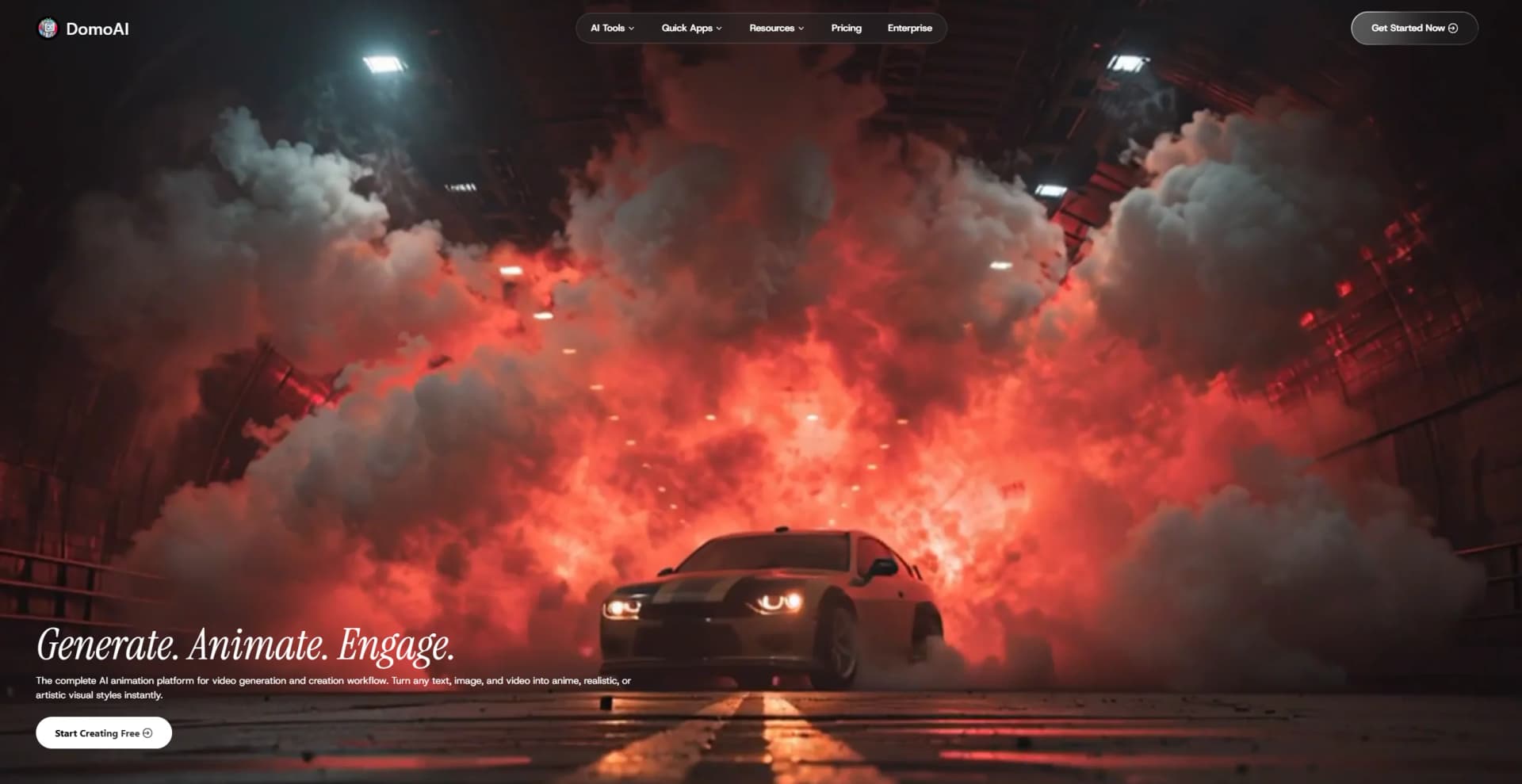
Create lifelike videos from text and images.
Watch DomoAI in Action
Key Takeaways
- What it is
- Create lifelike videos from text and images.
- Pricing
- $9.99 per month · $27.99 per month · $69.99 per month
- Best for
- AI Video Generation
- Image to Video Animation
- Talking Avatars
- Rating
- 4.5/5
What is DomoAI?
DomoAI is an innovative platform that transforms content creation by offering a comprehensive suite for AI-driven video generation and animation. Tailored for creators ranging from small content producers to professional studios, DomoAI simplifies the process of turning text, images, and videos into dynamic, artistic, and realistic visual content. Its primary function is to streamline creative workflows, making it possible to produce high-quality videos and animations effortlessly.
DomoAI stands out with its ability to transform any form of media into captivating video content, whether it's text, images, or existing footage. Its extensive library of styles, from anime to hyper-realistic visuals, sets it apart, making it a preferred choice for creators aiming to push the boundaries of traditional video production.
DomoAI offers a transformative experience for anyone looking to create high-quality, visually stunning content with minimal effort. Its robust set of features and intuitive design empower users to produce animations and videos that captivate audiences. Whether you're a seasoned professional or a budding creator, DomoAI equips you with the tools to bring your creative visions to life, making it a valuable asset in the digital content creation landscape.
Who is Using DomoAI?
Content Creators
Ideal for YouTubers and social media influencers looking to enhance their video content.
Marketing Agencies
Utilized for creating engaging advertising content and promotional videos.
Educational Institutions
Used to develop instructional videos and educational animations.
Freelance Videographers
Employed for producing client-specific video projects quickly and efficiently.
Uncommon Use Cases
Adopted by museums for creating digital exhibits; Used by event planners to create immersive event presentations.
Key Features
Rating Breakdown
Pricing Plans
Basic
$9.99 per month
- 500 credits per month in Fast Mode (~500 images or ~30 videos)
- No watermark
- Optional credit top-ups
- 3 parallel fast lanes
- Access to all styles with regular updates
Standard
$27.99 per month
- Unlimited generations in Relax Mode
- 1,500 credits per month in Fast Mode (~1,500 images or ~100 videos)
- No watermark
- Optional credit top-ups
- 3 parallel fast lanes
- Access to all styles with regular updates
Pro
$69.99 per month
- Unlimited generations in Relax Mode
- 4,000 credits per month in Fast Mode (~4,000 images or ~267 videos)
- /video: 20s–30s gen in Fast Mode exclusively
- /text2video: 10s gen in Fast Mode only
- No watermark
- Optional credit top-ups
- 6 parallel fast lanes
- Access to all styles with regular updates
Which DomoAI plan should you pick?
Start with Basic for occasional creation, choose Standard for regular users needing Relax Mode, and upgrade to Pro or Team for higher volume, longer durations, or shared workspaces.
Basic
Good for hobbyists and occasional creators who need core video, image, avatar, and upscaling features.
Standard
Good for regular content creators who need unlimited Relax generations on supported models and more monthly credits.
Pro
Good for professionals who need larger credit allocations, longer Character to Video clips, longer Talking Avatars, and priority support.
Team
Good for teams that need a dedicated shared workspace, shared credits, and higher workspace task limits.
DomoAI Use Cases
Animate a photo
Upload a portrait, illustration, or photo and add camera movement or custom motion.
Outcome: A short animated video clip.
Stylize a video
Upload a video and apply anime, watercolor, oil-painting, or other artistic styles.
Outcome: A restyled video that preserves the original motion and audio.
Create a talking avatar
Upload a portrait, add a script or voice recording, and configure expressions.
Outcome: A lip-synced talking-character video.
Replace a character
Provide a motion video and a character image to transfer the character into the reference movement.
Outcome: A new character animation preserving the reference motion.
Generate video from frames
Upload two to eight keyframes and describe the desired transitions.
Outcome: A continuous video connecting the selected frames.
Workflow Ideas with DomoAI
Photo-to-talking-avatar campaign
- 1Upload or generate a character image
- 2Create an animated clip with Image to Video
- 3Add narration with Talking Avatar
- 4Save the result to Assets and download it
Stylized short-form video
- 1Upload a 3–10 second video
- 2Choose an artistic preset or define a custom style
- 3Adjust duration, aspect ratio, lip sync, or subject-only settings
- 4Generate, review, and download the stylized video
Keyframe-controlled animation
- 1Upload two or more keyframe images
- 2Add prompts for motion between individual frames
- 3Choose the aspect ratio and duration
- 4Generate and export the resulting video
How DomoAI fits into your stack
Browser
DomoAI is primarily a browser-based creative studio for generating, editing, styling, and upscaling images and videos.
Knowledge and files
The Assets Library stores generated videos, images, audio, and uploaded source files for reuse, downloading, organization, and further editing.
Automation and APIs
DomoAI provides an Enterprise REST API with API keys, text-to-video, image-to-video, template-to-video, task-status, and file-upload endpoints.
Pros
- +Time Efficiency: Significantly reduces the time required to create professional-quality videos and animations.
- +Versatility: Supports a wide range of styles, from anime to realistic, catering to diverse creative needs.
- +User-Friendly: Intuitive interface that accommodates users of all skill levels, from beginners to experts.
- +Cost-Effective: Offers a free tier and affordable subscription plans, making high-end video production accessible.
Cons
- −Initial Learning Curve: Some users may need time to familiarize themselves with all features.
- −Limited Integration: While it supports many features, integration with other third-party platforms is currently limited.
Limitations & when to consider alternatives
Known limitations
- Short standard video durations. Standard Image to Video and Video to Video workflows generally support clips up to 10 seconds per generation.
- Longer videos require higher plans or modes. Extended Character to Video and Talking Avatar durations are reserved for higher-tier plans and Fast Mode.
- Talking avatars do not add background music directly. The documented workflow is to generate the avatar, export the video, and add music in a separate video editor.
- Video-to-video results depend on source footage. Clear subjects, suitable lighting, and short clips are recommended; some models may struggle with full-body shots or complex motion.
- Subscription credits expire. Monthly subscription credits reset each billing cycle and do not roll over.
Look elsewhere when
- You need a native mobile application.
- You need programming-code generation.
- You need third-party workflow automation.
How to Use DomoAI
- 1
Choose a creation tool
Open AI Video, AI Image, Talking Avatar, or a Quick App based on the output you want.
- 2
Upload source material
Add an image, video, frame sequence, or audio file in the format supported by the selected tool.
- 3
Describe the desired result
Use a motion, style, action, or dialogue prompt to guide generation.
- 4
Configure generation settings
Choose a template, model, duration, aspect ratio, voice, or other available controls.
- 5
Generate and review
Run the generation, preview the result, and regenerate if the motion, style, or lip sync needs adjustment.
- 6
Save and export
Move useful outputs to Assets, then download the finished image, video, or audio file.
Who is DomoAI For?
Content creators and influencers
Create social-media videos, animated portraits, thumbnails, and visual variations quickly.
E-commerce and product marketers
Place products into lifestyle scenes and generate catalog or advertising visuals.
Marketing teams
Produce ad creatives and brand-consistent campaign assets through rapid visual iteration.
Professional creators and studios
Use longer video durations, higher upscaling options, priority support, and larger credit allocations.
Everyday users
Restyle family photos, enhance portraits, and create shareable personal images.
Frequently Asked Questions
What is DomoAI?
DomoAI is an AI animation platform for converting text, images, and videos into anime, realistic, or artistic visuals.
Is DomoAI free to use?
DomoAI offers a free plan with credits, while paid plans provide additional credits and features.
What are Fast Mode and Relax Mode?
Fast Mode uses credits for priority processing. Relax Mode does not consume credits but may take longer.
Can DomoAI create talking avatars?
Yes. Users can upload a portrait, enter a script, select a voice, or upload audio to create a lip-synced talking avatar.
What file formats does DomoAI support?
Supported examples include JPEG, PNG, JPG, MP4, MOV, AVI, MP3, WAV, and M4A, depending on the tool.
Can DomoAI content be used commercially?
DomoAI’s help content states that generated videos and images can be used for personal or commercial projects under its license terms.
Community reviews
Be the first to share your experience.
Sign in to leave a review for DomoAI.
DomoAI Alternatives
Looking for alternatives to DomoAI? Here are similar tools in the same category:
Learn to Master DomoAI
With Skill Leap courses
Get in-depth training on DomoAI and 50+ other AI tools with our expert-led video courses.
Start 7-Day Free Trial