
Dreamina
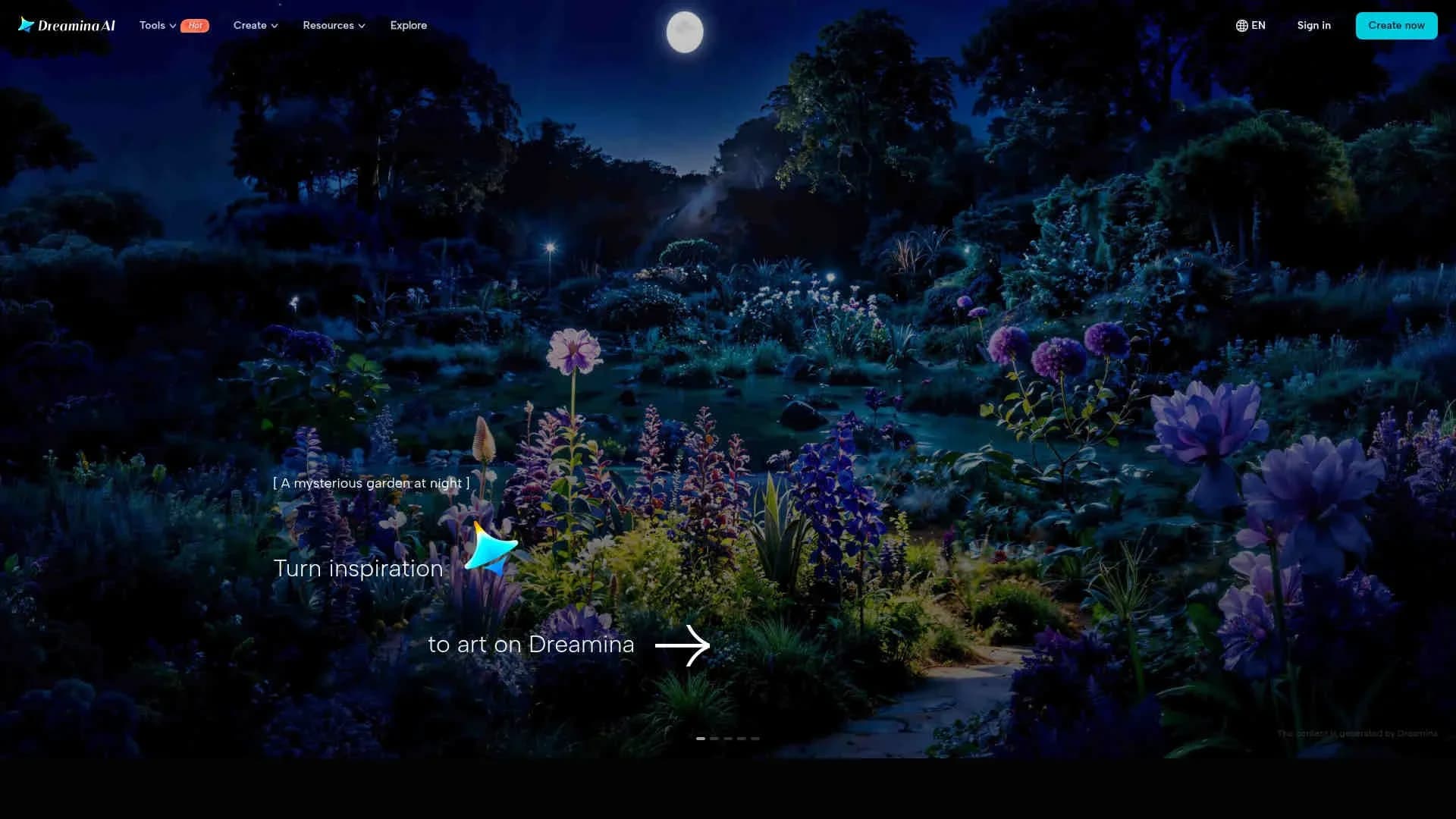
Effortlessly transform text prompts into stunning visual art.
Key Takeaways
- What it is
- Effortlessly transform text prompts into stunning visual art.
- Pricing
- Freemium · $18 per month · $42 per month for 4,040 credits · $84 per month for 13,110 credits
- Best for
- Text-to-Image Generation
- Image-to-Image Transformation
- Multi-Layer Editing
- Rating
- 4.3/5
What is Dreamina?
Dreamina is an innovative AI image generator designed to transform text prompts into stunning visual art. This tool is perfect for artists, designers, and content creators seeking to effortlessly generate creative imagery. Dreamina simplifies the process of artistic creation by offering a variety of features, including text-to-image and image-to-image transformations, allowing users to explore their creativity and produce unique visuals.
Dreamina stands out with its comprehensive AI-driven art generation capabilities, making it a game-changer for digital creatives. Its ability to seamlessly blend multiple elements on a canvas and provide precise control over artistic outputs sets it apart from other tools in the market.
Dreamina offers a robust platform for turning inspiration into art, catering to a wide array of creative needs. With its blend of user-friendly design and advanced AI functionalities, it empowers users to push the boundaries of their artistic vision. Whether you're a seasoned professional or a budding artist, Dreamina provides the tools and community to inspire and support your creative endeavors.
Who is Using Dreamina?
Digital Artists
Employing Dreamina for creating unique digital artworks and illustrations.
Content Creators
Leveraging the tool for generating engaging visuals for social media platforms.
Game Developers
Utilizing Dreamina to design game elements and assets.
Marketing Professionals
Creating compelling imagery for advertising campaigns.
Uncommon Use Cases
Adopted by educators for teaching art and design courses; utilized by hobbyists for personal creative projects.
Key Features
Rating Breakdown
Pricing Plans
Free
Free
- Includes daily bonus credits with limited access
Basic
$18 per month
- 1,010 credits
- Allowing up to 505 images or 42 videos. Removes watermarks
- Extends video length
- Increases resolution
- Enables smoother videos up to 60 FPS
Standard
$42 per month for 4,040 credits
- Includes all Basic features with higher usage limits
Advanced
$84 per month for 13,110 credits
- Includes all Standard features with the best value per credit
Which Dreamina plan should you pick?
Start with Free Services to test image and video workflows; upgrade to Basic, Standard, or Advanced when your required credits, models, or export conditions exceed free access.
Free Services
Good for exploring supported image and video workflows with the available free credits.
Dreamina Basic
Good for users who need paid access beyond the free service allowance.
Dreamina Standard
Good for users who need a larger paid service allowance than Basic.
Dreamina Advanced
Good for high-volume or advanced users who need the highest paid service level.
Dreamina Use Cases
Text-to-image creation
Describe a subject, setting, style, lighting, or composition and generate visual concepts.
Outcome: Polished images and multiple visual directions.
Reference-driven image generation
Upload reference photos and use them to guide image variations and stylistic consistency.
Outcome: Outputs aligned with the supplied visual references.
AI photo editing
Use regional controls, point and lasso tools, layers, inpainting, background changes, and object removal.
Outcome: Refined images without rebuilding the entire composition.
Image-to-video creation
Develop a still image, then use it as a reference while describing the desired movement.
Outcome: A moving scene based on the original visual direction.
Talking avatar creation
Use a portrait together with a script or permitted audio recording.
Outcome: A visual message delivered through a talking avatar.
Workflow Ideas with Dreamina
Still concept to video
- 1Generate a character, object, or setting from a text prompt.
- 2Refine the still image using editing and Canvas tools.
- 3Use the refined image as a reference for image-to-video generation.
Reference-led visual exploration
- 1Upload one or more permitted reference images.
- 2Describe the desired style, composition, lighting, or variation.
- 3Review and refine the generated alternatives.
Document-to-visual workflow
- 1Upload a PDF or Word document to the multimodal canvas.
- 2Let the AI interpret the document alongside visual references.
- 3Generate visual outputs based on the combined creative direction.
How Dreamina fits into your stack
Browser
Dreamina is primarily a browser-based creative workspace for generating and editing images, videos, audio, and avatars from prompts or uploaded references.
Automation and APIs
Dreamina supports a ChatGPT Custom GPT/plugin workflow and describes multi-step creative pipelines using automation platforms and integration hubs.
Mobile
Dreamina also operates as a dedicated iOS and Android app for generating images and videos, using the same core creative workflows.
Pros
- +Creative Flexibility: Supports a wide range of artistic applications, making it suitable for various creative projects.
- +User-Friendly Interface: Intuitive design ensures that even beginners can navigate and utilize the tool effectively.
- +High-Quality Output: Generates visually appealing and professional-grade images.
- +Community Inspiration: Users can explore creations from others for inspiration, fostering a collaborative creative environment.
Cons
- −Initial Learning Curve: New users might require some time to fully explore and utilize all available features.
- −Limited Integration: Few options for integrating with external platforms or tools.
- −Resource Intensive: May require significant system resources for optimal performance.
Limitations & when to consider alternatives
Known limitations
- Feature availability varies by model. Not every feature, input option, output setting, or access condition applies to every model.
- Credits depend on generation settings. The number of videos produced varies by model, duration, resolution, mode, and selected features.
- Uploads require appropriate rights. Users must have the necessary rights and permissions for uploaded references, including people’s likenesses.
- Commercial rights are conditional. Commercial use depends on applicable terms and additional conditions for the selected feature or content.
- Generated results require review. AI-generated details and motion can vary between attempts and should be reviewed before use.
Look elsewhere when
- You need programmatic generation or automated requests.
- You need a native desktop installer.
- You need shared team workspaces with roles or invites.
How to Use Dreamina
- 1
Sign in
Open Dreamina and sign in with a CapCut account to enter the workspace and access credits.
- 2
Choose a generation mode
Select image or video generation based on whether you are creating a still visual or moving scene.
- 3
Write a prompt or add references
Describe the subject, setting, style, lighting, composition, or motion; upload a supported reference when useful.
- 4
Generate and review
Create the result, inspect its details and motion, and compare it with your intended direction.
- 5
Refine with editing tools
Use inpainting, regional controls, remove, expand, layers, Canvas, or other available tools to adjust the output.
- 6
Download the result
When satisfied, export the generated image or video using the available download options for your account and model.
Who is Dreamina For?
Content creators
Generate images, videos, avatars, and social-ready visual content from prompts, photos, or audio.
Marketers
Create product visuals, campaign graphics, posters, and short promotional videos.
Designers
Generate visual directions, edit specific regions, work with layers, and refine compositions on Canvas.
Video editors
Turn still images or prompts into motion and refine generated clips.
Storytellers and concept artists
Develop characters, settings, styles, and visual directions before animating them.
Frequently Asked Questions
What is Dreamina?
Dreamina is an AI platform for creating images and videos from written descriptions or reference images.
Is Dreamina free to use?
Dreamina offers free access with daily credits alongside paid services. Current credits, features, and limits appear in the account offer.
How do I create an image or video?
Sign in, choose image or video generation, enter a prompt or upload a supported reference, generate, review, and download.
What can I upload?
Dreamina's multimodal canvas supports images, video clips, audio files, PDFs, and Word documents.
Can Dreamina create multilingual videos?
Seedance 2.5 supports multilingual dialogue, voiceovers, and other spoken content.
Can I use Dreamina creations commercially?
Commercial use depends on the applicable terms and any additional conditions for the feature or content.
Community reviews
Be the first to share your experience.
Sign in to leave a review for Dreamina.
Dreamina Alternatives
Looking for alternatives to Dreamina? Here are similar tools in the same category:
Learn to Master Dreamina
With Skill Leap courses
Get in-depth training on Dreamina and 50+ other AI tools with our expert-led video courses.
Start 7-Day Free Trial