
Dreamlux
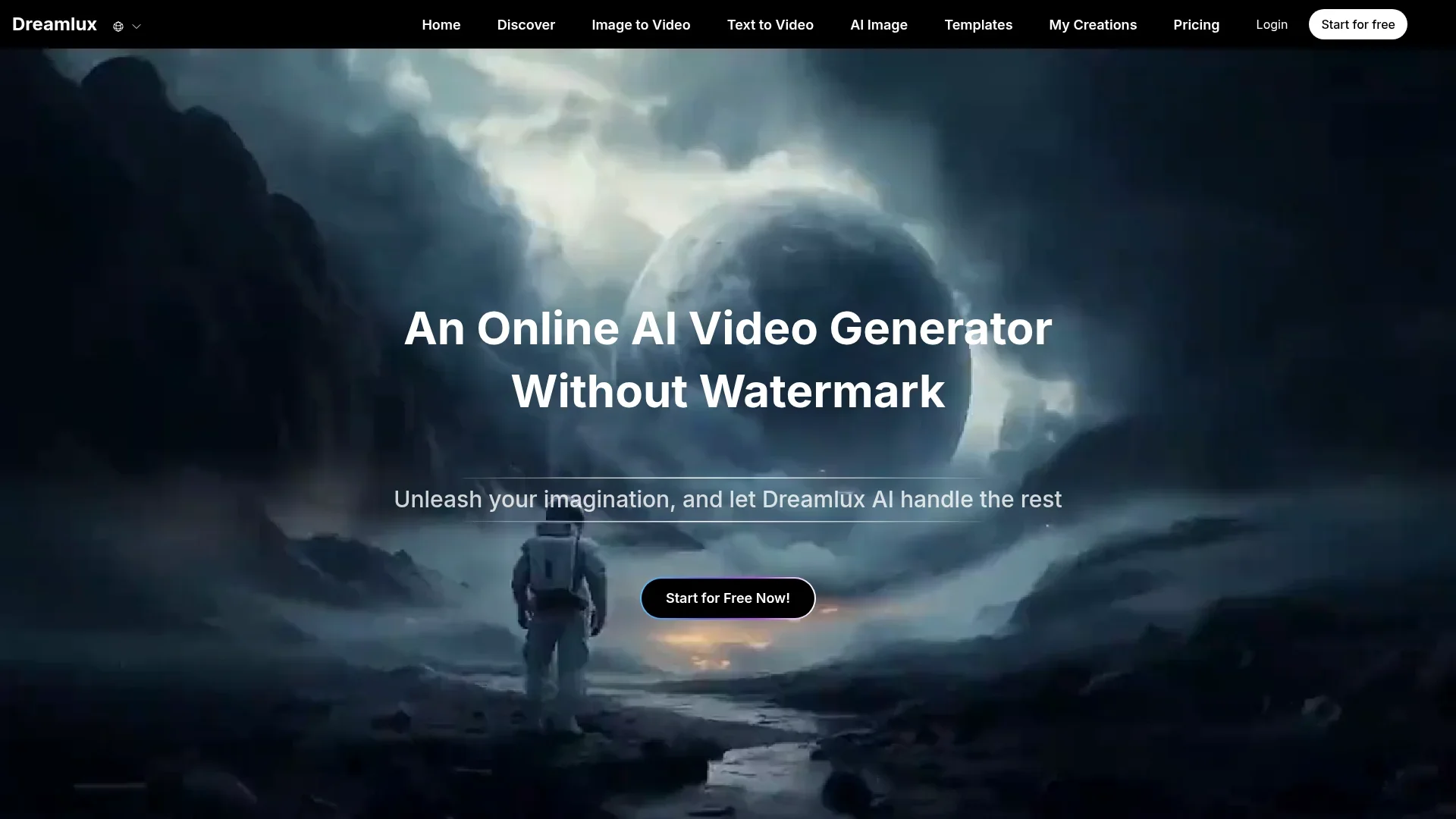
Create fast, watermark-free videos from text and images.
Key Takeaways
- What it is
- Create fast, watermark-free videos from text and images.
- Pricing
- $15.99 per month · $25.99 per month
- Best for
- Text to Video AI
- Image to Video AI With Character Consistency
- Template and Effect Library
- Rating
- 4.4/5
What is Dreamlux?
Dreamlux is an online AI video generator that turns text prompts, scripts, and images into short videos directly in the browser. It focuses on fast, watermark-free outputs and an extremely simple workflow, making it attractive to creators, marketers, and casual users who want polished clips without traditional editing software. With text to video AI, image to video AI, AI image generation, and a large library of playful templates, Dreamlux aims to make video creation feel closer to typing a prompt than building a timeline.
Dreamlux stands out by combining fast, browser-based AI video generation with watermark-free exports even at the entry level, which many competing tools reserve for paid tiers. Its heavy focus on playful, highly specific templates (from wedding effects to anime-inspired looks and novelty transformations) caters especially well to social content, trends, and creative experimentation. The mix of text to video, image to video with character consistency, and AI image generation in a single, multilingual interface gives individuals and small teams a compact creative toolkit for idea-to-video workflows.
Dreamlux offers a friendly entry point into AI video generation, especially for creators who value speed and simplicity over meticulous timeline editing. Its combination of text to video AI, image to video AI, and a playful template ecosystem lets individuals and small teams spin up visually appealing clips in minutes rather than hours. For social-first content, prototypes, and light professional use where fast, watermark-free exports matter, Dreamlux represents a compelling tool to keep in the creative stack, while heavier post-production work can still happen in traditional editors alongside it.
Who is Using Dreamlux?
Content Creators and Influencers
Utilizing Dreamlux to convert prompts and scripts into short vertical clips for TikTok, Instagram Reels, and YouTube Shorts.
Small Businesses and E-commerce Brands
Producing quick product highlights, promo teasers, and catalog visuals without hiring dedicated editors.
Marketing and Creative Agencies
Prototyping ad concepts, mood pieces, and social-first campaign ideas during early ideation.
Designers and Illustrators
Turning static character or style frames into moving samples for portfolios and client previews.
Educators and Online Course Creators
Creating short explainers, intros, and visual storytelling segments to complement lesson materials.
Uncommon Use Cases
Used by language teachers to build story-based visual prompts for classroom exercises; adopted by indie game developers to storyboard cutscenes and character motions before full production.
Key Features
Rating Breakdown
Pricing Plans
Basic Plan
$15.99 per month
- 17,000 credits per month, faster generation speed, no-watermark outputs, more camera movement options, and priority support
Pro Plan
$25.99 per month
- 40,000 credits per month, advanced styles, faster rendering, higher limits, no-watermark outputs, more camera movement options, and priority support
Which Dreamlux plan should you pick?
Start with the free credits or Basic Plan for experimentation, then upgrade to Pro for higher limits and advanced styles.
Basic Plan
Good for creators exploring Dreamlux AI video generation who need 30 monthly credits, faster generation, and no-watermark outputs.
Pro Plan
Good for growing teams or heavier users who need 50 monthly credits, advanced styles, faster rendering, and higher limits.
Credits Pack
Good for occasional use after subscribing, with 8 additional credits that do not expire.
Dreamlux Use Cases
Turn scripts into videos
Use Text to Video AI to transform written scripts into visual stories.
Outcome: A generated video based on the script.
Animate reference images
Upload reference images and add a prompt to create dynamic video scenes.
Outcome: An animated video that preserves the original visual direction.
Create marketing content
Generate short videos designed to capture attention and drive audience interaction.
Outcome: Shareable promotional video content.
Maintain character consistency
Use Image to Video AI to keep characters and visuals consistent across generated videos.
Outcome: More coherent brand or story visuals.
Use video templates
Choose a preset template, add images, and refine the resulting video.
Outcome: A themed video created from a predefined visual starting point.
Workflow Ideas with Dreamlux
Create a text-to-video clip
- 1Write a clear prompt describing the scene, characters, and actions.
- 2Generate the video with Dreamlux Text to Video AI.
- 3Preview, regenerate if needed, and download the result.
Animate an existing image
- 1Upload a reference image.
- 2Add a text prompt describing the desired motion or scene.
- 3Generate, preview, and download the animated video.
Build a template-based video
- 1Choose a preset template from the Templates library.
- 2Add the required image or reference content.
- 3Generate the video and refine or reuse the result.
How Dreamlux fits into your stack
Browser
Dreamlux is an online, browser-based AI creation studio. Users provide text prompts or reference images, generate videos or images, organize results in My Creations, and download outputs.
Pros
- +Very Low Barrier to Entry: No install, no editing timeline, and a straightforward three-step process make it approachable for beginners.
- +Genuinely Free Trial, No-Watermark Start: Being able to test AI video generation online without watermarks is rare and valuable for creators validating ideas.
- +Fun, Trend-Friendly Templates: The extensive template gallery suits meme content, social trends, and creative experiments without much setup.
- +Good Character Consistency: Image to video tools help keep people, pets, or branded characters recognizable across multiple clips.
- +Fast Iteration: Quick render times support rapid testing of different prompts, story beats, or visual styles.
Cons
- −Limited Fine-Control Editing: Those who need frame-accurate cuts, audio mixing, or detailed keyframing will still need traditional editors alongside Dreamlux.
- −Model and Tech Transparency: The homepage does not clearly specify underlying models or training data, which may matter to enterprise or regulated users.
- −Licensing Clarity Requires Extra Reading: Commercial usage details live in FAQs and legal pages, so careful users must review policies before high-stakes campaigns.
Limitations & when to consider alternatives
Known limitations
- Free access is credit-limited. New users receive 5 free credits, while paid plans provide defined monthly credit allowances.
- Basic Plan allowance. The Basic Plan includes 30 credits per month.
- Pro Plan allowance. The Pro Plan includes 50 credits per month.
- Short default video format. The main creation interface documents a 5-second, 720p text/image-to-video format.
- Generation time varies. Dreamlux says generation time depends on the complexity and length of the requested video.
How to Use Dreamlux
- 1
Sign up
Create an account to receive the initial free credits and access Dreamlux's creation tools.
- 2
Choose a generator
Select Text to Video, Image to Video, AI Image, Face Swap, or a template based on the desired output.
- 3
Provide input
Enter a prompt, upload reference images, or select a pre-designed template.
- 4
Generate
Start generation and wait for Dreamlux to process the content.
- 5
Review and refine
Preview the result in My Creations, then adjust the prompt or input and regenerate if necessary.
- 6
Download and share
Download the finished video, including watermark-free output where supported by the account or plan.
Who is Dreamlux For?
Creators of all skill levels
Dreamlux positions its AI video generation technology as accessible and practical for creators of all skill levels.
Marketing teams
The site highlights marketing content, audience engagement, product videos, and UGC ads.
Businesses
Dreamlux supports commercial video creation with watermark-free outputs and business-oriented tools.
Storytellers
Users can turn written scripts, personal stories, and image references into visual videos.
Frequently Asked Questions
What is an AI video generator?
Dreamlux describes it as a tool that uses AI to create videos from ideas and text prompts.
How can I get started with Dreamlux?
Sign up, describe what you want your video to be about, and let Dreamlux generate it.
What kind of videos can I create?
Dreamlux supports videos for marketing content, personal stories, cinematic scenes, animations, and other styles.
How long does video generation take?
Dreamlux says videos can be created within minutes, depending on the requested video's complexity and length.
Can Dreamlux be used for commercial purposes?
Yes. Dreamlux says its watermark-free outputs can be used for business needs.
Can I customize generated videos?
Users can adjust aspect ratio and video length and refine content with text prompts.
Community reviews
Be the first to share your experience.
Sign in to leave a review for Dreamlux.
Dreamlux Alternatives
Looking for alternatives to Dreamlux? Here are similar tools in the same category:
Learn to Master Dreamlux
With Skill Leap courses
Get in-depth training on Dreamlux and 50+ other AI tools with our expert-led video courses.
Start 7-Day Free Trial