
dsgnr AI
Styles 3D room exports while keeping layout.
Key Takeaways
- What it is
- Styles 3D room exports while keeping layout.
- Pricing
- $499/month, billed monthly · $1,499/month, billed monthly · $3,999/month, billed monthly
- Best for
- Sketch, CAD, and Photo Rendering
- AI Inpainting
- Node-Based Design Pipelines
Who is Using dsgnr AI?
Interior Designers
Create and iterate on photorealistic interior concepts, material options, and client presentations.
Architects
Visualize architectural concepts, facade studies, site context, and CAD-based designs.
Design Studios
Manage shared projects, seats, roles, credit pools, usage analytics, and studio workflows.
Real Estate Agents
Virtually stage empty properties and show prospective buyers alternative design treatments.
Homeowners
Explore renovation, redecorating, room redesign, and exterior design ideas from photos or sketches.
Key Features
Pricing Plans
Teams Starter
$499/month, billed monthly
- 25,000 credits per month
- 5 team seats + 1 IT admin
- Shared credit pool for the whole team
- Team workspace for collaborative projects
- Priority processing during peak hours
- Admin controls for roles, limits, and alerts
- Access to every dsgnr generation tool
- Email support with a guaranteed response window
- SSO support
Teams Growth
$1,499/month, billed monthly
- 90,000 credits per month
- 15 team seats + 1 IT admin
- Shared credit pool for the whole team
- Team workspace for collaborative projects
- Priority processing during peak hours
- Admin controls for roles, limits, and alerts
- Access to every dsgnr generation tool
- Email support with a guaranteed response window
- SSO support
Teams Scale
$3,999/month, billed monthly
- 300,000 credits per month
- 30 team seats + 1 IT admin
- Shared credit pool for the whole team
- Team workspace for collaborative projects
- Priority processing during peak hours
- Admin controls for roles, limits, and alerts
- Access to every dsgnr generation tool
- Dedicated account manager
- SSO/SAML support
- 99.9% uptime SLA
Which dsgnr AI plan should you pick?
Start with free signup credits to test the workflow; choose Teams Starter for a small studio and upgrade as seats, credits, API, or enterprise controls grow.
Teams Starter
Good for small studios needing 5 seats, 25,000 monthly credits, shared projects, roles, admin controls, and SSO support.
Teams Growth
Good for growing studios needing 15 seats, 90,000 monthly credits, shared collaboration, admin controls, and SSO support.
Teams Scale
Good for larger studios needing 30 seats, 300,000 monthly credits, a dedicated account manager, SSO/SAML, and a 99.9% uptime SLA.
dsgnr AI Use Cases
Sketch to render
Upload a hand-drawn, iPad, or digital sketch and generate a photorealistic visualization.
Outcome: A client-ready design concept.
CAD to render
Import SketchUp, Revit, AutoCAD, Rhino, or other CAD screenshots and apply materials, lighting, and style.
Outcome: Presentation-quality architectural visuals.
Photo redesign
Upload a photograph of an existing room or property and explore new furniture, materials, and styles.
Outcome: Renovation concepts or virtual staging.
AI inpainting
Mask a specific area such as a wall, sofa, floor, or light fixture and regenerate only that region.
Outcome: Precise localized design changes.
Client presentation
Combine renders, uploads, and assets into moodboards or share work through expiring private links.
Outcome: A polished presentation without a download folder.
Workflow Ideas with dsgnr AI
Sketch to client-ready render
- 1Upload a hand-drawn, iPad, or digital sketch
- 2Describe the desired style, materials, and lighting
- 3Generate and export a photorealistic render
CAD iteration pipeline
- 1Upload a SketchUp, Revit, AutoCAD, or Rhino export
- 2Connect render, material, and style blocks in the canvas
- 3Save the pipeline as a reusable workflow
Render refinement and delivery
- 1Generate a base render from a photo, sketch, or moodboard
- 2Mask areas and apply inpainting or material changes
- 3Export the final render or share it through a private link
How dsgnr AI fits into your stack
Browser
The complete rendering, editing, and presentation workspace runs in a browser with no software installation.
Knowledge and files
Users upload sketches, photos, CAD exports, moodboards, and collages, while projects and assets remain together in the workspace.
Automation and APIs
Teams can use the documented REST API to place dsgnr inside Revit, Rhino, SketchUp, or custom pipelines.
Pros
- +Free signup credits with no credit card required
- +Browser-based with no installation
- +Supports sketches, CAD exports, photos, and moodboards
- +Targeted AI inpainting and surface-level editing
- +Team workspace with shared credits, roles, and SSO
Cons
- −Commercial usage rights are tied to Pro plans
- −Team plans are positioned for studios and start at $499/month
- −The product is focused on interior and architectural visualization rather than general-purpose AI
Limitations & when to consider alternatives
Known limitations
- Browser-based only. The product is documented as running in the browser with no installation, rather than as a native desktop or mobile application.
- Free access uses signup credits. Free use is provided through signup credits; paid plans or credit packs are needed for continued usage.
- Commercial rights depend on plan. Full commercial usage rights are stated for Pro plans and paid usage.
- Team API access is plan-oriented. REST API access is presented for teams and studio pipelines, not as a general self-serve API feature.
Look elsewhere when
- You need a native mobile app
- You need a downloadable desktop application
- You need native code-generation features
- You need user-controlled model fine-tuning
How to Use dsgnr AI
- 1
Create an account
Sign up without a credit card and use the included credits to test a real design project.
- 2
Upload a visual source
Add a sketch, CAD export, photo, moodboard, or collage as the starting point.
- 3
Describe the design direction
Specify styles, materials, lighting, furniture, and atmosphere using natural language.
- 4
Render and refine
Generate a render, then use surface selection, inpainting, material changes, or style variations.
- 5
Build a reusable workflow
Connect render, material, style, 3D, or video blocks and save a successful pipeline for later projects.
- 6
Present or share the result
Export the render or moodboard, or share a private expiring link with a client or consultant.
Who is dsgnr AI For?
Interior designers
Create photorealistic interiors, explore styles, refine materials, and prepare client presentations.
Architects
Turn sketches and CAD exports into architectural, exterior, landscape, and masterplan visualizations.
Design studios
Use shared projects, seats, roles, credit pools, usage analytics, and reusable workflows.
Homeowners
Visualize renovations, room redesigns, exterior changes, and home styles from photos or sketches.
Real estate professionals
Create virtual staging and renovation concepts for property marketing and buyer presentations.
Frequently Asked Questions
What is dsgnr?
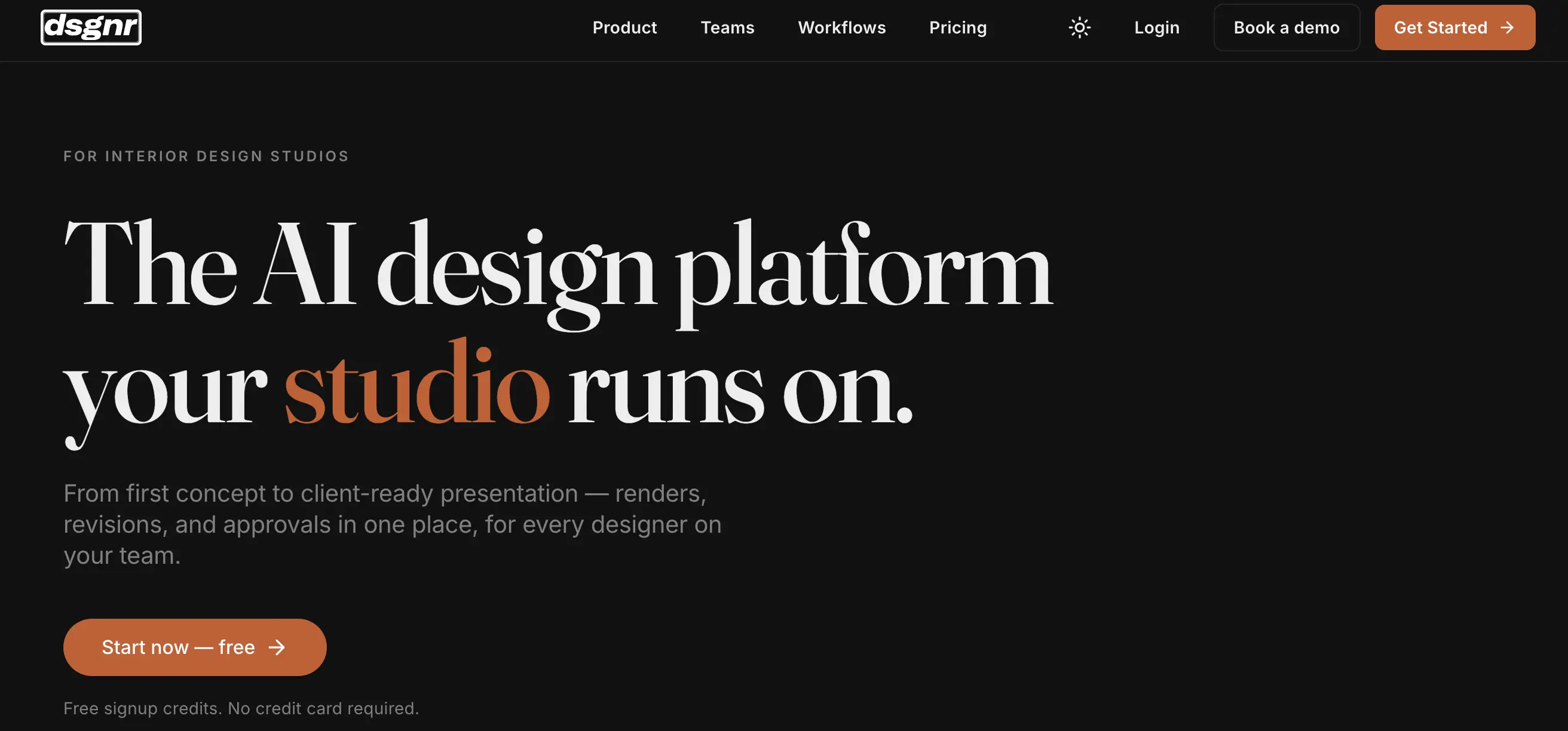
dsgnr is an AI design platform for interior designers and studios, covering concept development through client-ready presentation.
Is there a free plan?
Yes. Users receive free signup credits and do not need to provide a credit card.
What file types does dsgnr accept?
dsgnr accepts JPEG, PNG, and WebP images, including sketches, CAD exports, reference photos, moodboards, and collages.
Can dsgnr refine specific parts of a design?
Yes. Users can select an area such as a wall, floor, or furniture item and regenerate only that region.
Does dsgnr support single sign-on?
Yes. Studio teams can connect Azure AD and enforce SSO for their domain.
Can dsgnr renders be used commercially?
Yes. Renders on Pro plans include commercial usage rights for presentations, marketing, publications, and social media.
Community reviews
Be the first to share your experience.
Sign in to leave a review for dsgnr AI.
dsgnr AI Alternatives
Looking for alternatives to dsgnr AI? Here are similar tools in the same category:
Learn to Master dsgnr AI
With Skill Leap courses
Get in-depth training on dsgnr AI and 50+ other AI tools with our expert-led video courses.
Start 7-Day Free Trial