
Durable AI
Create custom software effortlessly with AI-powered development.
Key Takeaways
- What it is
- Create custom software effortlessly with AI-powered development.
- Best for
- Generative AI-Powered Development
- User-Centric Design
- Neurosymbolic AI Integration
- Rating
- 4.5/5
What is Durable AI?
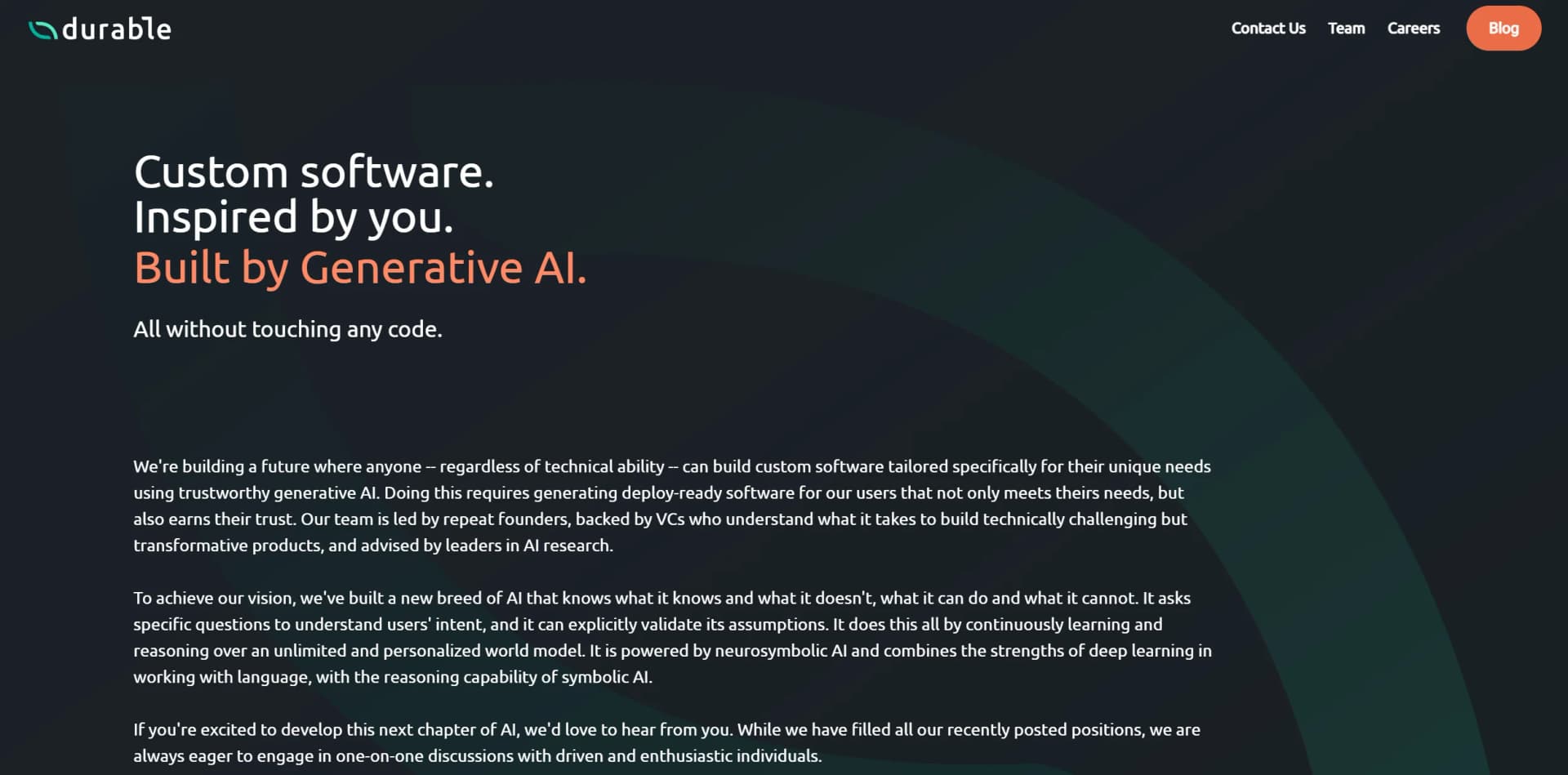
Durable AI is a groundbreaking platform designed to revolutionize the way custom software is developed. By leveraging the power of generative AI, Durable AI allows users—regardless of their technical expertise—to create bespoke software solutions tailored to their unique needs. This tool simplifies the process of software development by eliminating the need for coding, making it accessible to a broader audience. With a focus on trustworthiness and user intent, Durable AI ensures that the software generated is deploy-ready and meets the specific requirements of its users.
Please note that pricing information may not be up to date. For the most accurate and current pricing details, refer to the official Durable AI website.
Durable AI stands out with its ability to create custom software solutions without requiring users to write a single line of code. This innovation democratizes software development, making it accessible to a wider range of users. Its unique blend of generative AI and neurosymbolic AI ensures that software is not only created efficiently but also tailored precisely to user needs, setting it apart in the industry.
Durable AI offers a transformative approach to software development by harnessing the power of generative AI. Its user-friendly platform removes technical barriers, enabling anyone to design and deploy custom software. With a focus on trust and adaptability, Durable AI is a valuable tool for businesses, developers, and organizations looking to innovate without the constraints of traditional coding. Whether for rapid prototyping or comprehensive application development, Durable AI provides a reliable and efficient solution.
Who is Using Durable AI?
Small Business Owners
Utilizing the tool to create tailored business management software.
Startups
Employing Durable AI for rapid prototyping and product development without extensive coding resources.
Freelance Developers
Leveraging the platform to expand service offerings and deliver custom solutions to clients.
Non-Profit Organizations
Using the tool to develop mission-driven applications efficiently.
Uncommon Use Cases
Adopted by educational institutions for teaching software development concepts; Used by artists to create interactive installations without technical barriers.
Key Features
Rating Breakdown
Pricing Plans
Contact for Pricing
- Pricing details are not explicitly listed on the website. Interested users are encouraged to contact Durable AI directly for a quote tailored to their specific needs and project requirements
Which Durable AI plan should you pick?
Start with Free to test a business website, upgrade to Launch for a custom domain and core AI tools, and choose Grow for team members, higher usage, and onboarding support.
Free
Good for testing a business idea with a free subdomain, basic SEO and hosting, five monthly images, ten AI chat messages, and up to ten CRM customers.
Launch
Good for businesses needing a professional website, custom domain, analytics, advanced SEO, lead capture, bookings, CRM, AI agents, and higher content limits.
Grow
Good for growing teams needing unlimited team members, personalized onboarding, dedicated support, higher AI-agent limits, 500 monthly images, and unlimited AI chat.
Durable AI Use Cases
Data synchronization
Sync customer records from a CRM to a data warehouse on a schedule and notify the team about failures.
Outcome: Keeps systems aligned with less manual intervention.
Invoice processing
Automate the movement and processing of invoice data across accounting and business systems.
Lead routing
Qualify, route, and update leads across CRM and communication systems.
Customer onboarding
Connect onboarding steps across CRM, documents, calendars, and communication tools.
Automated documentation
Create and update documentation in tools such as Google Docs or Confluence based on operational events.
Outcome: Keeps documentation current as work changes.
Workflow Ideas with Durable AI
CRM-to-warehouse data sync
- 1Describe the CRM records and warehouse destination in Durable Chat
- 2Review the generated requirements and schedule
- 3Deploy and monitor the synchronization workflow
Automated lead routing
- 1Connect the CRM and communication systems
- 2Define qualification and routing rules in plain English
- 3Deploy the workflow and review activity or failures
Contract approval workflow
- 1Connect CRM and DocuSign
- 2Define when contracts should be generated and sent
- 3Track signatures and archive completed documents
How Durable AI fits into your stack
Browser
Durable is operated through its web application, where users describe requirements, review specifications, deploy automations, and monitor activity.
Automation and APIs
Durable sits between business requirements and production systems, connecting workflows to services such as Salesforce, Slack, Google Drive, Stripe, OpenAI, and more.
Team chat and tickets
Integrations with Slack, Discord, Zendesk, Jira, and similar services let automations send notifications, manage tickets, and coordinate operational work.
Knowledge and files
Google Drive, Google Docs, Confluence, Notion, and Google Sheets integrations support document creation, file processing, structured knowledge, and reporting workflows.
Pros
- +Accessibility: Enables individuals without technical skills to build custom software, democratizing software development.
- +Efficiency: Speeds up the software development process by automating coding tasks.
- +Scalability: Easily adapts to various project sizes and complexities, making it suitable for diverse applications.
- +Trustworthiness: Focuses on generating software that is reliable and meets user expectations through validation and assumption checks.
Cons
- −Learning Curve: While designed for ease of use, initial familiarization with the AI's capabilities and interface may be required.
- −Integration Limitations: May face challenges when integrating with certain legacy systems or niche platforms.
- −Dependence on AI: As with any AI-driven tool, there can be limitations in handling highly specialized or unconventional software requirements.
Limitations & when to consider alternatives
Known limitations
- Enterprise pricing is not publicly listed. The official site directs prospective customers to book a demo and asks about enterprise pricing rather than publishing plan prices.
- Connected systems need usable APIs. Durable’s integration model is centered on connecting to systems through APIs and supported integrations.
- Deployment changes use an approval workflow. When Durable detects API changes or fixes an automation, updates are submitted in the specification for approval rather than silently changing requirements.
Look elsewhere when
- You need a self-serve, publicly priced plan
- You need a native mobile or desktop application
- You need a public developer API for Durable itself
How to Use Durable AI
- 1
Describe the problem
Open Durable Chat and explain the business problem or automation you want in plain English.
- 2
Answer clarifying questions
Provide details about the systems, data, schedules, and actions involved so Durable can determine what is feasible.
- 3
Review the requirements
Inspect the generated human-readable specification and edit requirements when the workflow needs changes.
- 4
Connect integrations
Authorize the relevant systems, such as Salesforce, Google Drive, Slack, HubSpot, or DocuSign.
- 5
Deploy the automation
Use one-click deployment to move the tested workflow into production.
- 6
Monitor and approve updates
Review the activity feed, version history, failures, and proposed fixes as connected APIs or requirements evolve.
Who is Durable AI For?
Enterprise teams
Durable is designed for teams that need production-grade automations connecting business systems.
Business and operations teams
Teams can describe operational problems in plain English and receive deployed workflows without writing implementation code.
Engineering organizations
Engineering teams can use Durable for real-code automations with monitoring, version history, API compatibility handling, and deployment controls.
Frequently Asked Questions
What is Durable?
Durable turns enterprise problems into production automations that are scoped, built, deployed, and maintained as systems and requirements evolve.
How does Durable build automations?
Users describe a problem in plain English. Durable asks clarifying questions, investigates connected systems, creates requirements, writes code, tests it, and deploys the automation.
Can requirements be changed after deployment?
Yes. Requirements are the source of truth and can be edited in plain English; Durable updates the underlying code to match.
How does Durable handle API changes and failures?
Durable monitors integrations, detects failures or API changes, automatically fixes issues, and submits updates for approval.
What integrations does Durable support?
Durable lists integrations such as GitHub, Slack, Salesforce, Google Workspace, HubSpot, Notion, Jira, Zendesk, Stripe, and many others.
How is enterprise data protected?
Durable describes isolated execution containers, encryption at rest, SSO/SAML, role-based access control, audit logging, data residency options, and dedicated infrastructure.
Community reviews
Be the first to share your experience.
Sign in to leave a review for Durable AI.
Durable AI Alternatives
Looking for alternatives to Durable AI? Here are similar tools in the same category:
Learn to Master Durable AI
With Skill Leap courses
Get in-depth training on Durable AI and 50+ other AI tools with our expert-led video courses.
Start 7-Day Free Trial