
Ella by Novella
Turn text ideas into editable AI videos in browser and Premiere.
Key Takeaways
- What it is
- Turn text ideas into editable AI videos in browser and Premiere.
- Pricing
- $14 per month · $32 per month · $65 per month
- Best for
- Chrome Sidebar Workspace
- Multi‑model AI Generation
- Prompt Capture & Refinement
- Rating
- 4.5/5
What is Ella by Novella?
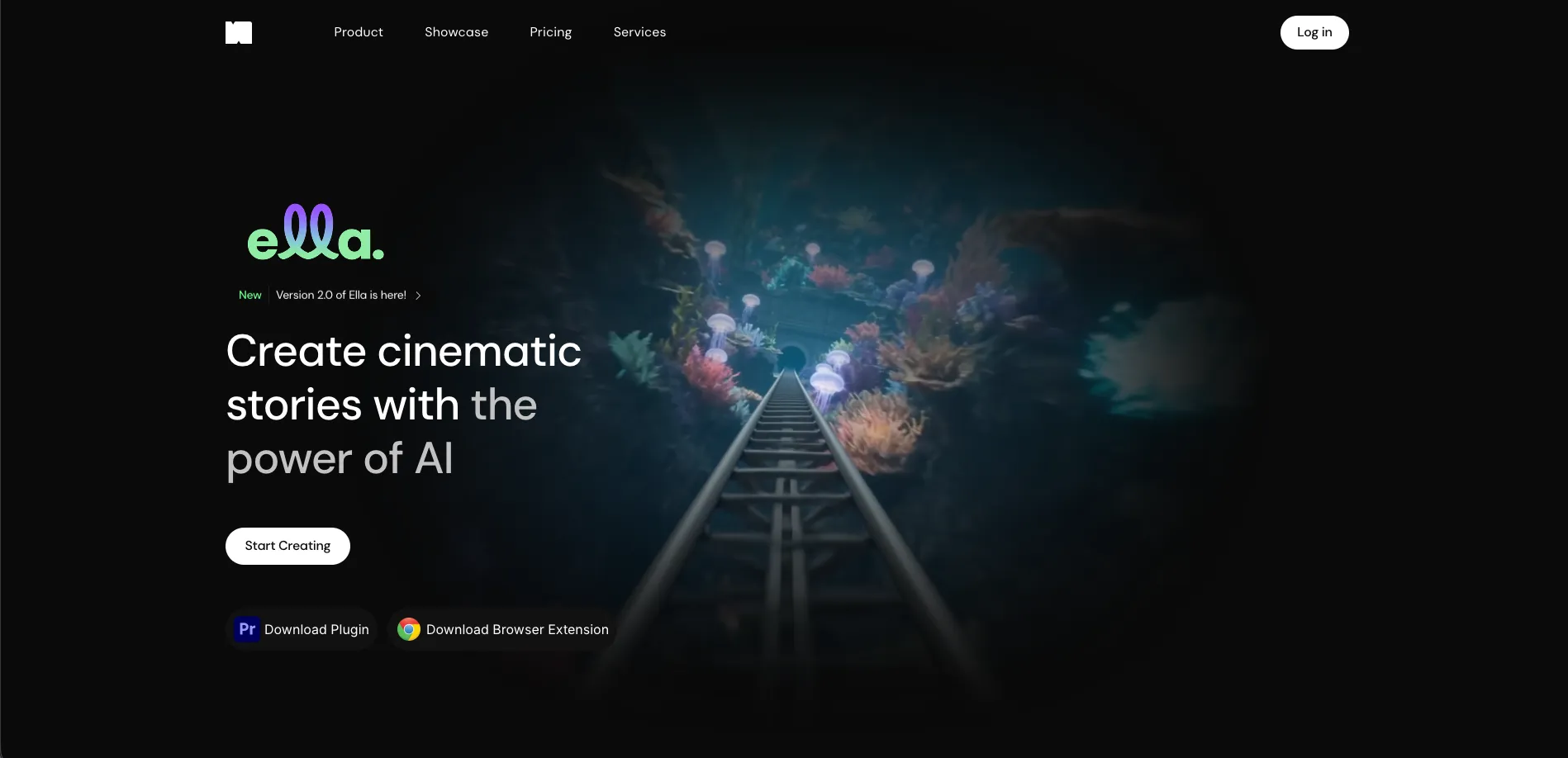
Ella by Novella is a browser-based AI creator workspace and video editor that lives in the Chrome sidebar. It brings generative models, a native timeline editor, cloud storage, and high-resolution export into a single workspace so creators can generate, edit, and ship short-form and social video without bouncing between multiple tools.
Ella stands out by putting a genuine editing timeline into the Chrome sidebar and wiring it directly into multi-model AI generation. Instead of treating AI as a separate clip factory, it treats it as a native part of the editing workflow, from prompt-captured ideas through to final export.
Ella offers a focused, AI-enhanced editor that fits neatly into a Chrome sidebar yet still provides a serious timeline, high-res export, and a thoughtful blend of credits, BYOK, and storage. For creators who live inside the browser and want to move from idea to finished short-form video without hauling around heavyweight software, it provides a nimble, genuinely fun toolkit that trades brute-force complexity for speed and clarity.
Who is Using Ella by Novella?
Independent Content Creators
YouTube, TikTok, and Reels creators who need to turn scripts and ideas into edited vertical videos quickly.
Social & Marketing Teams
Brand and social managers producing ongoing streams of short clips, promo assets, and campaign variants.
AI-first Filmmakers & Editors
Creators experimenting with AI-generated visuals, b‑roll, and voiceovers inside a more traditional timeline.
Agencies & Small Studios
Boutiques that want a lighter cloud editor for social deliverables without committing to heavy desktop stacks.
Education & Nonprofits
Teams that need explainer videos, training content, and outreach clips on limited budgets and hardware.
Uncommon Use Cases
Used by product managers to mock up feature walkthroughs directly from spec documents; adopted by course creators who capture forum posts or articles into prompts, then turn them into video lessons.
Key Features
Rating Breakdown
Pricing Plans
Free Access
- Core browser-based timeline editor offered at no cost for getting started
- AI features tied to included or purchasable credits
Starter Plan
$14 per month
- Includes 1080p and 4K export, 50 GB cloud storage, and 1,000 monthly AI credits suitable for light creators
Pro Plan
$32 per month
- Adds 3,000 monthly credits while keeping 1080p and 4K export and 50 GB storage for growing channels and small teams
Max Plan
$65 per month
- Includes 8,000 monthly credits plus 1080p and 4K export and 50 GB storage aimed at heavy daily production
Annual Billing
- Yearly plans list roughly an 18% discount compared with paying month to month
Which Ella by Novella plan should you pick?
Start with Free to test the workflow; upgrade to Starter for regular use, Pro for higher volume, or Max for the largest monthly allowance.
Free
Good for testing Ella with 10 generations per month at no cost.
Starter
Good for individual creators who need 1,000 monthly credits and 50 GB of storage.
Pro
Good for heavier creators who need 3,000 monthly credits and 150 GB of storage.
Max
Good for high-volume production requiring 8,000 monthly credits and 400 GB of storage.
Ella by Novella Use Cases
Generate cinematic video
Describe a story in a prompt and generate video with multiple AI models.
Outcome: A cinematic video draft is created.
Refine prompts from the web
Capture text from a webpage or text field into Ella and refine it as a prompt.
Outcome: Web research becomes a usable creative prompt.
Edit generated footage
Import footage and assets, then adjust structure, timing, sound, and visuals.
Outcome: A more polished video is prepared for export.
Export and share video
Export finished work in supported formats and share it to platforms such as YouTube or Instagram.
Outcome: Completed videos are ready for distribution.
Workflow Ideas with Ella by Novella
Create a cinematic story
- 1Describe the story in a prompt
- 2Generate the video with an available AI model
- 3Trim, arrange, and refine the result
Turn web research into a video concept
- 1Capture relevant text from the current browser tab
- 2Load the text into Ella's prompt field
- 3Refine the prompt and generate visuals or video
Finish and publish a video
- 1Import footage and assets into Ella
- 2Shape timing, sound, and visuals in the cloud editor
- 3Export the completed work and share it
How Ella by Novella fits into your stack
Browser
Ella is available as a web app and Chrome sidebar extension. It captures text from webpages, refines prompts, generates media, and provides cloud video editing directly in the browser.
Knowledge and files
Users can import footage and assets, organize projects in cloud storage, and optionally save files to Google Drive. The privacy policy also identifies local storage and Ella cloud storage.
Pros
- +All-in-one video stack: Combines AI generation, editing, and export in a single interface, cutting down on app-switching and file chaos.
- +Always-available editor: The side-panel design is surprisingly handy for creators who want to cut quick clips while browsing scripts, forums, or social feeds.
- +Creator-centric workflow: Short-form video, captions, and effects are front and center, which suits modern content teams more than legacy broadcast-style editors.
- +Flexible for power users: BYOK support, keyboard shortcuts, and credit bundles give advanced users more control over cost and creative tooling.
- +Low hardware demands: Cloud processing and a lightweight extension reduce dependence on powerful local machines.
Cons
- −Chrome-focused availability: Best experienced in Chrome or Chromium-based browsers, which leaves Firefox and Safari users out in the cold for now.
- −Credit management: Heavy AI generation can burn through monthly credits quickly, so high-volume creators must keep an eye on usage or buy bundles.
- −Younger ecosystem: Compared with long-established NLEs, integrations, plug-ins, and advanced finishing workflows are still relatively limited.
Limitations & when to consider alternatives
Known limitations
- Generation credits are capped by plan. Free and paid plans provide fixed monthly generation allowances, with additional credits sold separately.
- Monthly credits do not roll over. Unused monthly plan credits reset at the beginning of the next billing cycle.
- Maximum generation length is 15 seconds. The pricing comparison lists a 15-second maximum generation length for Starter, Pro, and Max.
- Team collaboration is not available yet. Team seats are marked coming soon, and the pricing comparison does not provide shared-workspace functionality.
- The browser extension requires broad active-tab access. The extension requests active-tab access to support contextual generation from text or media.
Look elsewhere when
- You need a documented developer API.
- You need native iOS or Android apps.
- You need shared team workspaces today.
- You need explicit encryption specifications.
How to Use Ella by Novella
- 1
Create an account
Open Ella through the official web app or Chrome extension and sign up or log in.
- 2
Start a story
Describe the desired scene or story in a single prompt to begin generation.
- 3
Choose a model
Select among the available image and video models when a specific style or capability is needed.
- 4
Import and edit assets
Import footage and assets, then adjust structure, timing, sound, and visuals in the built-in editor.
- 5
Use browser context
Capture text from the current browser page or refine text directly from web fields.
- 6
Export the result
Export the finished video in a supported format and share it through the available publishing options.
Who is Ella by Novella For?
Video creators and editors
Ella combines AI generation, cloud editing, and export in one workspace.
AI-first filmmakers
Creators can access numerous generative models without switching between separate platforms.
Content marketers and social teams
Ella supports rapid creation, refinement, export, and sharing of video content.
Power users
Custom keyboard shortcuts, dock positioning, and browser text capture support fast workflows.
Creators seeking an all-in-one workspace
Ella combines chat, media, stock, music, prompts, generation, and editing.
Frequently Asked Questions
Is there a free plan?
Yes. The Free plan provides 10 generations per month at no cost and is not a time-limited trial.
What paid plans are available?
The paid plans are Starter, Pro, and Max, with increasing monthly credits and cloud storage.
What happens when credits run out?
Users can purchase a credit pack immediately or wait for the next billing-cycle reset.
Do unused monthly credits roll over?
Monthly plan credits reset at the start of each billing cycle and do not roll over.
What models does Ella support?
Paid plans provide access to all models, including multiple image and video generation models.
Does Ella include video editing?
Yes. Ella includes cloud-based editing for structure, timing, sound, visuals, trimming, and arranging.
Community reviews
Be the first to share your experience.
Sign in to leave a review for Ella by Novella.
Ella by Novella Alternatives
Looking for alternatives to Ella by Novella? Here are similar tools in the same category:
Learn to Master Ella by Novella
With Skill Leap courses
Get in-depth training on Ella by Novella and 50+ other AI tools with our expert-led video courses.
Start 7-Day Free Trial