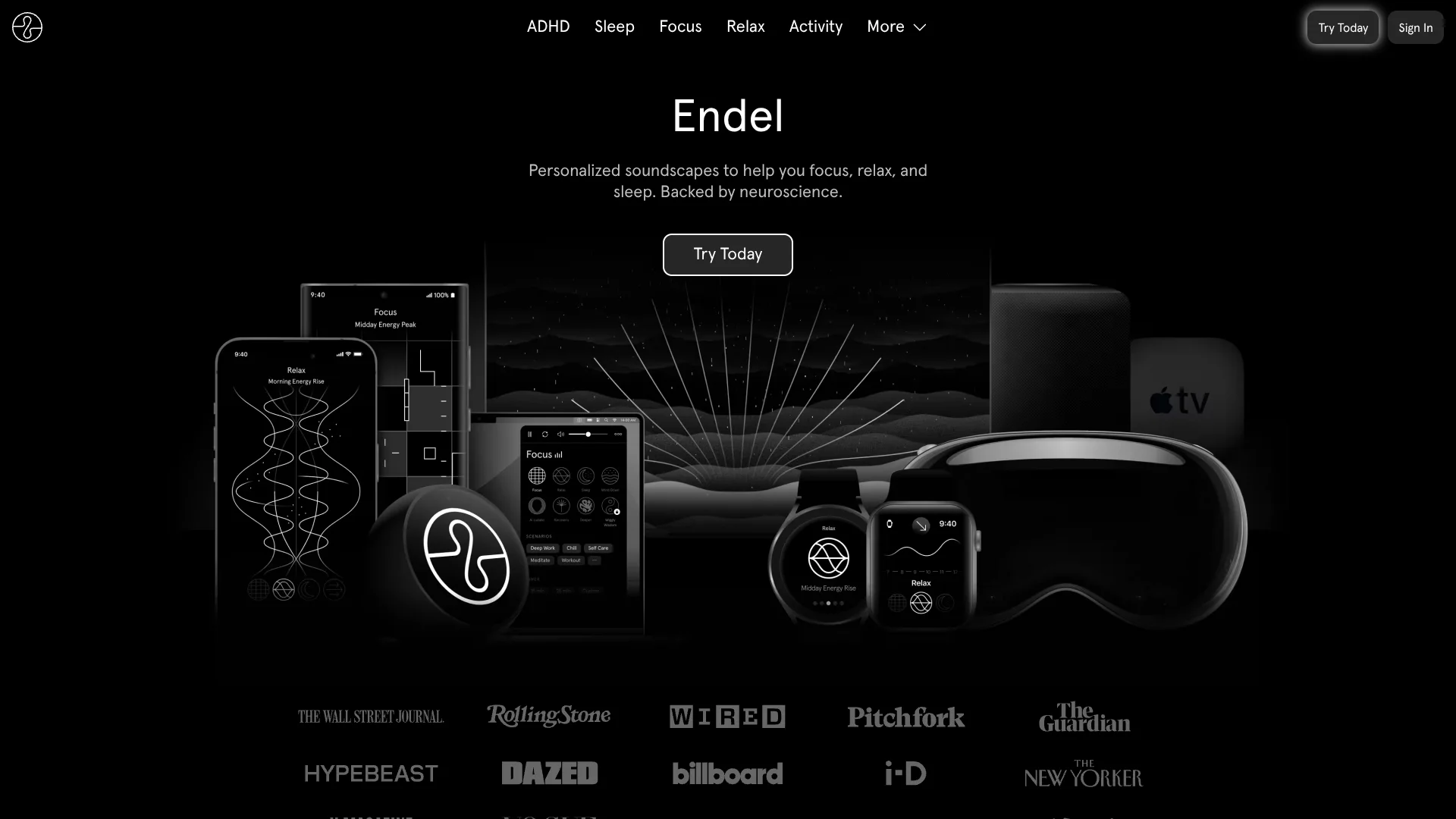
Endel
Adaptive soundscapes that respond to your surroundings and support daily routines.
Watch Endel in Action
Key Takeaways
- What it is
- Adaptive soundscapes that respond to your surroundings and support daily routines.
- Pricing
- $19.99 per month · $119.99 per year
- Best for
- Real-Time Personalization
- Focus, Relax, Sleep, and Move
- Timed Scenarios
- Rating
- 4.1/5
What is Endel?
Endel creates personalized soundscapes that change in real time to support focus, relaxation, sleep, and movement. Its AI uses signals such as time of day, weather, location, motion, and heart rate to shape the sound around your current context. The apps are made for people who want functional background sound instead of fixed playlists.
Endel generates its soundscapes on the device while reacting to live personal and environmental inputs, so the audio can change as your state or surroundings change. Its Apple Watch app can also use heart rate, movement, and light data while working independently from an iPhone.
Endel is a strong fit for people who want sound for recurring routines such as deep work, bedtime, studying, or walking. It may not help listeners who need music with lyrics, social features, or highly specific control over every sound. The main reason to try Endel is its adaptive audio, not its catalog of conventional songs.
Who is Using Endel?
Students
Study and Focus Timer scenarios help divide schoolwork into manageable sessions with consistent background sound.
Writers and Editors
Deep Work and Read scenarios provide a low-distraction sound environment for sustained reading and drafting.
Remote Workers
Autoplay and Focus soundscapes can mark the shift into work without relying on a music playlist.
Runners and Walkers
Move adapts to activity and movement so outdoor listening stays connected to the pace of the session.
People With Irregular Sleep Schedules
Sleep, Wind Down, Hibernation, and Smart Alarm features support different parts of a sleep routine.
Uncommon Use Cases
Alexa Routines can pair a Sleep soundscape with actions such as dimming smart lights; Binaural Beats can provide a headphone-based session before a demanding task.
Key Features
Rating Breakdown
Pricing Plans
Monthly Subscription
$19.99 per month
- Premium access billed monthly.
- Includes Endel Premium soundscapes and features.
Annual Subscription
$119.99 per year
- Premium access billed annually.
- Includes Endel Premium soundscapes and features.
Which Endel plan should you pick?
Start with the free experience to test whether adaptive sound fits your routine, then choose Monthly Subscription for flexibility or Annual Subscription for ongoing use.
Monthly Subscription
Good for listeners who want Premium soundscapes and features without committing to a full year.
Annual Subscription
Good for people who plan to use Endel throughout the year for focus, sleep, relaxation, or movement.
Endel Use Cases
Deep Work
A timed sound session creates a focused environment for writing, analysis, or demanding computer work.
Outcome: A defined work period with fewer audio decisions.
Sleep Routine
Sleep and Wind Down soundscapes help cover the transition from evening relaxation to overnight listening.
Outcome: A repeatable bedtime sound environment.
Study Sessions
Study, Read, and Focus Timer scenarios support review, reading, and interval-based schoolwork.
Outcome: More structured study blocks.
Walking and Running
Move responds to movement and activity so the soundscape follows an outdoor routine.
Outcome: Audio that stays connected to your pace and surroundings.
Smart Home Bedtime
Alexa Routines can start Sleep with Endel alongside compatible bedtime actions such as dimming smart lights.
Outcome: A voice-triggered wind-down routine.
Workflow Ideas with Endel
Morning to Deep Work
- 1Start with Autoplay to receive a soundscape for your current state.
- 2Switch to Focus or Deep Work when concentrated work begins.
- 3Finish with Relax or Recovery during a break.
Screen-Free Bedtime
- 1Start Sleep with Endel through Alexa.
- 2Set an Alexa timer or Smart Alarm for the night.
- 3Let the soundscape continue while the phone stays away.
Study Block
- 1Choose Study or Read for the subject you are working on.
- 2Start Focus Timer for a defined interval.
- 3Use Relax during the break before the next session.
How Endel fits into your stack
Mobile and Wearables
The iOS and Android apps cover everyday listening, while Apple Watch adds heart rate, movement, and phone-free playback.
Desktop Work
The Mac app and web player place adaptive sound beside your work without requiring a separate music service.
Smart Home
Alexa supports voice control, timers, Smart Alarms, and Routines that can start Endel during a bedtime sequence.
TV and Large Screens
Apple TV and Amazon Fire TV bring Endel soundscapes and visuals into relaxation spaces.
Streaming Services
Endel also releases albums, singles, and playlists through streaming platforms, though those releases may not be personalized or adaptive.
Pros
- +Adaptive audio: Sound changes with your environment and selected goal instead of repeating a fixed track.
- +Strong device coverage: Apps are available across iOS, Android, Mac, Apple Watch, Apple TV, Alexa, and the web.
- +Routine support: Focus Timer, Smart Alarm, Autoplay, and Alexa Routines give daily habits a clear structure.
- +Offline listening: Endel apps can work without an internet connection.
- +Science-led design: The company bases its soundscapes and scenarios on sound, neuroscience, and circadian research.
Cons
- −Subscription focus: Most of the catalog and advanced features require Endel Premium.
- −Limited creative control: You guide the goal and inputs, but you do not compose or edit the generated soundscape.
- −Subjective results: The company says sound perception varies and Endel may not work the same way for everyone.
Limitations & when to consider alternatives
Known limitations
- Sound Results Vary. Endel states that sound perception is subjective, so the same soundscape may not work equally well for every listener.
- Streaming Releases Are Different. Endel albums and playlists on streaming services may not include the personalized or adaptive behavior of the app.
- Binaural Beats Need Stereo Headphones. The Binaural Beats Scenario requires stereo headphones for the binaural effect.
- Premium Access. Many soundscapes and features are included in the Premium subscription rather than the free experience.
Look elsewhere when
- You need conventional music discovery, playlists, or artist catalogs.
- You want to compose or manually edit every layer of a soundscape.
- Your work requires a public developer API or business workspace.
- You want audio results that do not depend on personal or environmental inputs.
How to Use Endel
- 1
Choose Your Device
Install Endel on iOS, Android, Mac, Apple Watch, Apple TV, or use the web player based on where you want to listen.
- 2
Pick a Goal
Start with Focus, Relax, Sleep, or Move so Endel can shape the sound around the activity.
- 3
Allow Useful Inputs
Grant access to relevant inputs such as location, weather, motion, or heart rate when you want more responsive personalization.
- 4
Try a Scenario
Choose a timed option such as Deep Work, Read, Study, Focus Timer, or Wind Down when you need a session with a defined purpose.
- 5
Set a Routine
Use Autoplay, Smart Alarm, or Alexa Routines to make Endel part of a recurring work, sleep, or recovery habit.
Who is Endel For?
Focus Seekers
People working, studying, or reading can use adaptive audio to reduce distractions and support longer concentration.
Sleep Support Seekers
Sleep-focused listeners get soundscapes, wind-down sessions, and a Smart Alarm for bedtime and waking routines.
Wellness Routine Builders
People building regular relaxation, meditation, recovery, or movement habits can match sound to each part of the day.
Students
Students can use Study, Focus Timer, Deep Work, and Read scenarios during schoolwork.
Wearable Users
Apple Watch owners can use heart rate, movement, and light inputs while listening with less phone dependence.
Frequently Asked Questions
Does Endel have a free tier?
Yes. Endel offers a free experience with access to selected soundscapes and previews, while Premium adds more sounds and features.
What is the difference between Soundscapes and Scenarios?
Soundscapes are generated continuously and react to local inputs. Scenarios are timed sessions with predefined phases for a particular task or occasion.
Does Endel work offline?
Yes. Endel says its apps can work without an internet connection.
Which devices support Endel?
Endel is available on iOS, Android, Mac, Apple Watch, Apple TV, Apple Vision Pro, Alexa, and the web.
Does Endel use binaural beats?
The app includes a Binaural Beats Scenario. Other Endel sounds do not use binaural beat technology.
Can Endel automate bedtime routines?
Yes. Alexa Routines can start an Endel sleep soundscape alongside compatible actions such as dimming smart lights.
Community reviews
1 review from people who use Endel.
Sign in to leave a review for Endel.
Theo Dixon
Endel Alternatives
Looking for alternatives to Endel? Here are similar tools in the same category: