
enso
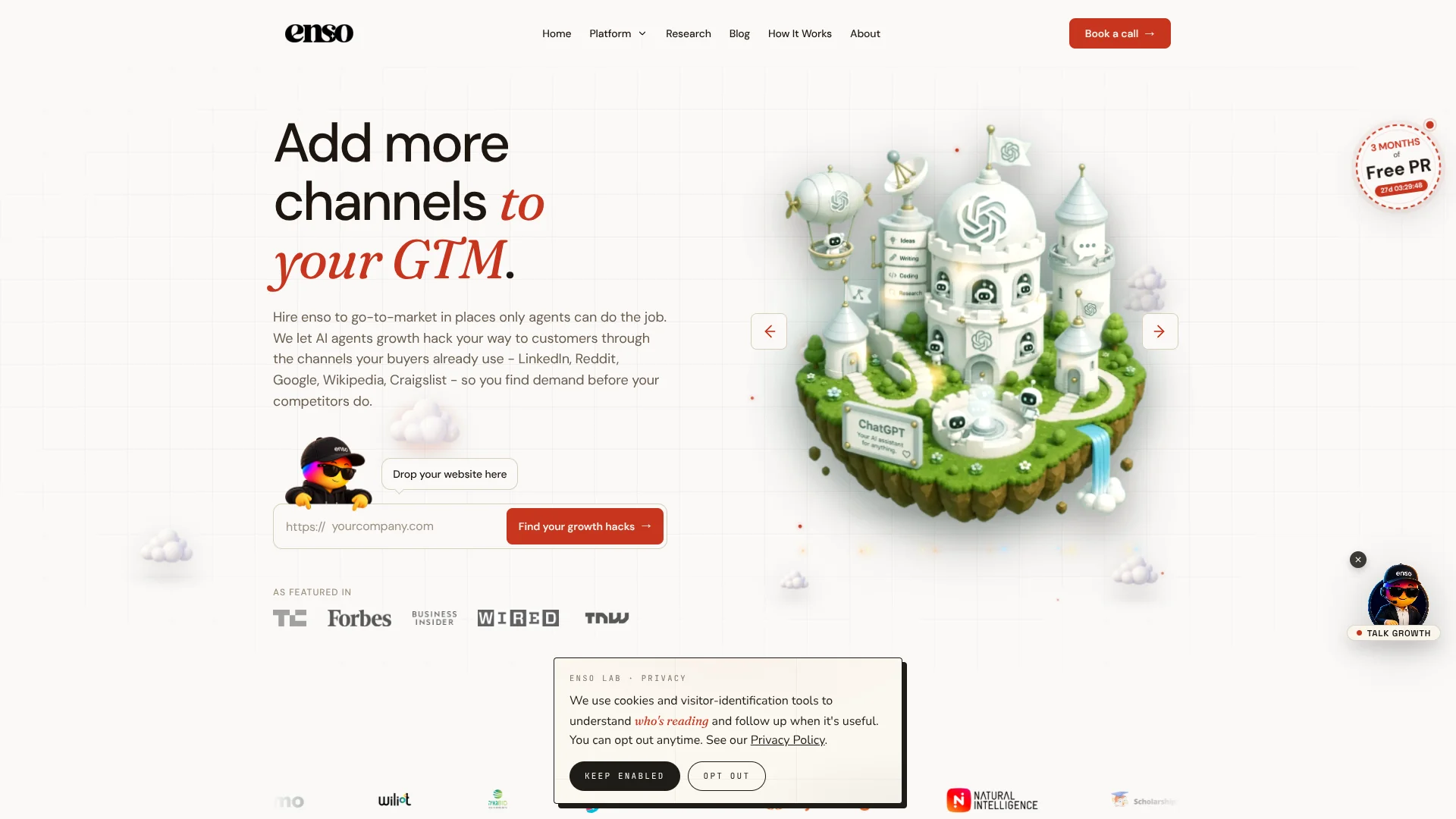
Recurring marketing work handled by AI growth agents for lean teams.
Watch enso in Action
Key Takeaways
- What it is
- Recurring marketing work handled by AI growth agents for lean teams.
- Pricing
- Freemium · $35 per month. on a yearly plan
- Best for
- AI Growth Agents
- Automation Workflows
- Confirmed Channels and Integrations
- Rating
- 4.0/5
What is enso?
enso runs AI agents that help companies attract demand, find sales opportunities, publish content, manage community activity, and grow their network. Its agents cover SEO and GEO, outbound sales, community monitoring, newsletters, and social publishing.
The platform can coordinate five growth agents across research, content, lead generation, outreach, and distribution.
enso fits growth teams that want recurring marketing work handled by agents rather than assembled from several separate tools. It is less suitable for buyers who need mature team permissions, public API access, or a fully documented enterprise security package today.
Who is Using enso?
Growth Managers
Pipeline and audience goals become repeatable workflows instead of isolated campaigns.
Founders and Operators
The agent stack handles recurring growth work while the team focuses on positioning, sales conversations, and decisions.
Demand Generation Marketers
Lead discovery, content production, and distribution can run from connected automations.
Sales Development Representatives
Lead-finding and outreach workflows help surface prospects and support early sales activity.
Content Marketers
Templates and knowledge uploads give agents context for producing company-specific marketing material.
Uncommon Use Cases
A team can use enso to monitor community opportunities; a founder can automate recurring network-growth tasks.
Key Features
Rating Breakdown
Pricing Plans
Free Tier
Free
- Experience enso with a 3-day free trial
- No credit card required
Pro Tier
$35 per month. on a yearly plan
- Or $49 per month
Which enso plan should you pick?
Start with Free to test the agents, choose Pro for regular use across all seven agents, and move to Business when you need more monthly credits and dedicated support.
Free
Good for testing three active agents and basic growth automations within 2,000 monthly credits.
Pro
Good for growing teams that need all seven agents, 3,000 monthly credits, priority support, and knowledge base uploads.
Business
Good for higher-volume workflows that need 13,000 monthly credits and dedicated support.
enso Use Cases
Lead Generation
The lead-finding agents identify prospects and move them into follow-up workflows.
Outcome: A steadier flow of sales opportunities.
Content Distribution
Growth teams can coordinate content creation and publishing across connected channels.
Outcome: More consistent distribution with less manual work.
Outbound Sales
Sales workflows support prospect research and outreach activities through connected services.
Outcome: Less time spent preparing and launching outbound work.
Community Growth
Agents can support network-building and community-focused growth activities.
Outcome: More recurring engagement opportunities.
Newsletter Production
A newsletter workflow can help turn company knowledge and growth signals into recurring email content.
Outcome: A more consistent publishing schedule.
Workflow Ideas with enso
From New Lead to Outreach
- 1Connect the lead source and define the target customer profile.
- 2Let the agent research and score new prospects.
- 3Review the generated outreach before sending it.
Weekly Content Engine
- 1Upload relevant company knowledge and choose a content template.
- 2Have the agent turn new signals into a draft.
- 3Approve and publish the finished content through a connected channel.
Community Opportunity Monitor
- 1Connect the communities or services where relevant conversations occur.
- 2Set the workflow to identify useful growth signals.
- 3Review the suggested action before the workflow proceeds.
How enso fits into your stack
Marketing Channels
enso sits between your growth goals and connected channels, helping agents create and distribute recurring marketing work.
Sales Operations
Lead-finding and outreach workflows can support prospect research and early pipeline activity.
Company Knowledge
Uploaded knowledge base material gives paid-plan agents more context for company-specific tasks.
Automation Layer
The platform serves as an AI workflow layer with templates, credits, and actions across more than 100 integrations.
Pros
- +Ready-made agents: Covers lead generation, content, social activity, and other recurring growth jobs.
- +Broad integrations: Connects with more than 100 services for workflow actions across a marketing stack.
- +Free entry plan: The Free plan includes 2,000 monthly credits and three active agents.
- +Knowledge uploads: Paid users can give agents company material to improve task context.
Cons
- −Credit limits: Every agent action consumes credits, so heavier usage can require a more expensive plan.
- −Limited team features: Team access is listed as coming soon rather than as a current Business feature.
- −No public API yet: The Business plan lists API access as coming soon.
Limitations & when to consider alternatives
Known limitations
- Monthly credit caps. The Free plan includes 2,000 credits, Pro includes 3,000, and Business includes 13,000 credits per month.
- Active agent limits. Free includes three active agents, while Pro and Business include all seven agents.
- Team access status. The Business plan lists team access as coming soon.
- API access status. The Business plan lists API access as coming soon rather than as an available feature.
Look elsewhere when
- You need native mobile or desktop apps that enso does not document.
- You need SSO or detailed enterprise security controls that enso does not publicly confirm.
- Your team needs a public API that is available today.
How to Use enso
- 1
Start with the Free plan
Create an account without a credit card and test three active agents within the monthly credit allowance.
- 2
Choose a growth job
Pick a specific goal such as lead generation, content creation, or network growth before adding more workflows.
- 3
Connect your services
Use the integration library to connect the tools where the agent needs to read or take action.
- 4
Add company context
On Pro or Business, upload knowledge base material so the agent has more relevant information for its work.
- 5
Watch credit usage
Track monthly credits because each agent action consumes part of the plan allowance.
- 6
Upgrade when volume grows
Move to Pro for all seven agents and priority support, or Business for more credits and dedicated support.
Who is enso For?
Growth Marketers
Recurring content, outreach, and distribution tasks can run through purpose-built growth agents.
Founders
Founder-led companies can keep lead generation and audience growth moving without managing every task manually.
Small Revenue Teams
Small teams can combine lead finding, content, and outreach workflows without buying a separate tool for each job.
Automation Builders
People who want pre-made templates and many integrations can assemble repeatable AI workflows with less setup.
Frequently Asked Questions
Does enso have a free plan?
Yes. The Free plan costs $0 forever and includes 2,000 credits per month, three active agents, and community support.
How much does enso Pro cost?
Pro costs $49 per month and includes 3,000 monthly credits, all seven agents, priority support, and knowledge base uploads.
What does the Business plan include?
Business costs $129 per month and includes 13,000 monthly credits, all seven agents, and dedicated support. Team access and API access are listed as coming soon.
How do enso credits work?
Every agent action consumes credits, so the monthly allowance determines how much automated work your account can run.
Does enso support integrations?
Yes. enso lists access to more than 100 integrations and more than 50 pre-made templates.
Can I start without a credit card?
Yes. The pricing page says you can start free without entering a credit card.
Community reviews
Be the first to share your experience.
Sign in to leave a review for enso.
enso Alternatives
Looking for alternatives to enso? Here are similar tools in the same category:
Learn to Master enso
With Skill Leap courses
Get in-depth training on enso and 50+ other AI tools with our expert-led video courses.
Start 7-Day Free Trial