
Entry Point
AI tool for seamless fine-tuning and managing language models.
Key Takeaways
- What it is
- AI tool for seamless fine-tuning and managing language models.
- Pricing
- Freemium
- Best for
- Advanced Fine-Tuning
- Multi-Provider Compatibility
- Collaborative Tools
- Rating
- 4.6/5
What is Entry Point?
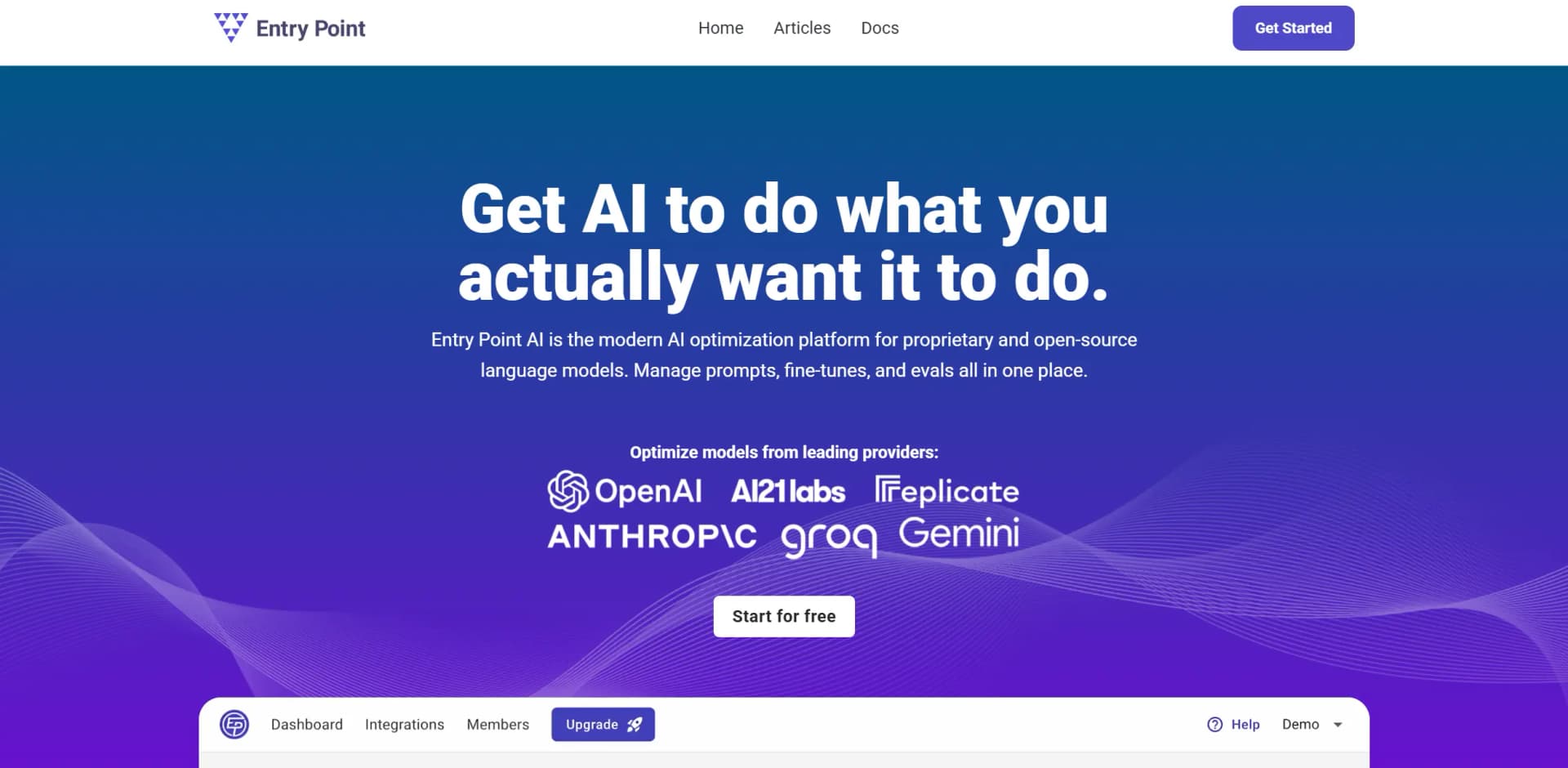
Entry Point is a cutting-edge AI optimization platform designed to streamline the fine-tuning process for large language models. Whether you're working with proprietary or open-source models, Entry Point provides a comprehensive suite of tools to manage prompts, fine-tunes, and evaluations all in one centralized location. Tailored for businesses and professionals aiming to refine AI outputs, the platform simplifies the complexities of model customization and enhances the overall performance of AI-driven tasks.
Entry Point distinguishes itself with its focus on fine-tuning as a primary means of optimizing AI models. Unlike traditional prompt engineering, Entry Point emphasizes the integration of examples directly into models, which enhances output quality and reduces unpredictability. Its user-friendly, no-code platform democratizes access to complex AI model customization, making it a valuable tool for both seasoned professionals and newcomers to AI.
Entry Point provides a robust solution for anyone seeking to elevate their AI model performance through fine-tuning. Its unique approach to integrating training examples directly into models not only enhances quality but also makes AI customization accessible to a wider audience. With strong support and a user-friendly interface, Entry Point stands out as a go-to platform for AI optimization, offering substantial benefits in terms of efficiency and scalability.
Who is Using Entry Point?
Tech Startups
Leveraging the platform for rapid prototyping and deployment of AI models.
Content Creators
Utilizing fine-tuning to enhance the quality of written content such as reports, blogs, and social media posts.
Data Analysts
Employing the tool for data extraction and classification tasks to improve data handling efficiency.
E-commerce Platforms
Using recommendations and prioritization features to optimize user interactions and sales strategies.
Uncommon Use Cases
Educational Institutions: Incorporating the tool in AI curriculum to teach fine-tuning processes.; Freelance Developers: Adopting the platform to streamline the development of custom AI solutions.
Key Features
Rating Breakdown
Pricing Plans
Free Tier
Free
- Experience Entry Point with a free trial that allows users to explore basic features and functionalities
Which Entry Point plan should you pick?
Start with the free 300-row access or Starter for personal projects, then upgrade when dataset size, seats, or production volume requires it.
Starter
Good for personal projects, learning fine-tuning, or validating an idea with up to 5,000 rows and 3 seats.
Growth
Good for building an AI feature or automating an internal process with up to 25,000 rows and 5 seats.
Pro
Good for scaling model performance in high-volume applications with up to 100,000 rows, 10 seats, and premium support.
Entry Point Use Cases
Tagging and classification
Run prompts across rows to assign labels such as sentiment, priority, categories, or search metadata.
Outcome: Structured classifications across a dataset.
Data extraction
Extract names, amounts, entities, and other structured values from unstructured text.
Outcome: New structured fields populated from messy source data.
Content generation
Generate reports, blog posts, social media content, emails, and other text outputs.
Outcome: Draft content in a repeatable style or format.
Support prioritization
Classify support tickets, bug reports, and lead submissions by urgency or importance.
Outcome: Issues and submissions routed or prioritized consistently.
Recommendations and ranking
Recommend products or rerank retrieval results using a fine-tuned language model.
Outcome: More relevant recommendations or ranked results.
Workflow Ideas with Entry Point
Turn raw data into a production model
- 1Import or create a dataset
- 2Write a prompt and run it across the data
- 3Evaluate outputs and fine-tune a model
Expand a small labeled dataset
- 1Start with a few real examples
- 2Generate synthetic examples for missing cases
- 3Review and approve examples for training
Deploy a custom model
- 1Compare prompts and fine-tuned models
- 2Inspect the generated HTTP endpoint
- 3Point an application or API workflow at the selected model
How Entry Point fits into your stack
Browser
Entry Point is a web-based workspace for building projects, managing datasets, testing prompts, evaluating outputs, and fine-tuning models.
Knowledge and files
Teams import CSV datasets, manage structured examples and fields, synthesize additional training data, and export CSV or JSONL files.
Automation and APIs
Entry Point runs prompts across datasets, supports connected providers such as OpenAI, Anthropic, Google AI, Replicate, and Groq, and exposes provider endpoints for production use.
Team workspace
Paid plans provide multiple seats, while the product supports inviting teammates and tracking shared training data and fine-tuning jobs.
Pros
- +Enhanced Model Performance: Fine-tuning capabilities significantly improve the quality and predictability of AI model outputs.
- +Cost and Time Efficiency: Reduces latency and operational costs by enabling lighter models to perform complex tasks effectively.
- +Scalability: Easily scales with team needs, allowing for the addition of custom data sets and examples to refine model behavior.
- +Comprehensive Support: Offers robust support and resources for users, ensuring a smooth and efficient fine-tuning process.
Cons
- −Initial Learning Curve: Users may experience a learning curve when familiarizing themselves with the platform's advanced features and capabilities.
- −Limited Integration: While multi-provider support is available, integration with some third-party platforms may be limited.
- −Data Dependency: Successful fine-tuning requires sufficient and relevant training data, which may pose challenges for some users.
Limitations & when to consider alternatives
Known limitations
- Provider costs are separate. Fine-tuning and data-generation charges are billed by connected model providers rather than included in the Entry Point subscription.
- Row limits vary by plan. Starter, Growth, and Pro plans provide different pooled row limits across projects.
- Fine-tuning is provider-dependent. Not every connected provider or base model supports fine-tuning through Entry Point.
- Synthetic data requires existing examples. The documentation says the synthesis feature requires at least three examples.
- Generated content needs review. Official guidance warns that generated facts, sources, and quotations may be inaccurate and should be researched and revised.
Look elsewhere when
- You need a native mobile app.
- You need enterprise SSO or SAML.
- You need image or vision understanding.
- You need a dedicated desktop installer.
How to Use Entry Point
- 1
Create a project
Open the projects page, create a project, or start from a demo dataset to explore the workflow.
- 2
Connect a model provider
Add an API key for a supported provider such as OpenAI, Anthropic, Google AI, Replicate, or Groq.
- 3
Import or build your dataset
Upload a CSV or create examples manually, then map columns to fields.
- 4
Write and test a template
Create a Standard or Chat template, run it in the playground, and inspect generated outputs.
- 5
Evaluate and improve
Use validation examples and scoring methods to compare prompts or models before production.
- 6
Fine-tune and deploy
Start a fine-tuning job, compare the custom model, and use the provider API or documented HTTP request in your application.
Who is Entry Point For?
AI engineers
They can move from low-level fine-tuning code to a visual workflow for datasets, prompts, evaluations, and custom models.
Product team leaders
They can validate AI product ideas and build proof-of-concepts without needing a developer.
Entrepreneurs
They can experiment with models, transform business data, and validate use cases directly.
AI consultants and agencies
They can prepare datasets, compare providers, fine-tune models, and build client-specific AI workflows.
Software developers
They can inspect HTTP requests and use resulting models through provider APIs or application code.
Frequently Asked Questions
What is Entry Point AI?
Entry Point AI is a platform for transforming datasets, generating synthetic training examples, evaluating prompts, and fine-tuning language models.
Which model providers does Entry Point support?
The documentation lists OpenAI, Anthropic, Google AI, Replicate, and Groq, while newer product pages also mention Together AI.
Does Entry Point charge for model-provider usage?
Provider costs are separate. Users connect their own provider accounts and pay providers directly.
Can Entry Point generate synthetic training data?
Yes. Users can generate additional examples, review them, and approve or automatically add suitable examples to datasets.
Can Entry Point fine-tune models?
Yes. Entry Point packages training examples and sends them to a connected provider's fine-tuning API.
Can users export their data?
Users can export datasets as CSV or JSONL, including after canceling a subscription.
Community reviews
1 review from people who use Entry Point.
Sign in to leave a review for Entry Point.
Thibault BM
Entry Point Alternatives
Looking for alternatives to Entry Point? Here are similar tools in the same category:
Learn to Master Entry Point
With Skill Leap courses
Get in-depth training on Entry Point and 50+ other AI tools with our expert-led video courses.
Start 7-Day Free Trial