
Enzzo
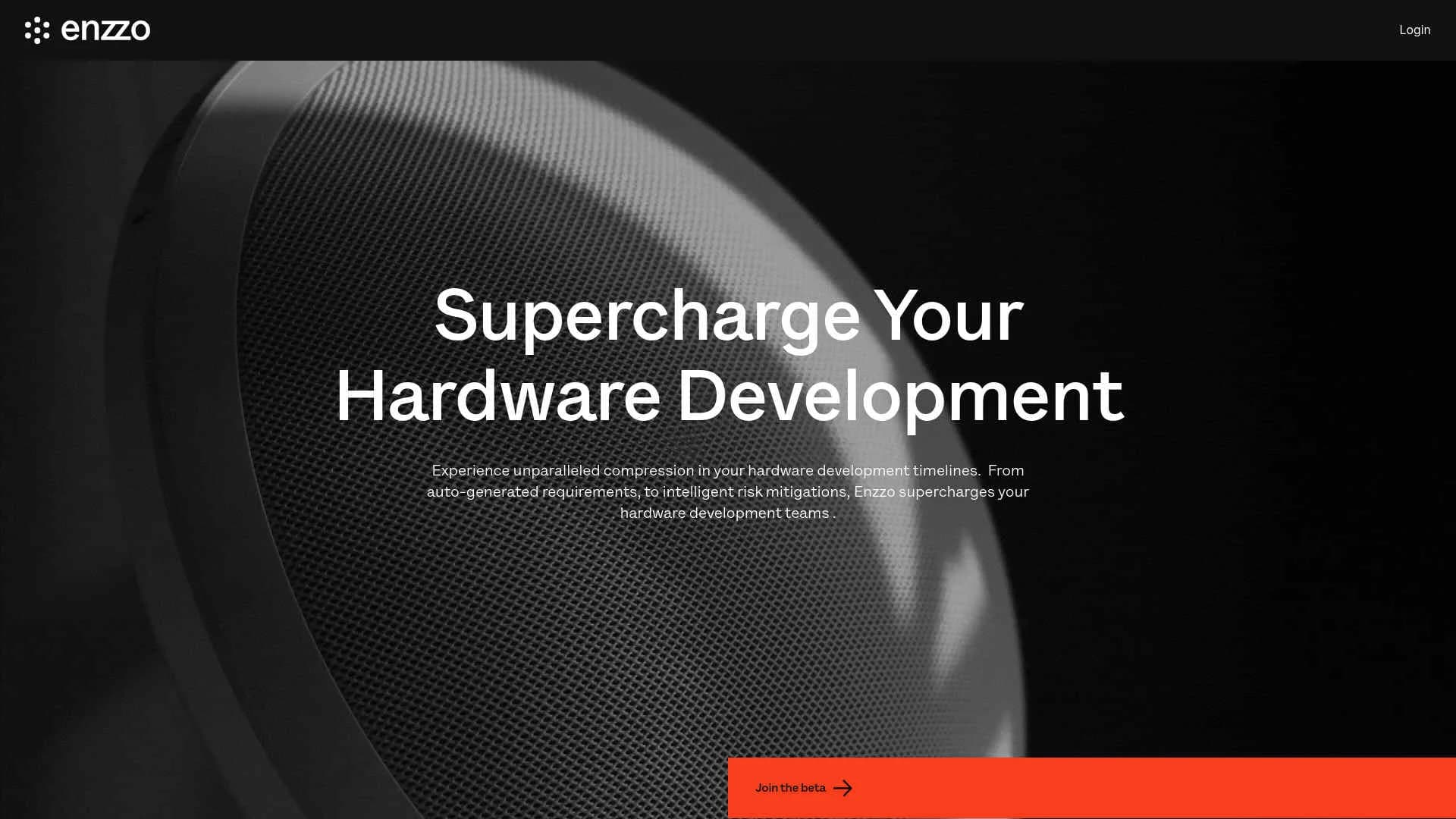
Revolutionize hardware development with AI-driven automation and instant rendering.
Key Takeaways
- What it is
- Revolutionize hardware development with AI-driven automation and instant rendering.
- Best for
- Automated Product Definitions
- Intelligent Risk Mitigation
- Feature and Requirement Refinement
- Rating
- 4.6/5
What is Enzzo?
Enzzo is an AI-driven tool designed to transform the hardware development process by automating critical aspects of design and development. It aims to significantly reduce the time required to bring new hardware products to market by auto-generating product definitions from simple inputs, organizing product requirements, and producing instant renderings. Enzzo is ideal for hardware development teams seeking to enhance productivity and foster innovation.
Enzzo’s integration of AI into the hardware development process is its standout feature. By automating complex workflows and providing instant product renderings and definitions, it transforms how hardware projects are executed, making it a vital tool for leading tech teams.
Enzzo excels in revolutionizing hardware development by offering powerful AI-driven tools that reduce time, cost, and enhance innovation. Its features, including instant product rendering and automated requirement generation, provide exceptional advantages for teams aiming to excel in the competitive tech industry.
Who is Using Enzzo?
Hardware Startups
Speeding up the development cycle of innovative hardware products.
Established Tech Companies
Refining existing hardware products and exploring new market opportunities.
Product Designers
Quickly visualizing and refining design concepts.
Project Managers
Keeping hardware projects on track and under budget.
Uncommon Use Cases
Academic institutions use Enzzo in engineering courses to teach AI's role in product development; design consultants leverage Enzzo for rapid prototyping in client demonstrations.
Key Features
Rating Breakdown
Pricing Plans
Subscription Model
- Enzzo offers a subscription-based pricing model. Details are available on their website
Free Trial
- Users can explore functionalities with a free trial before committing to a subscription
Which Enzzo plan should you pick?
Start with Starter - Personal for individual product work after the 7-day trial; upgrade to Team for shared workspaces and collaboration, or Enterprise for company-wide governance and scale.
Starter - Personal
Good for individual product managers who need product ideation, requirements, PRDs, competitive insights, and Jira or Confluence creation.
Team - up to 50 users
Good for teams who need shared product knowledge, collaboration, up to 100 products, concept images, and Jira or Confluence tickets.
Enterprise
Good for larger organizations needing unlimited products, branding, user administration, company-wide sharing, executive insights, SLA, and security compliance.
Enzzo Use Cases
Generate product requirements
Create functional, mechanical, software, electrical, environmental, security, manufacturing, and marketing requirements for a product.
Outcome: A structured requirements foundation for stakeholder alignment.
Validate product concepts
Generate customer personas and interact with them through chat or voice calling to test assumptions and explore market fit.
Outcome: Faster customer insight and improved product validation.
Analyze competitors
Build competitive matrices, compare products and features, and identify market differentiation opportunities.
Outcome: Clearer competitive positioning and whitespace analysis.
Create product documentation
Generate PRDs, briefs, specifications, proposals, and other documents using templates and product context.
Outcome: Consistent, editable product artifacts.
Visualize product ideas
Generate sketches, color explorations, realistic lifestyle images, concept visuals, and short product videos.
Outcome: Visual concepts for presentations, feedback, and early validation.
Workflow Ideas with Enzzo
Concept to PRD
- 1Create a product and define its goals, features, personas, and competitive context in AI chat.
- 2Generate requirements and product concept materials.
- 3Generate and customize a PRD, then export it as a PDF.
Customer validation loop
- 1Create target personas for the product.
- 2Chat with or call personas to test assumptions and gather reactions.
- 3Refine the product strategy and documentation using the resulting insights.
Document refinement cycle
- 1Upload existing specs, research, competitor information, or internal briefs.
- 2Ask Enzzo to incorporate the uploaded context into a deliverable.
- 3Export, edit externally, and re-upload the revised document for further context-aware work.
How Enzzo fits into your stack
API Access
Offers API integrations for seamless connectivity with other tools and systems.
Data Import Capabilities
Supports data import from various formats, including PDFs and URLs.
Collaboration Tools
Integrates with project management and collaboration tools to boost team productivity.
Custom Integration Options
Provides options for custom integrations to meet specific project needs.
Pros
- +Enhanced Time Efficiency: Significantly reduces hardware development timelines.
- +Cost Reduction: Minimizes the need for extensive manual labor, reducing overall project costs.
- +Increased Innovation: Facilitates rapid prototyping and iteration, allowing for greater creative exploration.
- +Scalability: Easily scales to accommodate various sizes of hardware development projects.
Cons
- −Complexity for New Users: May involve a learning curve for those unfamiliar with AI tools.
- −Limited to Hardware Development: Specifically designed for hardware projects, not suitable for other product development types.
- −Dependency on Accurate Inputs: The quality of outputs depends on the accuracy of the inputs provided.
Limitations & when to consider alternatives
Known limitations
- Generative outputs may be inaccurate. Enzzo warns that generative outputs may be inaccurate or misleading, so users should review results.
- First outputs require refinement. The help center describes the first output as a draft and recommends two or three rounds of iteration.
- Product videos are short. The documented image workflow creates product videos of up to 12 seconds.
- Slack Agent and Assistant require a paid Slack plan. A paid Slack plan is required to use Enzzo's Agent and Assistant view.
- PDF customization is more complete than Google Docs export. The PRD guide recommends PDF generation because Google Doc customization features are limited.
Look elsewhere when
- You need a public developer API with API keys and endpoints.
- You need a native iOS or Android application.
- You need a desktop installer for Windows, Mac, or Linux.
- You need code generation or image-understanding workflows.
How to Use Enzzo
- 1
The company offers detailed tutorials on their official website and YouTube channel, covering basic setup to advanced features.
Who is Enzzo For?
Hardware product teams
Enzzo is designed to support hardware product development from ideation through requirements, validation, documentation, and engineering handoff.
Corporate leaders and their teams
The platform helps leaders connect product decisions to strategy, customer insights, business outcomes, and revenue opportunities.
Enterprise product teams
Enterprise teams can use shared workspaces, SSO, RBAC, audit logs, security controls, and organization-specific workflows.
Product managers
Enzzo helps product managers generate PRDs, requirements, competitive insights, personas, tickets, and other product artifacts.
Frequently Asked Questions
What is Enzzo?
Enzzo is an AI-powered collaborative platform for hardware product development. It generates product definitions, personas, competitive insights, component lists, risk assessments, and related artifacts.
What can Enzzo create?
Enzzo can create product requirements, PRDs, competitive matrices, customer personas, concept images, product videos, block diagrams, risk sets, pricing components, briefs, specifications, and proposals.
How do I collaborate in Enzzo?
Teams use shared product workspaces, document comments, and workspace sharing with colleagues inside their organization.
Can I upload existing documents?
Yes. Users can upload Excel, CSV, PDF, and other files as context, then ask Enzzo to use the material in its outputs.
How can I improve an output I do not like?
Users can push back in chat, request more detail, upload additional context, export and edit deliverables externally, then re-upload the revised files.
Does Enzzo support SSO and enterprise security?
Enzzo supports Google Workspace SSO, RBAC, AES-256 encryption at rest, TLS 1.2+ in transit, and SOC 2 Type 2 compliance.
Community reviews
Be the first to share your experience.
Sign in to leave a review for Enzzo.
Enzzo Alternatives
Looking for alternatives to Enzzo? Here are similar tools in the same category:
Learn to Master Enzzo
With Skill Leap courses
Get in-depth training on Enzzo and 50+ other AI tools with our expert-led video courses.
Start 7-Day Free Trial