
Erase.bg
Instant AI-driven background removal and image editing for any project.
Watch Erase.bg in Action
Key Takeaways
- What it is
- Instant AI-driven background removal and image editing for any project.
- Pricing
- Freemium
- Best for
- High-Resolution Support
- Bulk Processing
- API Integration
- Rating
- 4.6/5
What is Erase.bg?
Erase.bg is an AI-powered tool designed to revolutionize the way we remove backgrounds from images. It offers a seamless, efficient solution for professionals and individuals alike, seeking to enhance their images with precision and ease. Whether you're in e-commerce, graphic design, or just need to clean up personal photos, Erase.bg simplifies the process, delivering high-quality, transparent backgrounds in seconds. Its core functionality extends beyond mere background removal, providing an all-in-one solution for image editing that caters to a diverse range of needs and industries.
Erase.bg stands out for its AI-driven precision in background removal, catering to both high-resolution images and bulk processing needs. Its user-friendly interface combined with powerful editing capabilities makes it accessible to users of all skill levels, while ensuring professional-quality results. The tool's integration features and support for a wide range of file types further enhance its appeal to a broad spectrum of users.
Erase.bg is an invaluable tool for anyone looking to enhance their images with professional-level background removal. Its ease of use, combined with the power of AI, offers a solution that is both efficient and high quality. Whether you're working on product photos for your e-commerce site, designing marketing materials, or just cleaning up personal images, Erase.bg delivers results that meet a wide range of needs. With its unique blend of features, including high-resolution support and bulk processing, Erase.bg is a standout choice for professionals and hobbyists alike.
Who is Using Erase.bg?
E-commerce Businesses
For creating clean product images.
Graphic Designers
To streamline design processes.
Photographers
For enhancing photo quality by removing distracting backgrounds.
Marketing Professionals
In creating visually appealing campaign materials.
Uncommon Use Cases
Educational institutions for digital art classes; Real Estate agents for improving property photos.
Erase.bg caters to a wide audience, including
Key Features
Rating Breakdown
Pricing Plans
Free Tier
Free
- Offers the first 3 credits for free
- Perfect for personal use
Subscription Plans
- Various plans available for commercial use
- Details and pricing can be found on the Erase.bg website
Which Erase.bg plan should you pick?
Start with Starter Plan for occasional personal use; buy credits or contact Enterprise when you need higher volume, batch processing, or a custom solution.
Starter Plan
Good for personal users who need a few free background removals and downloads.
One time payment
Good for users who need more credits without committing to a recurring subscription.
Erase.bg Enterprise
Good for businesses needing custom solutions, higher-volume processing, or an enterprise consultation.
Erase.bg Use Cases
Product-image cleanup
Upload product photos and remove distracting backgrounds automatically.
Outcome: Clean product visuals for e-commerce listings.
Background replacement
Remove the original background, then apply a solid color, gradient, texture, or uploaded image.
Outcome: Customized images suited to a campaign or design.
Bulk image processing
Upload multiple images for simultaneous background removal.
Outcome: Faster processing of larger image collections.
API-based image transformation
Generate an API key and connect background removal to a website or application.
Outcome: Programmatic background removal inside an existing product workflow.
Passport-photo preparation
Use the passport photo maker and background-editing capabilities to prepare ID-style images.
Outcome: Passport-style images with standardized-looking backgrounds.
Workflow Ideas with Erase.bg
Create a clean product image
- 1Upload the product image
- 2Let Erase.bg remove the background
- 3Download the transparent or edited result
Replace an image background
- 1Upload the source image
- 2Open the Edit or Change Background option
- 3Choose a color, gradient, texture, or uploaded background and download
Process images through the API
- 1Create a PixelBin account and generate an API token
- 2Connect the Erase.bg API to a website or application
- 3Send images for automated background removal and use the returned transformations
How Erase.bg fits into your stack
Cross-Platform Support
Available on Windows, Mac, Linux, iOS, and Android.
File Format Flexibility
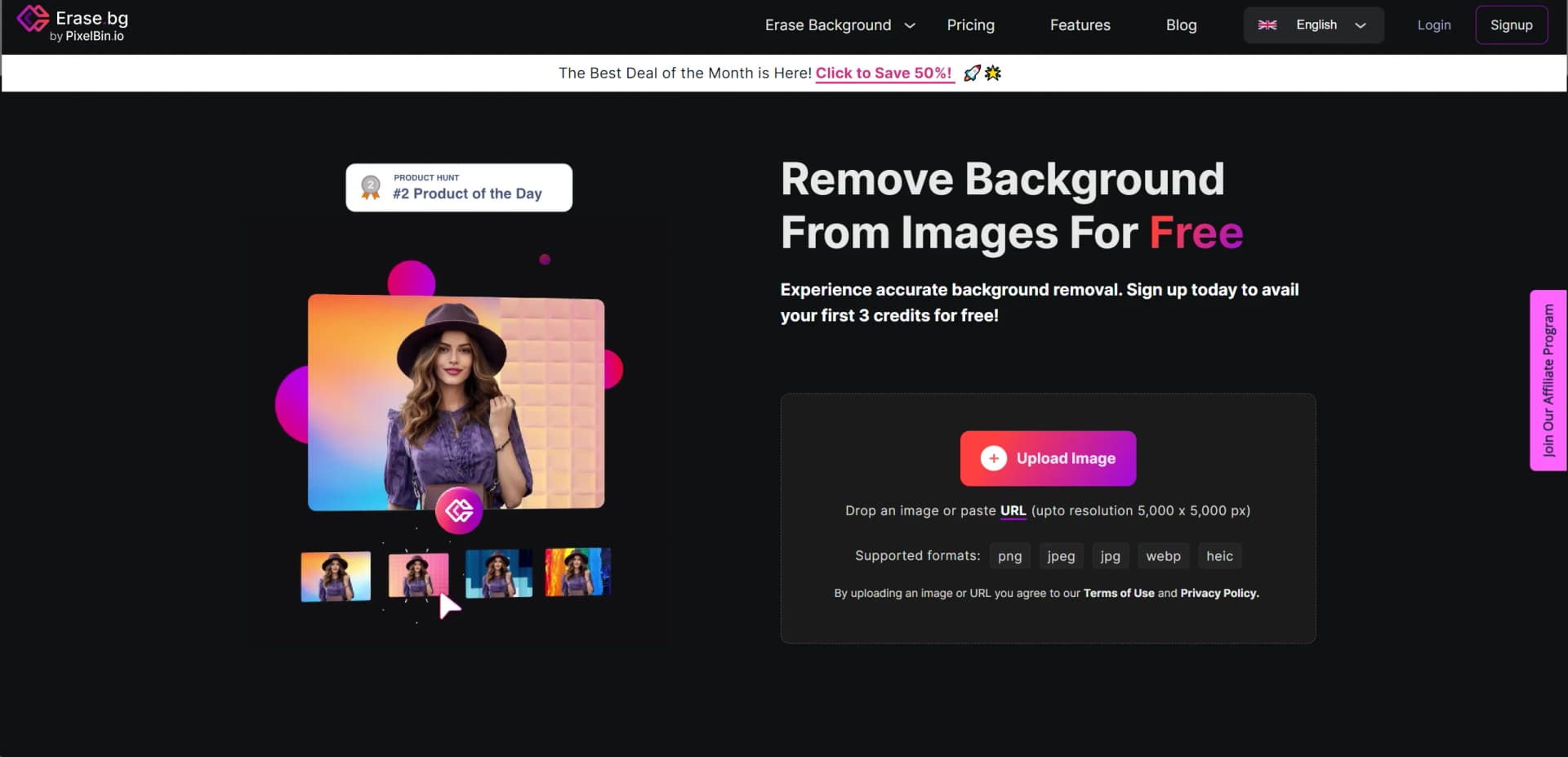
Supports PNG, JPG, JPEG, WEBP, and HEIC formats.
API for Developers
Allows for integration into existing systems or workflows.
Bulk Processing Features
Enables efficient handling of multiple images at once.
Pros
- +Efficiency: Instantly removes backgrounds, significantly reducing the time spent on manual editing.
- +Ease of Use: Intuitive interface that requires no prior photo editing experience.
- +Quality Preservation: Maintains the original image's resolution and quality after background removal.
- +Cost-Effective: Free for personal use, with affordable plans for commercial applications.
Cons
- −Internet Dependency: Requires a stable internet connection to process images.
- −File Size Limit: Maximum upload size is capped at 25 MB, which might restrict handling of exceptionally large files.
- −Learning Curve: While user-friendly, new users may need time to familiarize themselves with all available features.
Limitations & when to consider alternatives
Known limitations
- Free usage is limited. New accounts receive 3 free credits and 3 free downloads.
- Input images need a clear foreground. The supported image should feature a clearly defined foreground subject such as a person, animal, product, or car.
- Maximum file size. The maximum supported file size is 25 MB.
- Maximum output resolution. The maximum supported output resolution is 10,000 × 10,000 pixels.
- Bulk processing is positioned for paid or enterprise use. The pricing and product pages associate batch processing with paid plans or enterprise-scale workflows.
Look elsewhere when
- You need a native desktop installer for Windows, Mac, or Linux.
- You need a shared workspace with team roles and invitations.
- You need named third-party integrations such as Zapier, Slack, or Shopify.
How to Use Erase.bg
- 1
Erase.bg provides a comprehensive guide and tutorials on its website, ensuring users can make the most out of its features. These resources are invaluable for both beginners and experienced users looking to refine their skills.
Who is Erase.bg For?
E-commerce businesses
Create clean product images with removed or replaced backgrounds for storefronts and catalogs.
Photographers
Produce polished portraits and photographs by isolating subjects from distracting backgrounds.
Marketers
Prepare campaign and social-media visuals with transparent or customized backgrounds.
Developers
Integrate background removal into websites and applications through the API.
Real-estate professionals
Process property imagery and create cleaner visual assets for listings and marketing.
Frequently Asked Questions
Is Erase.bg free?
Yes. New accounts receive 3 free credits for downloading 3 HD images; paid options are available for higher-volume use.
What images are supported?
Erase.bg supports PNG, JPG, JPEG, WEBP, and HEIC images. The image should contain a clearly defined foreground subject.
What is the maximum image resolution and file size?
The maximum supported output is 10,000 × 10,000 pixels and 25 MB.
How does Erase.bg remove backgrounds?
Upload an image, let the AI process it, optionally edit the background, and download the result.
Can Erase.bg process multiple images?
Yes. Bulk transformation allows multiple images to be uploaded and processed together.
How can developers integrate Erase.bg?
Developers can generate an API key and integrate background removal into websites or applications.
Community reviews
Be the first to share your experience.
Sign in to leave a review for Erase.bg.
Erase.bg Alternatives
Looking for alternatives to Erase.bg? Here are similar tools in the same category:
Learn to Master Erase.bg
With Skill Leap courses
Get in-depth training on Erase.bg and 50+ other AI tools with our expert-led video courses.
Start 7-Day Free Trial