
eSkilled AI Course Creator
Create interactive courses with AI-driven tools.
Key Takeaways
- What it is
- Create interactive courses with AI-driven tools.
- Pricing
- $59 per month · $99 per month · $199 per month
- Best for
- AI-Driven Content Generation
- Interactive Elements
- Customizable Templates
- Rating
- 4.3/5
What is eSkilled AI Course Creator?
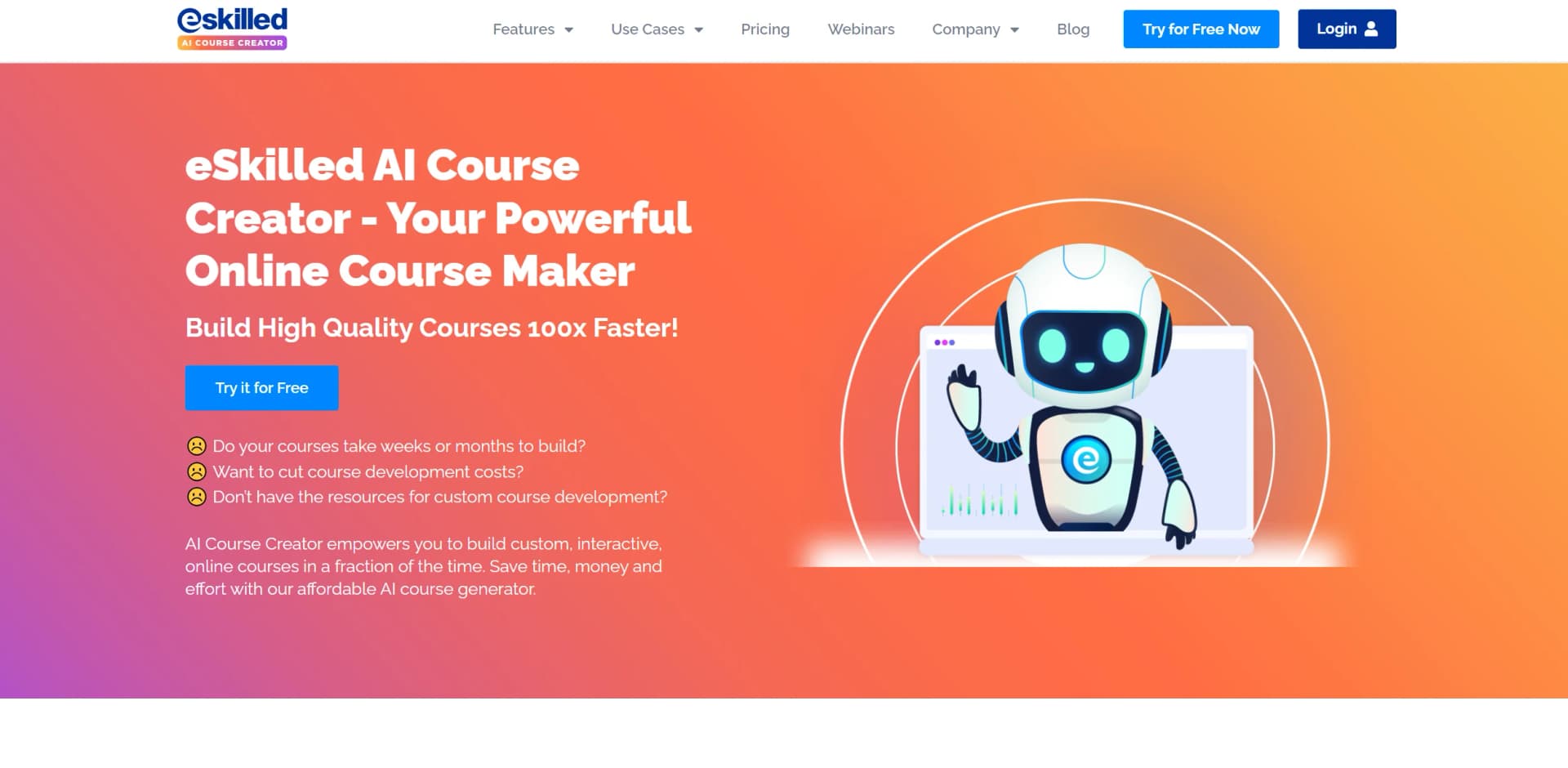
eSkilled AI Course Creator is a cutting-edge tool designed to streamline the process of creating educational content. By harnessing the power of artificial intelligence, it simplifies the development of interactive and engaging courses tailored for educators, trainers, and e-learning professionals. Whether you're crafting a comprehensive curriculum or a single lesson, eSkilled AI Course Creator provides the resources needed to deliver high-quality educational experiences.
eSkilled AI Course Creator stands out with its AI-driven content generation capabilities, enabling users to create detailed and engaging courses with minimal effort. It not only focuses on interactive learning elements to boost student engagement, but also contextualises content based on region, sector, legislation, and learner needs. Features like AI-generated quizzes, multilingual delivery, and an AI Assistant for rapid content expansion make it easy to build highly localised, interactive learning experiences in minutes.
eSkilled AI Course Creator offers a powerful suite of tools for anyone involved in education and training. Its AI-driven capabilities and interactive features make it an attractive option for creating high-quality educational content. While there are areas for improvement, particularly in integration and customization, the overall value provided by this tool is impressive. Whether you're an individual educator or part of a larger organization, eSkilled AI Course Creator can help you deliver impactful learning experiences efficiently.
Who is Using eSkilled AI Course Creator?
Educational Institutions
Utilizing the tool to develop curriculum and enhance classroom learning.
Corporate Trainers
Employing the tool to create training programs for employee development.
E-learning Platforms
Leveraging the tool to expand their course offerings and improve user engagement.
Individual Educators
Using the tool to create personalized learning experiences.
Uncommon Use Cases
Adopted by nonprofit organizations for educational outreach programs; Used by language schools to develop interactive language courses.
Key Features
Rating Breakdown
Pricing Plans
Starter
$59 per month
- Includes 1 course creator, 20 GB storage, 1.75M AI generation credits, 50 course limit, 10 free AI-generated images/month, and 1 LMS connection via LTI
Maximize
$99 per month
- Includes 2 course creators, 50 GB storage, 3.25M AI generation credits, 120 course limit, 20 free AI-generated images/month, and 2 LMS connections via LTI
Pro
$199 per month
- Includes 5 course creators, 150 GB storage, 7.25M AI generation credits, 250 course limit, 40 free AI-generated images/month, and 3 LMS connections via LTI
Enterprise
- Custom plans available for expanded course limits
- Storage
- AI generation credits
- Creators
- LMS connections
eSkilled AI Course Creator Use Cases
Employee onboarding
Create structured training modules with interactive activities, quizzes, multimedia, and contextualized content.
Outcome: Faster deployment of employee training.
Compliance training
Generate role-specific courses with scenarios, assessments, and localized regulatory context.
Outcome: More relevant compliance learning experiences.
Product training
Build courses that explain products through lessons, examples, visuals, interactive activities, and assessments.
Outcome: Consistent product knowledge delivery.
Document-to-course conversion
Upload existing PDFs, PowerPoints, Word files, or DOCX documents and convert them into structured e-learning modules.
Outcome: Reuse existing training materials without rebuilding from scratch.
Multilingual training
Create or translate courses into more than 80 languages and adapt content to regional context.
Outcome: Training for multilingual and international audiences.
Workflow Ideas with eSkilled AI Course Creator
Create a course from a topic
- 1Enter a topic, audience, or learning goal
- 2Let AI generate the syllabus, modules, lessons, and assessments
- 3Edit the generated course in the drag-and-drop builder
Convert an existing document
- 1Upload a PDF, PowerPoint, Word, or DOCX source document
- 2Use Document Conversion Mode to structure it as an e-learning course
- 3Review and refine the converted modules and activities
Publish training to an LMS
- 1Complete and preview the course
- 2Share it through an embedded webpage, self-hosted URL, LTI, or SCORM export
- 3Deliver the course through one or more compatible LMS platforms
How eSkilled AI Course Creator fits into your stack
Browser
This is a cloud-based course-authoring application accessed through its web interface from any device.
Knowledge and files
Upload PDFs, PowerPoints, or DOCX documents and convert existing training materials into interactive course modules.
Learning management systems
Share courses through LTI 1.1 or 1.3, iframe embeds, preview links, or SCORM exports for LMS delivery.
Pros
- +Time Efficiency: Significantly reduces the time required to develop and launch courses.
- +User-Friendly Interface: Intuitive design makes it accessible for users with varying levels of technical expertise.
- +Cost-Effective: Provides a range of pricing options, making it accessible to both individuals and organizations.
- +Scalability: Easily adapts to different educational scales, from small workshops to large institutional courses.
Cons
- −Initial Learning Curve: Users may require some time to become familiar with the advanced features.
- −Limited Integration Options: Currently, it offers limited integration with third-party learning management systems.
- −Customization Limitations: Some users may find the template customization options somewhat restricted.
Limitations & when to consider alternatives
Known limitations
- 14-day trial only. The documented offer is a 14-day free trial for new customers; the site does not document a permanent free plan.
- Monthly AI credits expire. Subscription AI Generation Credits must be used during the monthly subscription period and do not roll over.
- Uploaded video limit. Individual uploaded video files are capped at 500MB; YouTube or Vimeo embedding is recommended for larger videos.
- Limited assessment types. The FAQ documents formative multiple-choice questions and several quiz formats, while summative assessments are not currently supported.
- Data may be deleted after cancellation. After cancellation, data is retained for only a short period and the company reserves the right to permanently erase it.
How to Use eSkilled AI Course Creator
- 1
Start the trial
Use the 14-day free trial to access AI Course Creator and evaluate the platform before subscribing.
- 2
Choose a creation method
Start from a topic or prompt, manually build a course, or upload source documents through Document Conversion Mode.
- 3
Configure the course
Set the course breadth, depth, reading level, language, tone, country, and other contextual considerations.
- 4
Generate and edit content
Generate lessons, quizzes, case studies, examples, scenarios, images, and other activities, then refine them in the builder.
- 5
Add media and interactivity
Add videos, embedded documents, audio narration, images, diagrams, flip cards, drag-and-drop elements, and other interactive components.
- 6
Share or export
Publish through an embedded webpage, self-hosted URL, LTI connection, or SCORM export where supported by the plan.
Who is eSkilled AI Course Creator For?
Instructional designers
The platform structures learning outcomes, curriculum sequencing, assessments, and instructional visuals.
Learning and development teams
Teams can collaborate on courses, scale training production, and distribute content through LMS integrations.
Trainers
Trainers can generate complete courses, quizzes, scenarios, case studies, and practical examples.
Educators
Educators can create interactive, multilingual courses with assessments and multimedia.
HR managers and L&D professionals
The employee-training platform supports onboarding, compliance, product training, and workforce development.
Frequently Asked Questions
Does eSkilled AI Course Creator offer a free plan?
It offers a 14-day free trial for new customers rather than a documented permanent free tier.
Can courses be shared with other LMS platforms?
Yes. Courses can be shared through LTI, and annual subscribers can export courses as SCORM files for LMS upload.
Can users collaborate on courses?
Yes. Plans with multiple Course Creator accounts allow users to collaboratively see, create, edit, and manage courses.
What file types can users upload?
Users can upload reference documents, PDFs, Word files, PowerPoints, images, videos, and DOCX files for course creation or conversion.
How does AI Generation Credit usage work?
Credits are consumed according to the volume of input and generated output. Subscription credits reset monthly and do not roll over.
Is data encrypted?
The service states that data is encrypted during transmission and while at rest, using ISO 27001-2022 certified infrastructure and processes.
Community reviews
1 review from people who use eSkilled AI Course Creator.
Sign in to leave a review for eSkilled AI Course Creator.
Pip Sanders
eSkilled AI Course Creator Alternatives
Looking for alternatives to eSkilled AI Course Creator? Here are similar tools in the same category:
Learn to Master eSkilled AI Course Creator
With Skill Leap courses
Get in-depth training on eSkilled AI Course Creator and 50+ other AI tools with our expert-led video courses.
Start 7-Day Free Trial