Evergrowth
Company-trained agents tailor account research to each B2B sales team's playbook.
Key Takeaways
- What it is
- Company-trained agents tailor account research to each B2B sales team's playbook.
- Best for
- Eva
- Agent Training Center
- Multi-agent workflows
- Rating
- 4.1/5
What is Evergrowth?
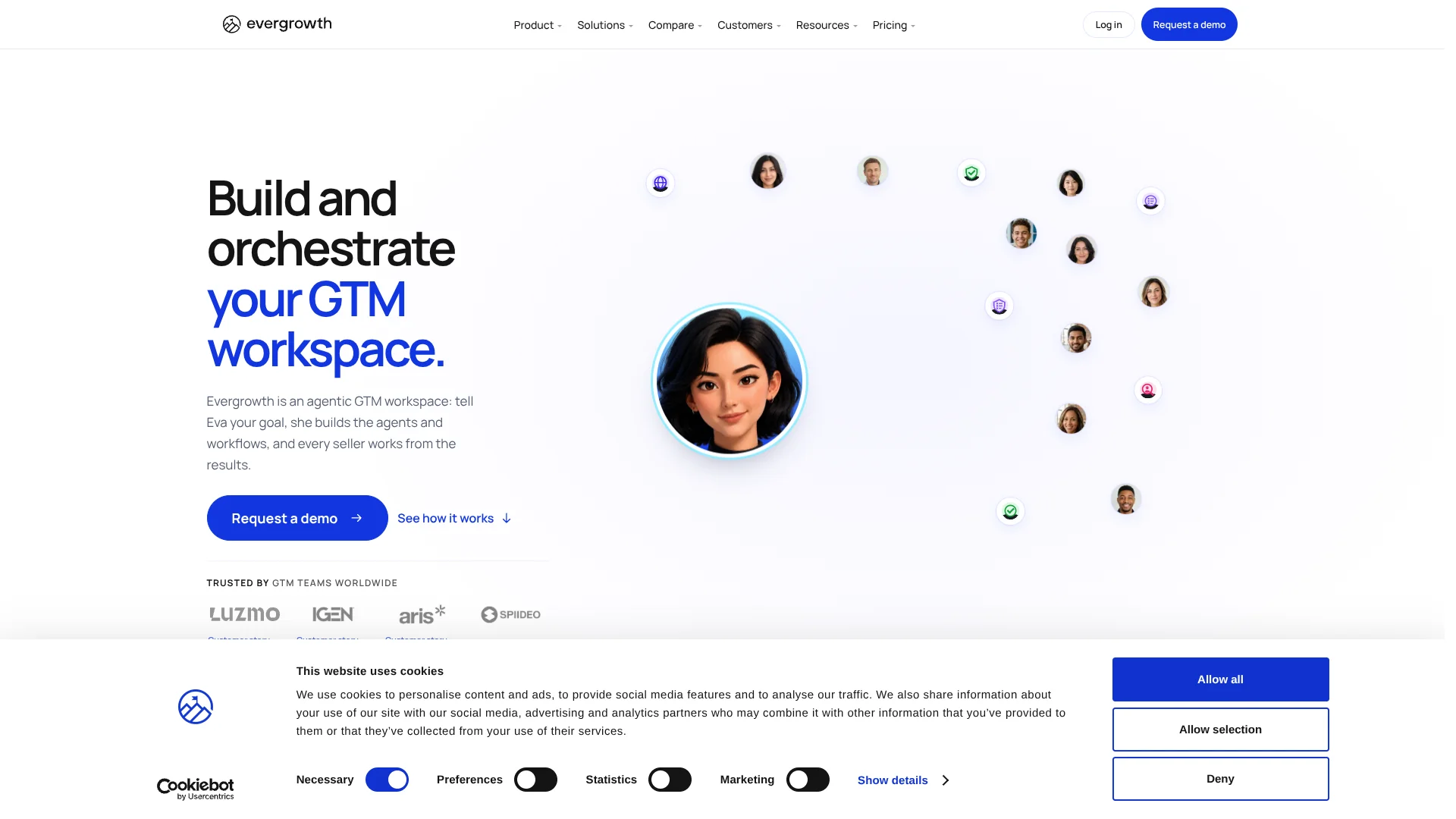
Evergrowth helps B2B revenue teams research and qualify sales accounts, find relevant contacts, and prepare outreach with AI agents. RevOps teams can define their ideal customer profile, buyer personas, and value proposition in the Agent Training Center, so sellers get results shaped around how their company sells. Eva coordinates the agents and workflows, while research and drafts are shared in the workspace and connected CRM.
A trained set of agents can work from the same company-defined sales context and return account research, contact findings, and outreach drafts to CRM records. Sellers can also reach Eva through Slack, Microsoft Teams, a browser extension, or supported AI tools such as ChatGPT and Claude.
Evergrowth is best suited to B2B sales teams with RevOps or GTM staff who can set up shared qualification rules and workflows. Its agents prepare research and messaging, but sellers still review the results and execute outreach through their existing process, so it is not a replacement for a sales sequencer.
Who is Using Evergrowth?
Revenue Operations Manager
Shared account criteria and mapped CRM fields help keep agent research aligned with the team's process.
GTM Engineer
Workflow conditions and scheduled runs help move CRM records through repeatable research steps.
Sales Development Representative
Qualified accounts, relevant contacts, and prepared outreach give an SDR a clearer starting point for prospecting.
Account Executive
Account plans and contact research help an account executive prepare for a sales conversation.
Sales Enablement Manager
Voice Roleplay and Roleplay Coach help reps practice buyer conversations against the team's playbook.
Uncommon Use Cases
Recycling dormant CRM accounts for new signals; preparing event follow-up from account and contact research.
Key Features
Rating Breakdown
Which Evergrowth plan should you pick?
Start with Starter for a smaller sales team, then consider Pro or Pro+ as monthly credit volume, parallel runs, or team controls become more important.
Starter
For smaller sales teams that need the agent catalog, CRM integration, and scheduled workflows.
Pro
For teams that need custom teams, user and team credit limits, real-time triggers, or ownership rules.
Pro+
For higher-volume teams that need more parallel agent runs and Expert Hours.
Enterprise
For large teams that need custom volume and controls such as webhooks, an admin activity log, or custom credit rollover.
Evergrowth Use Cases
Qualify and research target accounts
A prospecting workflow checks account fit, researches signals, and can branch before finding contacts.
Outcome: Sellers receive researched accounts that match the team's qualification rules.
Find relevant buyer contacts
Persona criteria guide contact discovery and qualification for accounts the team wants to pursue.
Outcome: Sales reps get contacts matched to their buyer profiles.
Prepare personalized outreach
Account and contact research informs emails, LinkedIn messages, and call scripts for a specific buyer.
Outcome: Draft outreach reflects the prospect's role and available research.
Prepare for account meetings
Account research and CRM context give sellers material for a meeting brief or account plan.
Outcome: The seller has a more informed starting point for the conversation.
Practice sales conversations
Reps rehearse cold calls or discovery conversations with an AI buyer persona and receive playbook-based feedback.
Outcome: Reps can review a scored practice session before a real call.
Workflow Ideas with Evergrowth
New-account research pipeline
- 1Bring new account records into Evergrowth through CRM sync.
- 2Run Account Qualification and Account Research.
- 3Find contacts only for accounts that meet the team's criteria.
Prepare an account meeting
- 1Gather the account's CRM activity and agent research.
- 2Build an account plan and identify relevant contacts.
- 3Review a meeting brief before the conversation.
Practice and review a sales call
- 1Select a buyer persona based on the team's training context.
- 2Practice a cold call or discovery conversation with Voice Roleplay.
- 3Review the transcript and Roleplay Coach feedback against the playbook.
How Evergrowth fits into your stack
CRM
Evergrowth connects with HubSpot, Salesforce, Microsoft Dynamics, Pipedrive, Zoho, and Attio. Field mapping and sync settings control where CRM context and agent results go.
Sales workflows
The workflow builder chains agents with conditions and schedules, so account research and contact finding can run as part of a repeatable process.
Chat and AI tools
Eva is available through Slack and Microsoft Teams, and through supported AI clients such as ChatGPT, Claude, and Copilot using MCP.
Browser
The Chrome and Edge extension lets sellers view research and launch supported agents from pages where they work.
Sales outreach
Evergrowth prepares research and sales plays for use in the team's existing outreach process; its site describes sequencers as working through the CRM.
Pros
- +Shared sales context: Teams can train agents around the same value proposition, account criteria, and buyer personas.
- +CRM-centered results: Account research and agent outputs can be mapped back to records in supported CRMs.
- +Multiple ways to reach Eva: Teams can work through the workspace, CRM extension, Slack, Microsoft Teams, or supported AI tools.
- +No seat fees: Paid plans include unlimited users, with agent activity measured in credits.
Cons
- −RevOps setup: Tailored results depend on configuring company context, qualification criteria, and personas.
- −Credit-based costs: Monthly spend is tied to agent activity, so usage needs monitoring.
- −Outreach stays with your team: Agents prepare sales materials, but sellers use their existing process to send them.
Limitations & when to consider alternatives
Known limitations
- Agent runs consume credits. Each agent run uses a set number of credits, and higher-effort work uses more.
- Fast speed costs more credits. Fast runs cost twice the listed credits per run.
- CRM object support varies. Supported objects and sync directions depend on the CRM; activities and opportunities are inbound-only where supported.
- Monthly credit rollover is limited. Unused credits on monthly plans roll over for up to three months.
Look elsewhere when
- You need a built-in sales sequencer to send and manage outreach.
- You need a native mobile app or downloadable desktop application.
How to Use Evergrowth
- 1
Set the sales context
In the Agent Training Center, add your value proposition, target account criteria, and buyer personas so agents have company-specific guidance.
- 2
Connect your CRM
Choose a supported CRM, map the fields you need, and set which direction each field should sync.
- 3
Choose an agent or workflow
Start with a task such as Account Qualification, Contact Finder, or Play Copywriting, or ask Eva to assemble a multi-agent workflow.
- 4
Review the proposed work
Check Eva's proposed steps and expected credit use before confirming a run.
- 5
Review results where sellers work
Check agent research and drafts in the workspace, CRM, browser extension, Slack, or Microsoft Teams.
- 6
Track usage and adjust
Use credit reporting to see agent activity and revise workflows or credit limits to fit the team's volume.
Who is Evergrowth For?
RevOps
RevOps teams can set shared qualification rules, train agents, and govern how research moves into the CRM.
GTM engineers
GTM engineers can assemble agents and workflows around the team's sales process.
Marketing Ops
Marketing Ops can give agents company positioning and buyer context for more relevant account research and messaging.
Sales teams
Sales teams can get account research, contact findings, and prepared outreach in their CRM and workspace.
Sales enablement
Sales enablement teams can offer reps buyer-based roleplay and feedback aligned to their playbook.
Frequently Asked Questions
Does Evergrowth have a free plan?
The official pricing page lists paid credit packages and does not show a free plan.
How does Evergrowth charge for agent work?
Agent runs consume credits, with the number depending on the agent and effort level. Email and phone lookups are charged per successful result.
Which CRMs does Evergrowth support?
The listed CRM integrations are HubSpot, Salesforce, Microsoft Dynamics, Pipedrive, Zoho, and Attio.
Can I use Evergrowth from my browser or chat tools?
Evergrowth offers a Chrome and Edge extension, Slack and Microsoft Teams access, and Eva through supported AI tools including ChatGPT, Claude, and Copilot.
Does Evergrowth train AI models on customer data?
Evergrowth says customer data is not used to train or fine-tune its models or its providers' models.
Community reviews
Be the first to share your experience.
Sign in to leave a review for Evergrowth.
Evergrowth Alternatives
Looking for alternatives to Evergrowth? Here are similar tools in the same category: