
Fieldguide
Revolutionize audit, advisory with AI-driven efficiency and automation.
Key Takeaways
- What it is
- Revolutionize audit, advisory with AI-driven efficiency and automation.
- Best for
- AI-Powered Analytics
- Document Management
- Client Engagement Hub
- Rating
- 4.6/5
What is Fieldguide?
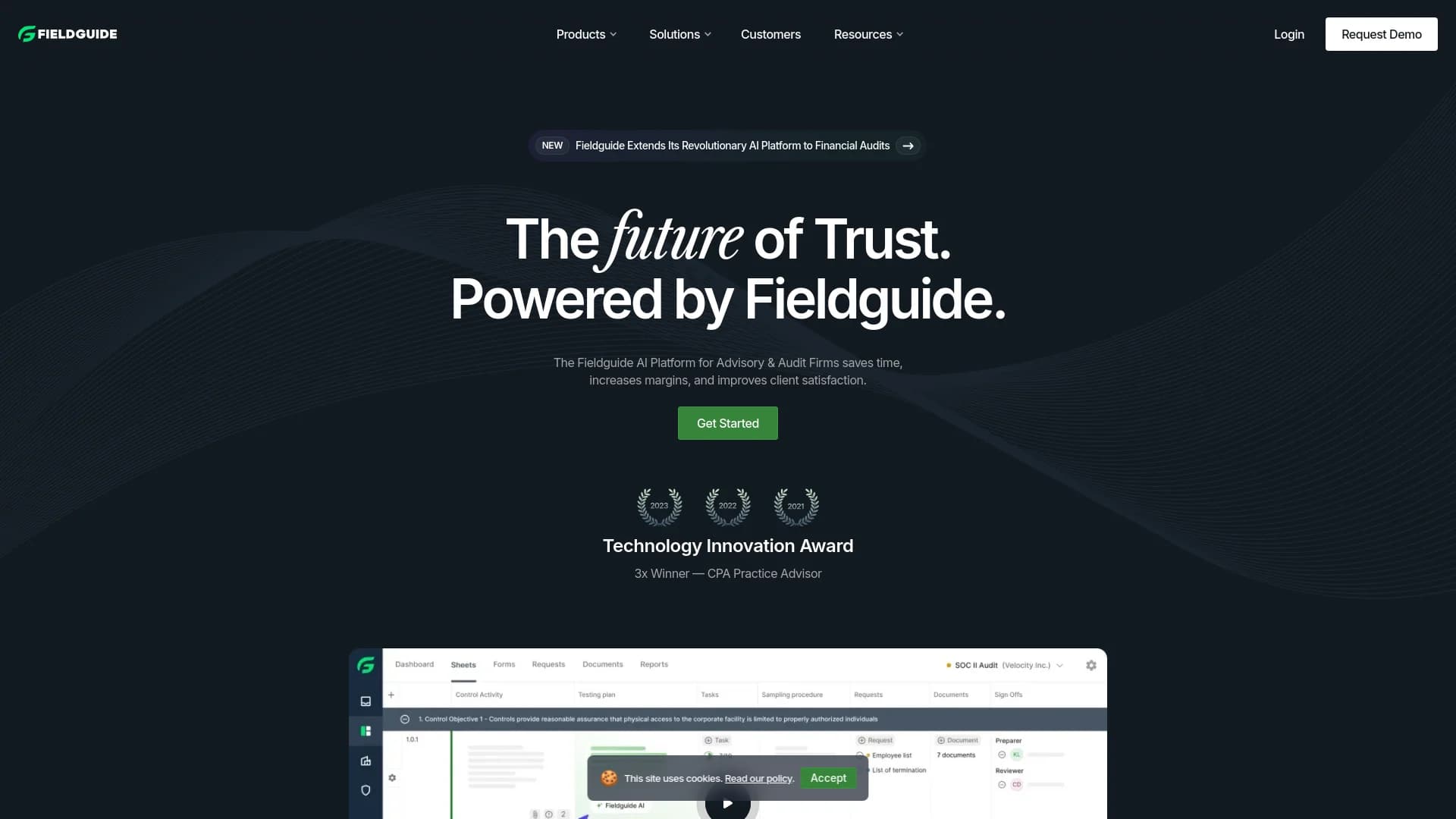
Fieldguide is an innovative platform designed to modernize audit and advisory services. By leveraging artificial intelligence, Fieldguide aims to streamline processes, enhance client engagement, and optimize overall efficiency for audit and advisory firms. Whether dealing with risk advisory, compliance audits, or financial audits, Fieldguide offers a comprehensive suite of tools tailored to the evolving needs of today's professionals.
Fieldguide stands out with its AI-driven approach to managing audit and advisory processes. This innovative method sets it apart in a traditionally conservative field. Its ability to integrate seamlessly with various productivity tools and IT systems makes it a versatile choice for modern firms.
Fieldguide excels in transforming audit and advisory services through its AI-driven platform. It enhances operational efficiencies, client satisfaction, and data security while offering seamless integrations. Fieldguide is a vital tool for modern firms aiming to stay competitive and efficient in a rapidly evolving market. Its unique features and comprehensive support system provide a significant advantage for handling complex engagements.
Who is Using Fieldguide?
Top 500 Audit and Advisory Firms
Leveraging Fieldguide to enhance operational efficiency and client servicing.
Risk Advisory Services
Utilizing the platform for streamlined risk assessments and audits.
Compliance Officers
Using Fieldguide for regulatory compliance, including SOX and HIPAA.
IT Auditors
Employing the platform for IT general controls and internal audits.
Uncommon Use Cases
Academic institutions use Fieldguide for practical audit and advisory training; freelance consultants manage multiple client engagements efficiently with the platform.
Key Features
Rating Breakdown
Pricing Plans
Custom Pricing Model
- Fieldguide offers tailored pricing based on the firm's specific needs and scale
Which Fieldguide plan should you pick?
Start with Essentials for a smaller engagement practice, and upgrade to Premium or Enterprise when you need SSO, broader integrations, premium insights, or expanded services.
Fieldguide Essentials
Good for practices with a smaller number of engagements that want engagement-based pricing and guided onboarding.
Fieldguide Premium
Good for firms conducting more risk advisory engagements and needing SSO integration plus access to product innovations.
Fieldguide Enterprise
Good for firms needing the most comprehensive package, premium insights, extensive services, and broad integrations.
Fieldguide Unlimited
Good for firms needing a more customized risk advisory software offering.
Fieldguide Use Cases
Collect client evidence
Create requests for clients to upload evidence and supporting documents, then track completion and review status.
Outcome: More organized evidence collection across engagements.
Analyze engagement documents with AI
Ask Fieldguide AI questions about PDFs, spreadsheets, images, and other documents in a request or workspace.
Outcome: Faster document review and contextual analysis.
Run controls testing
Use sheets, testing agents, sample testing, sign-offs, and review workflows to execute controls-based engagements.
Outcome: More standardized and automated testing workflows.
Generate reports
Use templates and mail-merge tags to pull sheet and form data into generated engagement reports.
Outcome: Less manual copying and more consistent reporting.
Integrate client systems
Connect Fieldguide with systems such as Vanta, SAP, Salesforce, Jira, GitHub, accounting, HR, and ticketing tools.
Outcome: More connected data flows across engagement workflows.
Workflow Ideas with Fieldguide
Automated evidence collection and review
- 1Create requests linked to controls or sheet rows
- 2Have clients upload evidence and communicate through request comments
- 3Use AI Request Chat to validate uploaded documents before review
Controls testing with automated agents
- 1Configure an agent, trigger, and sheet combination
- 2Trigger testing when the configured event occurs
- 3Review agent results and complete preparer or reviewer sign-offs
Report production from engagement data
- 1Populate sheets and forms during the engagement
- 2Insert mail-merge tags into a report template
- 3Generate the report from the collected engagement data
How Fieldguide fits into your stack
Major Productivity Tools
Integrates with popular office and productivity software.
Custom API Access
Provides API integration for bespoke needs.
Cloud Compatibility
Fully compatible with cloud environments, offering flexibility and accessibility.
Data Security
Adheres to stringent security protocols to ensure the protection of sensitive information.
Pros
- +Increased Efficiency: Streamlines audit and advisory processes, minimizing manual tasks and improving productivity.
- +Enhanced Client Satisfaction: Features modern client hubs and interactive platforms that improve the client experience.
- +Robust Data Handling: Secure and efficient management of documents and data.
- +Scalability: Adapts to both small practices and large firms, offering flexibility for various business sizes and needs.
Cons
- −Learning Curve: New users may need time to familiarize themselves with the platform's extensive functionalities.
- −Dependency on Tech Infrastructure: Requires solid IT support and infrastructure for optimal performance.
- −Initial Setup Cost: The initial investment for setup and integration may be significant, particularly for smaller firms.
Limitations & when to consider alternatives
Known limitations
- AI features may be rate-limited or unavailable. Fieldguide AI is described as a Preview Release without a warranty of accuracy or guaranteed availability.
- Document AI does not fully support image-only documents. AI Chat for Documents says image documents are not supported in its preview release.
- AI Chat has a 30-document limit. AI Chat can process no more than 30 documents simultaneously.
- Large documents are not fully supported in document chat. AI Chat for Documents may expose only part of a long document for analysis.
- Time tracking excludes work outside Fieldguide. Fieldguide cannot track time spent in external applications such as the Word desktop app.
Look elsewhere when
- You need a native iOS or Android app
- You need a native Windows, Mac, or Linux desktop application
- You need to fine-tune or train an AI model on your own data
- You need AI-generated or edited programming code
How to Use Fieldguide
- 1
A variety of tutorials and guides are available on the Fieldguide website, covering everything from basic setup to advanced feature utilization.
Who is Fieldguide For?
Audit and advisory firms
Fieldguide is built to manage engagements, evidence collection, testing, review, and reporting.
Risk advisory practices
The platform supports risk, compliance, cybersecurity, and other controls-based engagements.
Firm leaders and practice leaders
Insights dashboards provide engagement, efficiency, client collaboration, and team activity visibility.
Clients of audit and advisory firms
Clients can upload evidence, complete requests and forms, comment, and collaborate on documents.
Executive leaders at audit and advisory firms
Fieldguide identifies managing partners, practice leaders, firm C-suite, CIOs, transformation leaders, and AI innovation leads as relevant leaders.
Frequently Asked Questions
What is Fieldguide AI?
Fieldguide AI helps firms with writing text, analyzing documents, and managing data mappings.
Is my data used to train AI models?
No. Fieldguide says customer data is not used to train AI models, and its AI model partners do not use submitted data for training.
What is the Fieldguide API?
The API and webhooks support custom integrations with other software. API access is available to enterprise users.
Does Fieldguide support single sign-on?
Yes. Fieldguide supports Microsoft Entra ID, Okta, and custom SAML connections.
How large can uploaded files be?
Files can be up to 1.12 GB; ZIP files can be up to 5 GB.
How many documents can AI Chat process at once?
AI Chat can currently process 30 or fewer documents simultaneously.
Community reviews
Be the first to share your experience.
Sign in to leave a review for Fieldguide.
Fieldguide Alternatives
Looking for alternatives to Fieldguide? Here are similar tools in the same category:
Learn to Master Fieldguide
With Skill Leap courses
Get in-depth training on Fieldguide and 50+ other AI tools with our expert-led video courses.
Start 7-Day Free Trial