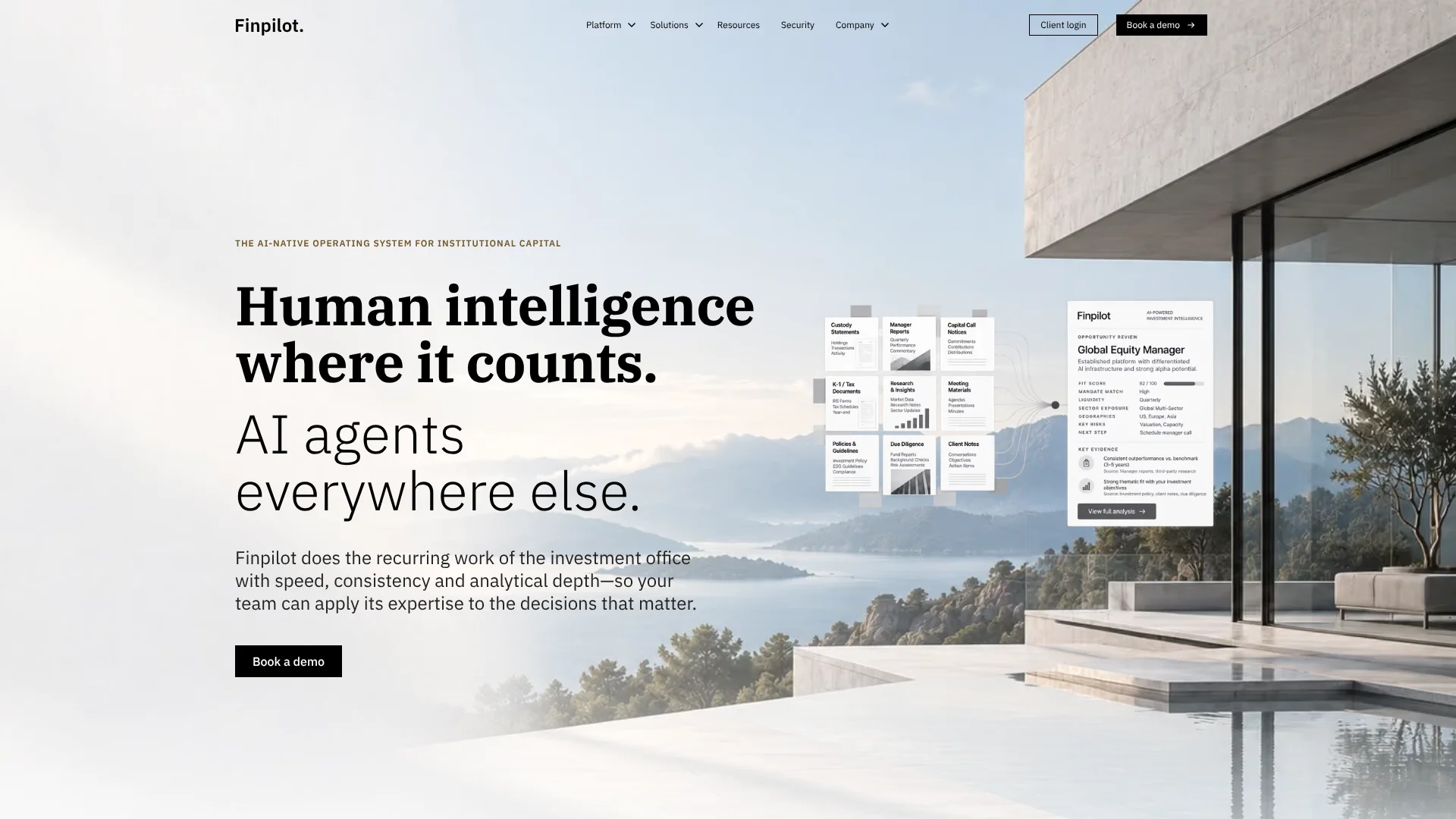
Finpilot
AI that prepares investment committee work from an institution’s own records.
Key Takeaways
- What it is
- AI that prepares investment committee work from an institution’s own records.
- Pricing
- Freemium
- Best for
- Institutional Intelligence
- Configured Agents
- Connected Data
- Rating
- 4.2/5
What is Finpilot?
Finpilot connects an investment office’s documents, portfolio systems, and meeting records so its AI can prepare recurring work for review. Endowments, family offices, OCIOs, and wealth managers can use it to draft committee materials, check capital activity, and find cited answers across institutional records. The aim is to reduce repetitive research and reporting while keeping investment decisions with the team.
A configured agent can monitor new manager information, compare it with an institution’s records, prepare a sourced update, and stop for human approval before a consequential change moves forward.
Finpilot is best suited to investment teams with established workflows and systems they want connected. It is not a replacement for professional judgment: its terms say outputs must be checked and should not be the sole basis for investment decisions.
Who is Using Finpilot?
Investment Analysts
Manager letters and research can become cited updates and draft investment memos.
Investment Operations Managers
Capital calls, distributions, and NAV information can be matched against records, with exceptions sent for review.
Investment Committee Staff
Committee books can be assembled from approved sources in the institution’s format.
Wealth Advisors
A client briefing can bring together household context, holdings, and prior conversations before a meeting.
Uncommon Use Cases
Compare today’s conditions with similar points in an institution’s history; screen managers against a newly changed investment mandate.
Key Features
Rating Breakdown
Pricing Plans
Free Tier
Free
- Access Finpilot Beta for free to explore its capabilities
Subscription Plans
- Detailed pricing information is available upon request through the Finpilot website
Which Finpilot plan should you pick?
Start with a Finpilot demo for an enterprise evaluation, then upgrade through a tailored deployment when your organization needs integrations, workflows, and managed implementation.
Enterprise platform
Good for institutional allocators, LPs, OCIOs, family offices, RIAs, and wealth managers that need connected data, custom workflows, security controls, and AI agents.
Finpilot Use Cases
Quarterly Manager Reporting
Manager letters and statements become cited draft sections in the team’s reporting template.
Outcome: Reporting sections ready for review, with commentary and exceptions left to the team.
Capital Activity Reconciliation
Capital calls, distributions, and NAV updates are checked against administrator records.
Outcome: Matched records and exceptions routed for review.
Committee Preparation
Board and investment committee materials are assembled from approved sources in the institution’s format.
Outcome: A draft committee book ready for review and sign-off.
Manager Monitoring
New letters, meeting notes, or holding updates can be checked for material changes.
Outcome: Sourced changes flagged for the team to assess.
Client Meeting Briefs
Household context, holdings, and prior conversations are brought together ahead of an advisor meeting.
Outcome: A sourced briefing prepared before the meeting.
Workflow Ideas with Finpilot
Review a New Manager Letter
- 1Connect the approved manager documents and records.
- 2Have an agent compare a new letter with the mandate and prior notes.
- 3Review the cited changes before they enter committee materials.
Prepare a Committee Book
- 1Choose the committee cycle and approved sources.
- 2Have Finpilot prepare materials using the institution’s template.
- 3Resolve exceptions and approve the final book.
Reconcile a Capital Notice
- 1Connect the incoming notice with the commitment and administrator records.
- 2Review the matched entry and any flagged discrepancy.
- 3Approve the entry before it is posted to the appropriate record.
How Finpilot fits into your stack
Investment and Client Systems
Finpilot connects with systems including Salesforce, Dynamo, Backstop, Bipsync, Addepar, and SharePoint. It is intended to connect existing records rather than replace the systems that own them.
Documents and Meetings
Manager letters, reports, meeting notes, and transcripts can be linked to the relevant investment, manager, or account.
Research and Analysis
Institutional Intelligence answers questions across connected context, while Matrix supports comparisons across managers and funds.
Recurring Workflows
Agents prepare reporting, monitoring, and committee materials, then pause at configured review points.
Pros
- +Evidence-linked answers: Responses point back to source material for review.
- +Investment-office workflows: Templates and processes can reflect an institution’s own reporting and approval steps.
- +Approval checkpoints: Agents can stop when a person needs to resolve an exception or make a judgment.
- +System connections: Named integrations include Salesforce, Backstop, SharePoint, and Microsoft Teams.
Cons
- −Specialized audience: Its investment-office focus may not suit people seeking a general AI tool.
- −Sales-led evaluation: The site directs prospective customers to book a demo rather than offering public plan prices.
Limitations & when to consider alternatives
Known limitations
- Outputs require human review. Finpilot’s terms say users are responsible for verifying outputs and should not use them as the sole basis for investment or business decisions.
- Service availability is not guaranteed. The terms state that uninterrupted access is not guaranteed.
Look elsewhere when
- You need a general-purpose AI tool for work outside institutional investment operations.
- Your team needs a self-serve product with publicly listed plan prices.
How to Use Finpilot
- 1
Book a Scoped Demo
Bring a recurring workflow and the systems or documents behind it so the team can show how Finpilot would handle the work.
- 2
Choose the Source Records
Identify the connected systems, documents, and conversations the workflow should draw from.
- 3
Set the Workflow Rules
Define the institution’s templates, permitted sources, exceptions, and approval points.
- 4
Review the Prepared Work
Check the cited findings, missing information, or conflicts before approving the next step.
Who is Finpilot For?
Endowments, Foundations & Pensions
Committee preparation, manager research, and recurring reporting can be organized around the institution’s records.
Family Offices
Connected entity, account, and investment information can support research and operational work.
OCIOs
Teams serving multiple clients can prepare reports around each client’s mandate and format.
RIAs & Wealth Managers
Client, portfolio, and meeting information can be brought together for briefing and reporting workflows.
Frequently Asked Questions
Does Finpilot have a free plan?
The official site directs prospective customers to book a demo and does not list a free plan.
How much does Finpilot cost?
Public plan prices are not listed on the official site; prospective customers are asked to book a demo.
Which systems can Finpilot connect to?
Its site names systems including Salesforce, DealCloud, Dynamo, Backstop, Bipsync, Addepar, SharePoint, Box, Outlook, Microsoft Teams, and Zoom.
Does Finpilot use customer data to train models?
Finpilot says customer data is not used for model training under its approved policy and applicable provider contracts.
Does Finpilot support single sign-on and encryption?
The security information says Finpilot supports existing SSO and encrypts information in transit and at rest.
Community reviews
Be the first to share your experience.
Sign in to leave a review for Finpilot.
Finpilot Alternatives
Looking for alternatives to Finpilot? Here are similar tools in the same category: