
Flair AI
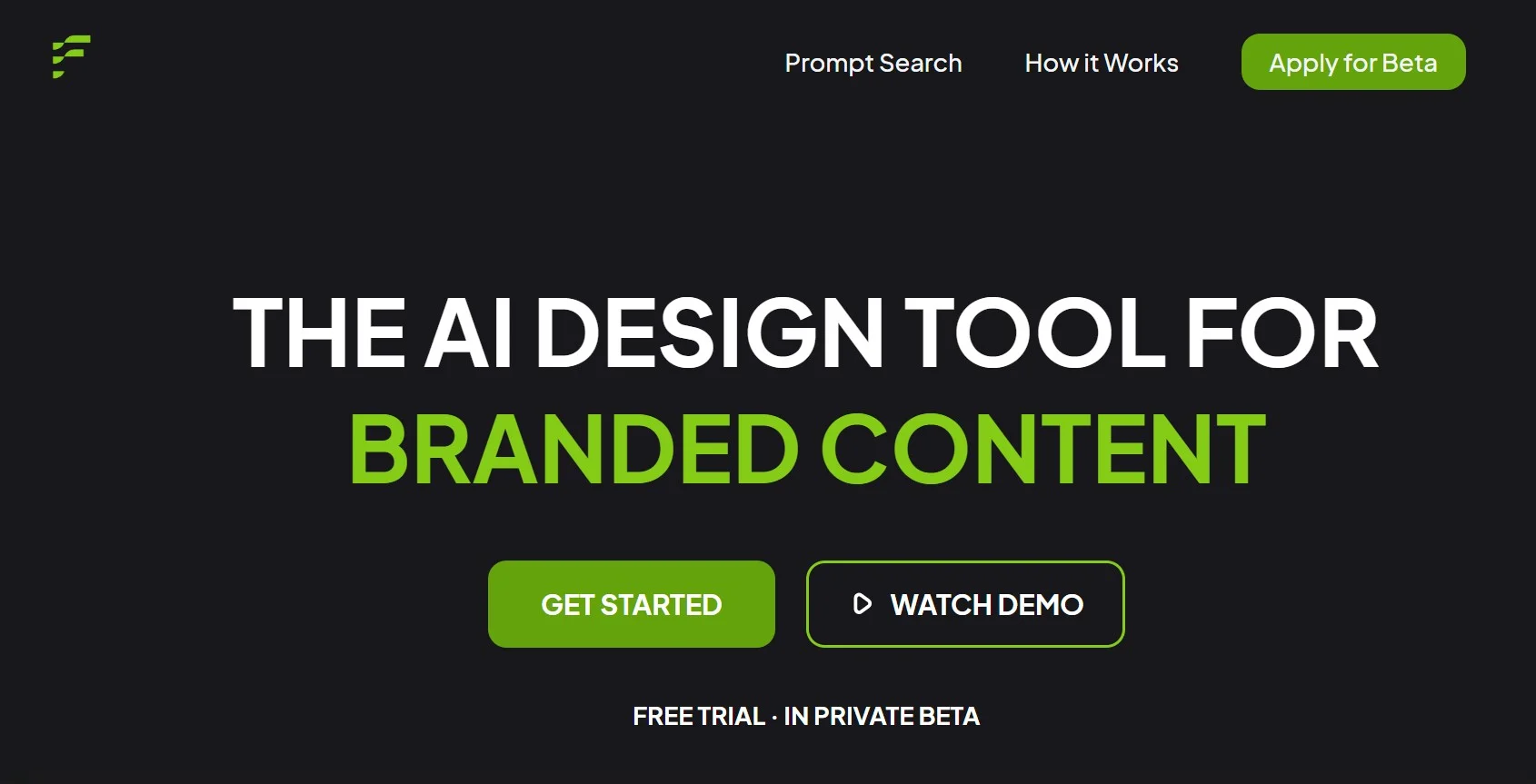
Revolutionize product photography with intuitive AI-powered digital staging.
Key Takeaways
- What it is
- Revolutionize product photography with intuitive AI-powered digital staging.
- Pricing
- Freemium
- Best for
- Drag-and-Drop Design
- Template Driven
- 3D Elements and Props
- Rating
- 4.6/5
What is Flair AI?
Flair AI is a cutting-edge design tool revolutionizing product photography in the realm of product marketing. It offers a user-friendly drag-and-drop interface empowering both amateurs and professionals to create stunning product shoots effortlessly. This tool is a game-changer for e-commerce businesses, marketers, and designers who seek compelling imagery without the hefty price tag of traditional photoshoots.
Flair AI stands out with its innovative digital staging and photorealistic rendering. The incorporation of AI-generated models into fashion shoots revolutionizes how clothing brands showcase their products. This unique feature, coupled with ease of use, makes Flair AI a standout tool in the digital design space.
Flair AI excels in providing an accessible and powerful platform for creating professional-grade product imagery. It's essential for businesses and individuals looking to enhance their online presence with high-quality visuals. The standout feature of AI-generated models for fashion shoots offers a significant advantage, positioning Flair AI as a leader in digital design and e-commerce tools.
Who is Using Flair AI?
E-commerce Entrepreneurs
For creating lifelike product images.
Marketing Professionals
To design and test marketing materials efficiently.
Graphic Designers
For rapid drafting and iteration of visual concepts.
Fashion Brands
For generating on-model clothing images without actual photoshoots.
Uncommon Use Cases
Event planners visualize setups; Educators incorporate it into digital art curriculums.
Key Features
Rating Breakdown
Pricing Plans
Free Tier
Free
- Begin with Flair AI for free to explore basic capabilities
Subscription Model
- Unlock more advanced features with a subscription
Which Flair AI plan should you pick?
Start with Free to test image generation, upgrade to Pro or Pro+ for more credits and custom models, use Scale for collaboration and API access, and contact Enterprise for SSO, custom training, and unlimited API usage.
Free
Good for evaluating Flair with limited image and video generation.
Pro
Good for individual creators who need monthly credits, faster rendering, upscaling, and image variations.
Pro+
Good for teams needing multiple custom models, more image generations, video credits, and commercial licensing.
Scale
Good for organizations needing larger model and image quotas, collaboration, privacy controls, priority support, and API access.
Enterprise
Good for larger organizations needing custom model training, SAML SSO, unlimited API calls, dedicated support, and custom billing.
Flair AI Use Cases
Product photography
Place product images into studio or lifestyle scenes using drag-and-drop assets and AI generation.
Outcome: Consistent product imagery across a catalog.
Product videos
Upload a product image, choose camera movement and scene direction, and generate a product video.
Outcome: Downloadable product videos for marketing channels.
Marketing and ads
Generate advertising creative using branded products, templates, and consistent visual direction.
Outcome: Campaign-ready marketing assets.
Virtual human models
Build reusable AI human models with selected characteristics for product photography.
Outcome: Consistent human representation across product imagery.
Image editing
Use Magic Erase, Magic Paint, variations, upscaling, pose changes, camera-angle changes, and color changes.
Outcome: Refined and varied visual assets without restarting from scratch.
Workflow Ideas with Flair AI
Create a branded product photo
- 1Upload a product image
- 2Select a background, style, or scene
- 3Generate and refine the product image
Train and reuse a custom model
- 1Choose a product, human, or aesthetic model template
- 2Upload six to ten consistent images
- 3Train the model and generate branded visuals
Create a product video
- 1Upload a start or end product frame
- 2Describe the desired scene and motion
- 3Generate and download the video
How Flair AI fits into your stack
Web-Based Platform
Accessible from any device with an internet connection.
Real-Time Collaboration
Enables multiple users to collaborate on projects simultaneously.
API for Custom Designs
Provides developers tools to integrate Flair AI into their systems.
Template Integration
Allows seamless use of templates across various projects.
Pros
- +Efficiency: Streamlines workflow by enabling quick creation of product imagery.
- +Cost Savings: Eliminates the need for expensive photoshoots and professional photographers.
- +Versatility: Allows effortless experimentation with different design concepts.
- +Scalability: Supports building and reusing templates for consistent branding across products.
Cons
- −Learning Curve: New users may require time to familiarize themselves with all features.
- −Internet Dependence: Relies on a stable internet connection as it's an online tool.
- −Feature Limitations: Some users might require more advanced editing features currently unavailable.
Limitations & when to consider alternatives
Known limitations
- Negative prompts are unsupported. Flair does not support negative prompting; users must describe what they want included.
- Unused credits do not roll over. Unused image and model credits expire rather than carrying into the next billing period.
- Standard model training can take several hours. Standard training may take up to approximately three hours, while Instant or Fast options are quicker.
- Lower-tier content may be public. Free, Pro, and Pro+ content may appear in the Flair Community; Scale content is private by default.
- API access is restricted. The FAQ states that API access is available only to Enterprise or Scale clients.
Look elsewhere when
- You need a native mobile app from the Flair AI vendor.
- You need documented third-party integrations.
- You need precise encryption-at-rest or encryption-in-transit documentation.
- You need programming-code generation.
How to Use Flair AI
- 1
Users can explore a range of tutorials covering basics to advanced usage to maximize Flair AI's potential.
Who is Flair AI For?
Retailers
Create product photography at scale and showcase catalogs in varied environments.
Agencies
Accelerate creative production, reduce costs, and generate campaign visuals for clients.
Distributors
Manage imagery across multiple brands and channels while maintaining brand consistency.
Fashion brands
Create on-model imagery, reusable virtual models, and inclusive product visuals.
Frequently Asked Questions
Does Flair AI offer a free plan?
Yes. The Free plan includes limited generation credits and five generated images.
What can Flair AI create?
Flair creates branded product imagery, short AI-generated videos, custom product or human models, staged scenes, and edited visuals.
Does Flair AI provide an API?
Yes, but API access is limited to Enterprise or Scale clients and supports generation and model training.
Can teams collaborate in Flair AI?
Yes. Team members can share models, assets, product videos, human-builder work, and image-editor projects through team workspaces.
How do custom models work?
Choose a model template, upload six to ten consistent high-quality images, name the model, and start Standard or Fast training.
Are Flair AI creations private?
Scale content is private by default. Free, Pro, and Pro+ content may be featured on the Flair Community site.
Community reviews
Be the first to share your experience.
Sign in to leave a review for Flair AI.
Flair AI Alternatives
Looking for alternatives to Flair AI? Here are similar tools in the same category:
Learn to Master Flair AI
With Skill Leap courses
Get in-depth training on Flair AI and 50+ other AI tools with our expert-led video courses.
Start 7-Day Free Trial