
Fliz
Transform text to engaging videos swiftly with AI-driven simplicity and creativity.
Key Takeaways
- What it is
- Transform text to engaging videos swiftly with AI-driven simplicity and creativity.
- Best for
- AI-Driven Content Transformation
- Multiple Video Styles
- Custom Video Formats
- Rating
- 4.4/5
What is Fliz?
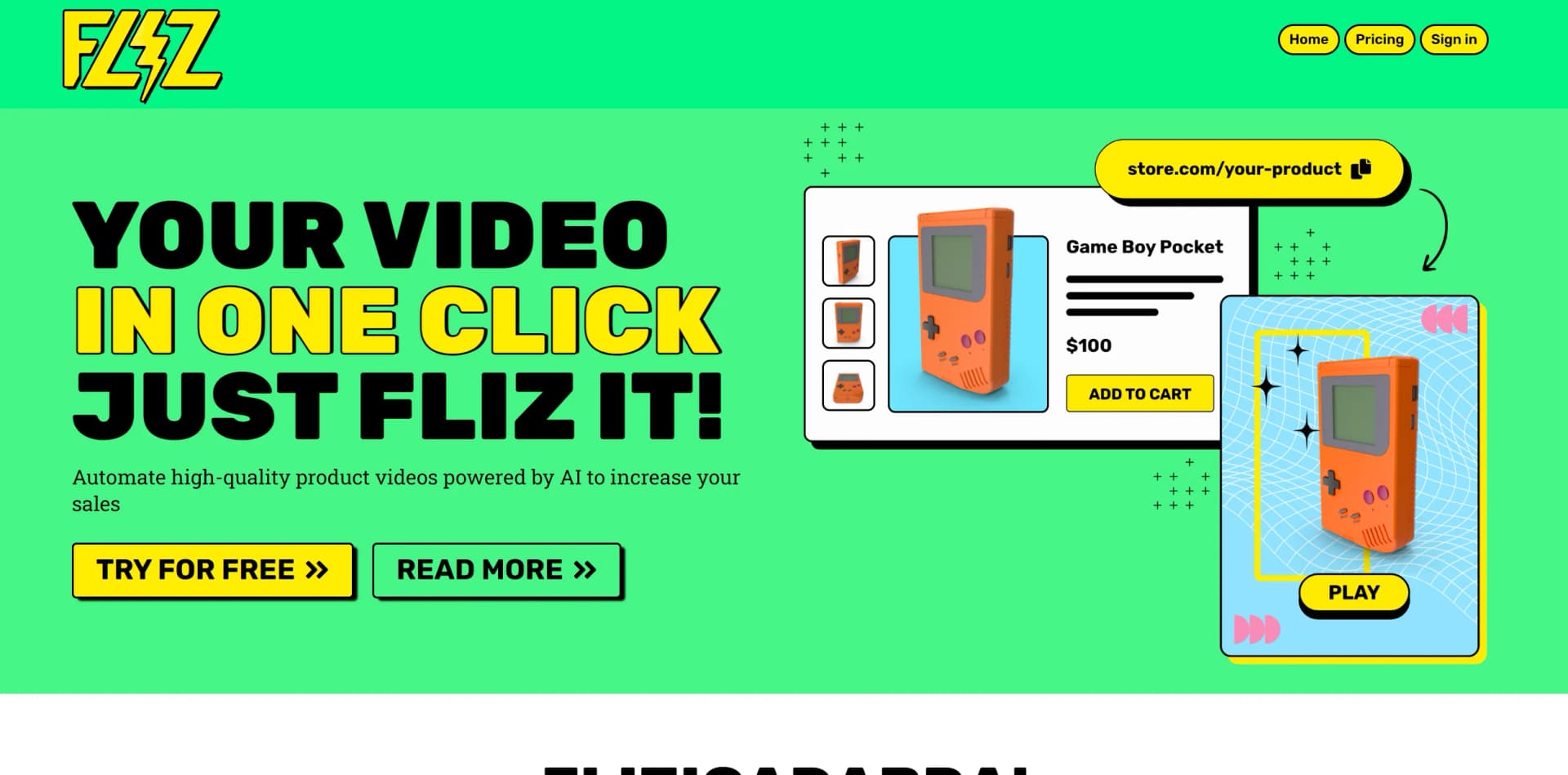
Fliz stands out as a remarkable AI-powered tool for transforming content into engaging videos, catering to content creators, marketers, and e-commerce professionals. With Fliz, users can effortlessly convert articles, product descriptions, and advertisements into high-quality videos, making it a valuable asset for enhancing digital presence.
Fliz stands out with its instant conversion of web content into videos, offering a seamless solution for enhancing digital content strategy. Its emphasis on simplicity and time-saving without compromising quality distinguishes it as a unique tool in the video creation landscape.
Fliz excels in simplifying the creation of engaging videos from written content, offering efficiency and quality to users across various industries. While it may have some limitations in customization, its overall speed, user-friendliness, and potential SEO benefits make Fliz a valuable tool for content creators and marketers striving to excel in the digital landscape.
Who is Using Fliz?
Content Creators
Transforming written content into dynamic videos for social media, blogs, and websites.
E-commerce Retailers
Converting product descriptions into engaging sales videos to enhance online presence and sales.
Digital Marketers
Creating video ads to capture audience attention and drive engagement.
Real Estate Agents
Showcasing property listings through visually appealing video presentations.
Uncommon Use Cases
Educators utilizing videos for instructional content, event organizers promoting events through quick video snippets.
Key Features
Rating Breakdown
Pricing Plans
Trial Offer
- Fliz offers a free trial
- Allowing potential users to experience the tool firsthand before committing
Subscription Plans
- Detailed pricing plans tailored to different user needs and budgets are available on the Fliz website
Which Fliz plan should you pick?
Start with Pack 1000 for testing or occasional videos, then upgrade to larger credit packs as production volume increases.
Pack 1000
Good for testing Fliz or producing a small number of videos with 1,000 credits for $10.
Pack 5000
Good for recurring production with 5,000 credits for $50.
Pack 28000
Good for higher-volume creators or campaigns with 28,000 credits for $250.
Pack 125000
Good for large-scale automated production with 125,000 credits for $1,000.
Fliz Use Cases
News videos
Turn a news-site URL into an automatically scripted and edited video.
Outcome: A publish-ready news-style video.
Cooking content
Transform cooking recipes into narrated videos with generated visuals.
Outcome: A recipe video adapted to the subject.
Children's stories
Convert a short brief or story into a stylized animated video.
Outcome: A children's story video in formats such as 16:9.
Personal development videos
Create videos from personal-development content supplied as text or a URL.
Outcome: A context-adapted social or educational video.
Blog-to-video conversion
Paste blog or article content so Fliz can write the script, create images, generate voice, and edit the result.
Outcome: An optimized MP4 ready to publish.
Workflow Ideas with Fliz
Create a video from source content
- 1Paste a URL, article, or brief
- 2Let the AI agent analyze the content and create the script, images, voice, and editing
- 3Export the optimized MP4 video
Automate video production with the API
- 1Send content and video parameters to the Fliz REST API
- 2Connect the API to n8n, Zapier, Make, or a SaaS
- 3Retrieve the generated video for publishing
How Fliz fits into your stack
Universal E-commerce Compatibility
Compatible with any e-commerce platform, including open-source, SaaS, or custom-built solutions.
Social Media Integration
Easily share videos on various social media platforms, expanding reach and engagement.
SEO-Friendly Videos
Output videos are designed to be SEO-compatible, aiding users in improving online visibility.
Pros
- +User-Friendly Interface: Intuitive design enables easy navigation and video creation, even for users with no prior experience.
- +Time Efficiency: Significantly reduces the time required to create videos from scratch, boosting productivity.
- +High-Quality Output: Produces videos with professional-grade visuals and voiceovers, potentially increasing conversion rates.
- +SEO Benefit: Videos created with Fliz can contribute to SEO efforts, enhancing content visibility and engagement.
Cons
- −Learning Curve: Users may require some time to familiarize themselves with optimal content input and style selection.
- −Limited Customization: While offering multiple styles, certain visual or audio aspects may have limitations in customization.
- −Dependence on Source Material: The quality of the video heavily relies on the quality of the source material provided by the user.
Limitations & when to consider alternatives
Known limitations
- Pay-per-use pricing. Fliz does not provide a recurring subscription plan; users purchase credit packs.
- Credit consumption. A standard slideshow video consumes approximately 85 credits, with credits also used for script, image, voice, and editing actions.
- Supported inputs. The documented workflow accepts URLs, article content, or briefs.
- Supported output formats. The documented video formats are 1:1, 9:16, and 16:9.
Look elsewhere when
- You need a native mobile or desktop application.
- Your workflow requires uploaded documents or images as inputs.
- You need shared workspaces, user roles, or SSO.
How to Use Fliz
- 1
While specific tutorials are not mentioned, Fliz's intuitive platform suggests users can begin without extensive guidance. For additional assistance, users can explore Fliz's official resources or reach out to support.
Who is Fliz For?
Builders
Fliz is intended for builders who want to integrate its API into n8n, Zapier workflows, or their own SaaS.
Frequently Asked Questions
How do credits work?
Credits are used for each AI action, including script generation, images, voice, and editing. A standard slideshow video uses approximately 85 credits, and credits never expire.
Is there a monthly subscription?
No. Fliz uses a pay-per-use model with credit packs and no recurring subscription fees.
Can Fliz be used via API?
Yes. Fliz provides a REST API, and credits can be used through the web interface, API, n8n, Make, Zapier, or the WordPress plugin.
What video formats are supported?
Fliz generates videos in vertical 9:16, square 1:1, and horizontal 16:9 formats.
Community reviews
5 reviews from people who use Fliz.
Sign in to leave a review for Fliz.
env.gfxt011
Audrey Garcia
Michele Mossali
Enrick Pellegrin
David Reed
Fliz Alternatives
Looking for alternatives to Fliz? Here are similar tools in the same category:
Learn to Master Fliz
With Skill Leap courses
Get in-depth training on Fliz and 50+ other AI tools with our expert-led video courses.
Start 7-Day Free Trial