
Flowjin
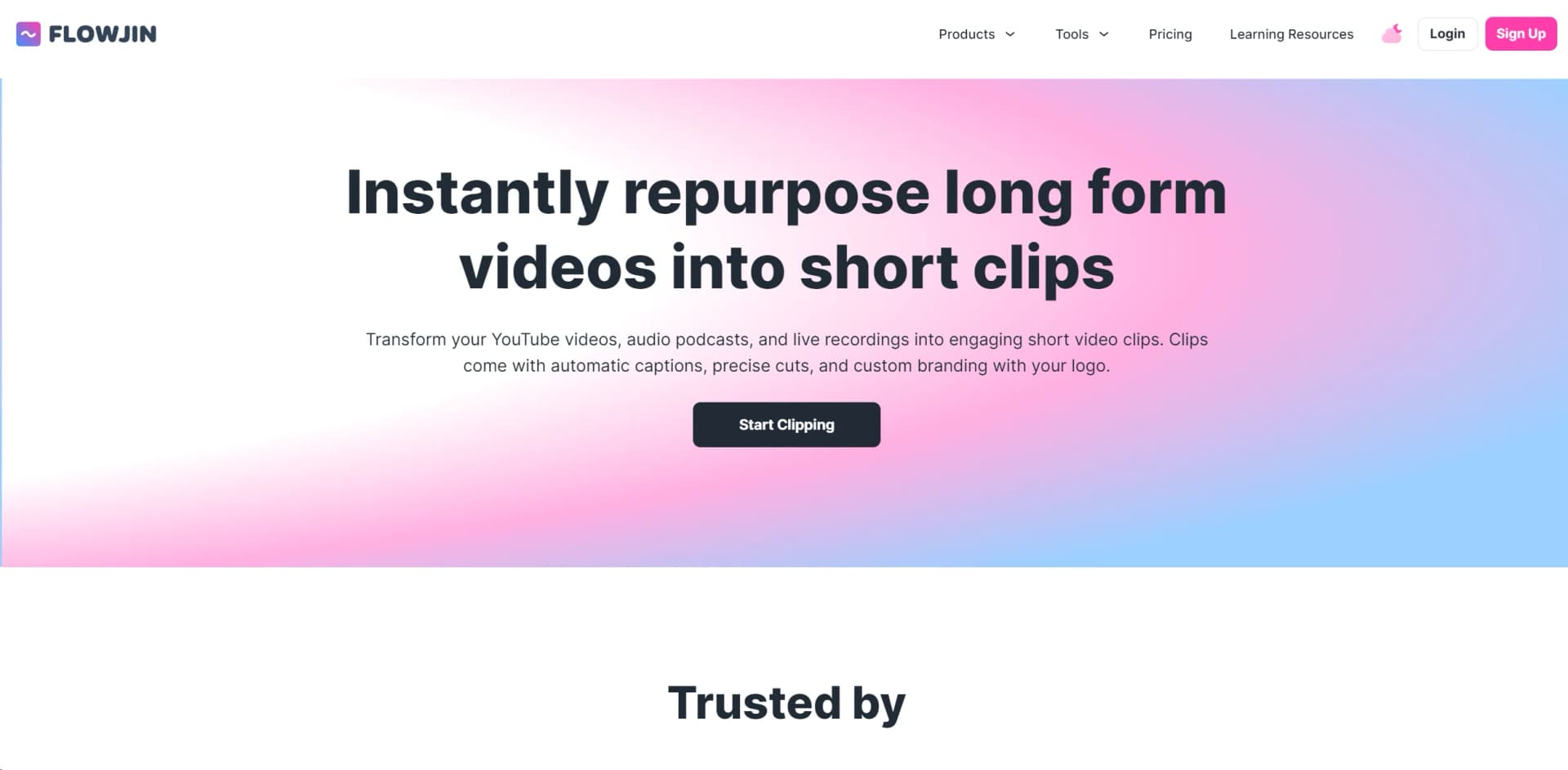
Transform long-form content into engaging clips with AI-driven repurposing.
Key Takeaways
- What it is
- Transform long-form content into engaging clips with AI-driven repurposing.
- Best for
- AI-picked short videos
- AI Video Editor
- AI-Generated Audio Soundbites
What is Flowjin?
Flowjin is a platform designed to meet the growing demand for short-form video content on social media platforms. By analyzing long-form audio or video content, Flowjin generates multiple short videos under one minute in just 10 minutes, making it effortless to scale content creation.
Flowjin excels in handling structured content like interviews or class recordings by segmenting them into coherent snippets. Its text-based video editor simplifies the creation of multiple short videos, setting it apart from traditional video editors.
Who is Using Flowjin?
Brands
To drive traffic from social platforms to their products and services.
Social Media Managers
To create short-form videos at scale.
Media Agencies
To offer short-form video services to clients.
Podcast production agencies
To promote podcasts through short-form video content.
Content Creators
To expand their presence on social media platforms and increase traffic to their original content.
Key Features
Pricing Plans
Subscription-Based Model
- Offers different tiers based on features and usage needs
Which Flowjin plan should you pick?
Start with Free to test Flowjin, move to Starter for recurring individual use, and upgrade to Creator for higher volume and priority support.
Free
Good for trying Flowjin with 60 one-time processing minutes, 720p output, and limited clip exports.
Starter
Good for individual content creators who need 150 processing minutes per month and unlimited clip exports.
Creator
Good for marketers and business owners who need higher processing volume, priority processing, and account management.
Flowjin Use Cases
Repurpose podcasts
Upload podcast video or audio and create clips, audiograms, quote graphics, and social copy.
Outcome: More social content from every episode.
Turn webinars into campaigns
Process webinar recordings and extract captioned clips with platform-specific posts.
Outcome: A multi-week, multi-channel campaign.
Create founder-brand content
Convert long-form founder or CEO recordings into branded short-form clips.
Outcome: A more consistent LinkedIn publishing cadence.
Publish across social channels
Connect social accounts, review generated captions, and publish or schedule clips.
Outcome: Cross-platform distribution from one calendar.
Create branded video assets
Edit captions, layouts, logos, titles, overlays, B-roll, and animations in the Flowjin editor.
Outcome: On-brand clips ready for publishing.
Workflow Ideas with Flowjin
Podcast episode to social campaign
- 1Upload the podcast video or audio
- 2Configure language, clip length, and processing timeframe
- 3Review, brand, and schedule the generated clips
Webinar to short-form clips
- 1Import or upload the webinar recording
- 2Let Flowjin identify shareable moments and generate captions
- 3Edit selected clips and publish them across social platforms
Audio recording to audiograms
- 1Upload an audio file
- 2Generate branded soundbites, quote graphics, and social copy
- 3Export or schedule the assets for social distribution
How Flowjin fits into your stack
Browser
Flowjin is used through a web dashboard where teams upload or import long-form video and audio, generate clips, edit them, and export results.
Content production
The platform converts podcasts, webinars, calls, interviews, and monologues into captioned clips, audiograms, quote graphics, and platform-specific social copy.
Social publishing
Users connect LinkedIn, Twitter/X, and YouTube accounts to publish immediately or schedule generated clips and accompanying captions.
Pros
- +Optimized for short-form videos: Focuses on editing for short-form video platforms, ensuring videos are under one minute.
- +Text-based short-form video editor: Enables creation of videos from scratch by editing text, saving time and effort.
- +User-friendly and time-saving: Allows creation of multiple videos in a fraction of the time compared to traditional video editors.
Cons
- −Content Specificity: Not suitable for content that is not information-heavy or story-based, such as music or movies.
Limitations & when to consider alternatives
Known limitations
- Free credits are one-time. The Free plan includes 60 minutes of processing as a one-time credit that does not refill.
- Input files are limited to three hours. Flowjin supports video and audio files up to 3 hours in length.
- Free projects expire quickly. Free-plan projects expire after 5 days, after which draft clips are no longer available for editing.
- Language selection affects results. Users must select the correct language; incorrect selection can reduce transcription, caption, and clip-identification quality.
- Paid-credit rollover is limited. Unused paid-plan credits roll over for only one month and cannot accumulate further.
Look elsewhere when
- You need a native mobile application.
- You need a desktop installer.
- You need shared workspaces with roles and invitations.
How to Use Flowjin
- 1
Import your content
Sign up, then upload a video or audio file or use a supported import source to create a project.
- 2
Configure AI clipping
Choose the content language, preferred clip length, and optional processing timeframe to control results and credit usage.
- 3
Review generated assets
Inspect the clips, transcripts, quote graphics, and social copy Flowjin generates from the source media.
- 4
Edit and brand clips
Adjust transcript selections, captions, framing, layouts, logos, titles, overlays, animations, and B-roll.
- 5
Export or publish
Download finished clips or connect social accounts to publish immediately or schedule posts.
Who is Flowjin For?
Founders and CEOs
Flowjin helps maintain a consistent founder-brand publishing cadence by turning long-form content into clips.
Marketing Leads
Marketing leads can turn webinars into multi-week, multi-channel campaigns.
Social Media Managers
Social media managers can create clips, copy, and scheduled posts without juggling separate tools.
Marketing Agencies
Agencies can deliver more branded short-form content to clients without hiring additional editors.
Content Creators
Individual creators can repurpose podcasts, videos, and audio into social-ready clips and audiograms.
Frequently Asked Questions
What does Flowjin do?
Flowjin transforms long-form video and audio into short social clips, quote graphics, and platform-specific social copy.
What types of content can Flowjin process?
Flowjin processes video and audio files, including content from supported import sources and direct uploads.
What languages does Flowjin support?
Flowjin supports English, Spanish, Portuguese, French, Dutch, German, and Italian media.
Can I edit clips after Flowjin generates them?
Yes. Users can adjust clip content, captions, scene layouts, framing, logos, titles, shapes, animations, and B-roll.
Can Flowjin publish clips to social media?
Yes. Flowjin supports publishing or scheduling to LinkedIn, Twitter/X, YouTube, Instagram, and Facebook.
Do Flowjin projects expire?
Free-plan projects expire after 5 days, Starter projects after 60 days, and Creator projects do not expire.
Community reviews
12 reviews from people who use Flowjin.
Sign in to leave a review for Flowjin.
Mahdi Karimi
Homa Ghale
DrawDown King
EDNUTH
Taylor B
Stewart, John
Awad Kamal
Aravindh Kannan
Jack Armstrong
Urvish Joshi
Kevin Saunders
Mojtaba Omrani
Flowjin Alternatives
Looking for alternatives to Flowjin? Here are similar tools in the same category:
Learn to Master Flowjin
With Skill Leap courses
Get in-depth training on Flowjin and 50+ other AI tools with our expert-led video courses.
Start 7-Day Free Trial