
Flowpoint
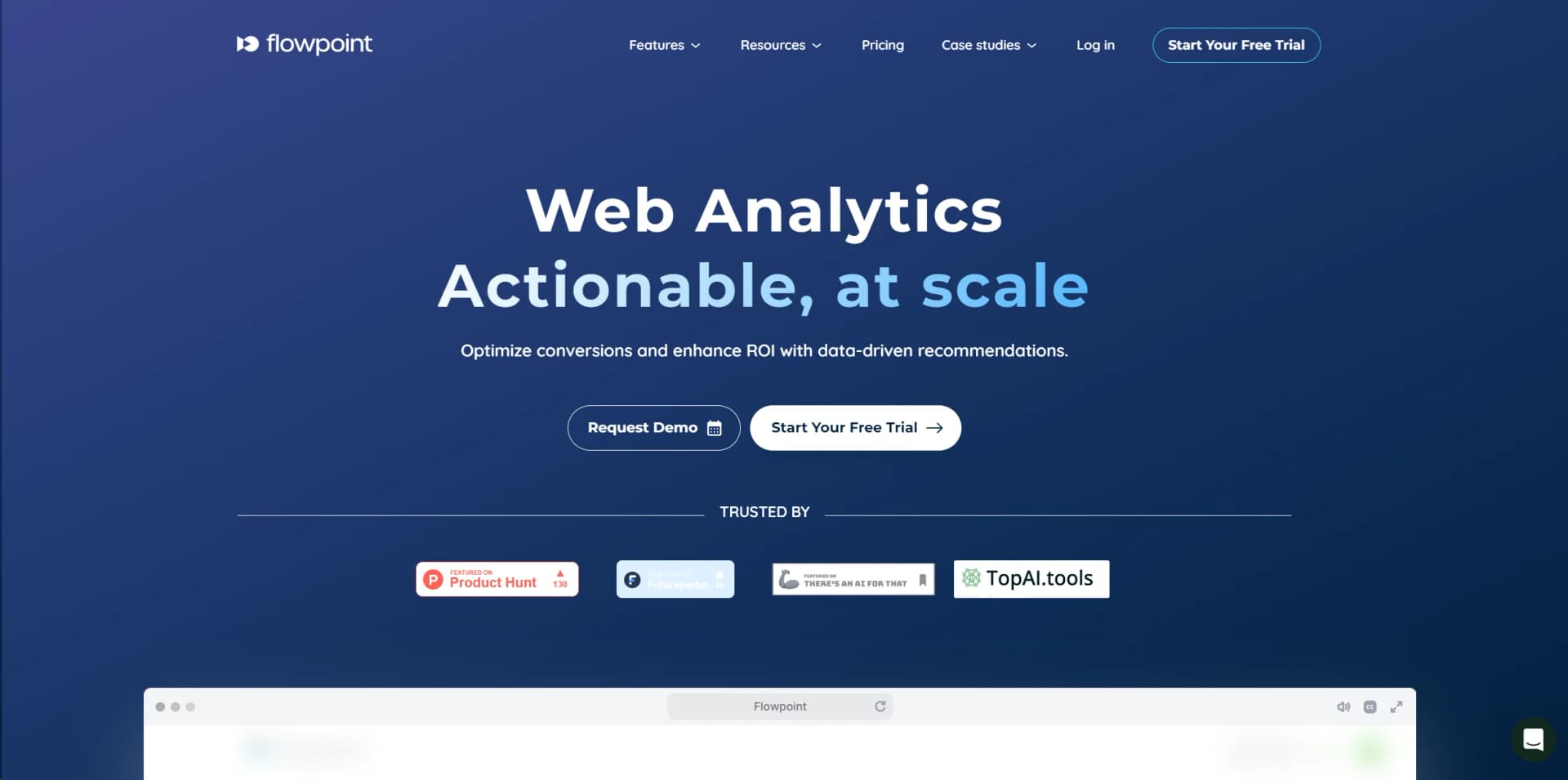
Revolutionize website performance with AI-driven user behavior insights and real-time analytics.
Key Takeaways
- What it is
- Revolutionize website performance with AI-driven user behavior insights and real-time analytics.
- Pricing
- Freemium · $49 per month
- Best for
- AI-Powered Analytics
- Heatmaps
- Session Replays
- Rating
- 4.6/5
What is Flowpoint?
In the digital age, understanding user behavior on websites is crucial for enhancing user experiences and increasing conversion rates. This is where Flowpoint.ai steps in, revolutionizing the way businesses analyze website traffic. With its AI-powered analytics, Flowpoint.ai offers a deep dive into why users drop off, providing actionable insights that can significantly improve website performance. Designed for marketers, UX/UI designers, and web developers, Flowpoint.ai simplifies the complex task of data analysis, making it accessible and actionable for all levels of digital proficiency.
Despite its strengths, Flowpoint.ai has some limitations:
- Learning Curve: New users may require some time to fully leverage the depth of analytics provided.
- Data Overload: The sheer volume of data available can be overwhelming without proper training.
- Integration Complexity: Some users may find integrating Flowpoint.ai with existing tools and platforms challenging.
Flowpoint.ai stands out with its AI-driven approach to website analytics, a game-changer for businesses seeking to understand and optimize user behavior. Its ability to provide real-time insights and actionable recommendations sets it apart from traditional analytics tools, making it a valuable asset for anyone looking to enhance their website's performance.
Flowpoint.ai excels in providing deep insights into user behavior, making it an indispensable tool for anyone looking to enhance their website's performance. Its unique AI-powered analytics, combined with an intuitive interface and real-time data, offer unmatched advantages in understanding and optimizing user experiences. Whether you're a small business owner, a digital marketer, or a UX designer, Flowpoint.ai has the potential to transform the way you interact with your website's visitors, leading to improved engagement and increased conversions.
Who is Using Flowpoint?
E-commerce Businesses
Utilizing the tool to understand customer behaviors and optimize product pages.
Digital Marketing Agencies
Employing analytics to refine strategies and improve campaign performance.
UX/UI Designers
Leveraging insights to design more user-friendly website interfaces.
Content Creators
Using session replays to see how users interact with content and improve engagement.
Uncommon Use Cases
Non-profit organizations analyze visitor data to enhance fundraising pages; Educational institutions track user engagement on online learning platforms.
Key Features
Rating Breakdown
Pricing Plans
Free Tier
Free
- Get started with Flowpoint.ai with a generous free trial period
Premium Tier
$49 per month
Flowpoint Use Cases
Traffic overview
Ask the AI agent to create a dashboard showing website traffic for a selected period.
Outcome: An interactive traffic dashboard.
Conversion funnel analysis
Describe a funnel from a homepage through signup or another conversion path.
Outcome: A funnel dashboard showing user drop-off.
UTM campaign reporting
Query campaign traffic and segment analytics by UTM source and related dimensions.
Outcome: A campaign performance report.
Custom event tracking
Install the tracking script and send custom events with optional properties.
Outcome: Events available for funnels and conversion goals.
Stakeholder reporting
Build interactive dashboards and export funnel results to PDF for stakeholders.
Outcome: Shareable analytics reports.
Workflow Ideas with Flowpoint
Deploy private analytics
- 1Deploy Flowpoint inside your infrastructure
- 2Add the tracking script to your website
- 3Collect analytics without sending data to Flowpoint's cloud
Create an AI dashboard
- 1Describe the desired dashboard in plain English
- 2Let the AI generate charts, tables, funnels, or metrics
- 3Iterate conversationally to refine the dashboard
Connect an MCP client
- 1Configure the Flowpoint MCP endpoint and Bearer token
- 2Connect Claude, Cursor, or another MCP-compatible client
- 3Query analytics and build dashboards through the client
How Flowpoint fits into your stack
CMS Compatibility
Seamlessly integrates with popular Content Management Systems, enhancing website analytics capabilities.
E-commerce Platforms
Offers specific integrations for e-commerce platforms to analyze shopper behavior.
API Access
Developers can use Flowpoint.ai's API for custom integrations, extending its functionality to fit unique needs.
Marketing Tools
Easily connects with various digital marketing tools to streamline analytics across platforms.
Pros
- +Insightful User Behavior Analysis: Delivers deep insights into how users interact with your website, enabling targeted improvements.
- +Enhanced User Experience: By understanding user behavior, Flowpoint.ai helps in crafting a more engaging and intuitive user experience.
- +Increased Conversion Rates: Identifies and helps rectify roadblocks in the conversion funnel, directly contributing to increased conversions.
- +Easy to Use: With an intuitive interface, Flowpoint.ai is accessible to professionals of all technical levels.
Cons
- −Commercial licensing requires a customer-specific quote.
- −Deployment is on-premise inside your own infrastructure.
- −The customer must provide or connect the chosen AI model.
- −There is no publicly listed tiered pricing.
Limitations & when to consider alternatives
Known limitations
- Requires on-premise deployment. Flowpoint is licensed software that must be deployed in the customer's own environment.
- Pricing is not publicly listed. The pricing page redirects to a license-request form and requires customer-specific deployment details.
- AI output requires review. Flowpoint does not guarantee the accuracy, completeness, or reliability of AI-generated dashboards and visualizations.
- Raw analytics are not sent to the AI provider. The AI receives dashboard instructions and generates interface code, while the browser separately fetches analytics data.
- The current documentation is focused on web analytics. Documented inputs include website tracking, events, CSV files, and Google Analytics data rather than general-purpose files or images.
Look elsewhere when
- You need a native iOS or Android app.
- You need a downloadable desktop application.
- You need publicly listed self-serve pricing.
- You need image-upload analysis.
How to Use Flowpoint
- 1
Explore a wide range of tutorials on the Flowpoint.ai website, covering everything from basic setup to advanced analytics techniques. These resources are designed to help users of all skill levels maximize the tool's potential.
Who is Flowpoint For?
Regulated industries
Flowpoint is designed for organizations that cannot send analytics data to third-party clouds.
Security-conscious enterprises
On-premise deployment and local processing support strict security and data-residency requirements.
Teams that want to own their stack
Flowpoint gives teams control over deployment, infrastructure, analytics data, and model selection.
Frequently Asked Questions
How is Flowpoint deployed?
Flowpoint is licensed and deployed on-premise inside your own servers, cloud, or network.
Does analytics data leave my infrastructure?
Flowpoint says analytics are collected, stored, and processed within your environment.
Can Flowpoint connect to AI clients?
Its built-in MCP server connects with Claude, Claude Code, Cursor, and other MCP-compatible clients.
Can Flowpoint build dashboards from natural language?
Users describe dashboards in plain English, and the AI generates interactive charts, tables, funnels, and metrics.
Does Flowpoint support real-time analytics?
Flowpoint supports real-time visitor, session, event, and conversion tracking.
How do I get pricing?
Flowpoint requests deployment details and responds with licensing information for the customer's environment.
Community reviews
2 reviews from people who use Flowpoint.
Sign in to leave a review for Flowpoint.
Vlad Niculescu
Andrei Lupascu
Flowpoint Alternatives
Looking for alternatives to Flowpoint? Here are similar tools in the same category:
Learn to Master Flowpoint
With Skill Leap courses
Get in-depth training on Flowpoint and 50+ other AI tools with our expert-led video courses.
Start 7-Day Free Trial