
Flowstep
AI-driven design suggestions and seamless real-time collaboration for creatives.
Key Takeaways
- What it is
- AI-driven design suggestions and seamless real-time collaboration for creatives.
- Pricing
- Freemium · $20 per month
- Best for
- AI-Driven Design Suggestions
- Real-Time Collaboration Tools
- Extensive Template Library
- Rating
- 4.4/5
What is Flowstep?
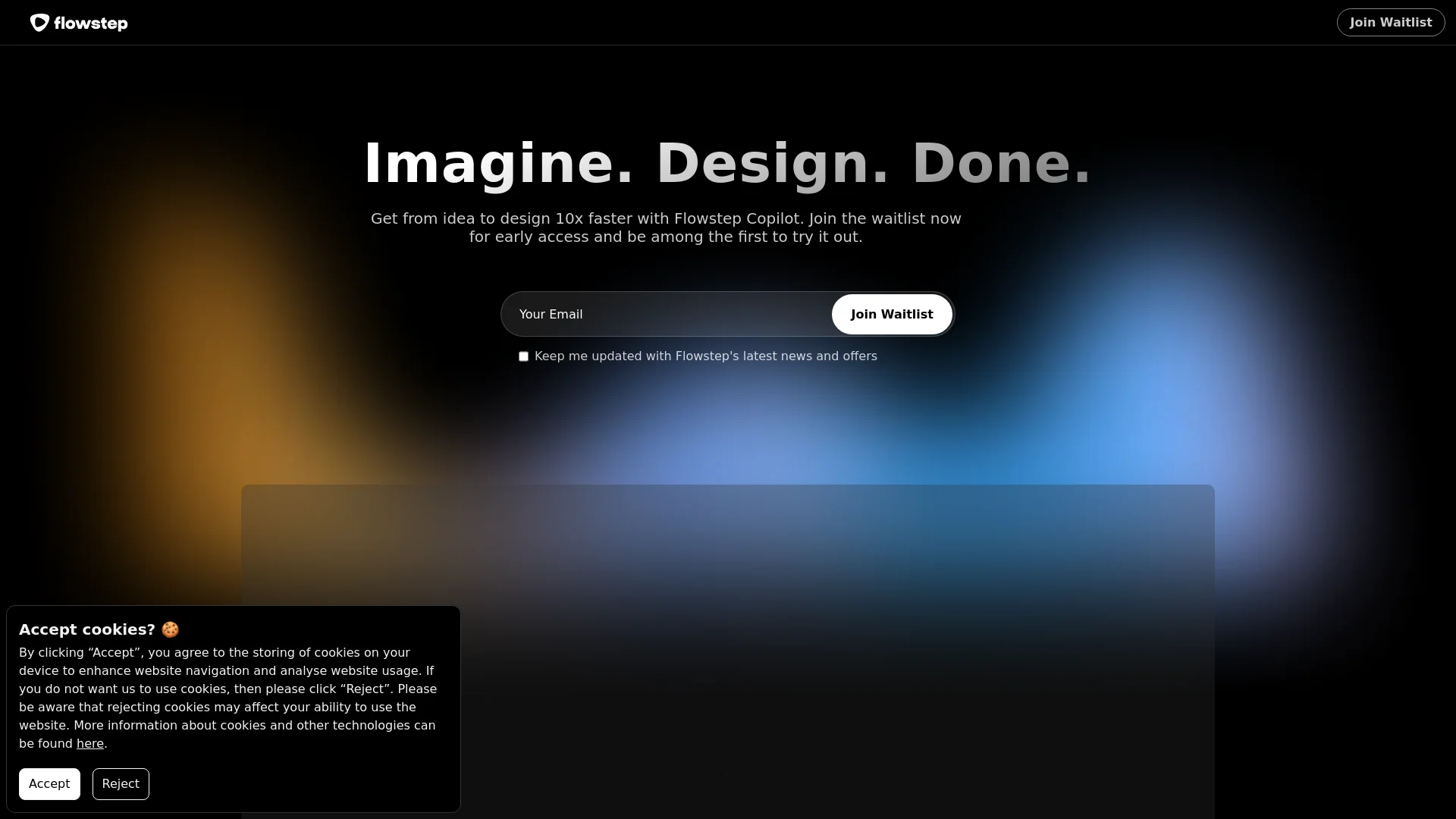
Flowstep is an AI-powered design tool that enhances the creative process by providing design suggestions, real-time collaboration, and a user-friendly interface. It is tailored for graphic designers, web developers, and marketing professionals seeking to improve efficiency and creativity in their design projects.
Flowstep's AI-driven design suggestions and seamless integration with various tools make it a standout choice for enhancing design quality and efficiency. Its versatility across different design needs sets it apart from other tools.
Flowstep is a powerful design tool that leverages AI to enhance creativity and efficiency. Its advanced features and integrations make it a valuable asset for designers and teams aiming to streamline their workflows and produce high-quality designs.
Who is Using Flowstep?
Graphic Designers
Streamlining complex design tasks.
Web Developers
Creating functional and appealing web layouts.
Marketing Agencies
Producing high-quality promotional materials.
Educational Institutions
Teaching design principles using Flowstep.
Uncommon Use Cases
Non-profits and startups for visual storytelling and branding.
Key Features
Rating Breakdown
Pricing Plans
Free Tier
Free
- Basic features available at no cost
Professional Tier
$20 per month
- Full feature access
Which Flowstep plan should you pick?
Start with Free to test Flowstep; upgrade to Starter for higher usage and unlimited projects, screens, exports, and Figma copying; choose Enterprise for large-team security and support.
Free
Good for individuals evaluating Flowstep who need basic design generation with limited usage.
Starter
Good for individuals who need 80 monthly messages plus unlimited screens, projects, exports, and Figma copying.
Enterprise
Good for large teams needing custom solutions, advanced security, compliance, dedicated support, and volume pricing.
Flowstep Use Cases
Generate product UI
Describe an interface in plain language and generate one or more editable screens.
Outcome: A visual product concept ready for iteration.
Create complete user flows
Prompt Flowstep to generate connected screens covering an end-to-end journey.
Outcome: A coherent multi-screen experience.
Use product references
Attach PRDs, screenshots, mood boards, or URLs as context for generation.
Outcome: Designs aligned with product requirements and visual direction.
Visualize React components
Upload JSX or TSX through MCP and ask Flowstep to create a matching design screen.
Outcome: A visual representation of an existing component.
Hand off designs to development
Export designs as React, TypeScript, and Tailwind CSS or copy them into Figma.
Outcome: Editable design and implementation-ready output.
Workflow Ideas with Flowstep
Prompt to preview
- 1Create a Flowstep file
- 2Generate screens from a design prompt
- 3Preview the result as an image
React component to visual design
- 1Upload a JSX or TSX component
- 2Ask Flowstep to generate a matching screen
- 3Review the rendered design
Design iteration with references
- 1Generate a base screen
- 2Upload a screen image or reference document
- 3Prompt Flowstep to modify the design
How Flowstep fits into your stack
Adobe Suite Integration
Works with Photoshop, Illustrator, and other Adobe products.
Cloud Storage Services
Connects with Dropbox and Google Drive.
CMS Platforms
Supports WordPress and Shopify.
Social Media Integration
Directly publishes designs to social media platforms.
Pros
- +Enhanced Creativity: AI suggestions inspire new design ideas.
- +Time-Saving: Automates repetitive tasks, speeding up the design process.
- +Scalability: Suitable for both individual designers and large teams.
- +User-Friendly: Accessible interface for quick design creation, even for beginners.
Cons
- −Complex Features: Advanced features may require time to learn.
- −Subscription Model: Costs may be high for freelancers or small businesses.
- −Internet Dependency: Requires a stable internet connection for full functionality.
Limitations & when to consider alternatives
Known limitations
- Usage is message-limited. Plans impose daily or monthly message limits, and prompts count as messages.
- Free plan has limited capacity. The Free plan limits messages, multi-screen generation, and projects.
- Reference files have size limits. Uploaded images and documents are limited to 3 MB each.
- Free-plan collaboration is restricted. The Free plan allows viewing, but editing access for additional organization members requires a paid plan.
- MCP authentication uses OAuth. Flowstep's MCP server does not use API keys; clients authenticate through OAuth 2.0 or OAuth 2.1 with PKCE.
How to Use Flowstep
- 1
Access tutorials on the Flowstep website to learn about basic setup and advanced design techniques.
Who is Flowstep For?
Developers
Generate and visually specify product UI before implementation, then export production-ready code.
Product managers and founders
Communicate product ideas visually and validate concepts without needing design expertise.
Designers
Skip the blank canvas by starting from generated layouts and refining them manually or with prompts.
Frequently Asked Questions
How does Flowstep generate designs?
Describe a screen or flow in natural language, and Flowstep generates editable UI designs on an infinite canvas.
Can Flowstep generate multiple screens?
Yes. A single prompt can generate multiple connected screens for flows such as onboarding, dashboards, or user journeys.
Can I use Flowstep with Figma?
Yes. Designs can be copied directly into Figma with copy and paste, preserving editable layers.
Can Flowstep export code?
Yes. Flowstep exports React, TypeScript, and Tailwind CSS code.
Can I collaborate with teammates?
Yes. Organizations support shared files, named members, roles, invitations, and collaborative editing.
Does Flowstep train AI models on my data?
No. Flowstep says it does not use personal data, designs, prompts, or project content to train AI models.
Community reviews
Be the first to share your experience.
Sign in to leave a review for Flowstep.
Flowstep Alternatives
Looking for alternatives to Flowstep? Here are similar tools in the same category:
Learn to Master Flowstep
With Skill Leap courses
Get in-depth training on Flowstep and 50+ other AI tools with our expert-led video courses.
Start 7-Day Free Trial