
FoodiePrep
Personalized meal planning with AI-generated recipes.
Key Takeaways
- What it is
- Personalized meal planning with AI-generated recipes.
- Pricing
- Freemium · $4.99 per month
- Best for
- Personalized Recipe Generation
- Diverse Cuisine Options
- AI-Powered Meal Planner
- Rating
- 4.5/5
What is FoodiePrep?
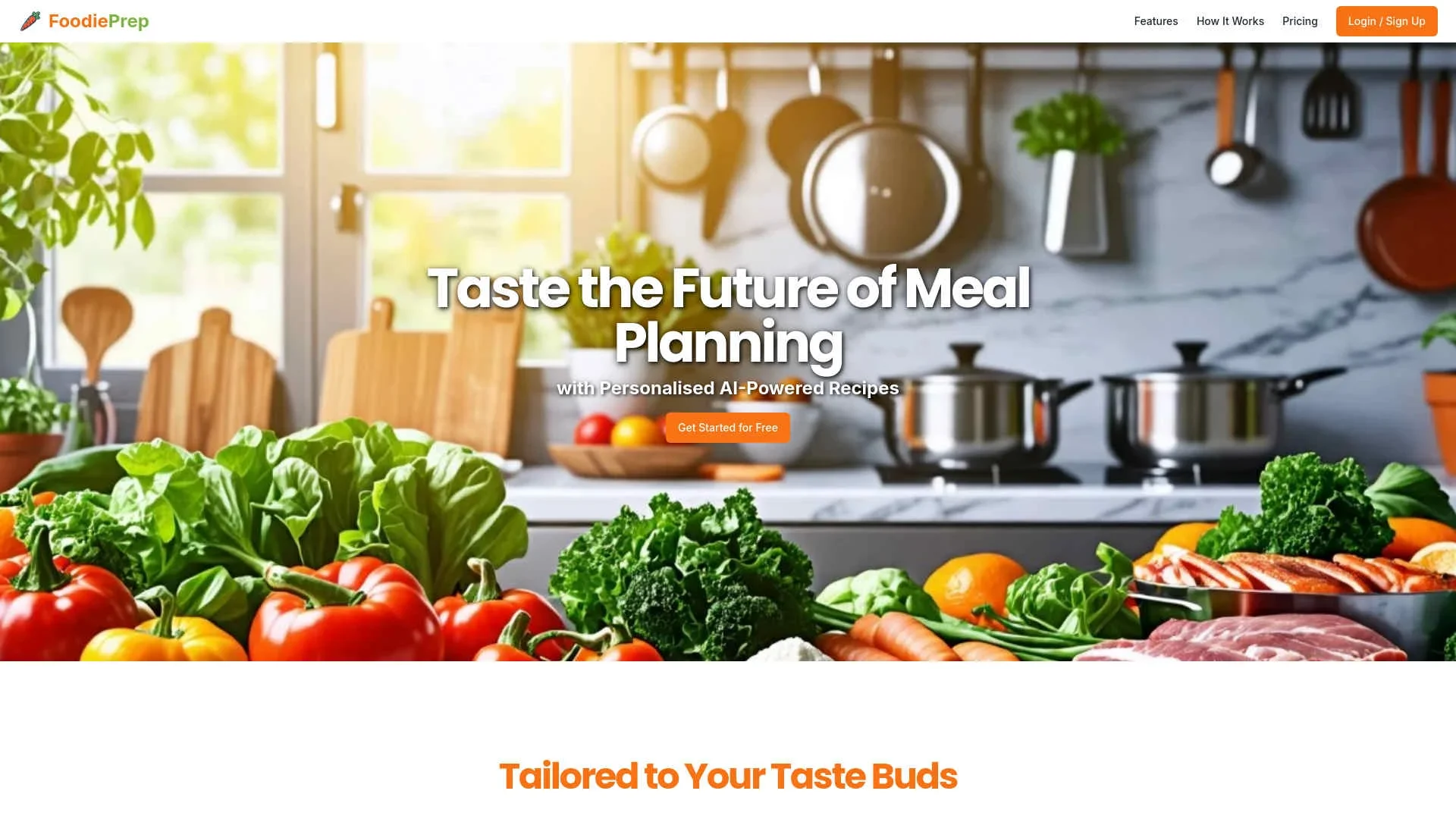
FoodiePrep is an innovative AI-powered tool that transforms the way we approach meal planning by offering personalized recipes tailored to individual tastes and dietary preferences. Designed for home cooks, busy professionals, and anyone looking to streamline their meal preparation process, FoodiePrep simplifies the task of planning meals while ensuring diversity and nutritional balance.
FoodiePrep stands out with its personalized AI-powered recipe generation, a game-changer for those seeking tailored culinary experiences. Its ability to integrate user preferences and dietary restrictions into meal planning sets it apart, providing a seamless and enjoyable cooking journey.
FoodiePrep offers an exceptional tool for anyone looking to revolutionize their meal planning process. With its AI-driven approach, it not only saves time but also introduces users to a world of flavors and healthy eating options. Whether you're a busy professional or a culinary enthusiast, FoodiePrep makes every meal a delightful experience.
Who is Using FoodiePrep?
Home Cooks
Seeking to diversify their meal options and simplify meal preparation.
Fitness Enthusiasts
Using the tool to align meal plans with their nutritional and fitness goals.
Busy Professionals
Leveraging the AI assistant for efficient meal planning amidst hectic schedules.
Families
Utilizing the tool to cater to diverse dietary preferences within the household.
Uncommon Use Cases
Embraced by culinary students for recipe experimentation; adopted by nutritionists for developing client-specific meal plans.
Key Features
Rating Breakdown
Pricing Plans
Free Tier
Free
- Experience FoodiePrep with a free trial to explore its capabilities
Pro Tier
$4.99 per month
- Offering advanced features and unlimited access to personalized recipes
Which FoodiePrep plan should you pick?
Start with Taster to save recipes and test basic planning; upgrade to Nutrition Pro when you need unlimited AI generation, advanced nutrition, or unlimited AI meal plans.
Taster
Good for users who need free recipe saving, recipe books, basic meal planning, and shopping lists.
Nutrition Pro
Good for users who need unlimited AI recipe and meal-plan generation, advanced nutritional details, and priority access to new features.
FoodiePrep Use Cases
Plan a weekly menu
Set dietary preferences, allergies, skill level, schedule, household details, and pantry contents, then generate a seven-day meal plan.
Outcome: A personalized weekly plan with recipes and meals.
Cook from pantry ingredients
Enter or scan ingredients already at home and ask FoodiePrep to suggest recipes built around them.
Outcome: More useful meals from existing ingredients and less food waste.
Create a grocery list
Generate a shopping list from planned meals with quantities merged and items organized by grocery aisle.
Outcome: A consolidated shopping list for the week.
Import online or photographed recipes
Import recipes from websites, videos, social posts, screenshots, images, or cookbook pages.
Outcome: A structured, editable recipe saved in the FoodiePrep library.
Get help while cooking
Use Chef Foodie for substitutions, scaling questions, technique guidance, and step-by-step cooking support.
Outcome: Real-time assistance while preparing a recipe.
Workflow Ideas with FoodiePrep
Pantry-to-dinner workflow
- 1Add pantry ingredients by typing or scanning them
- 2Ask Chef Foodie for recipes using those ingredients
- 3Save a recipe and add missing ingredients to the grocery list
Weekly planning workflow
- 1Set dietary goals, allergies, household size, and cooking skill
- 2Generate a seven-day meal plan
- 3Review meals and regenerate or swap anything unsuitable
Recipe-import-to-shopping workflow
- 1Import a recipe from a website, video, social post, or photo
- 2Save it to a recipe book or add it to the meal plan
- 3Generate a categorized shopping list for missing ingredients
How FoodiePrep fits into your stack
Browser
FoodiePrep runs as a web app for recipe saving, AI meal planning, pantry management, and grocery-list generation. https://www.foodieprep.ai/
Knowledge and files
The product imports recipes from websites, YouTube, Instagram, TikTok, Facebook, text, screenshots, and photographed recipe cards. https://www.foodieprep.ai/
Mobile
Native iOS and Android apps support meal planning, grocery-list syncing, step-by-step cooking, and pantry scanning. https://www.foodieprep.ai/ai-meal-planner
Pros
- +Time Efficiency: Drastically reduces the time spent on meal planning and grocery shopping by automating these processes.
- +Health-Conscious Options: Offers recipes tailored to dietary preferences, promoting healthier eating habits.
- +Food Waste Reduction: Helps manage ingredients wisely, minimizing waste by suggesting recipes based on what users already have.
- +User-Friendly Interface: The intuitive design makes it accessible even for those who are not tech-savvy.
Cons
- −Initial Learning Curve: New users might require some time to fully understand and utilize all features effectively.
- −Limited Integration: Currently, the tool may not integrate with all third-party grocery delivery services.
Limitations & when to consider alternatives
Known limitations
- Advanced features require Nutrition Pro. Unlimited AI recipe generation, unlimited AI meal planning, and advanced nutritional details require the paid Nutrition Pro tier.
- No browser clipper extension. FoodiePrep documents recipe importing through the app rather than through a dedicated browser extension.
- Pantry tracking is user-curated. Users must add or scan pantry items; FoodiePrep does not automatically scan receipts or deduct ingredients as they are used.
- Supermarket delivery availability varies. Optional supermarket delivery or cart handoff is available only in supported countries and with selected retailers.
Look elsewhere when
- You need a dedicated browser extension for clipping recipes.
- You want automatic receipt-based pantry inventory.
- You need unlimited AI planning without a paid upgrade.
How to Use FoodiePrep
- 1
Create an account
Sign up on FoodiePrep and choose the free Taster tier or a Nutrition Pro subscription.
- 2
Set your food profile
Enter dietary preferences, allergies, nutritional goals, household size, schedule, cooking skill, and disliked ingredients so plans match your needs.
- 3
Add pantry ingredients
Type ingredients or scan them with the phone camera so FoodiePrep can prioritize recipes using what you already have.
- 4
Generate a plan or recipe
Ask Chef Foodie for a recipe or generate a complete weekly meal plan tailored to your profile and pantry.
- 5
Review and adjust
Swap meals, regenerate the week, change portions, or ask for substitutions and nutrition adjustments.
- 6
Shop and cook
Use the categorized grocery list for missing ingredients, then open recipes in step-by-step cooking mode.
Who is FoodiePrep For?
Home cooks
FoodiePrep helps home cooks organize recipes, plan meals, generate grocery lists, and get cooking guidance.
Parents and families
Family-oriented planning supports household meals, kid-friendly preferences, dietary restrictions, and shared recipe use.
Athletes and nutrition-focused users
Users can plan around protein, calories, macros, and other nutritional goals.
People managing dietary restrictions
The planner supports diet filters, allergies, disliked ingredients, and specialized eating patterns.
Frequently Asked Questions
What is FoodiePrep?
FoodiePrep is an AI meal planner that creates personalized weekly meal plans, recipes, and categorized grocery lists using dietary preferences, allergies, cooking skill, and pantry ingredients.
Can I use FoodiePrep for free?
Yes. The free Taster tier includes recipe saving, recipe books, basic meal planning, and shopping-list generation. Nutrition Pro adds unlimited AI generation and advanced nutrition features.
Can FoodiePrep plan meals around ingredients I already have?
Yes. FoodiePrep lets users list or scan pantry ingredients and generates plans and recipes that use what is already available.
Does FoodiePrep support dietary restrictions?
Yes. FoodiePrep supports dietary patterns and filters including keto, high-protein, Mediterranean, vegan, vegetarian, paleo, gluten-free, low-carb, family, and budget-focused planning.
Can FoodiePrep import recipes from social media or photos?
Yes. Recipes can be imported from websites, YouTube, Instagram, TikTok, Facebook, images, screenshots, and text.
Does FoodiePrep provide grocery lists and cooking guidance?
Yes. It creates aisle-categorized grocery lists and provides step-by-step cooking mode, meal swapping, pantry matching, and cooking assistance.
Community reviews
Be the first to share your experience.
Sign in to leave a review for FoodiePrep.
FoodiePrep Alternatives
Looking for alternatives to FoodiePrep? Here are similar tools in the same category:
Learn to Master FoodiePrep
With Skill Leap courses
Get in-depth training on FoodiePrep and 50+ other AI tools with our expert-led video courses.
Start 7-Day Free Trial