Forms.app
Create Web Forms, Surveys, and Quizzes with Ease
Key Takeaways
- What it is
- Create Web Forms, Surveys, and Quizzes with Ease
- Pricing
- Freemium
- Best for
- AI Form Generator
- Customizable Templates
- Advanced Analytics
- Rating
- 4.6/5
What is Forms.app?
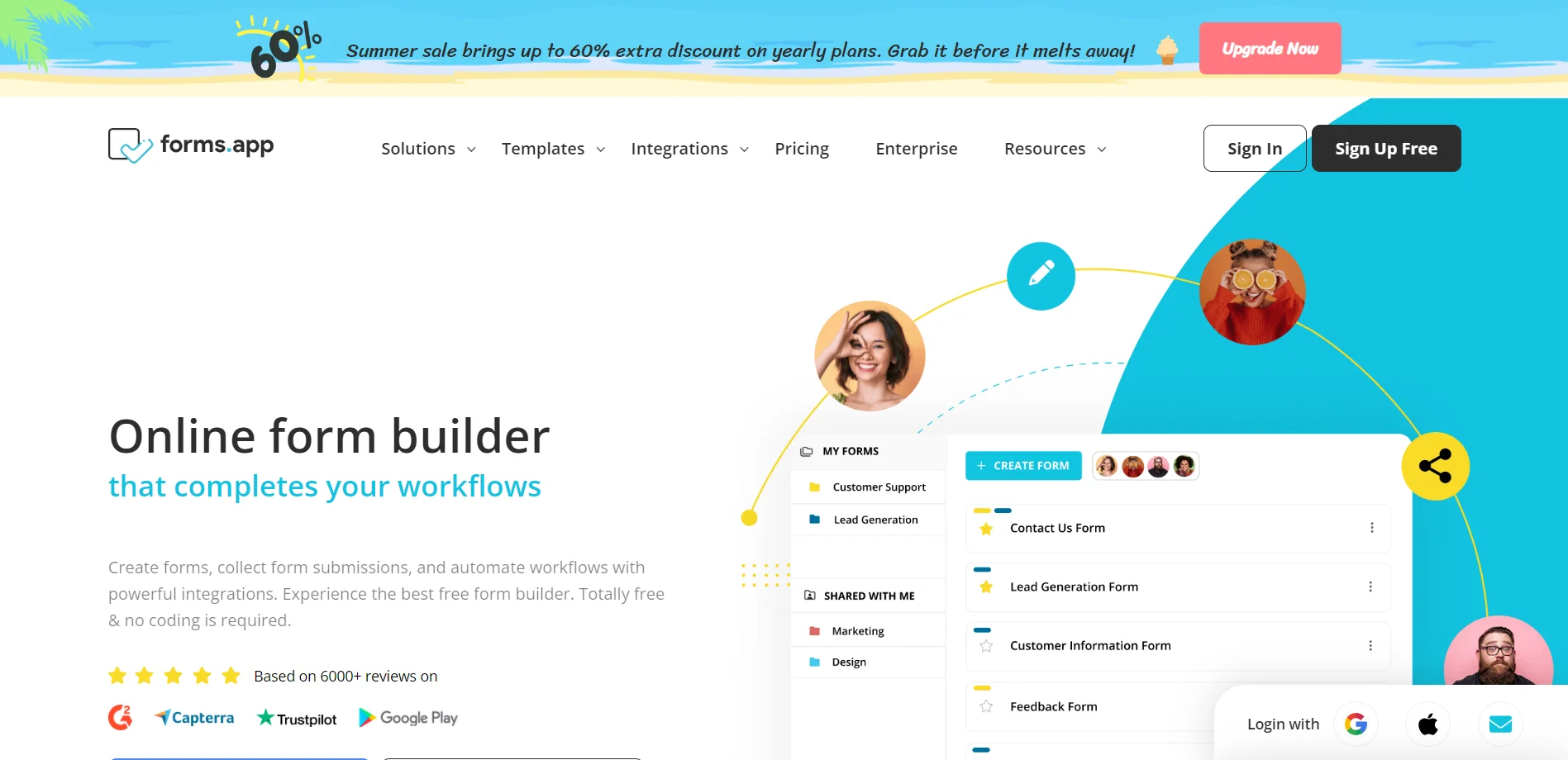
Forms.app is a cutting-edge online form builder tailored to simplify creating forms, surveys, and quizzes for various purposes. This platform is ideal for individual users and professionals alike, offering an intuitive interface that makes digital form management easy. With its AI-powered form generator and store builder, Forms.app enhances efficiency, saves time, and reduces costs in data collection and analysis.
Forms.app stands out with its AI Form Generator, which simplifies the form creation process significantly. The tool's ability to integrate with over 500 apps allows users to automate workflows and connect with their existing tools, setting it apart in the realm of online form builders.
Forms.app offers a dynamic and flexible solution for online form creation. Its AI Form Generator significantly enhances form creation efficiency, and its comprehensive integration capabilities make it an essential tool for various users aiming to optimize their data collection and analysis processes.
Who is Using Forms.app?
Small Business Owners
Employing the tool to create online order forms and customer feedback surveys.
Educational Institutions
Using the tool for registration forms, quizzes, and gathering educational data.
Event Organizers
Leveraging the tool for event registration and post-event feedback collection.
Human Resources Professionals
Utilizing the tool for job applications and employee satisfaction surveys.
Uncommon Use Cases
Used by non-profits for donor surveys and data collection; Adopted by research teams for gathering structured research data.
Key Features
Rating Breakdown
Pricing Plans
Free Tier
Free
- Unlimited access to basic form-building features and templates
Pro Tier
- Advanced features and analytics for a more comprehensive form management experience
Which Forms.app plan should you pick?
Start with Free for basic forms and unlimited responses; upgrade to Basic for more forms and storage, Pro for unlimited forms and multilingual capabilities, or Premium for large-scale storage and partial responses.
Free
Good for individuals and small projects needing up to five forms, unlimited responses, basic AI features, and 10 MB of storage.
Basic
Good for starters and small businesses needing 25 forms, 10 GB of storage, and removal of forms.app branding.
Pro
Good for businesses and organizations needing unlimited forms, 100 GB of storage, custom subdomains, and multilingual forms.
Premium
Good for larger-scale data collection needing 1 TB of storage, custom domains, partial responses, and priority support.
Forms.app Use Cases
Registration forms
Create registration forms for collecting participant or customer details.
Outcome: Centralize registration data and manage submissions.
Feedback and surveys
Build feedback forms, surveys, polls, and questionnaires with templates and analytics.
Outcome: Gather and analyze audience feedback.
Order and payment forms
Create product-order forms, accept payments, and use product basket fields.
Outcome: Collect orders and payments through one form.
File collection
Collect resumes, reports, designs, evidence, screenshots, and other respondent files.
Outcome: Receive supporting documents alongside form submissions.
Response analysis
Use insights, charts, filters, summaries, and AI analysis to examine form responses.
Outcome: Identify trends, patterns, and key points in collected data.
Workflow Ideas with Forms.app
Send submissions to a spreadsheet
- 1Create a form and collect responses
- 2Connect Google Sheets or Microsoft Excel
- 3Sync existing and new responses automatically
Route submissions through a webhook
- 1Create a webhook endpoint in another application
- 2Add the webhook URL and secret in forms.app
- 3Send form responses as JSON when submissions arrive
Automate notifications and CRM updates
- 1Connect forms.app with Zapier, Make, or another integration
- 2Use a form submission as the trigger
- 3Send notifications or transfer data to connected applications
How Forms.app fits into your stack
CRM and Email Marketing
Syncs with ActiveCampaign, HubSpot, MailChimp for streamlined lead management and targeted outreach.
Task and Project Management
Integrates with Trello and Notion for efficient task tracking and project organization.
Communication Tools
Connects with Slack, Discord, WhatsApp, and Facebook Messenger to facilitate seamless communication.
Data Management and Analytics
Integrates with Google Sheets, Microsoft Excel, Google Drive, Google Calendar, and Google Analytics for robust data handling and analysis.
Advertising
Links with Google Ads for data-driven advertising strategies.
Pros
- +Ease of Use: Intuitive interface allows users to quickly create and deploy forms without any coding knowledge.
- +Versatility: Suitable for a wide range of applications, from customer feedback to event registrations.
- +Real-Time Data Collection: Instantly gathers and organizes responses for immediate review and action.
- +Free to Use: Offers a robust free tier that provides powerful features without any upfront costs.
Cons
- −Feature Limitations on Free Tier: Some advanced features may only be available on paid plans, limiting access for non-paying users.
- −Learning Curve: While user-friendly, new users may need some time to fully explore and utilize all available features.
- −Design Customization: While customization options are extensive, users with specific design needs may find some limitations.
Limitations & when to consider alternatives
Known limitations
- Free plan is limited to five forms. The free plan includes up to five forms; Basic includes 25, while Pro and Premium include unlimited forms.
- Free storage is limited. The free plan includes 10 MB of storage, with higher limits on paid plans.
- AI insights require at least five responses. forms.app cannot generate an AI analysis until the form has at least five responses.
- Partial responses are Premium-only. Viewing incomplete responses is available on the Premium plan, and partial responses are stored for up to 30 days.
- Partial responses do not trigger integrations. Only normal submitted responses trigger integrations and webhooks.
Look elsewhere when
- You need a dedicated desktop installer.
- You need SSO or SAML authentication.
- You need AI image analysis.
How to Use Forms.app
- 1
Explore a range of tutorials and guides in the Help Center, providing step-by-step instructions on how to effectively use Forms.app.
Who is Forms.app For?
Businesses
Collect customer, lead, registration, order, payment, and operational data through customizable online forms.
Small businesses
The Basic plan is positioned for starters and small businesses needing more forms, storage, and branding control.
Organizations
The Pro plan is described as suitable for businesses and organizations requiring unlimited forms and collaboration.
Education
forms.app supports education use cases and offers education discounts on annual plans.
Nonprofit organizations
Nonprofits can use the platform for data collection and apply for an annual-plan discount.
Frequently Asked Questions
Can I use forms.app for free?
Yes. forms.app offers a lifetime free plan with unlimited responses, unlimited team members, conditional logic, payments, and integrations.
How can I use forms.app on mobile?
Install the native forms.app application from the App Store or Play Store to create forms, view submissions, and track responses.
How many responses can I collect on the free plan?
The free plan supports unlimited responses, subject to account storage and other plan limits.
Can I create multilingual forms?
Yes. Pro and Premium plans support up to 10 languages per form, with manual or AI-assisted translations.
How many responses are needed for AI insights?
At least five responses are required to generate an AI analysis.
What happens when storage is full?
Media may become inaccessible and respondents may be blocked from uploading files until storage is cleared.
Community reviews
Be the first to share your experience.
Sign in to leave a review for Forms.app.
Forms.app Alternatives
Looking for alternatives to Forms.app? Here are similar tools in the same category: