
Formula Generator
Simplify Excel, VBA, SQL creation; debug and understand formulas effortlessly.
Key Takeaways
- What it is
- Simplify Excel, VBA, SQL creation; debug and understand formulas effortlessly.
- Pricing
- Freemium
- Best for
- Generate Excel Formulas with Ease
- Debug with Error Spotter
- Understand Formulas Better
- Rating
- 4.7/5
What is Formula Generator?
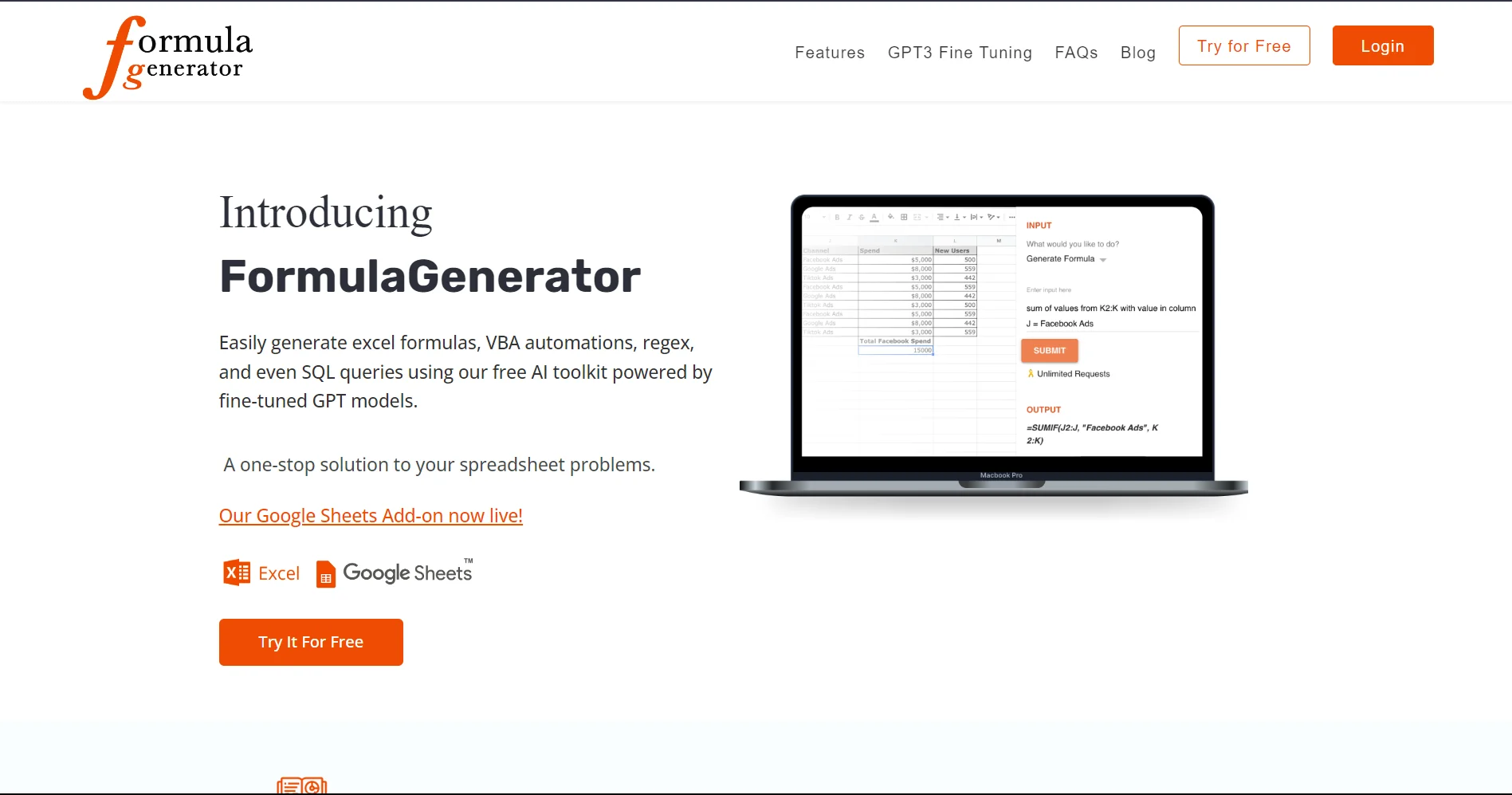
Formula Generator is a cutting-edge AI tool designed to revolutionize the way we interact with spreadsheets and databases. At its core, Formula Generator simplifies the creation of Excel formulas, VBA automations, and SQL queries through an intuitive Web App and a Google Sheets Extension. Whether you're a seasoned data analyst or just getting started with spreadsheets, this tool promises to enhance your productivity by making complex tasks more manageable. With features like error spotting, formula explanations, and code generation, Formula Generator positions itself as a one-stop solution for spreadsheet enthusiasts and professionals alike.
Formula Generator stands out by blending AI-powered efficiency with user-centric design. Its ability to transform plain-text instructions into complex formulas and code is unparalleled. Moreover, the integration of AnswerBot for instant, ad-free answers to technical questions sets it apart from conventional spreadsheet tools and online forums.
Formula Generator excels in transforming the tedious task of formula and code generation into a streamlined, intuitive process. Its unique selling points, such as the AnswerBot and Explain Formula feature, provide an unmatched advantage for anyone looking to enhance their productivity with spreadsheets. Whether you're a professional seeking to optimize your workflows or a student aiming to grasp spreadsheet concepts, Formula Generator is an indispensable tool that promises to deliver value and efficiency.
Who is Using Formula Generator?
Data Analysts
For creating complex formulas and automating data analysis tasks.
Business Professionals
To streamline financial modeling and reporting processes.
Students and Educators
As a learning aid for understanding and applying spreadsheet functions.
Software Developers
Generating code snippets for database management and application development.
Uncommon Use Cases
Non-profit organizations utilize it for managing donor databases; hobbyists use it for organizing personal projects.
Key Features
Rating Breakdown
Pricing Plans
Free Tier
Free
- Enjoy the core functionalities of Formula Generator without any cost
Pro Tier
- Advanced features and capabilities are available with subscription plans
Formula Generator Use Cases
Generate spreadsheet formulas
Describe the desired calculation, cell relationships, or data logic in natural language.
Outcome: Receive an Excel or Google Sheets formula that can be reviewed and edited.
Create dynamic spreadsheet templates
Use prompts and system instructions to build templates that adapt formulas, ranges, and formatting to changing datasets.
Outcome: Create reusable spreadsheet structures for recurring analysis.
Review and debug formulas
Ask the AI to identify logic, structure, reference, or syntax problems in formulas and spreadsheets.
Outcome: Find errors and receive suggested corrections or optimization ideas.
Generate automation code
Prompt the system to write VBA for Excel, Apps Script for Google Sheets, or SQL for databases.
Outcome: Produce code for repetitive tasks, reports, data manipulation, or database queries.
Automate spreadsheet updates
Connect a generator workflow with webhooks or automation tools such as Zapier or Make.
Outcome: Update sheets on a schedule or in response to changes.
Workflow Ideas with Formula Generator
Build a formula from a business rule
- 1Describe the calculation and the cells or ranges involved
- 2Ask the AI to generate the Excel or Google Sheets formula
- 3Review, edit, and save the resulting formula
Create reusable spreadsheet guidance
- 1Define system instructions covering tone, goals, data structures, and domain logic
- 2Record the instructions for repeated use
- 3Reuse the guidance when creating related formulas or templates
Automate recurring spreadsheet reporting
- 1Connect the generator workflow to a frontend or spreadsheet
- 2Add webhooks or an automation service such as Zapier or Make
- 3Configure scheduled or change-triggered sheet updates
How Formula Generator fits into your stack
Google Sheets Extension
Direct integration enhances Google Sheets' capabilities.
Web App Compatibility
Accessible from any modern web browser, ensuring broad compatibility.
API Access
Offers API access for custom integrations, catering to developers' needs.
Pros
- +Time-Saving: Dramatically reduces the time needed to create and debug formulas.
- +User-Friendly Interface: Designed for ease of use, making it accessible to users of all skill levels.
- +Comprehensive Support: From Excel to SQL, it supports a wide range of spreadsheet tasks and queries.
- +Free Google Sheets Extension: Enhances Google Sheets with advanced formula generation and explanations.
Cons
- −Learning Curve: New users may need time to fully explore and utilize all features.
- −Internet Dependency: Being a web-based tool, a reliable internet connection is necessary for smooth operation.
Limitations & when to consider alternatives
Known limitations
- Basic spreadsheet understanding is still required. The site says users need enough knowledge to communicate requirements and explain how the AI should build formulas or systems.
- Prompt refinement may be necessary. The site notes that users may need trial and error, clearer examples, or more specific instructions to obtain the intended result.
- Complex requests may require multiple prompts. The site says commands may need to be broken into separate prompts before the AI understands the full task.
- System instructions are not custom model training. The site states that system instructions provide a reference model but do not create a custom preset.
- Generated results require review. The site presents formulas, code, and spreadsheet changes as outputs that users should review, test, and refine.
Look elsewhere when
- You need a dedicated native mobile app.
- You need a documented developer API.
- You need shared team workspaces with roles and invitations.
How to Use Formula Generator
- 1
The tool provides an array of tutorials and guides, ensuring users can quickly master its features and maximize its potential.
Who is Formula Generator For?
Spreadsheet users
People who work with Excel tables, Google Sheets, formulas, and datasheets can use prompts to create and troubleshoot spreadsheet logic.
Business analysts
The site describes analysts using generated formulas, automation scripts, and reporting workflows to work with business data.
Advanced spreadsheet users
Users building large or complex sheets can use AI-generated formulas, templates, validation steps, and debugging assistance.
Users without expert coding knowledge
The site says users do not need expert knowledge to create formulas and spreadsheet automations, although some basic understanding is required.
Community reviews
Be the first to share your experience.
Sign in to leave a review for Formula Generator.
Formula Generator Alternatives
Looking for alternatives to Formula Generator? Here are similar tools in the same category:
Learn to Master Formula Generator
With Skill Leap courses
Get in-depth training on Formula Generator and 50+ other AI tools with our expert-led video courses.
Start 7-Day Free Trial