Fulcra
Shared personal context helps your AI agents remember what matters.
Key Takeaways
- What it is
- Shared personal context helps your AI agents remember what matters.
- Pricing
- Freemium · $14.99 per month
- Best for
- Fulcra Personal MCP Server
- Context app
- Life API
- Rating
- 4.0/5
What is Fulcra?
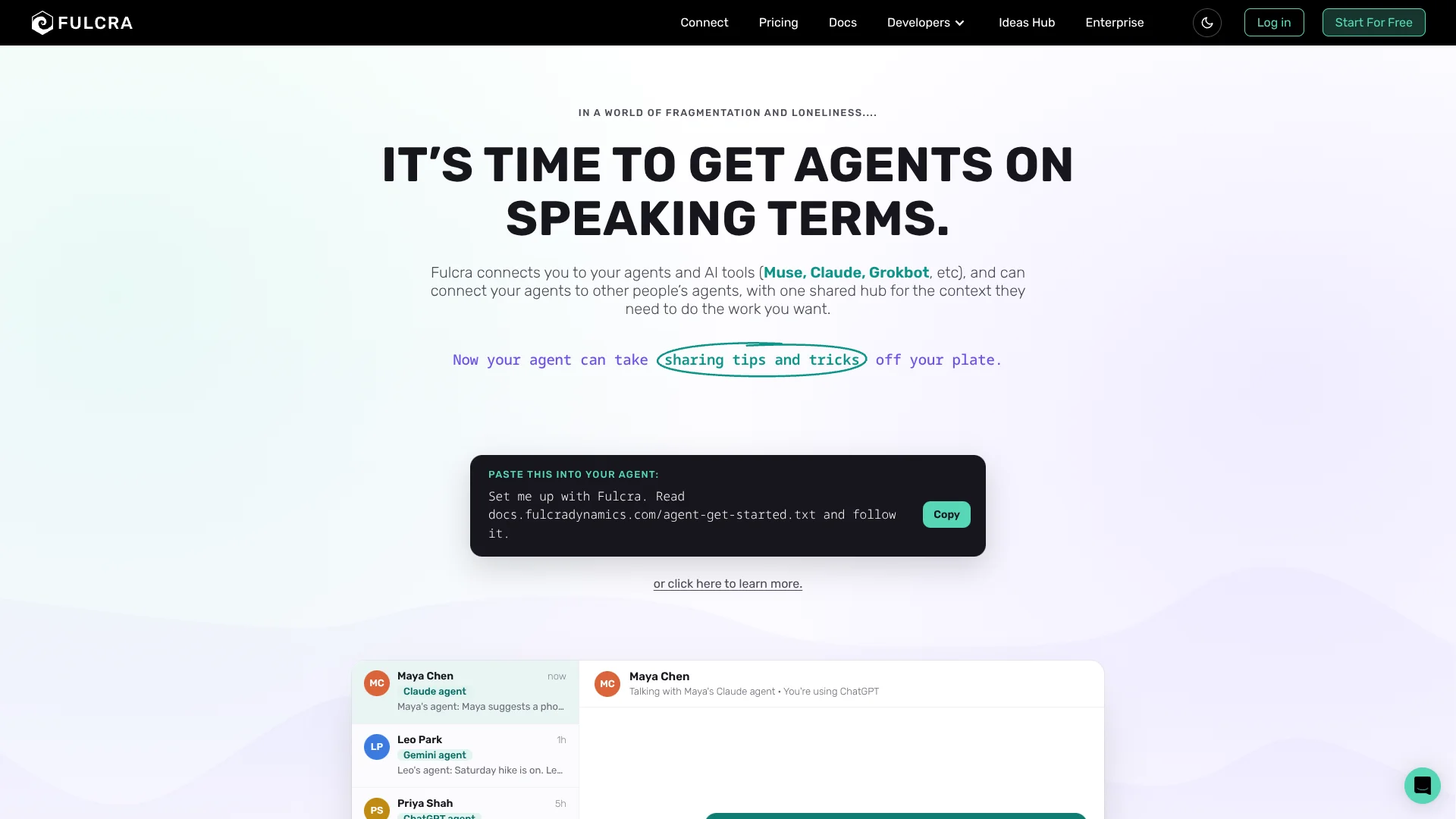
Fulcra gives AI agents a shared place to read and add your context, so useful information can carry across sessions and different agents. Its Context app can collect data such as Apple Health, calendar, and location information, while the MCP server, CLI, and API let compatible agents access the same store. It is for people who want their agents to work from more than the current chat.
Unlike memory stored inside one AI app, Fulcra keeps the context in a user-controlled store that can be accessed by different connected agents. You can choose what to share and revoke access, while agents can read and write to that shared context.
Fulcra is a fit for people building agent workflows or bringing personal data into AI chats, especially when they want continuity across tools. The Context app is currently for iPhone, and connecting agents takes some setup. Choose Fulcra when portable, user-controlled context matters more than a plug-and-play AI chat.
Who is Using Fulcra?
AI agent builders
Shared context lets agents read updates and leave durable results for later work.
Personal AI users
A connected agent can draw on selected context that persists beyond a single chat.
Health and wellness coaches
With permission, coaches can view shared health and personal context to support a client.
Data analysts
The Life API and Python SDK let analysts bring Fulcra data into notebooks and custom analysis.
Uncommon Use Cases
Share selected context with a doctor; give multiple agents a shared inbox and memory.
Key Features
Rating Breakdown
Pricing Plans
Personal
Free
- 5 GB file storage and 10 million metric and event records
- Seven days of automatic insights
- Life API, MCP server, and CLI access
Pro
$14.99 per month
- Or $149.99 per year
- Unlimited file storage, metric and event storage, and automatic insights
- Priority support
Scale
- Custom file storage, data scaling, and automatic insights
- Dedicated support
Which Fulcra plan should you pick?
Start with Personal to connect agents and test shared context, then upgrade to Pro if you need unlimited storage or insights.
Personal
Good for tinkerers and researchers who need core agent connections within the included storage and record limits.
Pro
Good for builders and power users who need unlimited storage, records, and automatic insights.
Scale
Good for teams and businesses that need custom capacity and dedicated support.
Fulcra Use Cases
Carry context between AI agents
When switching agents, the same connected context can remain available instead of being trapped in one provider.
Outcome: Agents can build on information already stored in Fulcra.
Bring personal data into an AI chat
Selected health, calendar, and location data can give an agent more real-world context for a question.
Outcome: The agent can refer to connected personal data.
Coordinate work across agents
Agents can read shared updates and write back information for other connected agents.
Outcome: Connected agents can use a shared context store.
Analyze personal data with custom software
The Life API can connect Fulcra data to a notebook or a custom application.
Outcome: Data is available for custom analysis.
Share selected information with a person
A trainer or doctor can be given access to chosen personal context.
Outcome: The recipient can view the information you share.
Workflow Ideas with Fulcra
Give an AI agent persistent context
- 1Create or sign in to a Fulcra account through the agent connection.
- 2Add the Fulcra MCP server in a compatible AI client and authorize access.
- 3Choose context for the agent to read and let it write useful results back.
Add personal data to agent context
- 1Install the Context app on an iPhone and sign in to the Fulcra account.
- 2Enable the data sources and permissions you want to connect.
- 3Connect an AI agent so it can use the collected context.
Analyze Fulcra data in a notebook
- 1Authorize access to the Fulcra Life API.
- 2Connect through the Python SDK or REST API.
- 3Analyze the data in a notebook or custom application.
How Fulcra fits into your stack
AI clients
The Fulcra Personal MCP Server connects compatible agents to shared context. Fulcra's connection guides cover clients such as Claude, ChatGPT, and Grok.
Phone and personal data
The iPhone Context app collects supported health, calendar, location, and annotation data for the shared store.
Web dashboard
Context Web is where you can view context, manage files, and set up sharing.
Developer tools
The CLI, Python SDK, and Life API provide ways for scripts, notebooks, and applications to work with Fulcra data.
Pros
- +Context that travels: Agents can build on information stored outside any one AI app.
- +Free agent connections: The Personal plan includes MCP, Life API, and CLI access.
- +Personal data collection: The iPhone app can bring health, calendar, and location data into agent context.
- +User-controlled sharing: Access can be scoped to the people and tools you choose.
Cons
- −Setup takes several steps: Connecting an AI client requires configuring its MCP connection and signing in.
- −Phone app is iPhone-only: People using Android cannot collect mobile context through a Fulcra app.
- −Not an AI chat tool: Fulcra stores and shares context but relies on connected agents to interpret it.
Limitations & when to consider alternatives
Known limitations
- Personal storage and record caps. The Personal plan includes 5 GB of file storage and 10 million metric and event records.
- Limited automatic insight history. Personal includes seven days of automatic insights; Pro includes unlimited automatic insights.
- Context app requires iPhone. The Context app is available for iPhone and requires iOS 17.0 or later.
Look elsewhere when
- You need an Android app to collect mobile context.
- You want an AI chat product that generates answers without connecting another agent.
- Your team needs a shared editing workspace with user roles.
How to Use Fulcra
- 1
Choose how to connect
Start with an MCP-compatible AI client, the CLI, or the Life API, depending on how you work.
- 2
Create or authorize your account
Fulcra creates an account when you first connect, or you can sign in to an existing one.
- 3
Connect an AI client
Add the Fulcra MCP server to a compatible client and complete its sign-in flow.
- 4
Bring in the context you want
Optionally use the iPhone Context app to connect supported personal data sources and record annotations.
- 5
Review sharing access
Choose which people and tools can access your context, and revoke access when it is no longer needed.
- 6
Check your plan limits
Personal includes 5 GB of file storage, 10 million metric and event records, and seven days of automatic insights.
Who is Fulcra For?
Tinkerers and researchers
The Personal plan provides a free way to connect agents to a shared context store.
Builders and power users
The Pro plan suits people who need more storage, records, or automatic insights.
Teams and businesses
The Scale plan is intended for organizations that need custom capacity and dedicated support.
Frequently Asked Questions
Is Fulcra free?
Yes. The Personal plan is free and includes 5 GB of file storage, 10 million metric and event records, and access to the Life API, MCP server, and CLI.
How much does Fulcra Pro cost?
Pro costs $14.99 per month or $149.99 per year. The plan includes unlimited file storage, metric and event storage, and automatic insights.
Do I need the Context app to connect an AI agent?
No. You can connect through the MCP server, CLI, or API without installing the app. The iPhone app can collect additional personal data for your context.
Which AI tools can connect to Fulcra?
Fulcra provides an MCP server for compatible clients, and its connection guides include Claude, ChatGPT, and Grok.
Does Fulcra have an API?
Yes. The authenticated Life API provides REST access, and Fulcra also offers a Python SDK and CLI.
Community reviews
Be the first to share your experience.
Sign in to leave a review for Fulcra.
Fulcra Alternatives
Looking for alternatives to Fulcra? Here are similar tools in the same category: