
Gencraft
AI-powered tool for creating stunning digital art effortlessly.
Key Takeaways
- What it is
- AI-powered tool for creating stunning digital art effortlessly.
- Pricing
- Freemium · $19.99 per month
- Best for
- AI Art Generator
- AI Photos
- Image Variations
- Rating
- 4.6/5
What is Gencraft?
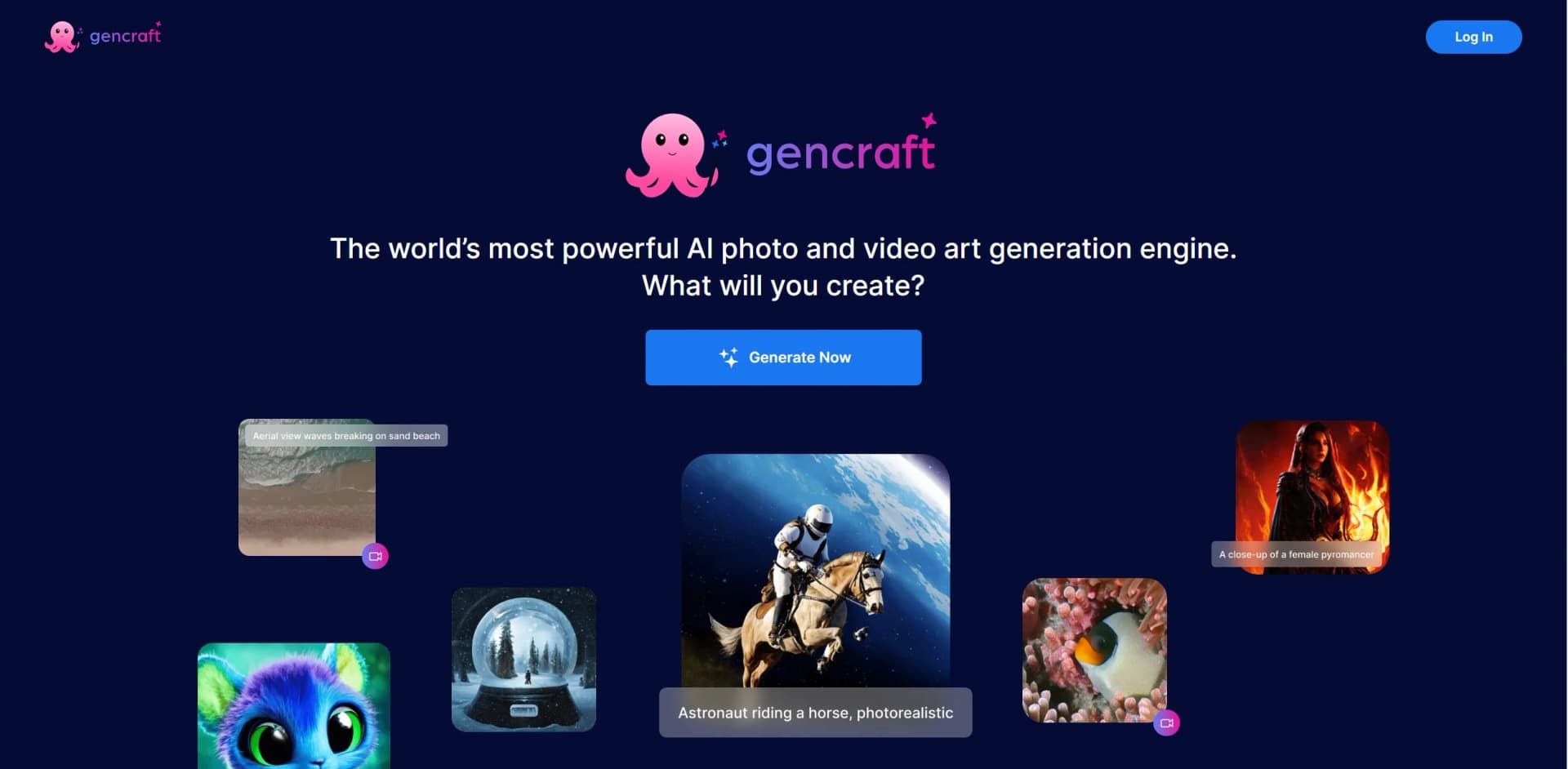
Gencraft revolutionizes the world of digital art creation with its cutting-edge AI technology, offering AI art generation, AI photos, AI image variations, and a versatile editor. Designed for artists, designers, and creative professionals, it simplifies the process of creating stunning visuals, allowing users to explore endless creative possibilities with ease.
Gencraft stands out with its AI-driven art generation capabilities, a game-changer for artists and designers alike. Its ability to seamlessly create diverse artistic styles and variations sets it apart, offering a unique blend of creativity and technology that caters to both personal and professional use.
Gencraft offers an exceptional platform for artists and creative professionals seeking to push the boundaries of digital art. Its innovative features and user-friendly design make it a valuable tool for anyone looking to enhance their creative projects with AI technology. Whether you're a seasoned designer or an aspiring artist, Gencraft provides the tools you need to explore new artistic horizons.
Who is Using Gencraft?
Graphic Designers
Utilizing Gencraft for efficient design workflows and to enhance their creative projects.
Digital Marketing Agencies
Employing the tool to create visually appealing campaign content that stands out.
Social Media Managers
Leveraging the tool to craft engaging and eye-catching social media posts.
Artists and Illustrators
Exploring new artistic styles and expanding their creative repertoire with AI-generated art.
Key Features
Rating Breakdown
Pricing Plans
Free Tier
Free
- Experience Gencraft with a limited-access free version to explore basic features
Pro Tier
$19.99 per month
- Offering full access to all features and premium support
Which Gencraft plan should you pick?
Start with Free to test image generation; choose Starter for commercial generations, or upgrade to Pro for advanced models, video, presets, and custom model training.
Free
Good for students and new creators who need to experiment with prompts, styles, and selected free models.
Starter
Good for creators who need commercial use of generated images and access to additional models.
Pro
Good for designers and advanced creators who need video generation, broader model access, presets, and custom model training.
Gencraft Use Cases
Adopted by educational institutions for teaching digital art courses; utilized by event planners to create unique event invitations.
Workflow Ideas with Gencraft
Create and refine a visual concept
- 1Write a prompt describing the subject, mood, format, and constraints.
- 2Generate images using a selected style or model.
- 3Remix the result and vary its composition, colors, or details.
Build a personal visual style
- 1Upload a consistent set of reference images.
- 2Caption the images and train a custom model.
- 3Generate new creations using the trained model.
Generate a short video concept
- 1Open the Video Gen tab on a subscribed account.
- 2Enter a descriptive prompt.
- 3Generate a two-second video concept.
How Gencraft fits into your stack
Browser
Gencraft operates as a browser-based AI studio at gencraft.com for generating images, videos, edits, remixes, and custom models.
Mobile app
Dedicated iOS and Android apps provide image and video generation, image variations, editing, presets, and sharing.
Creative asset production
Teams and individual creators can use prompts, reference-image uploads, Magic Edit, Photobooth, styles, and custom-trained models to produce visual assets.
Community sharing
Gencraft includes an Explore/community surface where users can publish creations, discover other work, remix creations, and interact with artists.
Pros
- +Innovative Creativity: Encourages artistic exploration by providing endless creative options.
- +User-Friendly Interface: Designed with a straightforward interface that makes it accessible to both novice and experienced users.
- +Time Efficiency: Significantly reduces the time required to create high-quality art pieces.
- +Cost-Effective Solution: Offers powerful features that eliminate the need for expensive design software.
Cons
- −Initial Learning Curve: New users may require some time to fully grasp the range of features available.
- −Limited Integration: Currently, the tool supports a limited number of third-party platforms.
Limitations & when to consider alternatives
Known limitations
- Free creations have limited retention. Free-user creations are retained for 30 days and may be removed afterward.
- Video generation requires a subscription. Only subscribed users can access the Video Gen feature.
- Custom model training requires Pro. Custom model training is available to Pro users and requires an additional payment per model.
- Negative prompts vary by model. Exclude from Result works with Legacy models but is unavailable on Gencraft 3.0 models.
- Free outputs are non-commercial. Non-subscribers may use generated images only for non-commercial purposes.
Look elsewhere when
- You need a documented developer API
- You need shared team workspaces
- You need third-party integrations
How to Use Gencraft
- 1
Open the Generate screen
Use Gencraft on the web or through its iOS/Android apps, then choose image or video generation.
- 2
Write and enhance a prompt
Describe the subject and desired visual direction. Use Enhance Prompt or word weighting when you need more control.
- 3
Choose a style or model
Select an available style or model to shape the visual result.
- 4
Remix and refine
Use image variations, remixing, reference images, or editing features to improve the result.
- 5
Train a custom model
For a personal style, open My Library, choose My Models, upload and caption images, then train the model.
- 6
Download or share
Review the output, download it, or publish it to Gencraft’s community when appropriate.
Who is Gencraft For?
Creatives
They can explore generative AI models, find inspiration in the community, and share creations.
Students
They can experiment with styles, prompts, and custom models using Gencraft’s free access.
Builders
They can prototype concepts, products, and ideas using custom styles and models.
Designers
They can create marketing assets, product shots, and brand visuals while retaining creative control.
Frequently Asked Questions
Can I use Gencraft-generated images commercially?
Paying subscribers may use generated images commercially when complying with Gencraft’s Terms of Use. Non-subscribers are limited to non-commercial use.
Does Gencraft support video generation?
Yes. Video generation is available to subscribed users from the Video Gen tab, and each video generation uses one prompt.
How long does Gencraft store my creations?
Pro users receive lifetime data retention. Free-user creations are retained for 30 days and may then be removed.
How do I train my own custom model?
Open My Library, select My Models, upload between 5 and 200 images, caption them, and train the model. The feature is for Pro users and requires an additional payment per model.
Why can’t I upload an image?
Uploads can fail because of a Content Policy violation or because the account has reached its upload limit.
What is Exclude from Result?
The feature lets users specify unwanted elements for Legacy models. It is not supported by Gencraft 3.0 models.
Community reviews
1 review from people who use Gencraft.
Sign in to leave a review for Gencraft.
J&S A-Z
Gencraft Alternatives
Looking for alternatives to Gencraft? Here are similar tools in the same category:
Learn to Master Gencraft
With Skill Leap courses
Get in-depth training on Gencraft and 50+ other AI tools with our expert-led video courses.
Start 7-Day Free Trial