
Genmo AI
Generate lifelike videos with precise prompt control.
Key Takeaways
- What it is
- Generate lifelike videos with precise prompt control.
- Pricing
- Freemium · $10 per month. Generate up to 8 videos a day (80 per month), no watermarks · $30 per month. Make up to 32 videos a day (180 per month)
- Best for
- Unmatched Motion Quality
- Superior Prompt Adherence
- Crossing the Uncanny Valley
- Rating
- 4.4/5
What is Genmo AI?
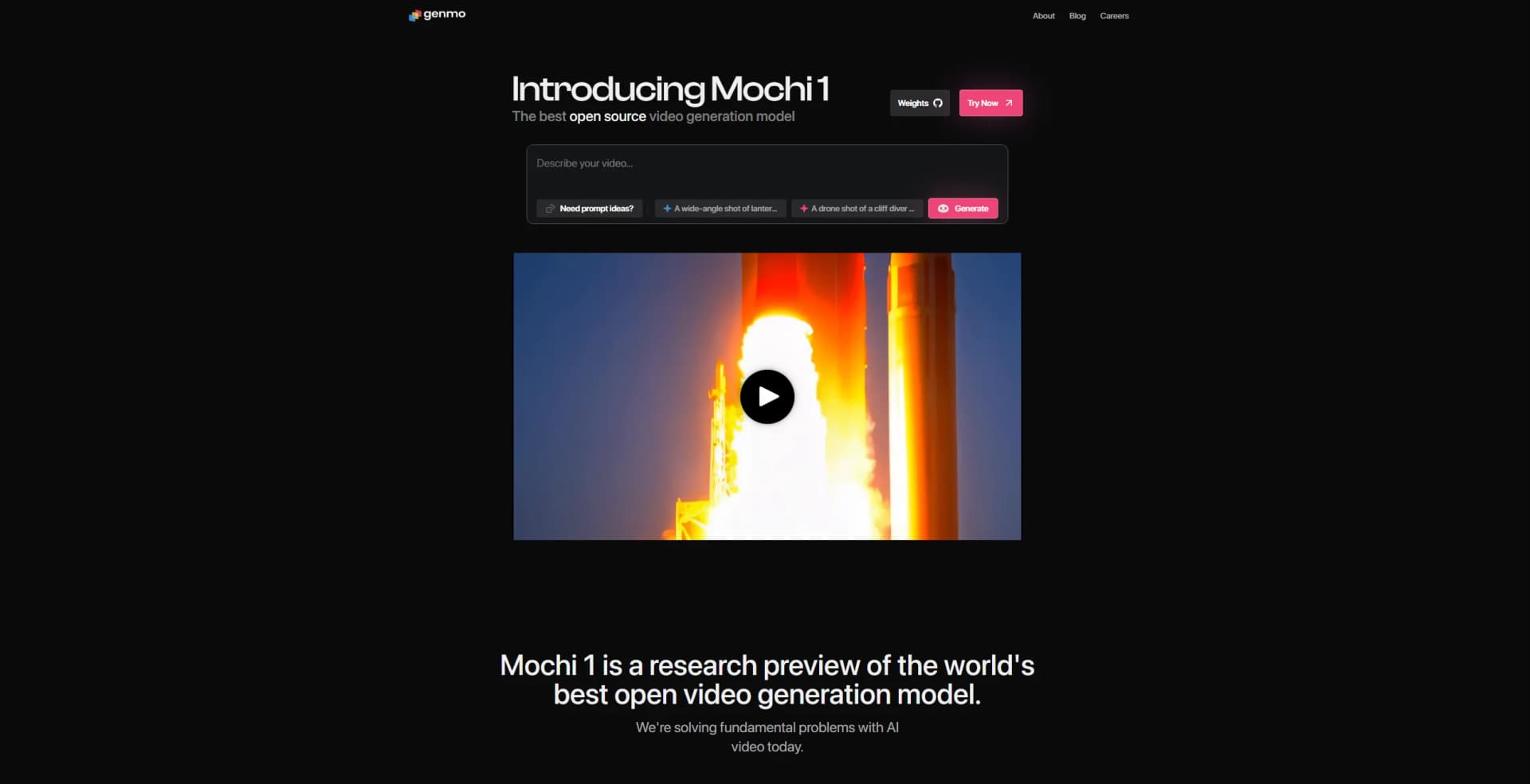
Genmo is at the forefront of AI-driven video generation, offering a groundbreaking model known as Mochi 1. This tool revolutionizes how videos are created by providing unmatched motion quality and realistic video generation that adheres closely to user prompts. Designed for creatives, filmmakers, and digital marketers, Genmo simplifies the complex task of video production by leveraging advanced artificial intelligence to generate videos with detailed control over characters, settings, and actions.
Genmo stands out with its Mochi 1 model, a game-changer for AI-driven video generation. Its ability to produce realistic motion and human expressions with precise prompt adherence sets it apart, offering a level of control and quality that is unmatched in the industry.
Genmo offers a powerful platform for those seeking to push the boundaries of video creation through AI. With its superior motion quality and prompt adherence, it provides users with the tools to produce highly realistic and customizable videos, making it a valuable asset for filmmakers, marketers, and creators alike. Whether you're looking to produce a cinematic movie trailer or engaging social media content, Genmo's Mochi 1 model provides the innovation and quality needed to bring your vision to life.
Who is Using Genmo AI?
Filmmakers
Utilizing the tool for creating high-quality, realistic movie trailers and short films.
Digital Marketing Agencies
Employing Genmo for developing engaging video content for campaigns.
Content Creators
Leveraging the tool for producing dynamic and visually appealing videos for social media platforms.
Educational Institutions
Using Genmo to teach students about AI-driven video production.
Uncommon Use Cases
Adopted by virtual reality developers for creating immersive experiences; used by game designers for developing lifelike character animations.
Key Features
Rating Breakdown
Pricing Plans
Free
Free
- Includes Genmo watermark, ideal for non-commercial use, and comes with standard generation queue speed
Lite
$10 per month. Generate up to 8 videos a day (80 per month), no watermarks
- Includes commercial rights, and enjoy faster processing with enhanced queue priority
Standard
$30 per month. Make up to 32 videos a day (180 per month)
- Includes watermark-free Stealth Mode, full commercial rights, early access to features, and top queue priority for the fastest results
Which Genmo AI plan should you pick?
Start with Free to test prompt-based video generation, then upgrade to Lite or Standard when you need more credits, no watermark, commercial usage, or higher queue priority.
Free
Good for testing Genmo with 250 lifetime credits and watermarked output.
Lite
Good for creators who need 1,200 monthly credits, no watermark, commercial usage, and high queue priority.
Standard
Good for heavier use requiring 5,000 monthly credits, commercial usage, highest queue priority, and early model access.
Genmo AI Use Cases
Text-to-video creation
Describe a scene with a natural-language prompt in the Playground.
Outcome: A generated video clip.
Image-to-video generation
Use an image prompt or uploaded image to guide video composition and visual style.
Outcome: A video based on the image reference.
3D asset creation
Upload an image or provide a prompt to generate a 3D object.
Outcome: A 3D object exportable as a GLB file.
Movie and trailer ideation
Develop a movie concept, script, scenes, transitions, and trailer content with Genmo.
Outcome: An edited movie or trailer concept.
Image editing and blending
Combine image and text prompts or edit image content with natural-language instructions.
Outcome: New or modified images with controlled style and content.
Workflow Ideas with Genmo AI
Create a short video from an idea
- 1Sign up for Genmo
- 2Open the Playground
- 3Write a descriptive prompt and click Generate
Develop a trailer concept
- 1Ask Genmo to develop a story or script
- 2Refine scenes, transitions, and visual direction
- 3Generate the resulting trailer or movie sequence
Create a 3D asset
- 1Upload an image or provide a prompt
- 2Generate the 3D object
- 3Export the result as a GLB file
How Genmo AI fits into your stack
Browser
Genmo is used through its hosted Playground: users sign in, enter a descriptive video prompt, generate a clip, monitor progress, and download the result.
Desktop / IDE
Genmo provides open-source Mochi resources that can be run locally with a repository, installed dependencies, and a command-line generation script; this is a model workflow rather than a dedicated desktop application.
Pros
- +Realistic Video Generation: Produces high-quality videos that closely mimic real-world motion and expressions.
- +Detailed Control: Offers users the ability to fine-tune various aspects of video creation, from character actions to environmental settings.
- +Open Source: The availability of Mochi 1 on open-source platforms encourages innovation and community engagement.
- +User-Friendly Interface: Despite its advanced capabilities, Genmo provides an intuitive interface that simplifies the video creation process.
Cons
- −Initial Learning Curve: New users may need time to fully understand the potential and capabilities of the tool.
- −Resource Intensive: High-quality video generation may require significant computational resources.
- −Limited Integration: Currently, there may be limited support for integration with other video editing software.
Limitations & when to consider alternatives
Known limitations
- Short video duration. The Help Center currently limits generated videos to up to 5.4 seconds at 30fps.
- Base output resolution. The base model produces 480p videos; higher resolutions are available on paid plans.
- Image-to-video availability. The current Help Center says image-to-video capabilities are coming soon and currently describes text-to-video support.
- Download retention. Generated videos are available for download for 30 days after generation.
- Generation failures. Genmo identifies content-policy violations, server overload, and prompt issues as possible causes of failure.
Look elsewhere when
- You need a documented first-party API.
- You need a native mobile application.
- You need a shared multi-user workspace.
- You need a desktop installer.
How to Use Genmo AI
- 1
Open the Playground
Go to Genmo's Playground to access the Mochi 1 video-generation interface.
- 2
Write a descriptive prompt
Describe the subject, action, setting, lighting, and camera movement to guide the generated video.
- 3
Generate and monitor progress
Click Generate, then monitor the job while Genmo renders the video.
- 4
Improve the result
Use more specific visual language and camera details when the result does not match your intent.
- 5
Download the output
Download the generated MP4 video before the 30-day availability period ends.
Who is Genmo AI For?
Creatives
Genmo provides prompt-based video generation for turning visual ideas into short videos.
Developers
Genmo publishes the open-source Mochi 1 model, repository, and downloadable model resources.
Businesses
Paid plans include commercial usage, making Genmo suitable for business video creation.
Artists
Genmo's research and product materials position video generation as a tool for creative expression.
Researchers
Mochi 1 is an open-source video model intended for research, development, and experimentation.
Frequently Asked Questions
How do I create my first video?
Sign up, open the Playground, write a descriptive prompt, and click Generate.
Do I need technical skills to use Genmo?
No. Genmo says users can describe what they want in natural language.
What subscription plans does Genmo offer?
The Help Center lists Free, Lite, Standard, and Pro plans with different credit amounts and features.
What is fuel?
Fuel is Genmo's credit system; each video generation consumes fuel based on length and quality settings.
How long can generated videos be?
The Help Center currently states that videos can be up to 5.4 seconds at 30fps.
Can I download generated videos?
Yes. Videos can be downloaded, and the Help Center says they remain available for 30 days.
Community reviews
2 reviews from people who use Genmo AI.
Sign in to leave a review for Genmo AI.
Michael Fricano II
Ian Goodwyn
Genmo AI Alternatives
Looking for alternatives to Genmo AI? Here are similar tools in the same category:
Learn to Master Genmo AI
With Skill Leap courses
Get in-depth training on Genmo AI and 50+ other AI tools with our expert-led video courses.
Start 7-Day Free Trial