
GET3D by NVIDIA
Revolutionize 3D modeling with AI-powered, texture-rich model creation.
Key Takeaways
- What it is
- Revolutionize 3D modeling with AI-powered, texture-rich model creation.
- Best for
- Generative Model
- Texture and Geometry Synthesis
- Diverse Model Output
- Rating
- 4.4/5
What is GET3D by NVIDIA?
GET3D by NVIDIA is a cutting-edge AI tool that ushers in a new era of three-dimensional model generation. Leveraging the power of generative adversarial networks (GANs), GET3D offers a transformative approach to creating detailed and textured 3D models with unprecedented efficiency. Designed for professionals in fields such as game development, virtual reality, and architectural visualization, it streamlines the process of 3D model creation, making it faster and more accessible than ever before.
GET3D by NVIDIA stands out with its ability to generate 3D models complete with textures, a breakthrough for rapid content creation. Its seamless integration with existing rendering engines and the quality of output set it apart in the realm of 3D modeling tools.
GET3D by NVIDIA excels in providing high-quality, textured 3D models with efficiency, making it an essential tool for a wide range of creators and industries. Its generative model approach, particularly in texture and geometry synthesis, offers an unmatched advantage for rapid content creation.
Who is Using GET3D by NVIDIA?
Game Developers
Utilizing the tool to quickly generate diverse 3D assets for gaming environments.
VR and AR Creators
Employing GET3D to design immersive virtual and augmented reality experiences.
Architectural Firms
Leveraging the tool to visualize building designs and interiors in 3D with realistic textures.
Animation Studios
Using GET3D for creating detailed backgrounds and props for animated features.
Uncommon Use Cases
Adopted by researchers in AI for exploring the potential of GANs in 3D model generation; utilized by fashion designers for conceptualizing and presenting apparel in 3D.
Key Features
Rating Breakdown
Pricing Plans
Free Access
- NVIDIA provides access to GET3D for research and academic purposes
Commercial License
- Pricing for commercial use may vary and interested parties should contact NVIDIA for detailed information
GET3D by NVIDIA Use Cases
3D asset generation
Generate explicit textured meshes from the learned 3D generator.
Outcome: Meshes can be consumed by 3D rendering engines.
Synthetic dataset training
Train GET3D using rendered image collections and camera data, including ShapeNet workflows.
Outcome: A trained generator for a selected object category.
Category-specific generation
Train or run pretrained models for categories such as cars, chairs, and motorbikes.
Outcome: High-quality category-specific 3D shapes.
3D model evaluation
Generate geometry and calculate FID, COV, MMD, LFD, and CD-related evaluation results.
Outcome: Quantitative assessment of generated 3D objects.
Workflow Ideas with GET3D by NVIDIA
Train a category-specific generator
- 1Install the GET3D environment and dependencies
- 2Prepare rendered training images and camera paths
- 3Run train_3d.py with the selected dataset category
Generate textured meshes from a pretrained model
- 1Download a pretrained GET3D checkpoint
- 2Run the documented inference command
- 3Enable textured-mesh generation and save the output
Evaluate generated geometry
- 1Generate geometry using the inference_generate_geo option
- 2Run the repository's evaluation scripts
- 3Compute the documented FID, COV, MMD, LFD, or CD metrics
How GET3D by NVIDIA fits into your stack
Rendering Engine Compatibility
Models generated by GET3D can be directly used in popular rendering engines like Unreal Engine and Unity.
Workflow Integration
Fits into existing 3D content creation pipelines, enhancing productivity without disrupting established processes.
AI Research
Provides a platform for AI researchers to experiment with and advance generative model capabilities.
Educational Use
Can be integrated into academic programs focused on 3D modeling, game design, and computer graphics.
Pros
- +Speed of Creation: Reduces the time required to produce complex 3D models, enhancing productivity for creators.
- +Cost-Efficiency: Lowers the financial barrier to high-quality 3D content production, especially for small studios and independent creators.
- +Ease of Use: Simplifies the 3D modeling process, making it more accessible to non-experts.
- +High-Quality Output: Delivers models with a level of detail and realism that can meet professional standards.
Cons
- −Hardware Requirements: Demands high-end computing power, which may not be accessible to all users.
- −Learning Curve: New users may need time to fully grasp the capabilities and best practices for using the tool effectively.
- −Limited Customization: While it offers diverse outputs, there may be limitations in fine-tuning models to specific requirements.
Limitations & when to consider alternatives
Known limitations
- High-end NVIDIA GPU requirements. The project recommends one to eight high-end NVIDIA GPUs, with development and testing performed on V100 or A100 hardware.
- Linux-oriented setup. Linux is recommended for performance and compatibility.
- Older software stack. The documented environment uses Python 3.8, PyTorch 1.9.0, and CUDA 11.1 or later.
- Synthetic-data workflow. GET3D is trained on synthetic datasets, and the repository provides rendering scripts for ShapeNet.
- Local technical installation. Users must install Conda, CUDA, PyTorch, custom extensions, and supporting Python packages or build the Docker environment.
Look elsewhere when
- You need a hosted web application with no local GPU setup.
- You need a documented developer API with endpoints or API keys.
- You need image-to-3D inference from an uploaded user image.
How to Use GET3D by NVIDIA
- 1
NVIDIA offers a range of tutorials and documentation to help users get started and make the most out of GET3D, covering everything from basic setup to advanced model generation techniques.
Who is GET3D by NVIDIA For?
Gaming
GET3D is positioned for creating large quantities of diverse 3D content for virtual worlds and game environments.
Robotics
The project identifies robotics as an application area for generated 3D content.
Architecture
GET3D identifies architecture as an application area benefiting from scalable 3D content creation.
Social platforms
The research describes social platforms as a target industry for generated 3D assets.
Frequently Asked Questions
What is GET3D?
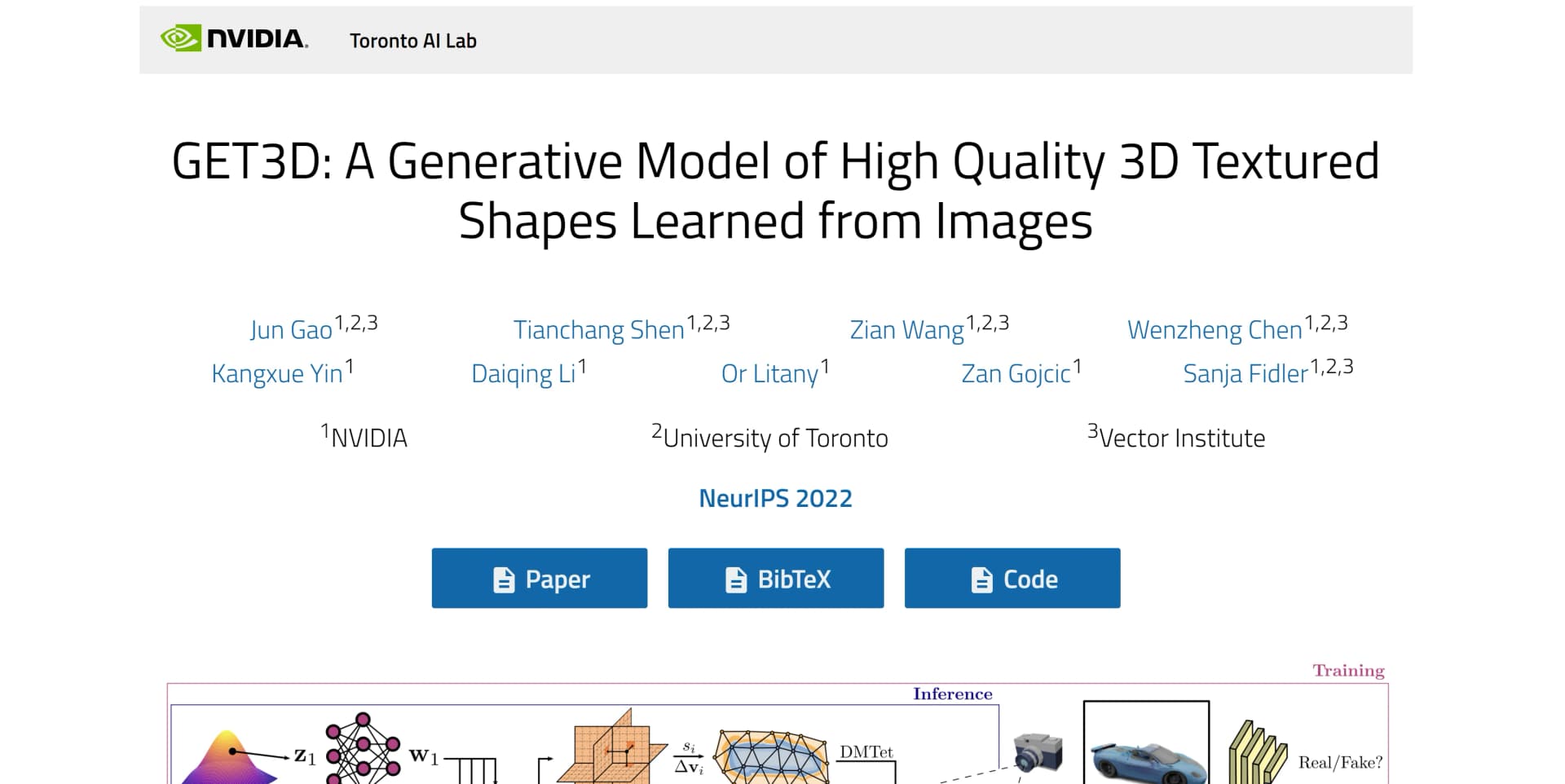
GET3D is a generative model that directly creates explicit textured 3D meshes with complex topology, detailed geometry, and high-fidelity textures.
What kinds of 3D assets can GET3D generate?
The project demonstrates cars, chairs, animals, motorbikes, human characters, and buildings.
What hardware does GET3D require?
The project recommends Linux, one to eight high-end NVIDIA GPUs, Python 3.8, PyTorch 1.9.0, and CUDA 11.1 or later.
Can GET3D run in Docker?
Yes. The repository provides instructions for building a Docker image and starting an interactive GPU-enabled container.
Can GET3D be trained on custom data?
Yes. Training accepts a specified directory containing training images and a camera-path directory.
Can GET3D generate textured meshes?
Yes. Inference supports textured-mesh generation through the documented inference_to_generate_textured_mesh option.
Community reviews
2 reviews from people who use GET3D by NVIDIA.
Sign in to leave a review for GET3D by NVIDIA.
Angus Pearson
Gabor Toth
GET3D by NVIDIA Alternatives
Looking for alternatives to GET3D by NVIDIA? Here are similar tools in the same category:
Learn to Master GET3D by NVIDIA
With Skill Leap courses
Get in-depth training on GET3D by NVIDIA and 50+ other AI tools with our expert-led video courses.
Start 7-Day Free Trial