
Gigasheet
Transform big data with spreadsheet ease; no-code, AI-enhanced analysis.
Key Takeaways
- What it is
- Transform big data with spreadsheet ease; no-code, AI-enhanced analysis.
- Pricing
- Freemium
- Best for
- Big Data Compatibility
- No-Code Analysis
- Automated Workflows
- Rating
- 4.6/5
What is Gigasheet?
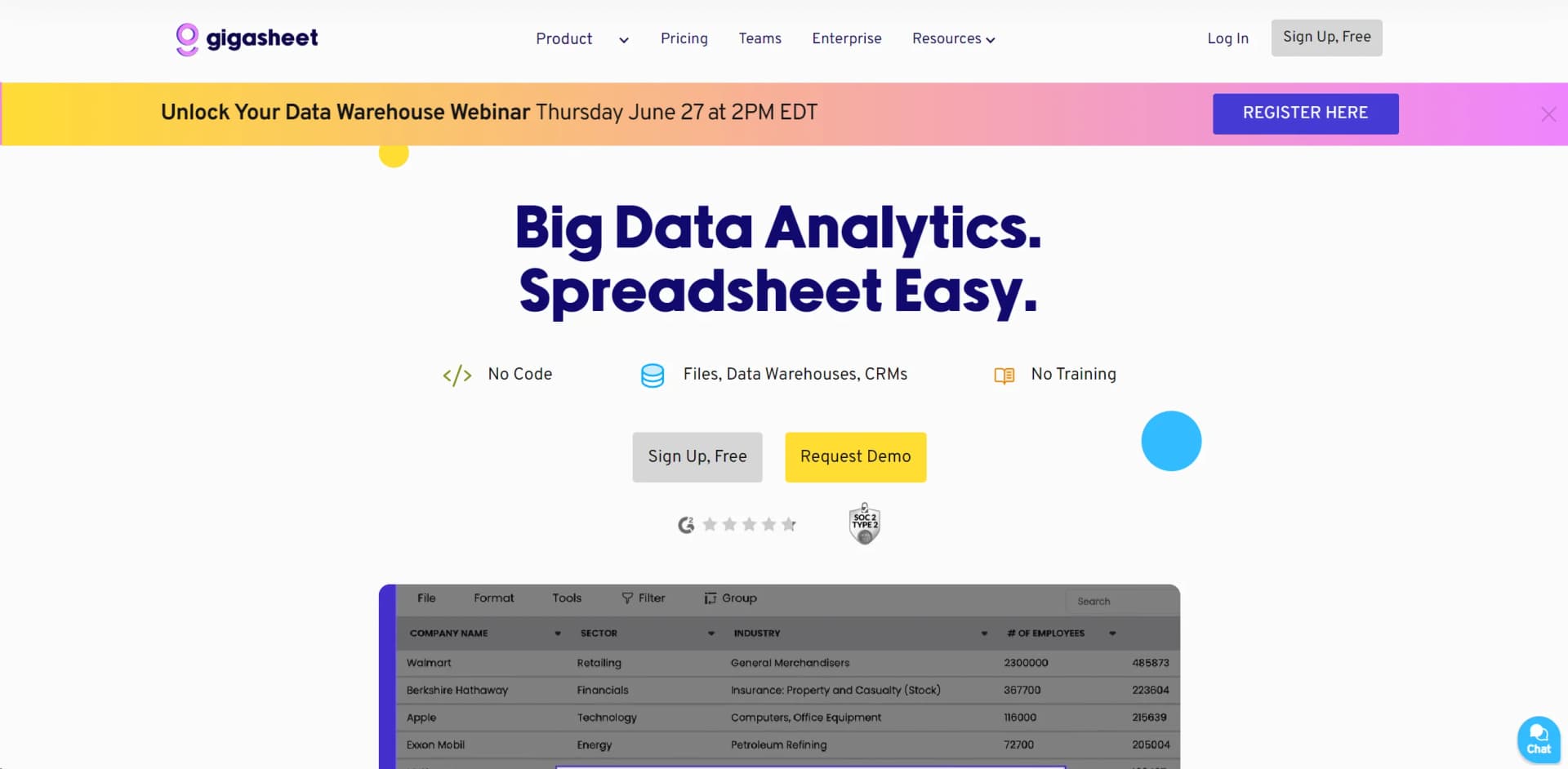
Gigasheet is a no-code platform designed to simplify big data management and analysis using a familiar spreadsheet interface. It caters to professionals across industries, enabling them to handle, analyze, and automate large datasets without requiring extensive technical expertise. From data upload to automated workflows and collaborative analysis, Gigasheet enhances efficiency and productivity in data-intensive tasks.
Gigasheet stands out with its combination of spreadsheet simplicity and powerful big data capabilities, accessible through a no-code platform. It eliminates barriers associated with traditional big data tools, making it suitable for a wide range of professionals.
Gigasheet simplifies big data analysis with its intuitive no-code platform, ideal for businesses aiming to leverage large datasets effectively. Whether you're analyzing customer behavior or conducting research, Gigasheet provides the tools to streamline data management and analysis without technical complexity.
Who is Using Gigasheet?
Sales Teams
Analyze customer data to identify new sales opportunities.
Marketing Professionals
Segment and enrich datasets quickly for targeted campaigns.
Healthcare Providers
Analyze large patient datasets efficiently.
Cyber Security Experts
Analyze data for threat detection and response.
Uncommon Use Cases
Educational institutions and NGOs for research and survey data management.
Key Features
Rating Breakdown
Pricing Plans
Free Tier
Free
- Start with Gigasheet at no cost to experience its core functionalities
Enterprise Solutions
- Tailored pricing available for larger teams and complex needs
Which Gigasheet plan should you pick?
Start with Premium Individual for self-service large tabular files, upgrade to MRF Viewer for JSON or machine-readable files, and choose Price Transparency Explorer for shared healthcare market intelligence.
Premium Individual
Good for self-service users who need large CSV and tabular-file analysis, bulk file combining, exports, and spreadsheet-style functions.
MRF Viewer
Good for users who need JSON and Machine-Readable File support, larger row limits, and API requests.
Price Transparency Explorer
Good for healthcare teams that need shared workspaces, price-transparency analytics, benchmarking, and high-volume API access.
Gigasheet Use Cases
Reimbursement trend monitoring
Track whether negotiated rates in key service lines are moving up or down.
Outcome: Identify changes in reimbursement levels.
Pricing strategy
Compare market rates when preparing for contract negotiations.
Outcome: Set smarter target prices and defend negotiation positions.
Payer mix analysis
Compare which payers pay the most and least for high-volume services.
Outcome: Improve understanding of payer economics.
Contract benchmarking
Evaluate offered rates against comparable rates in the same market and service mix.
Outcome: Determine whether contract offers are competitive.
Network leakage analysis
Examine whether patients may choose out-of-network providers because rates are not competitive.
Outcome: Surface opportunities to improve network performance.
Workflow Ideas with Gigasheet
Automate a recurring data refresh
- 1Generate a Gigasheet API key
- 2Upload or refresh data programmatically
- 3Filter, process, and export the resulting dataset
Enrich a contact or company file
- 1Upload a dataset containing enrichment inputs
- 2Select a built-in or custom REST API enrichment
- 3Map response fields into new columns and run the enrichment
Connect external triggers with Gigasheet
- 1Choose an external trigger in Zapier
- 2Configure a Gigasheet action such as upload, append, filter, or lookup
- 3Send the processed result to a downstream application
How Gigasheet fits into your stack
Cloud Services
Integrates seamlessly with major cloud platforms for enhanced data handling.
CRM Compatibility
Works well with popular CRM tools for customer data analysis.
API Access
Provides APIs for custom integrations tailored to specific business needs.
Spreadsheet Tools
Supports various functions and formulas familiar to Excel users.
Pros
- +Ease of Use: Familiar spreadsheet interface makes it accessible to non-technical users.
- +Scalability: Efficiently manages enormous datasets suitable for enterprise-level data needs.
- +Time-Saving: Automates data tasks, reducing manual effort in data preparation.
- +Cost-Effective: Minimizes the need for expensive data teams or additional software.
Cons
- −Learning Curve: New users may require time to fully utilize advanced features.
- −Integration Limitations: Specific applications may not yet be supported.
- −Resource Intensive: Handling large datasets may require robust hardware or cloud infrastructure.
Limitations & when to consider alternatives
Known limitations
- Free storage is limited. The free Community tier provides 1GB of storage; larger storage quotas require paid plans.
- JSON processing is plan restricted. JSON conversion requires a Business tier subscription, including price-transparency plans.
- Oversized files may enter preview mode. Sheet Preview mode limits saving, CSV export, filtering, grouping, sorting, and rows displayed per page.
- Enrichment credits expire. Credits refresh by subscription tier and do not roll over to the next billing cycle.
- BI connections are row-limited. Link Data connections to BI tools support only up to 100,000 connected rows.
Look elsewhere when
- You need a native mobile app.
- You need image understanding or vision analysis.
- You need programming-code generation.
How to Use Gigasheet
- 1
Explore tutorials and guides on setup and advanced features directly on the Gigasheet website or their YouTube channel.
Who is Gigasheet For?
Providers
Healthcare providers can use Gigasheet to gain market and competitive insights from price-transparency data.
Payers and plans
Payers and plans can develop networks, research providers, and evaluate contract competitiveness.
Self-insured employers
Self-insurance organizations can evaluate healthcare choices using price intelligence.
MedTech and life sciences
MedTech and life-science teams can build account profiles, improve sales efforts, and develop forecasts.
Finance and contracting teams
Finance teams, managed-care leaders, and strategy executives can benchmark rates and support negotiations.
Frequently Asked Questions
Does Gigasheet have a free plan?
Yes. The free Community tier includes 1GB of storage and limited enrichment credits.
What file types can Gigasheet process?
Gigasheet supports spreadsheet, CSV, JSON, and other structured data formats; JSON processing requires an appropriate Business or price-transparency subscription.
Can users share and collaborate on sheets?
Yes. Sheets and folders can be shared privately with invited users assigned Viewer or Editor roles.
Does Gigasheet provide an API?
Yes. The API supports programmatic data import, retrieval, management, filtering, and exports.
Does Gigasheet support single sign-on?
Yes. SSO is available through Google, Microsoft, GitHub, and custom Enterprise SSO.
What happens when a file exceeds the account size limit?
The file may open in limited Sheet Preview mode until the account is upgraded to a tier supporting its size.
Community reviews
Be the first to share your experience.
Sign in to leave a review for Gigasheet.
Gigasheet Alternatives
Looking for alternatives to Gigasheet? Here are similar tools in the same category:
Learn to Master Gigasheet
With Skill Leap courses
Get in-depth training on Gigasheet and 50+ other AI tools with our expert-led video courses.
Start 7-Day Free Trial